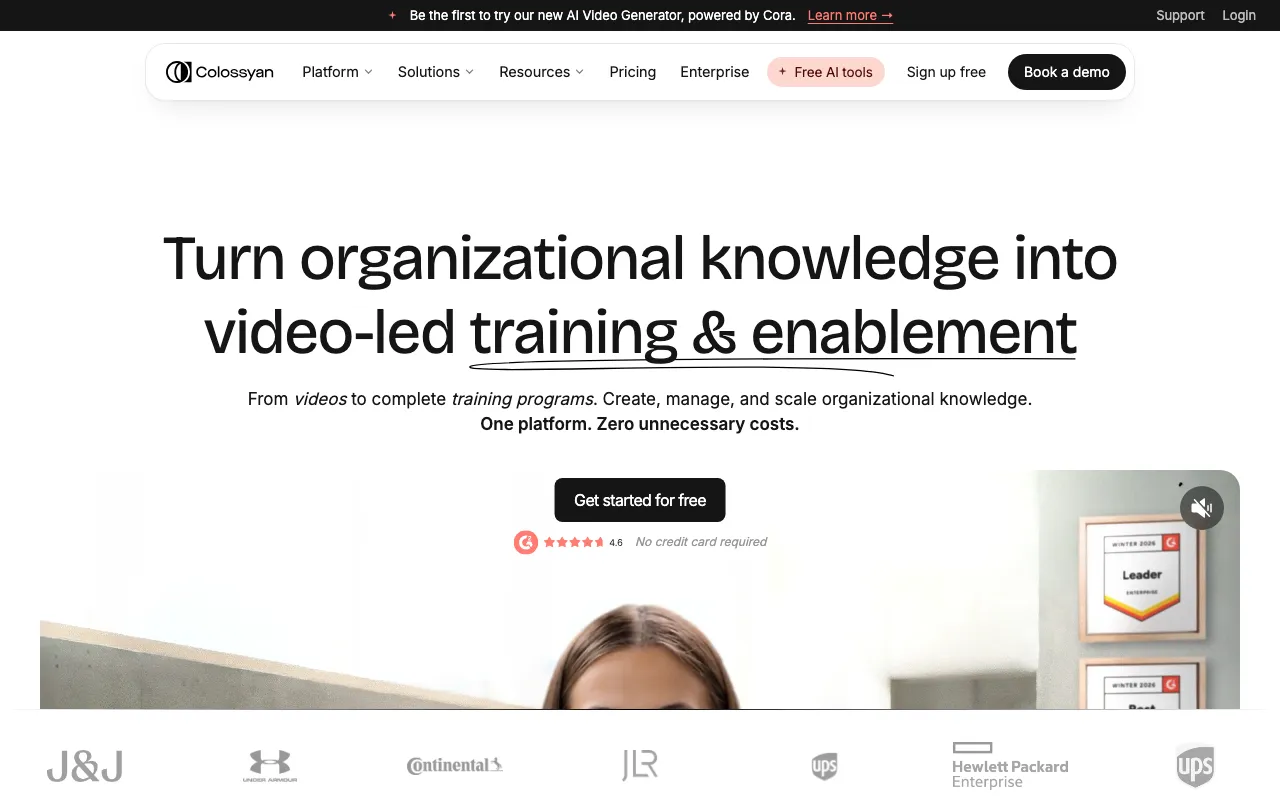
Colossyan
AI avatar video platform that turns documents and scripts into workplace training videos in 120+ languages
FREEMIUM Verified JUL 8, 2026
6 tools ranked · last updated Jul 20, 2026 · how we picked
The best AI tool for training videos in 2026 is Colossyan at $59/month — it exports SCORM packages with in-video quizzes straight into your LMS. Its Starter tier is free with 20 video minutes a month, which is the cheapest way to test the workflow end to end. Synthesia is the value runner-up at $18/month billed annually with 160+ languages. Every pick here converts documents or recordings into narrated video and localises it without re-recording, which is the actual job an L&D team is hiring for.
Prices last verified Jul 16, 2026 against official pricing pages.
Colossyan Creator is the only pick here built as an L&D tool rather than a video generator pointed at training. It ingests documents, PDFs, and slide decks and returns avatar-led video, and Colossyan Learn then assembles those videos with text and interactions into a structured course — branching scenarios and in-video quizzes are native features, not bolt-ons. SCORM export pushes finished modules into a learning management system: 5 exports per month on Professional, unlimited on Enterprise. The Starter tier is free with 20 video minutes per month, 300+ stock avatars, 700+ stock voices, and 120+ languages on one editor seat. Professional is $59/month, or $30/month per seat billed annually, covering up to 3 editor seats, watermark removal, unlimited MP4 downloads, and 30 NEO plus 10 NEO2 minutes monthly. Enterprise adds unlimited NEO minutes, SAML SSO, SOC 2 Type II, and API access. Two caveats: the avatars still read as synthetic in close-up, and Professional stacks per-seat billing on top of minute caps, so a growing team hits both ceilings at once.
Synthesia is the deepest option for localisation at workforce scale: 240+ stock avatars, 160+ languages and voices for new videos, and AI Dubbing that translates existing footage into 140+ languages without a re-record. For L&D specifically, it also ships interactive video branching, scene-level analytics that show where learners drop off, and an AI screen recorder for software walkthroughs — so a compliance module can be updated by editing the script rather than rebooking a presenter. The free Basic plan gives 10 minutes of video per month with 9 stock avatars and up to 3 personal avatars. Starter is $29/month, or $18/month billed annually, and adds 125+ avatars, AI Dubbing, and API access; Creator is $89/month ($64 annually) for 30 minutes a month and interactive videos; Enterprise is custom for unlimited minutes. Two caveats: SCORM export and 1-click translation into 80+ languages sit on the Enterprise tier only, so LMS-shaped output requires a sales call, and 10 minutes a month on both free and Starter is thin for real training volume.
HeyGen’s strength for L&D is dubbing rather than authoring: it translates existing video into 175+ languages with lip-sync resynthesis that preserves the original speaker’s voice and emotional tone, which matters when the subject-matter expert on camera is a person your staff recognise. Translation costs 5 credits per minute, and credit rates are published — Avatar III is 3 credits per minute, Avatar IV and V are 20 — so a localisation budget can be modelled in advance rather than guessed. The free tier is evaluation-only at 3 videos per month, 1 minute each. Creator is $29/month for 600 credits, 1080p export, voice cloning, and videos up to 30 minutes; Pro is $49/month for 1,000 credits and 4K. Two caveats: LMS integrations, interactive video, SAML/SSO, and 60-minute videos all require the Business plan at $149/month plus $20 per additional seat, and Avatar IV/V at 20 credits per minute burns a Creator allowance fast on long modules.
Rask AI does one job: it translates and dubs finished video into 130+ languages, with voice cloning in 32 of them and automatic multi-speaker detection that maps each on-screen speaker to a distinct voice. That last feature is the reason it belongs in an L&D list — recorded workshops and panel training rarely have a single narrator, and Rask splits them without manual work. A translation dictionary keeps product and policy terminology consistent across a whole library, and captions export as SRT for accessibility requirements. There is no permanent free tier, only a one-time 3-minute trial. Creator is $60/month (from $33/month billed annually) for roughly 25–50 dubbing minutes; Creator Pro is $150/month (from $78/month annually) and unlocks lip-sync plus limited API access; Business is $750/month for a production API with webhooks. Two caveats: lip-sync and any API access start at $150/month, and the Enhanced lip-sync model consumes 3 minutes of quota per video minute, so allowances drain roughly three times faster than the headline number suggests.
Fliki is the low-cost route from a written procedure to a narrated video: paste a script, point it at a document, or upload a PowerPoint deck, and it splits the text into scenes, narrates each one, matches footage, and burns in subtitles. Its voice library is the differentiator at this price — 2,000+ voices across 80+ languages and dialects with voice cloning, so re-voicing an internal how-to for another region does not need a separate text-to-speech vendor. The free plan runs about 5 minutes a month at 720p with a watermark and no commercial rights, which rules it out for internal publishing. Standard is $28/month for 180 credits monthly, 1080p, commercial rights, and videos up to 15 minutes; Premium is $88/month for 600 credits, videos up to 40 minutes, all AI avatars, and API access — both 25% cheaper annually. Two caveats: credits do not roll over and re-rendering a video after an edit charges its full length again, which is punishing for policy content that gets revised, and 15 minutes is a hard ceiling on Standard.
Pictory works the opposite direction to the avatar tools: instead of generating a presenter, it takes long recordings you already have — a recorded training session, an all-hands, a webinar — and summarises them into short captioned clips, while a script-to-video mode handles written material with matched stock footage and AI voiceover. For teams sitting on hours of unusable Zoom archive, that summarisation step is the whole value. Every paid plan exports without a watermark, including entry level. Starter is $25/month billed annually ($29 monthly) for 200 video minutes; Professional is $35/month annually ($59 monthly) for 600 minutes plus voice cloning, custom avatars, and video summarisation; Team is $119/month annually ($199 monthly) for 1,800 minutes and a shared workspace. There is a 14-day trial but no permanent free tier. Two caveats: output is template-driven with limited fine-grained editorial control, and there is no SCORM or LMS export documented, so finished clips have to be hosted or uploaded manually.
We ranked these on the jobs an L&D team is actually buying for rather than on raw video quality: how directly a tool converts existing documents, decks, and recordings into finished modules; whether it produces anything an LMS can ingest; whether interactivity like quizzes and branching is native; and what it costs to localise one script across a whole workforce. LMS-shaped output was the deciding factor at the top, which is why Colossyan leads — SCORM export, in-video quizzes, and course assembly are built in rather than gated behind an enterprise contract, as they are on Synthesia. Below that we separated the problems deliberately instead of ranking six near-identical avatar generators: authoring from documents, localising a live library, dubbing a back catalogue, narrating SOPs cheaply, and salvaging long recordings are different jobs with different winners. Minute and credit caps were weighted heavily, since training video is high-volume by nature and every tool here meters it. Pricing was verified on July 20 2026 against each product’s official pricing page; no tool paid or provided incentives to appear.
AI avatar video platform that turns documents and scripts into workplace training videos in 120+ languages
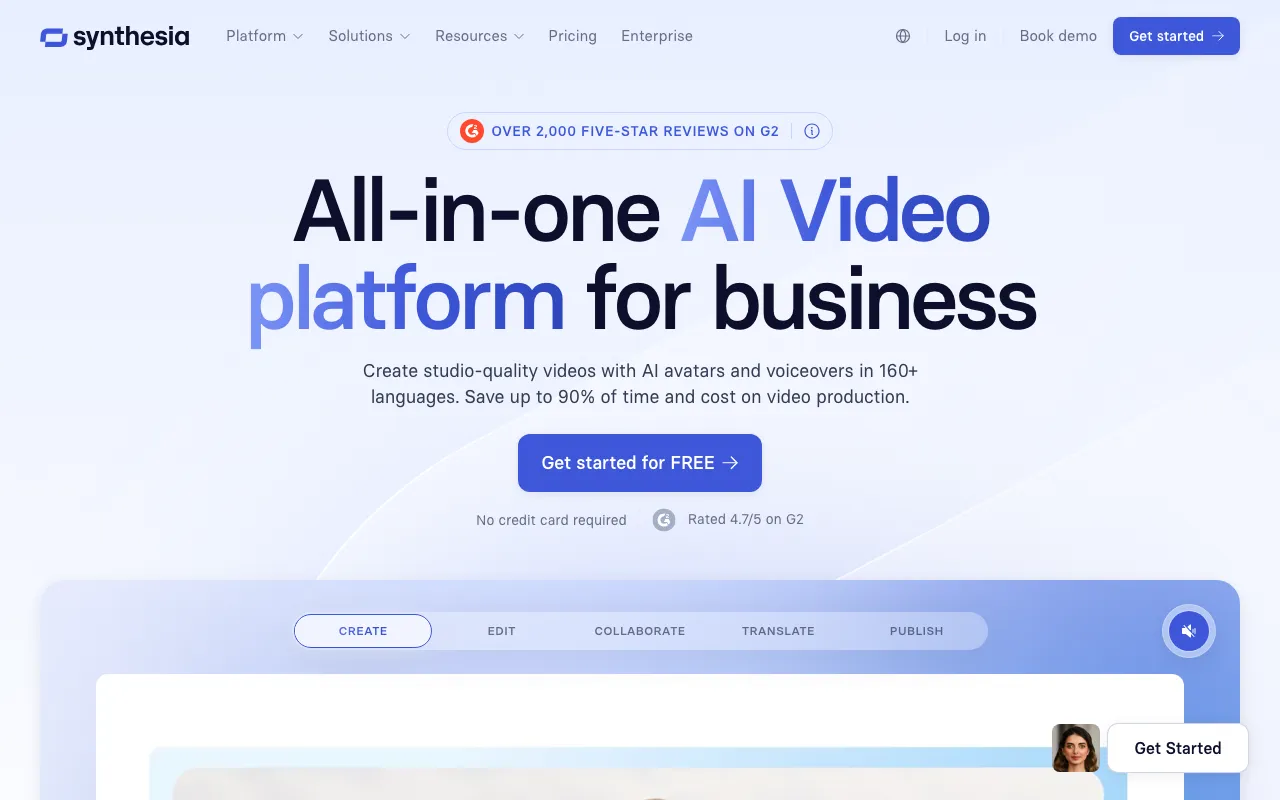
AI video platform that generates studio-quality videos from text using AI avatars
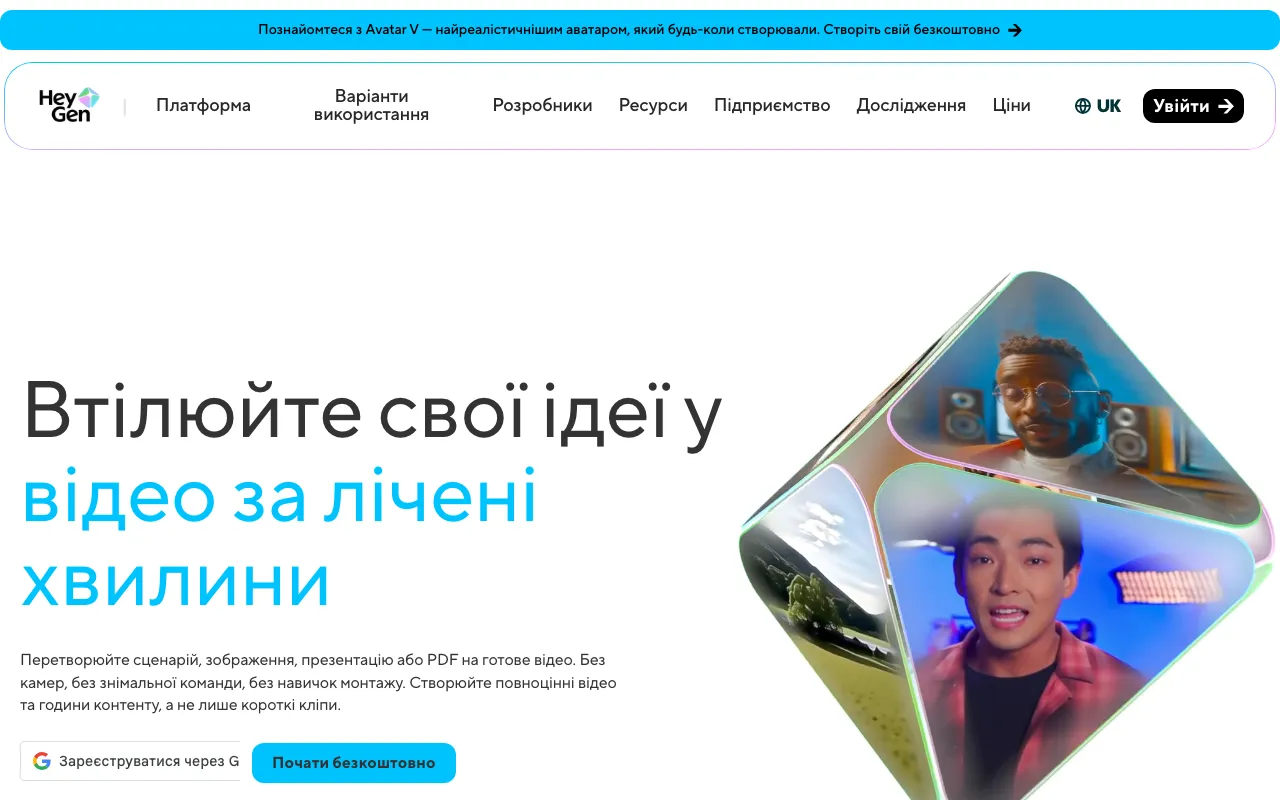
AI video platform that generates avatar-based videos from text scripts with lip-sync in 175+ languages
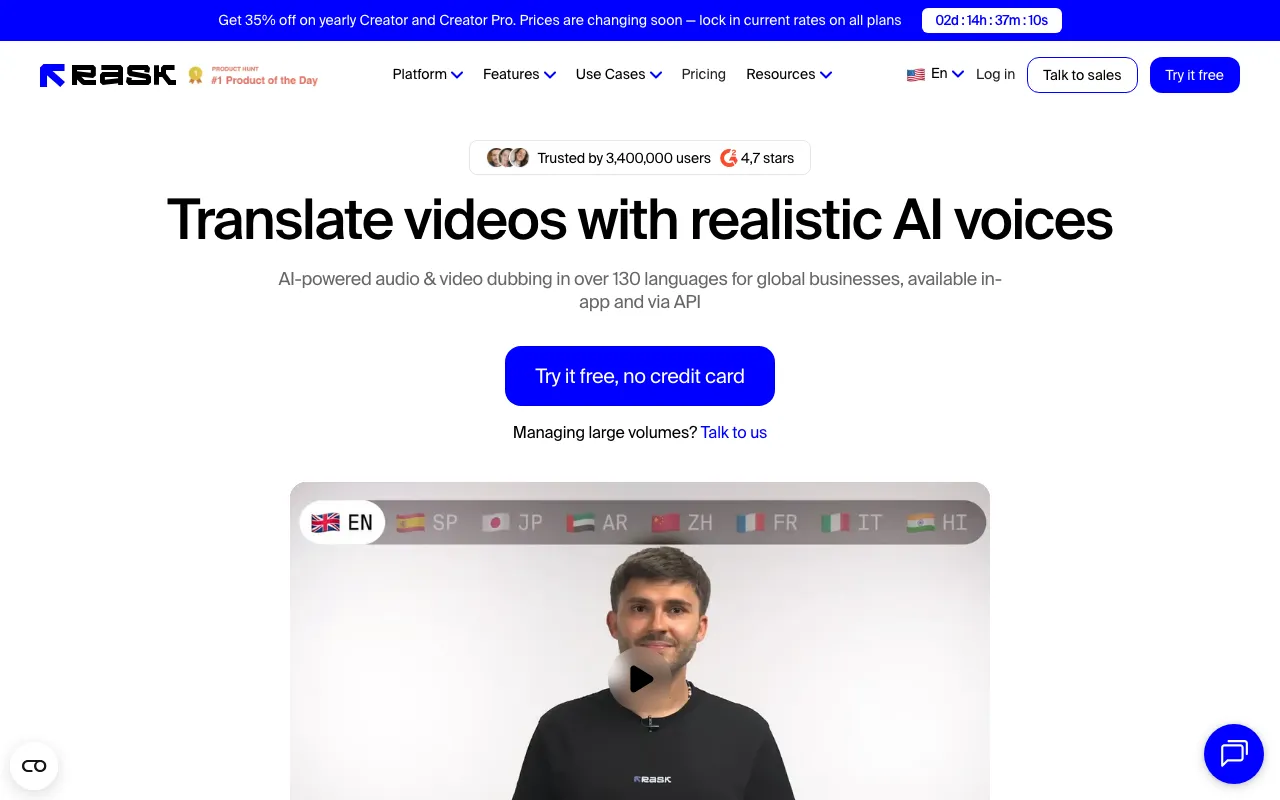
AI video dubbing and localization — translate and dub videos into 130+ languages with voice cloning and multi-speaker support
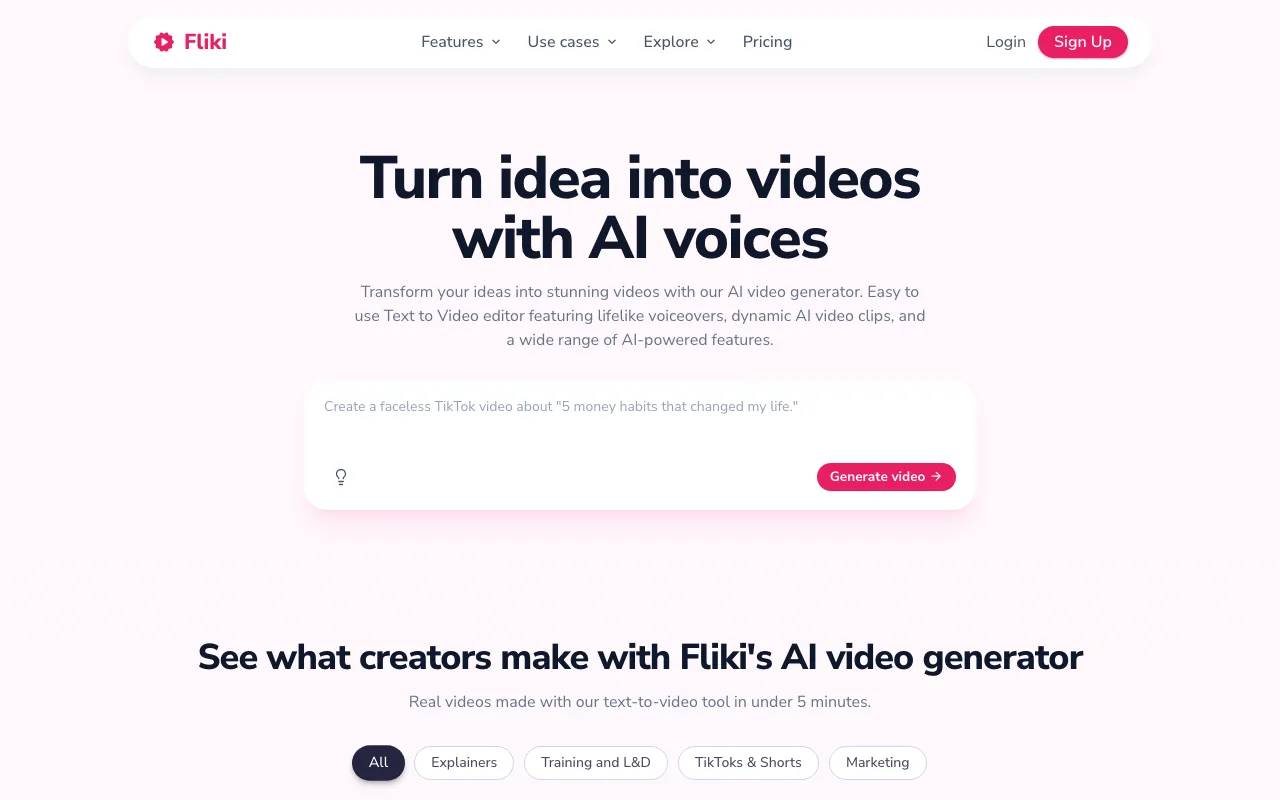
Idea-to-video platform that turns text, blogs, and scripts into narrated video with 2,000+ AI voices across 80+ languages
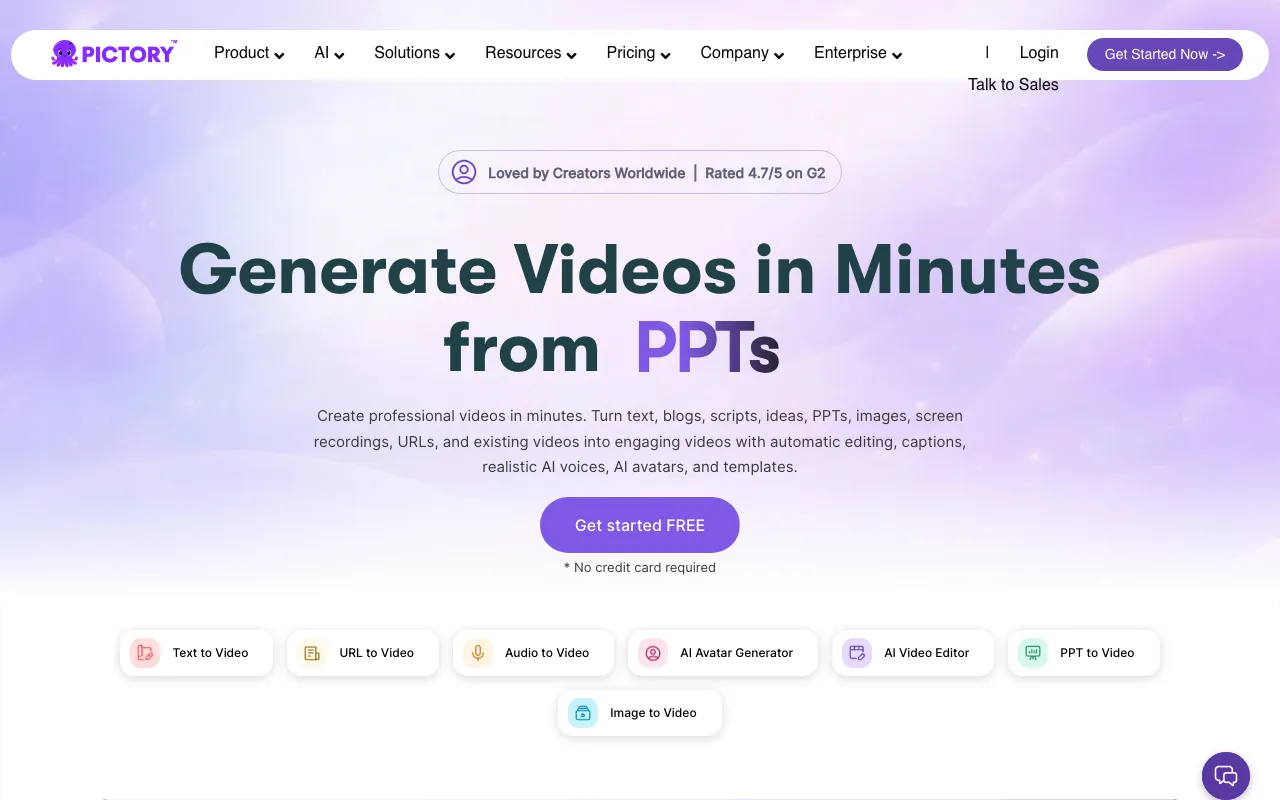
Browser-based AI that turns blog posts, scripts, and long recordings into captioned short videos
Every tool in this list has a full profile in our directory with pricing verified against its official pricing page on the date shown on its stamp. Ranking reflects verified pricing, free-tier generosity, platform coverage, and documented capabilities. Rank is not for sale: a sponsor can buy only a separate slot marked Sponsored, outside the ranking. Read the full methodology.
Yes — 4 of the 6 tools here have a free tier: Colossyan, Synthesia, HeyGen, Fliki. Pricing verified Jul 20, 2026.
Synthesia has the lowest verified monthly starting price in this list at $18/mo, checked against its official pricing page on Jun 11, 2026.
6 of the 6 tools list an API: Colossyan, Synthesia, HeyGen, Rask AI, Fliki, Pictory.