Beautiful.ai
AI presentation software with Smart Slides that auto-format your deck as you add content
PAID Verified JUL 8, 2026
28 tools · pricing verified · updated Jun 11, 2026
The AI design category in mid-2026 has consolidated around five distinct jobs-to-be-done, each served by a different tool. Canva ($15/mo Pro, free tier available) remains the default for marketers and content teams producing high volumes of social and marketing assets — its Magic Studio bundle covers image generation, layout automation, and copy in one editor. Framer (free tier, paid from $10/mo) handles the adjacent job of publishing: it is a no-code website builder where the design canvas and CDN hosting are the same product, which suits designers shipping marketing sites without developer handoff. Neither tool is appropriate for brand identity work from scratch; that is where Looka fits — a logo maker with one-time pricing ($20 for PNG, $65 for full vector files, $96/yr for a complete brand kit), no free download tier, and a generation process that produces 40–60 logo concepts in under a minute.
For production-quality vector and raster assets, Recraft (free tier with 50 credits/day, no commercial rights; paid from $10/mo annual for 1,000 credits with full commercial rights) is the most technically capable option in the set. Its native vector output and custom style system — which enforces brand consistency across generations without model fine-tuning — separate it from general-purpose image generators. Uizard ($12/mo Pro, free tier with 3 AI generations/month) occupies a narrower niche: rapid UI prototyping for product managers and non-designers who need a clickable multi-screen mockup for a stakeholder meeting without Figma expertise. Its Autodesigner generates structured UI layouts from a text prompt and exports React/CSS specs on paid plans, but output fidelity is lower than purpose-built design tools.
Budget and use case should drive the choice rather than feature lists. Teams that only need a logo can spend $65 once on Looka and be done. Teams publishing websites benefit from Framer’s all-in-one model at $10–$30/mo, which eliminates separate hosting and deployment costs. Marketers producing daily content at scale will find Canva’s free or Pro tier sufficient for most output. Designers who need scalable vector assets and brand-consistent illustrations at volume should evaluate Recraft’s $10/mo Basic plan against their credit consumption. Product teams validating early-stage concepts at low cost can extract genuine value from Uizard’s free tier, which allows 2 projects and 5 screens each — enough to test a core flow — before committing to the $12/mo Pro plan.
| Beautiful.ai | $12/mo | — | web | — | JUL 8, 2026 |
| Canva | $15/mo | ✓ | web · mobile · desktop | ✓ | JUN 11, 2026 |
| Durable | $25/mo | ✓ | web | — | JUN 28, 2026 |
| Flair AI | $10/mo | ✓ | web · api | ✓ | JUL 19, 2026 |
| Fotor | $8.99/mo | ✓ | web · desktop · mobile | — | JUL 5, 2026 |
| Framer | $10/mo | ✓ | web | — | JUL 3, 2026 |
| Kittl | $15/mo | ✓ | web | — | JUL 18, 2026 |
| Looka | $20 one-time | — | web | — | AUG 27, 2026 |
| Lovart | $19.90/mo | ✓ | web | — | JUL 15, 2026 |
| Magic Patterns | $20/mo | ✓ | web · api | ✓ | JUL 19, 2026 |
| Meshy | $0 | ✓ | web · api | ✓ | JUN 23, 2026 |
| Microsoft Designer | $0 | ✓ | web · mobile | — | JUN 24, 2026 |
| Napkin AI | $0 | ✓ | web · desktop · mobile | — | JUN 23, 2026 |
| Photoroom | $12.99/mo | ✓ | web · mobile · api | ✓ | JUN 21, 2026 |
| Pixlr | $2.49/mo | ✓ | web · desktop · mobile · api | ✓ | JUL 12, 2026 |
| Playground | $12/mo | ✓ | web · mobile · api | ✓ | JUN 30, 2026 |
| Recraft | $10/mo | ✓ | web · api | ✓ | JUL 3, 2026 |
| Relume | $26/mo | ✓ | web | — | JUL 5, 2026 |
| Scenario | $15/mo | ✓ | web · api | ✓ | JUL 16, 2026 |
| Spline | $12/mo | ✓ | web · desktop · api | ✓ | JUL 6, 2026 |
| Stitch | $0 | ✓ | web | — | JUL 11, 2026 |
| Subframe | $29/mo | ✓ | web · cli | — | JUL 20, 2026 |
| Tripo | $19.9/mo | ✓ | web · api · extension | ✓ | JUN 30, 2026 |
| Uizard | $12/mo | ✓ | web | — | JUN 11, 2026 |
| UIZZE | $9/mo | ✓ | web · api | ✓ | JUL 30, 2026 |
| v0 by Vercel | $20/mo | ✓ | web · api | ✓ | JUN 18, 2026 |
| Visily | $0 | ✓ | web | — | JUL 17, 2026 |
| Vizcom | $49/user/mo | ✓ | web · desktop | — | JUL 16, 2026 |
Click any column header to sort. All prices verified against official pricing pages.
AI presentation software with Smart Slides that auto-format your deck as you add content
AI-powered design platform with templates, image generation, and Magic Studio tools
AI website builder that generates a full business site in about 30 seconds, plus CRM, invoicing, and marketing tools
AI product photography studio that stages real product shots on branded scenes and custom-trained AI models for ecommerce
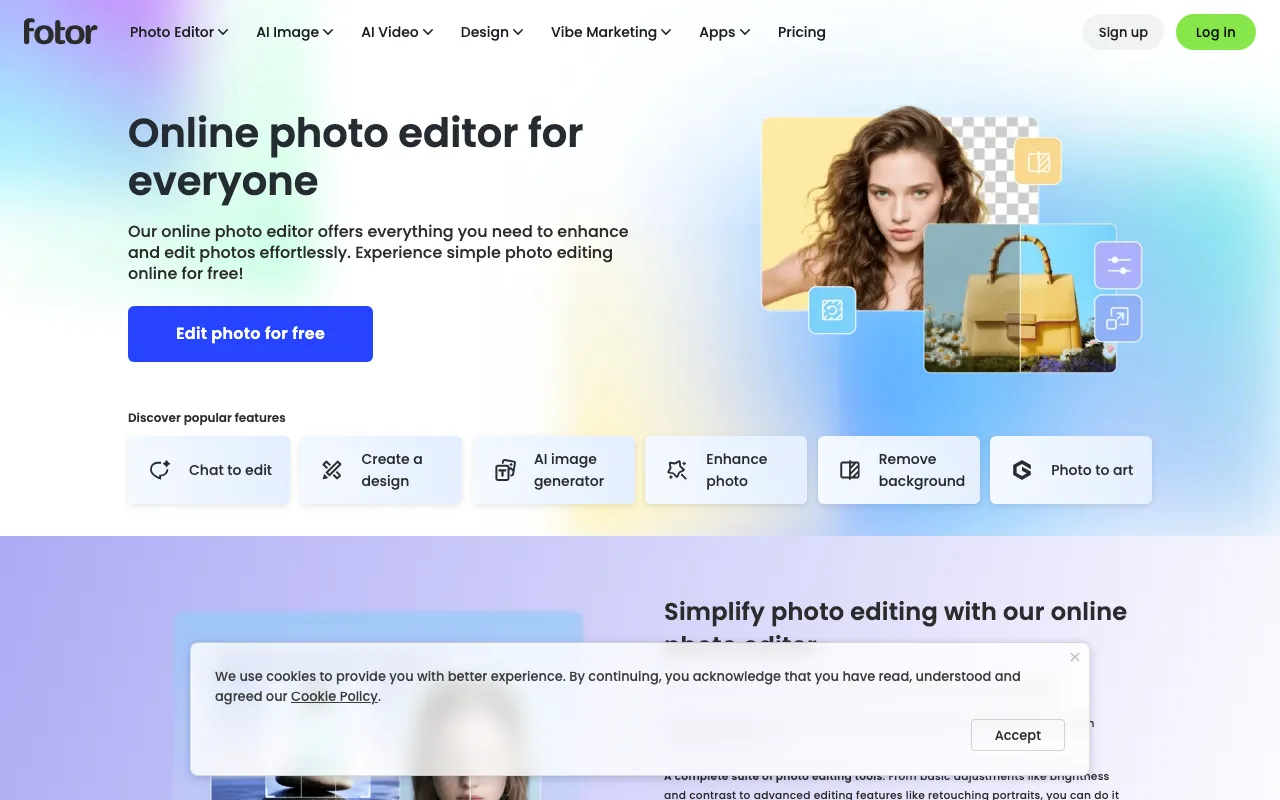
All-in-one AI photo editor and design suite with generation, background removal, and enhancement
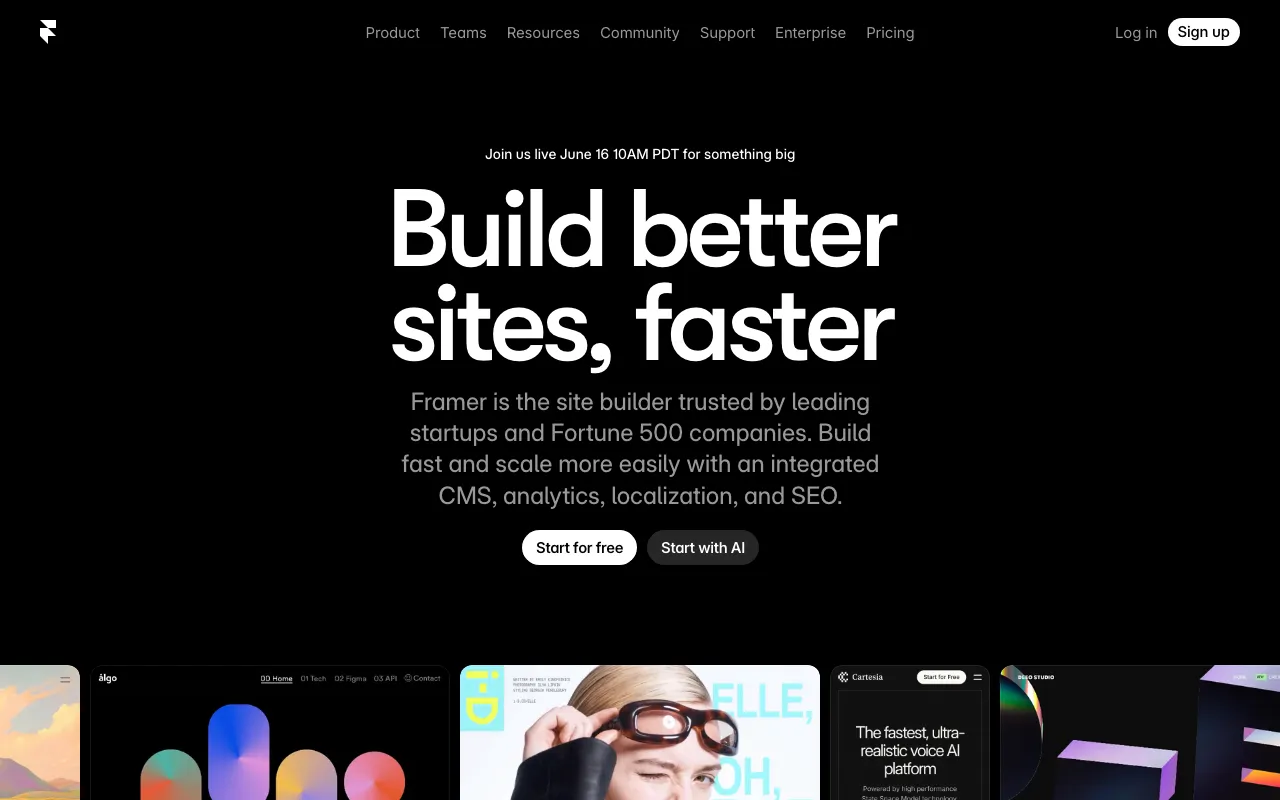
No-code website builder with AI design generation and built-in CMS, hosting and analytics
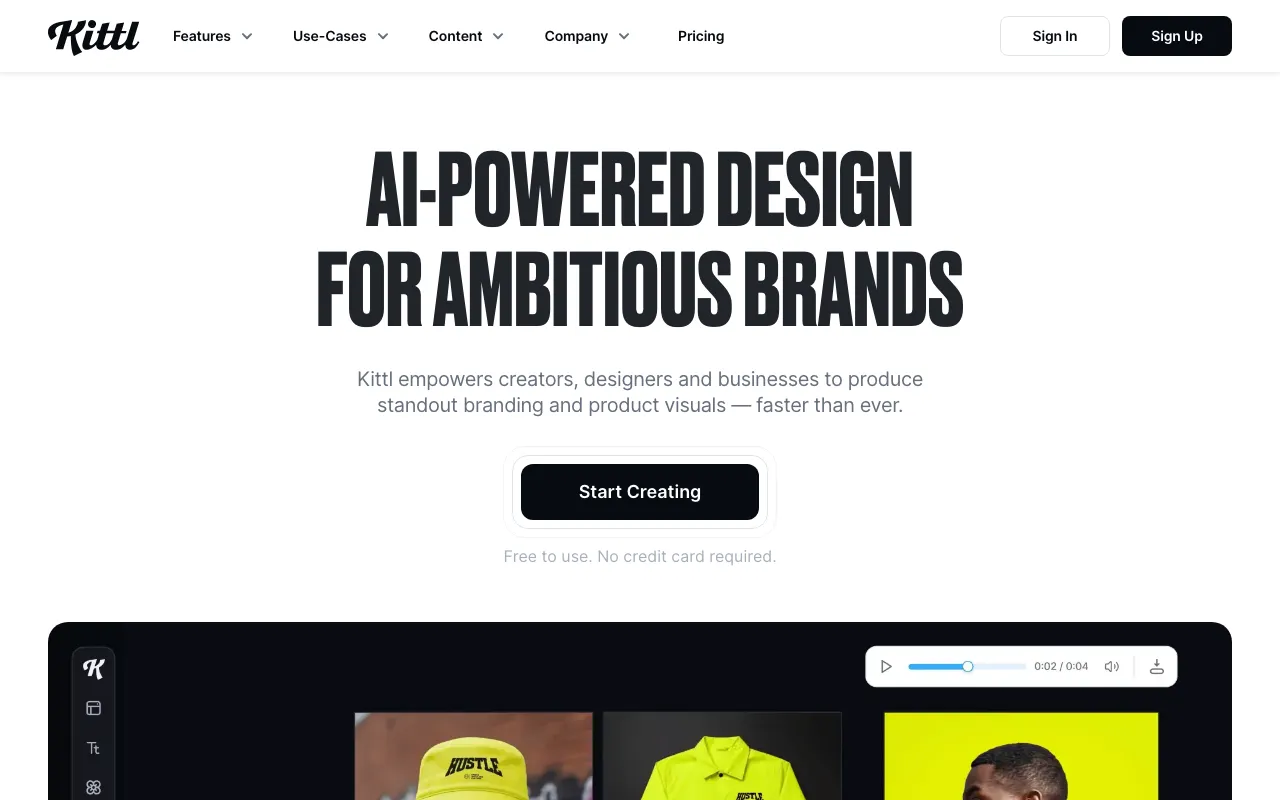
Browser-based design editor with multi-model AI generation, built for merch, print-on-demand, logos and typography
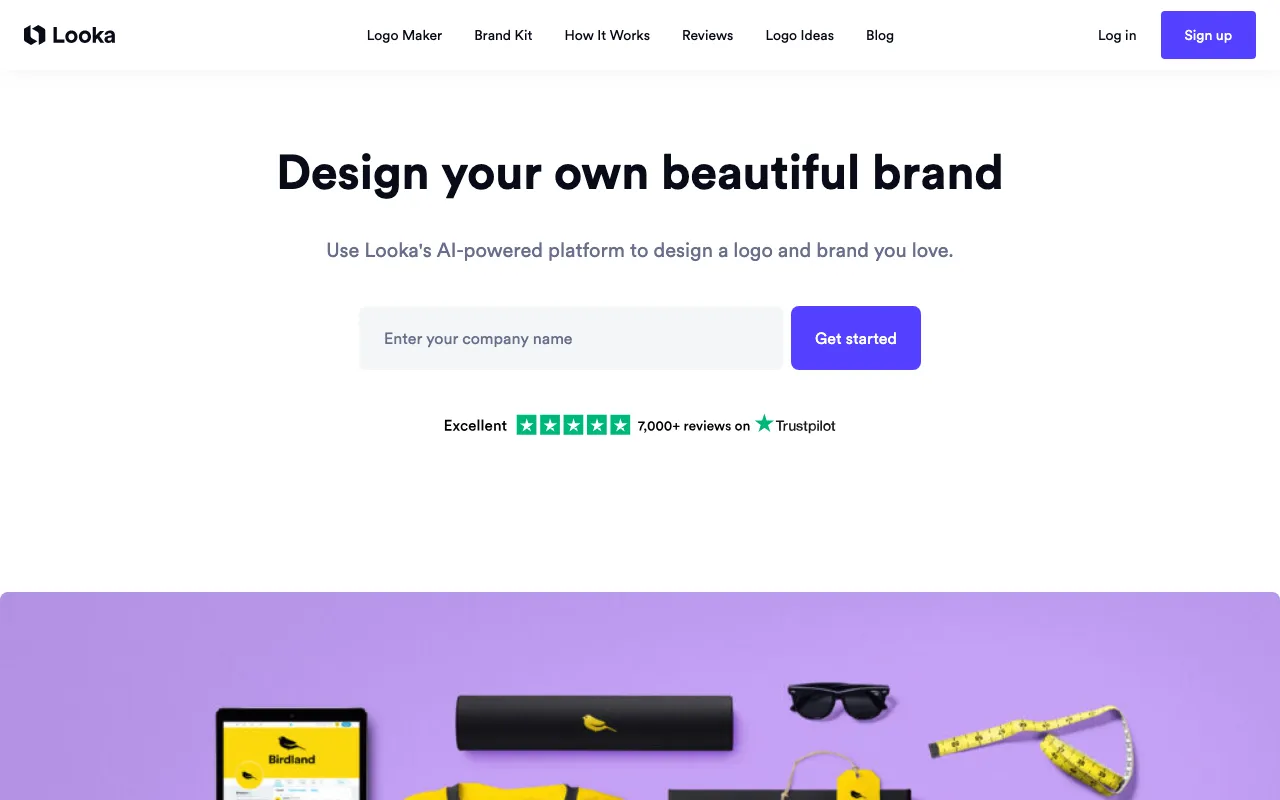
AI logo maker and brand kit generator for small businesses
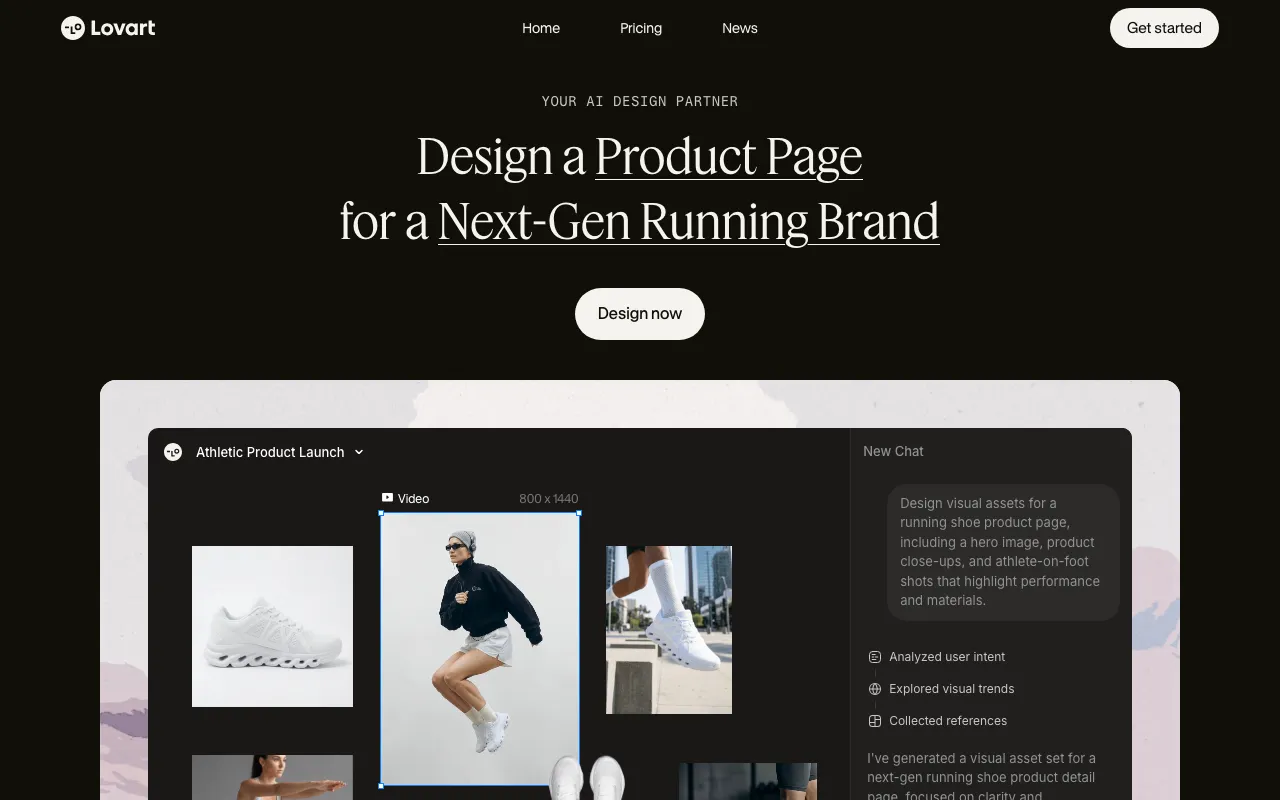
AI design agent that turns one prompt into full brand kits, posters, and videos by orchestrating multiple image and video models
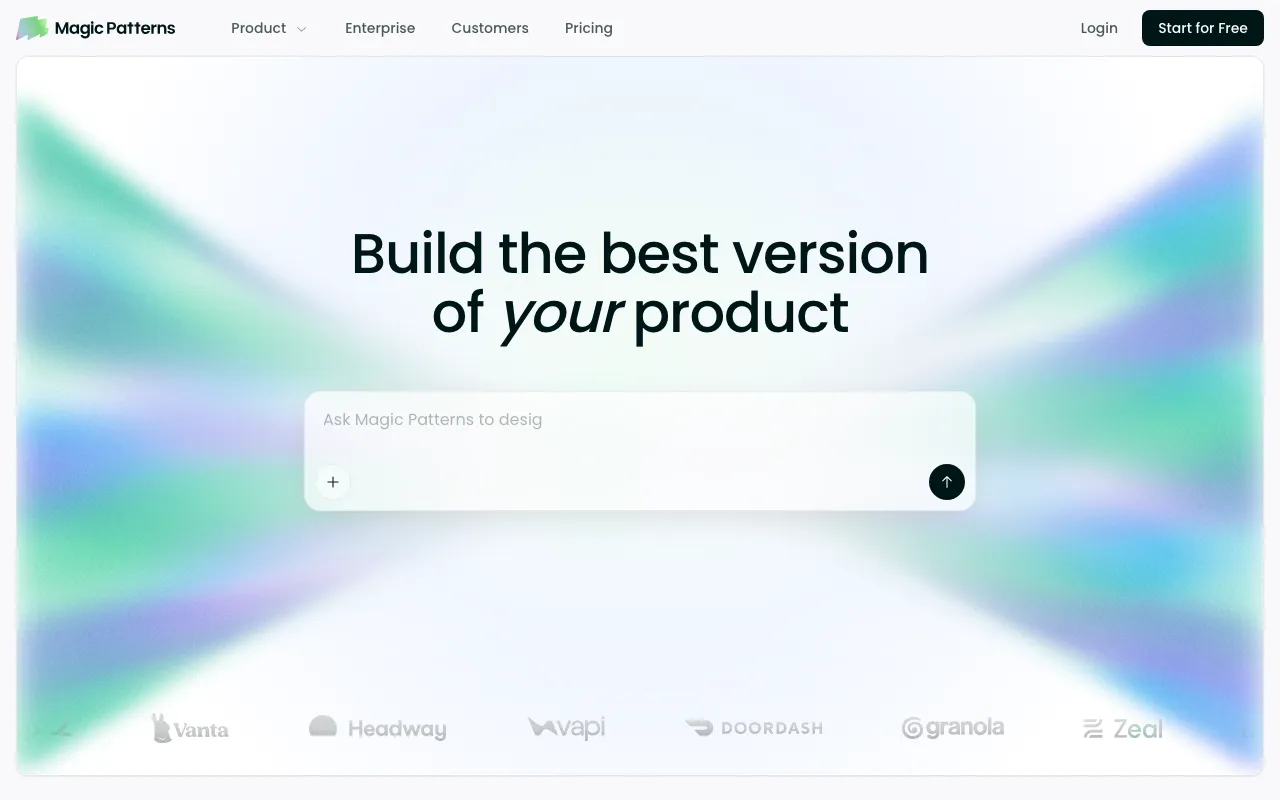
AI design tool that turns prompts into interactive prototypes built from your team's real design system
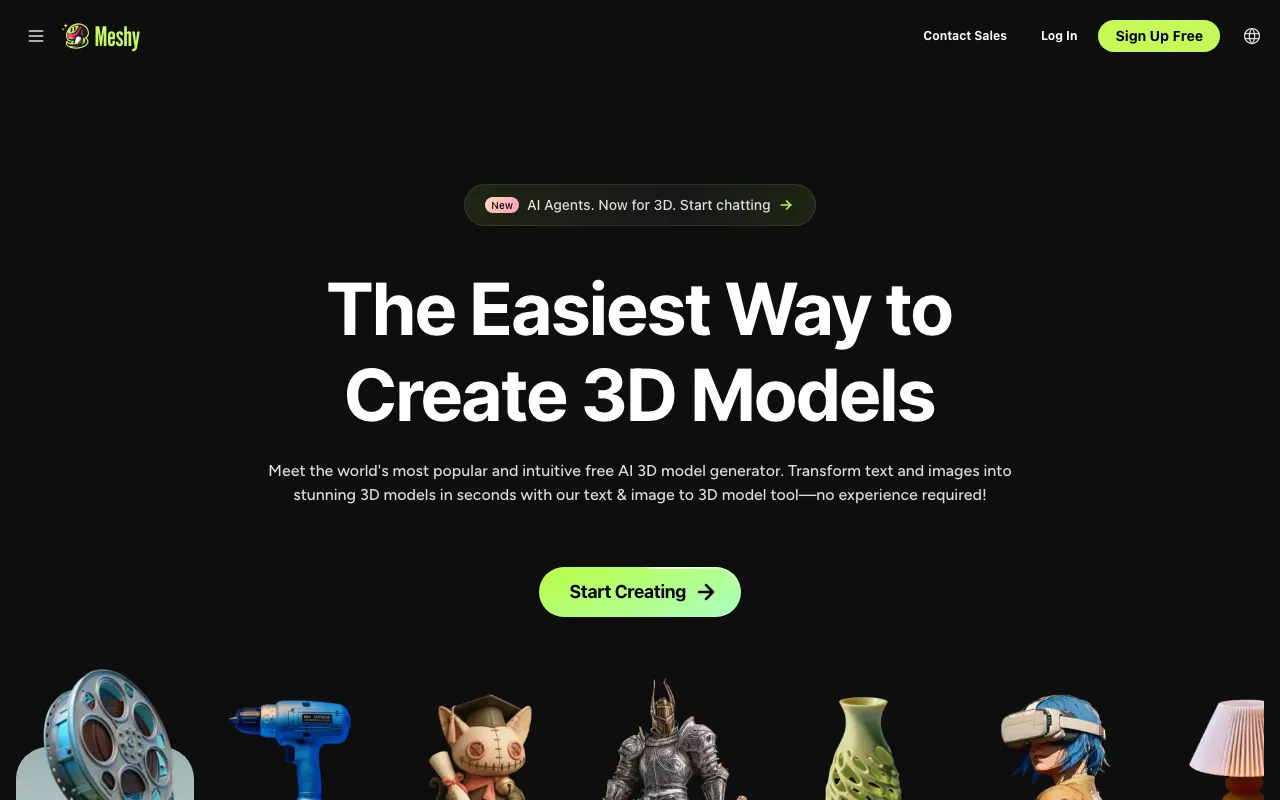
AI 3D model generator that turns text or images into textured, riggable 3D models in seconds, with exports for game, film, AR/VR, and 3D-printing pipelines
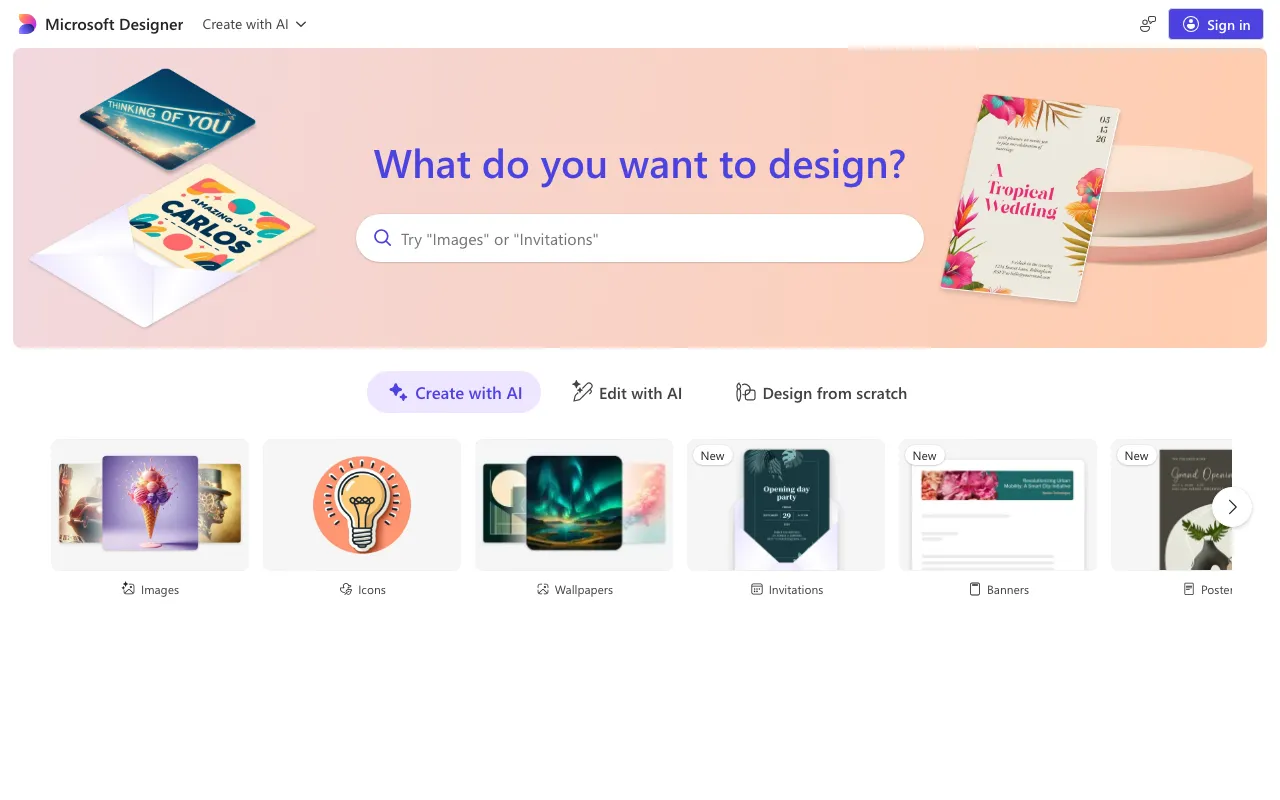
Free AI graphic design app for images, social posts, stickers, and edits from text prompts, powered by DALL-E 3
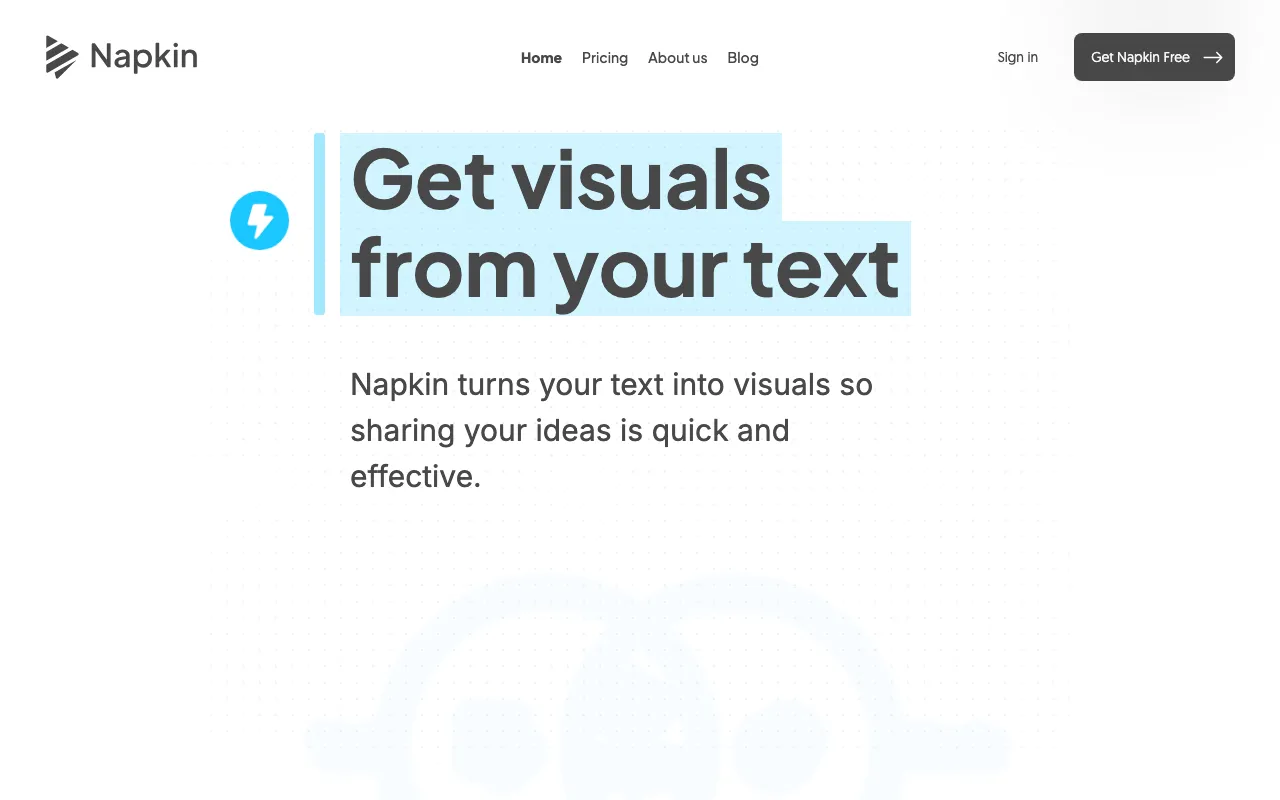
Turns plain text into editable diagrams, flowcharts, infographics, mind maps, and charts for presentations, docs, and social posts
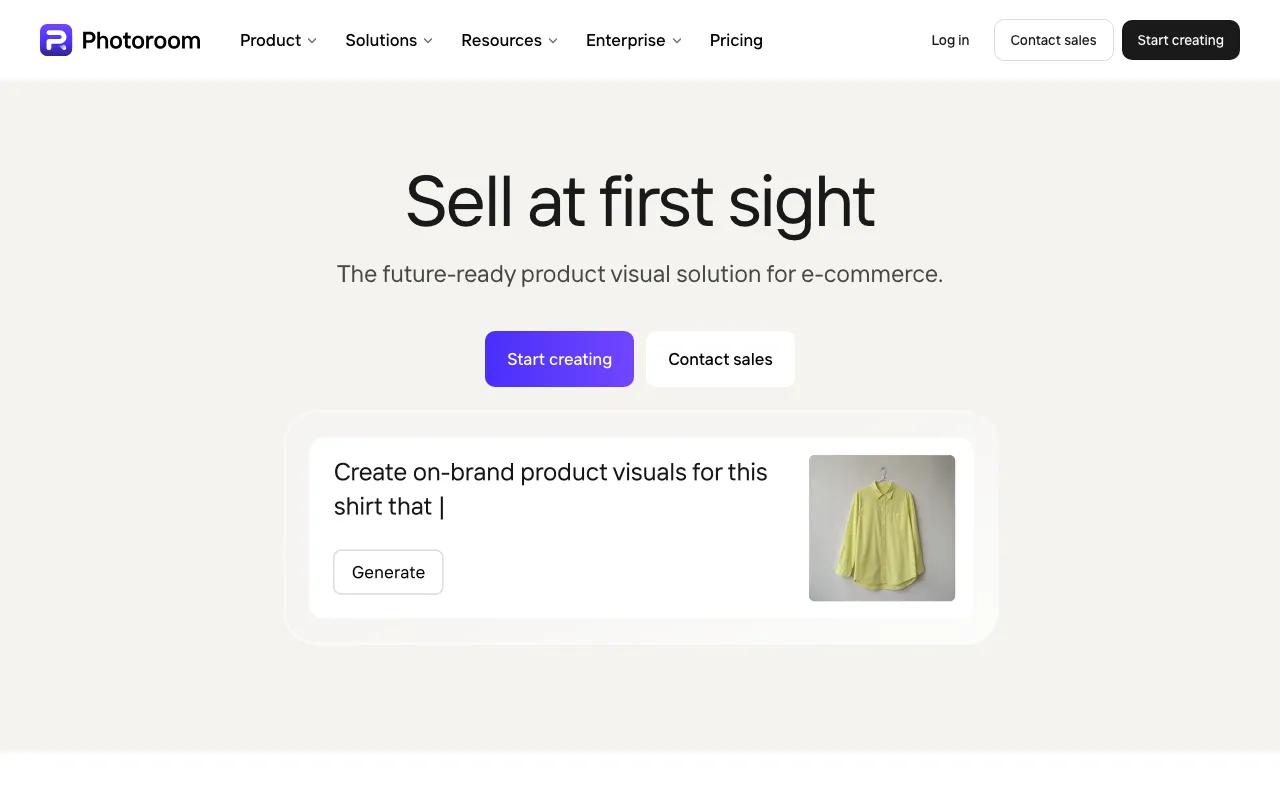
AI photo editor for e-commerce — background removal, AI product backgrounds, and batch editing
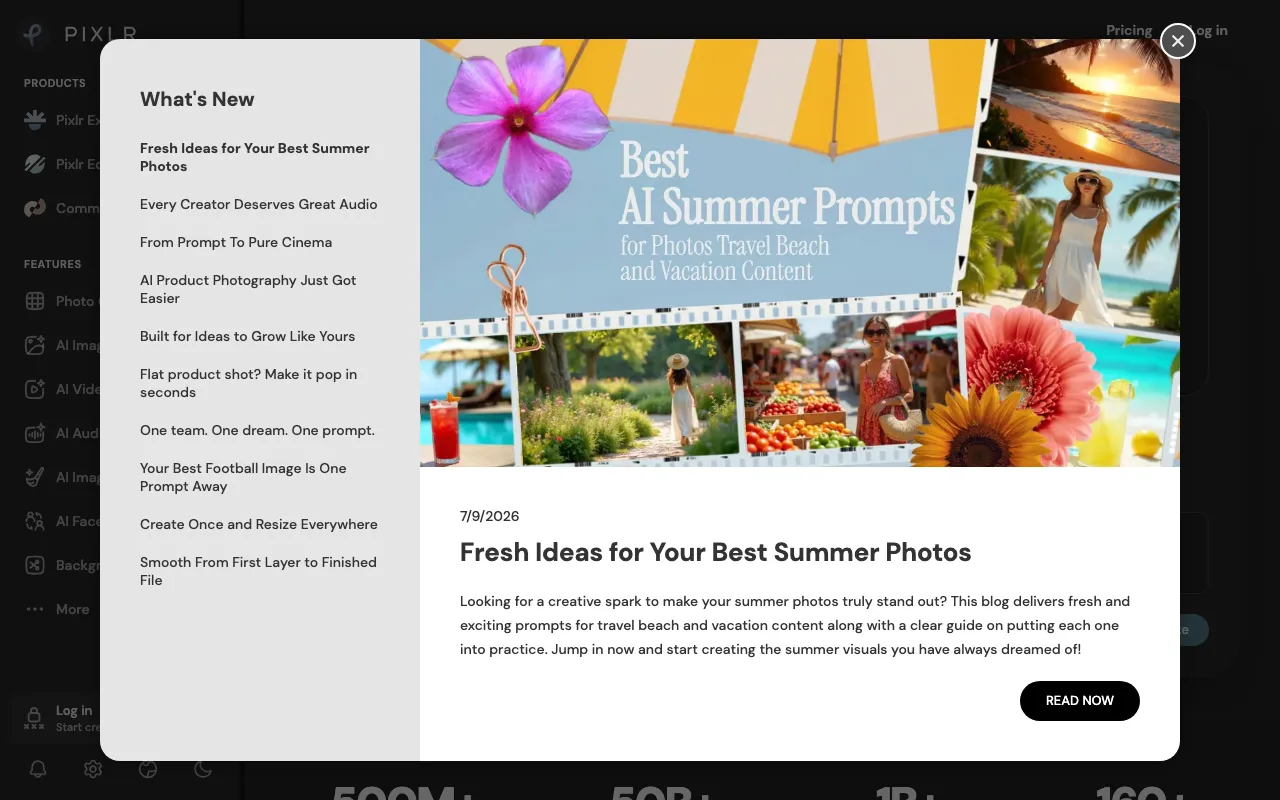
Browser-based AI photo editor and image generator with generative fill, expand, text-to-image, and one-click background removal
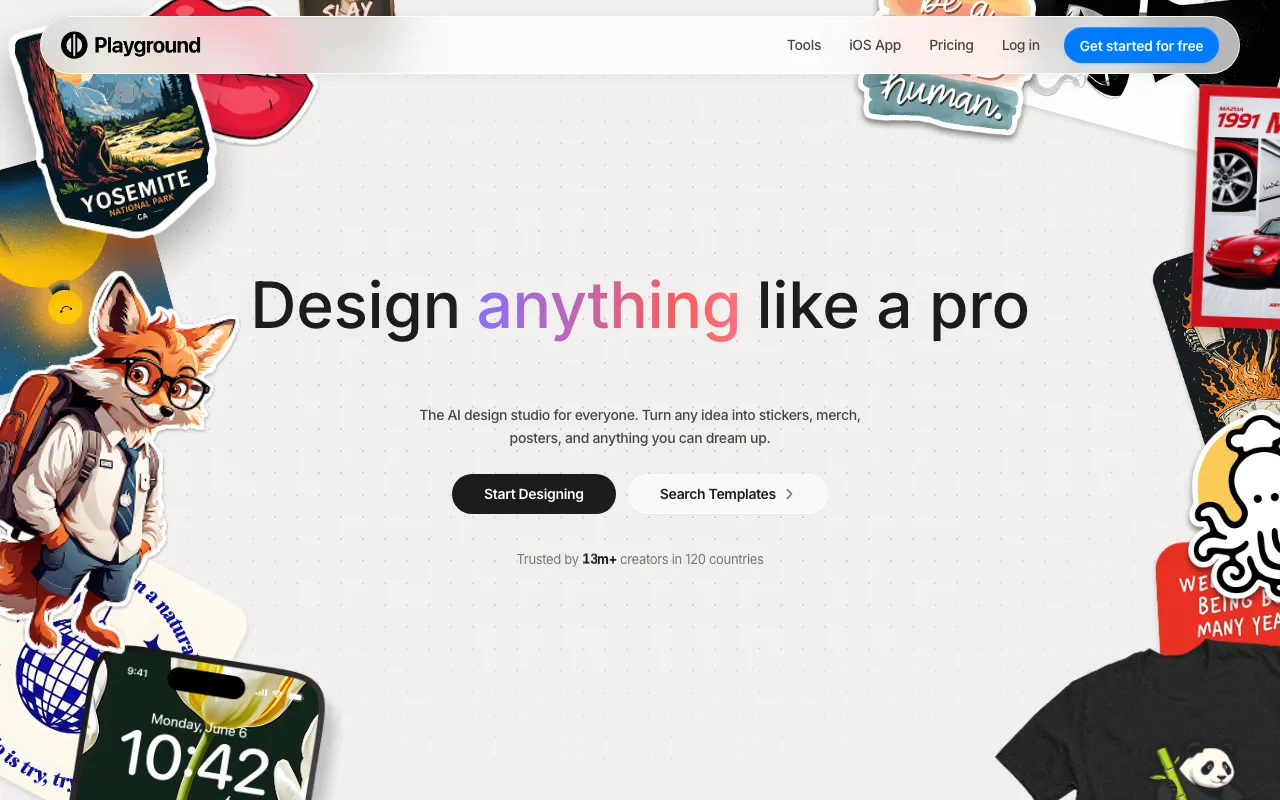
AI design studio for generating images, logos, posters, and print-ready merch from prompts or templates, backed by frontier image models
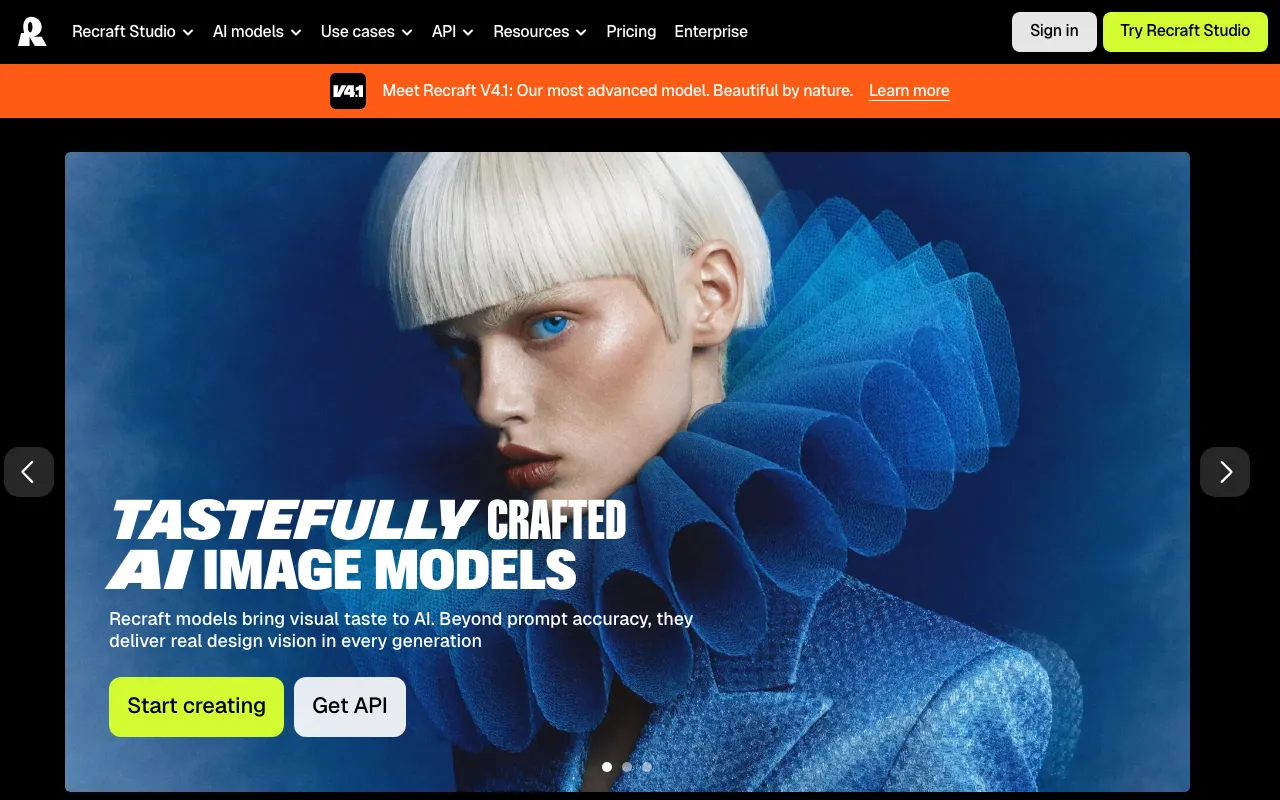
AI image and vector generator with custom styles, mockups, and design-ready output
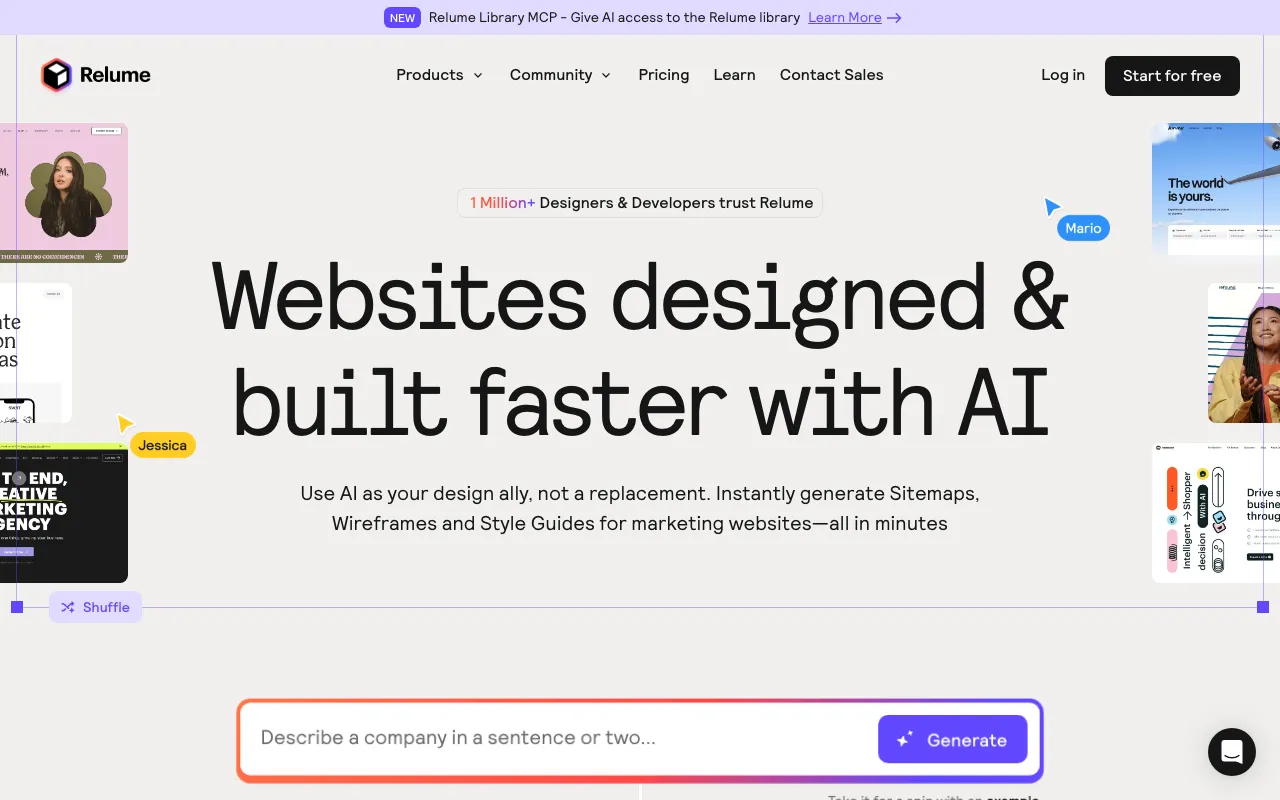
AI web-design tool that generates sitemaps and wireframes and exports to Webflow, Figma, and React
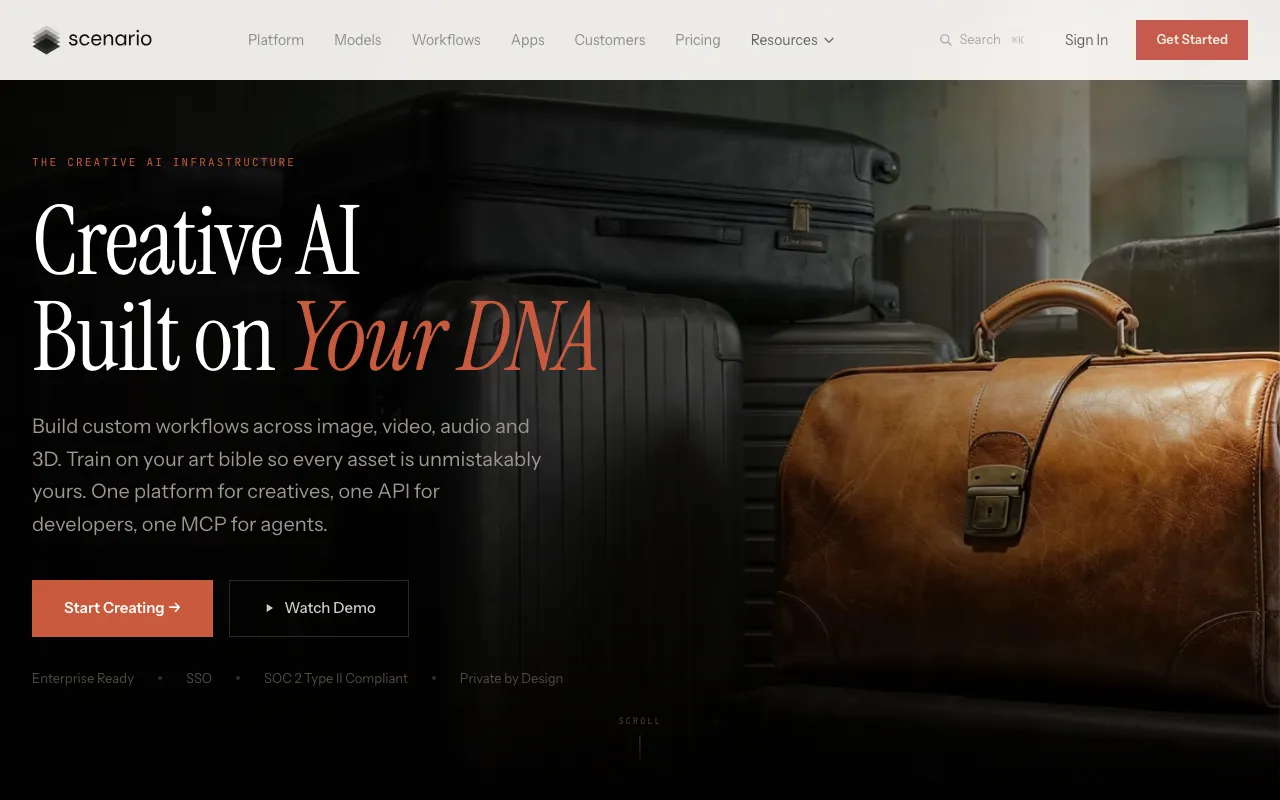
Trains custom AI models on your own art so generated images, video, and 3D assets match your studio's established style
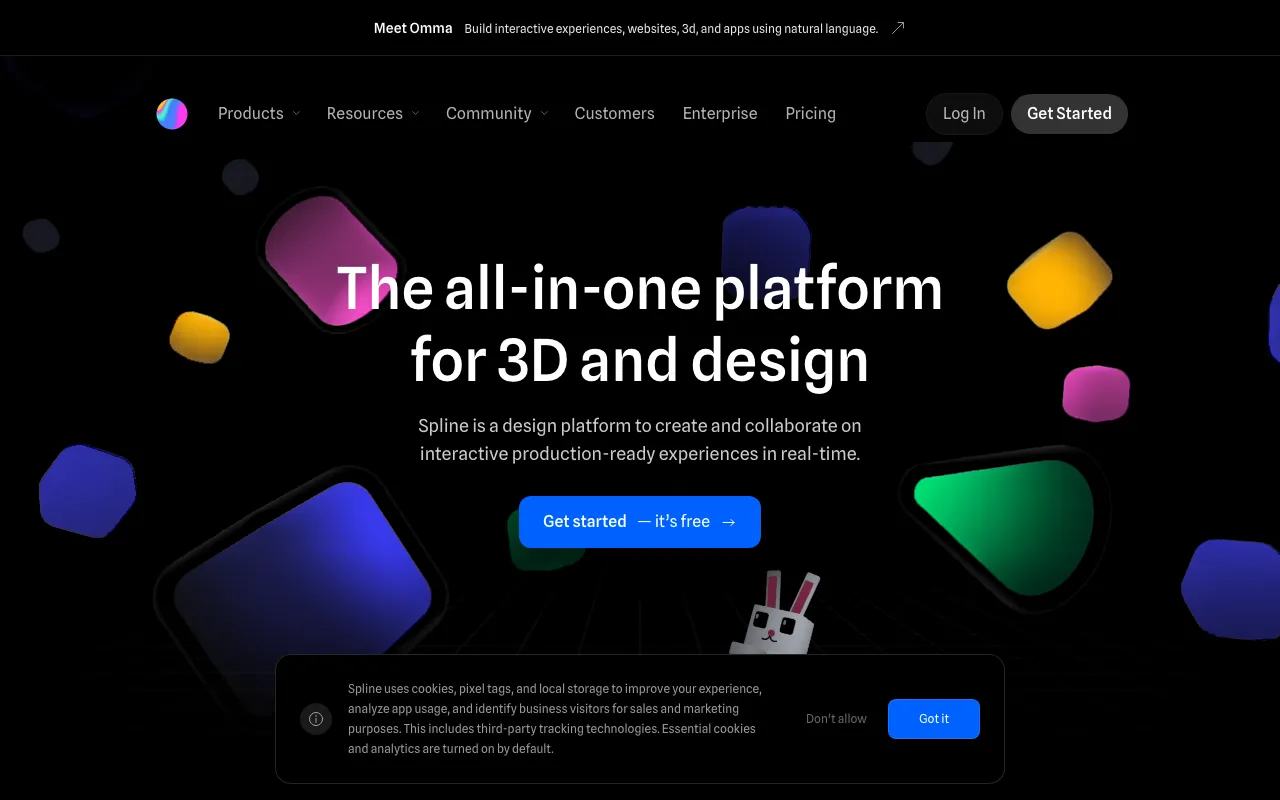
Collaborative browser-based 3D design tool with AI 3D generation and interactive embeds for Webflow, Framer, and Wix Studio
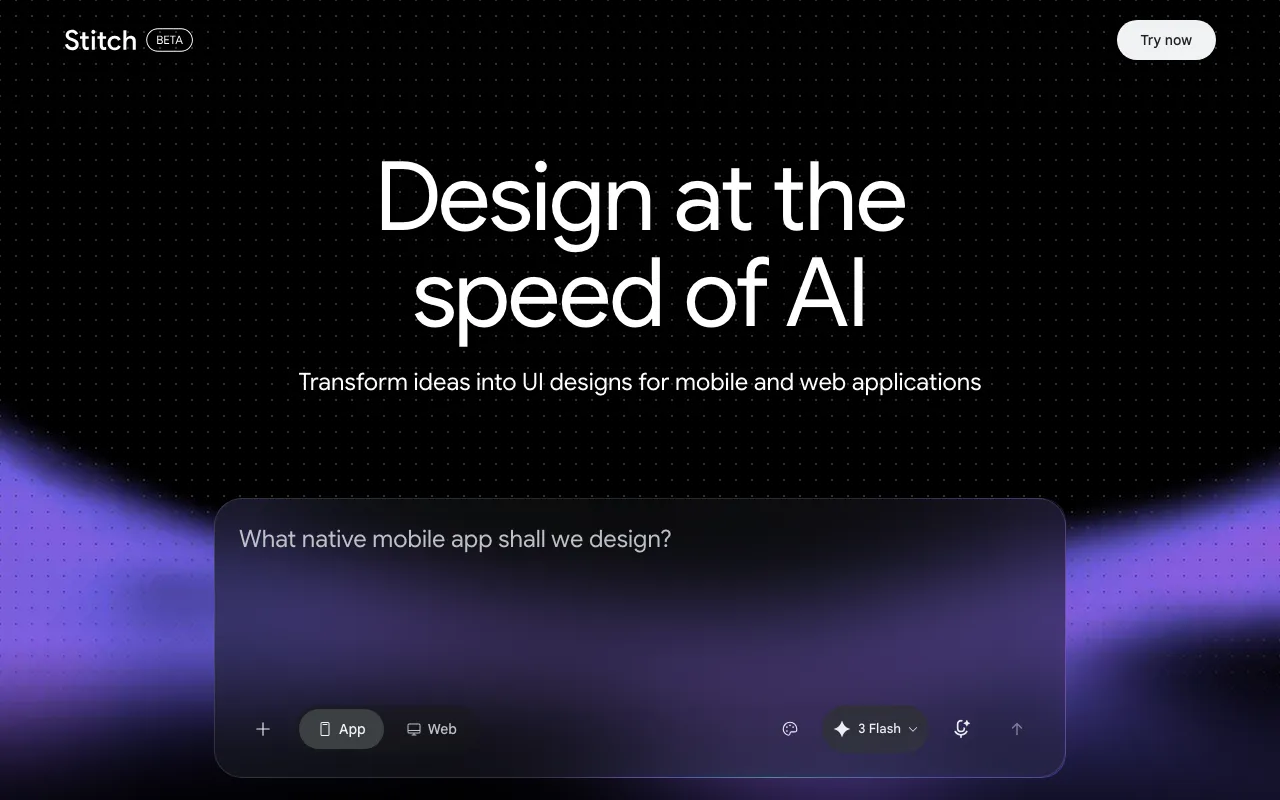
Google Labs' free AI design canvas that turns text prompts into UI screens, Figma exports, and front-end code
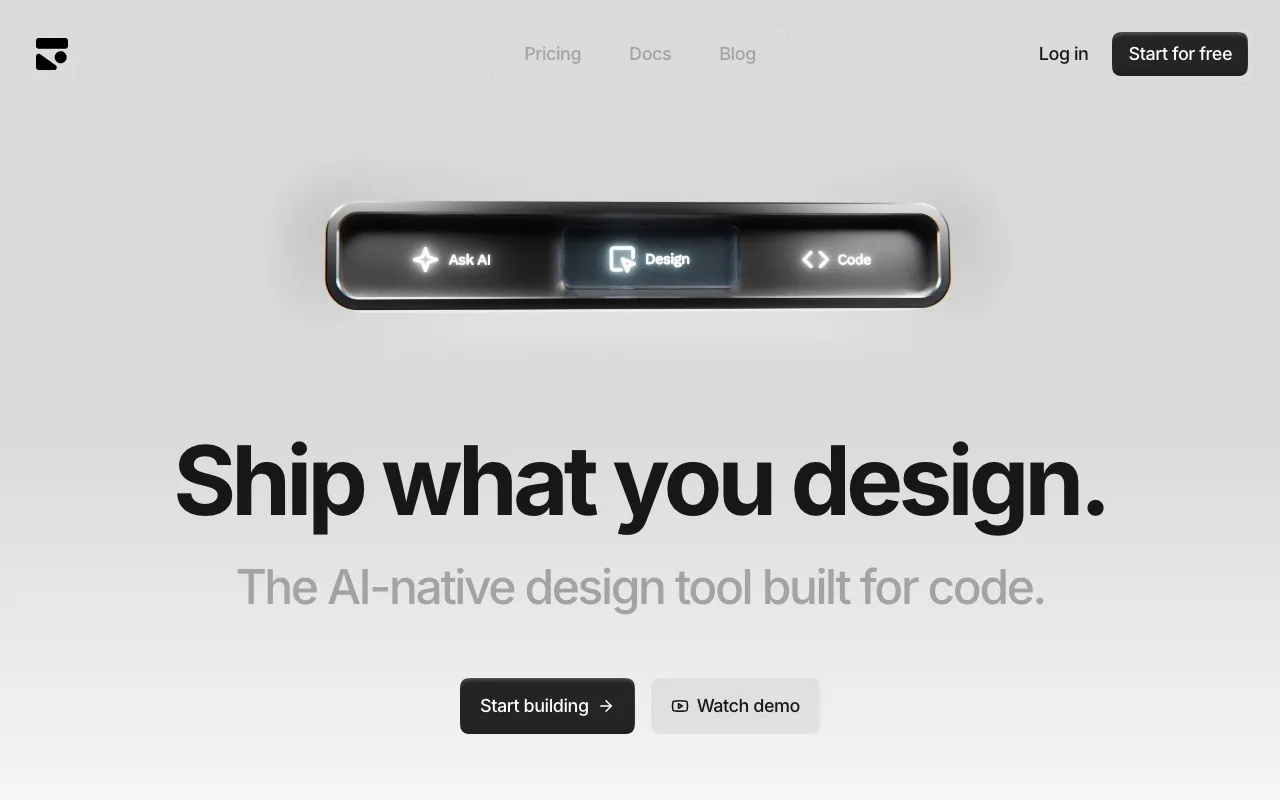
Visual UI editor that outputs production React and Tailwind CSS deterministically, synced straight into your codebase
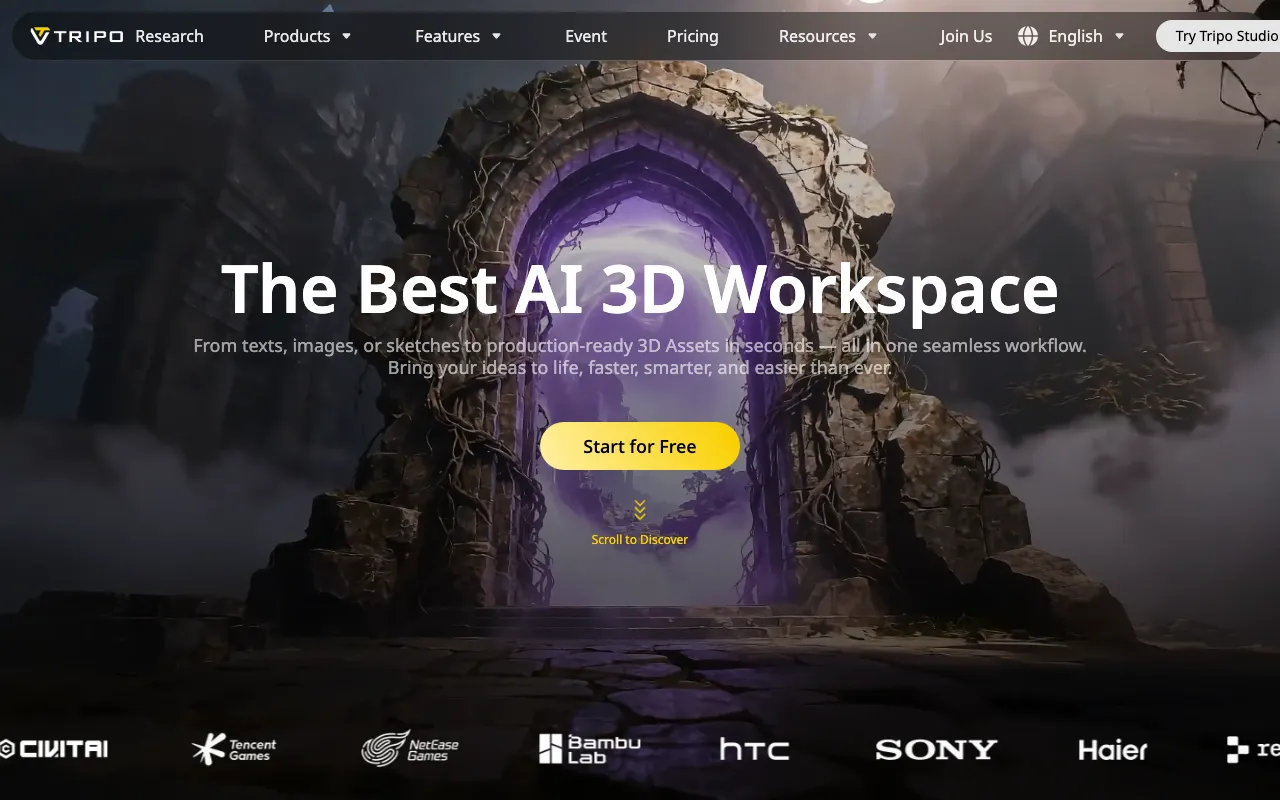
AI 3D model generator that turns text, images, or sketches into rigged, PBR-textured meshes for games, AR/VR, and 3D printing
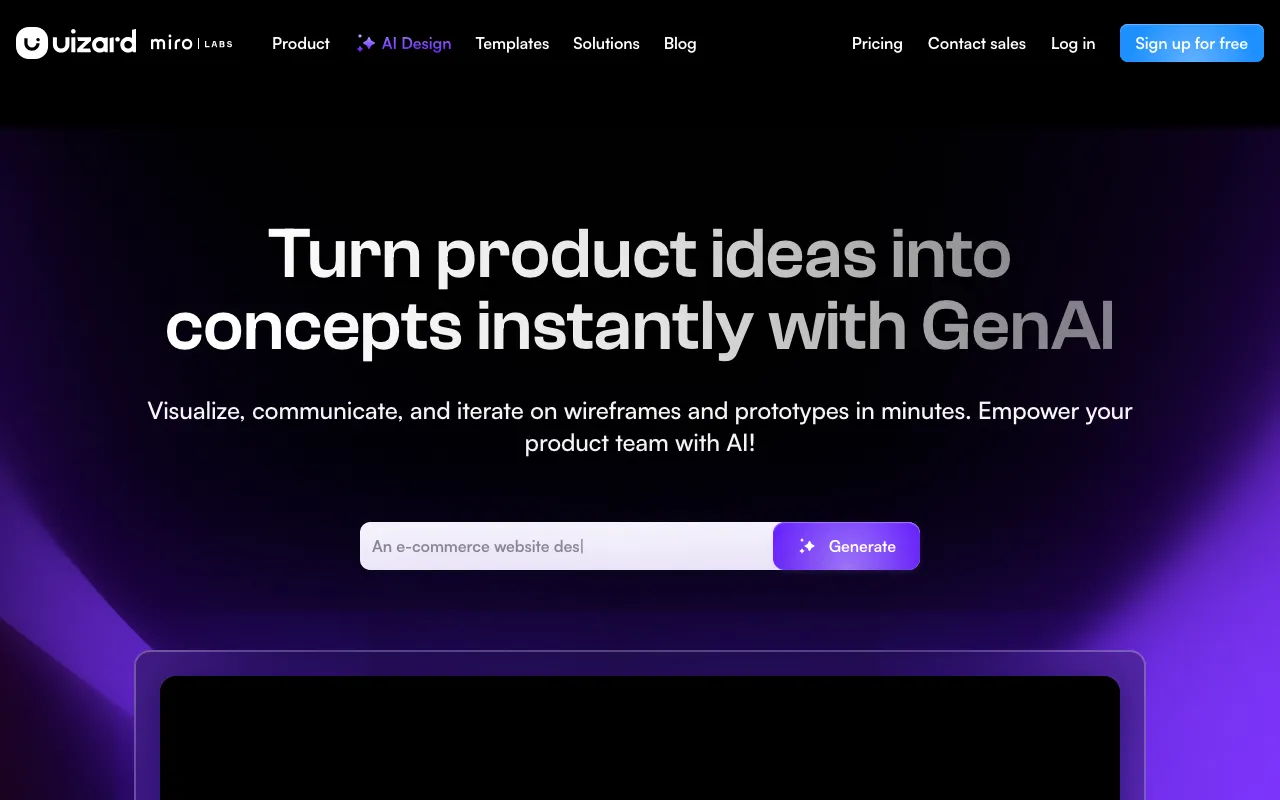
AI-powered UI design tool that generates multi-screen prototypes from text prompts
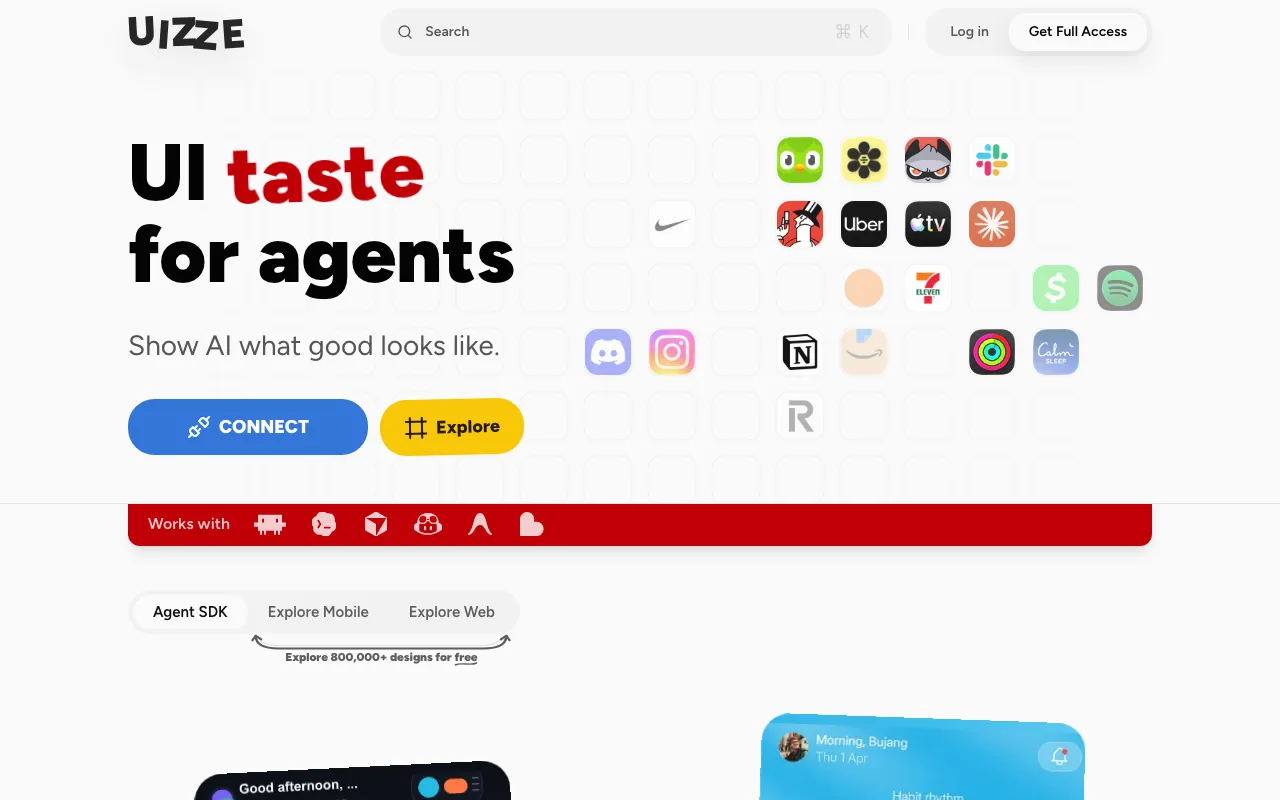
MCP server that feeds coding agents 800,000 real app screens so the UI they generate stops looking generic
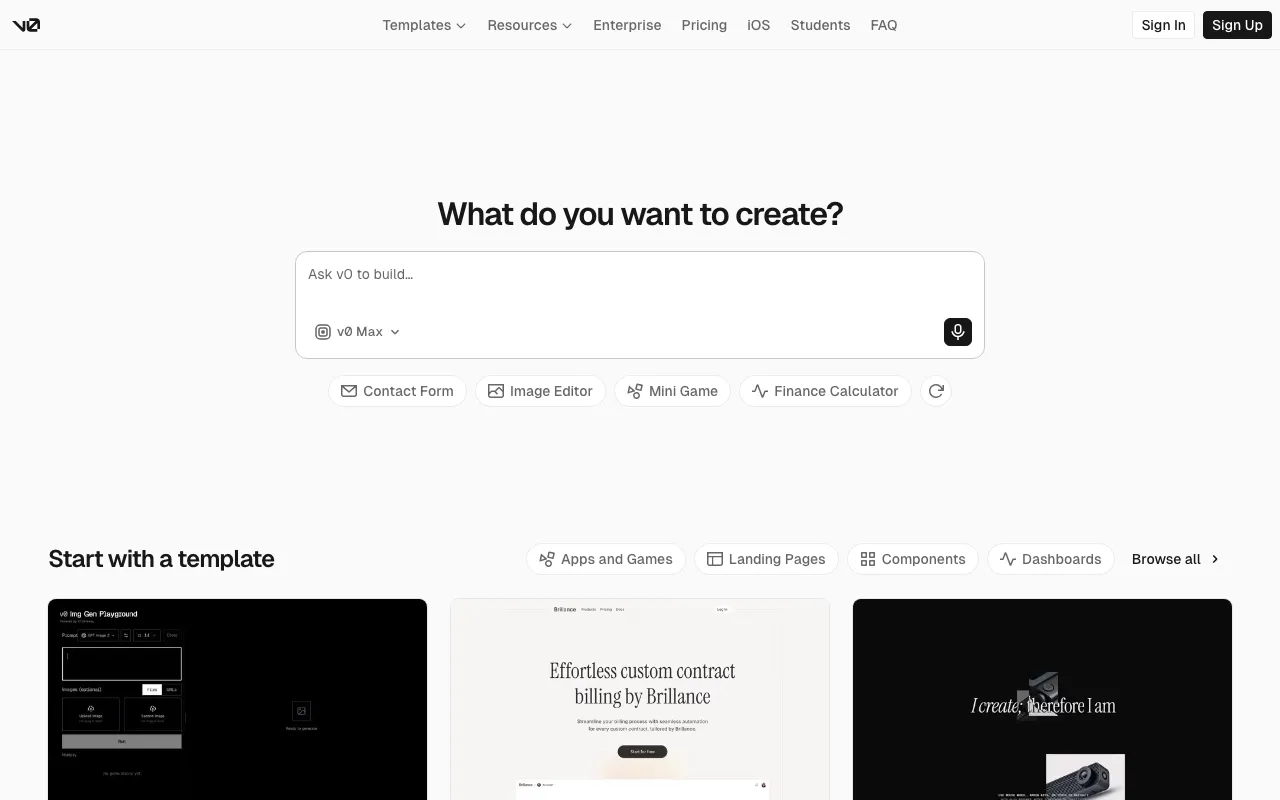
Vercel's generative UI tool — turn a prompt, screenshot, or design into production React, Next.js, and Tailwind code
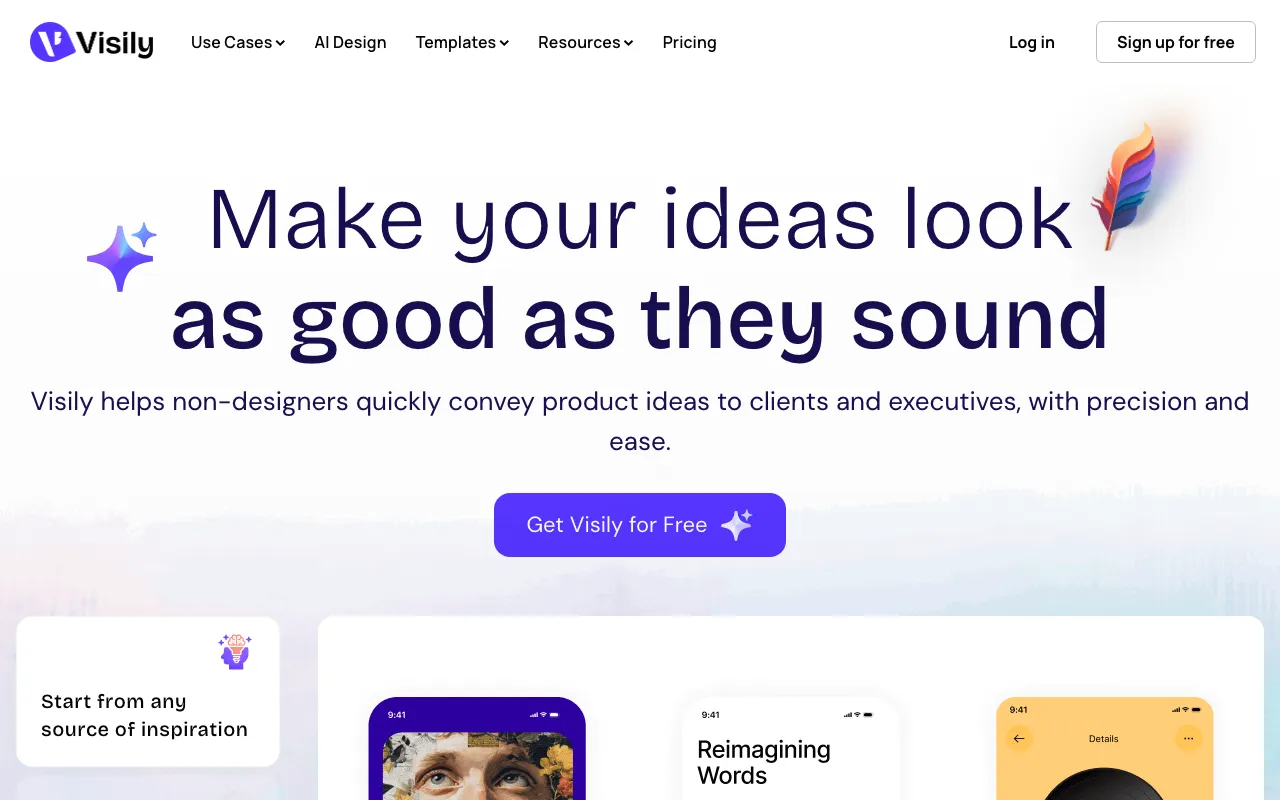
AI-powered UI/UX design tool that turns text prompts, screenshots, and sketches into editable wireframes and mockups for non-designers
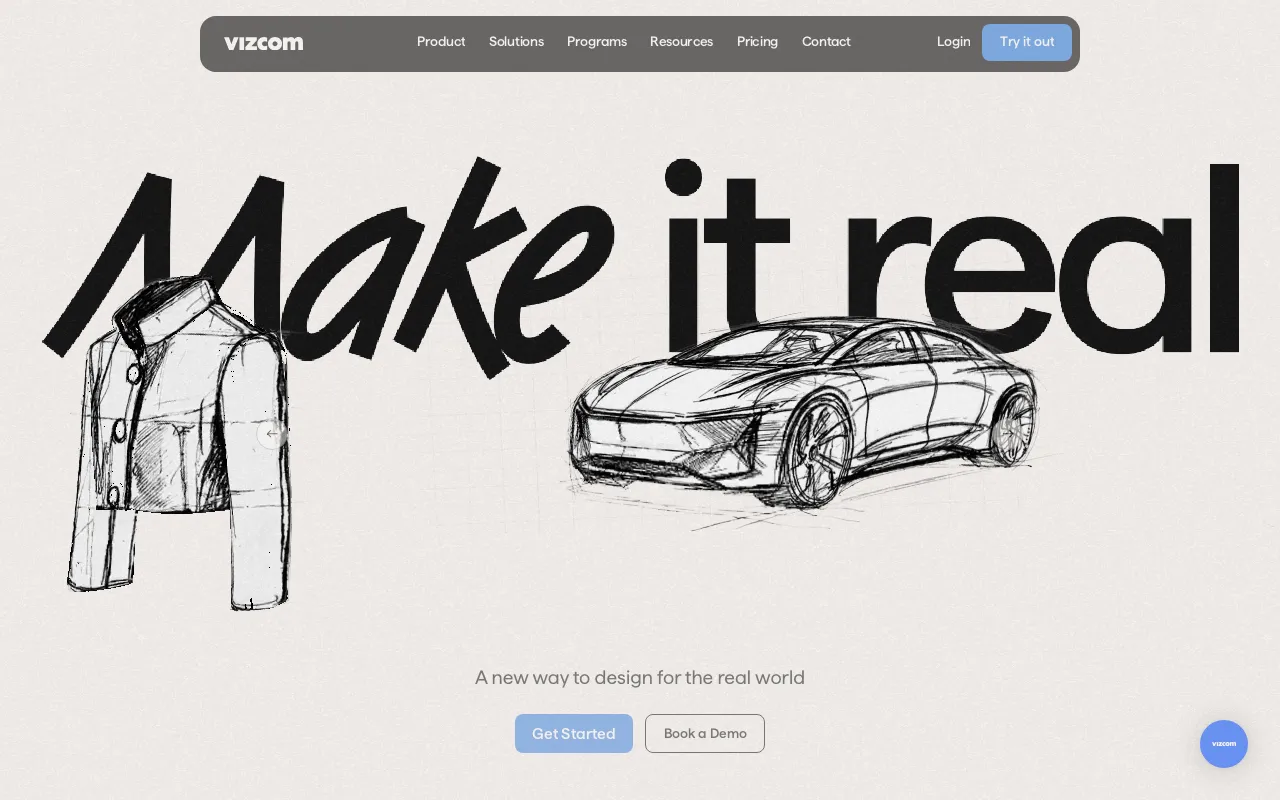
AI design tool that turns product and industrial design sketches into rendered concept images, animations, and 3D visuals
The best AI 3D model generator in 2026 is Meshy, whose Pro plan is $20/month and turns text or images into rigged, textured meshes in seconds. Tripo is the closest rival at $19.9/month, and the best free start is Meshy's own 100 credits per month at $0 under a CC BY 4.0 license that allows commercial use with attribution. See the full ranking in our Best AI 3D Model Generators in 2026 guide.
Yes — 26 of the 28 live AI design tools we cover have a free tier: Canva, Durable, Flair AI, Fotor, Framer, Kittl and more. Pricing verified Jun 11, 2026.
Paid plans among the live tools we track start at $2.49/mo (Pixlr) and go up to $49/user/mo (Vizcom). Every price was checked against the official pricing page on Jun 11, 2026.
28 hand-reviewed tools, each with verified pricing, platforms, pros and cons, and alternatives. We add new tools after editorial review — listing is free and cannot be bought.
How much do AI tools cost on average? See the AI pricing index →