LOVO AI
All-in-one AI voiceover and video studio (Genny) with 500+ voices, voice cloning, and an integrated editor
LOVO AI (its Genny platform) is an all-in-one AI voiceover and video studio with 500+ voices across 100+ languages, voice cloning, an editor, auto-subtitles, and an API. A free tier with watermarked exports lets you test it; Basic runs $24/month, Pro $48/month, and Pro+ $149/month, with roughly 50% off annual billing. Best for content creators who want narration and video in one workspace.
What is LOVO AI?
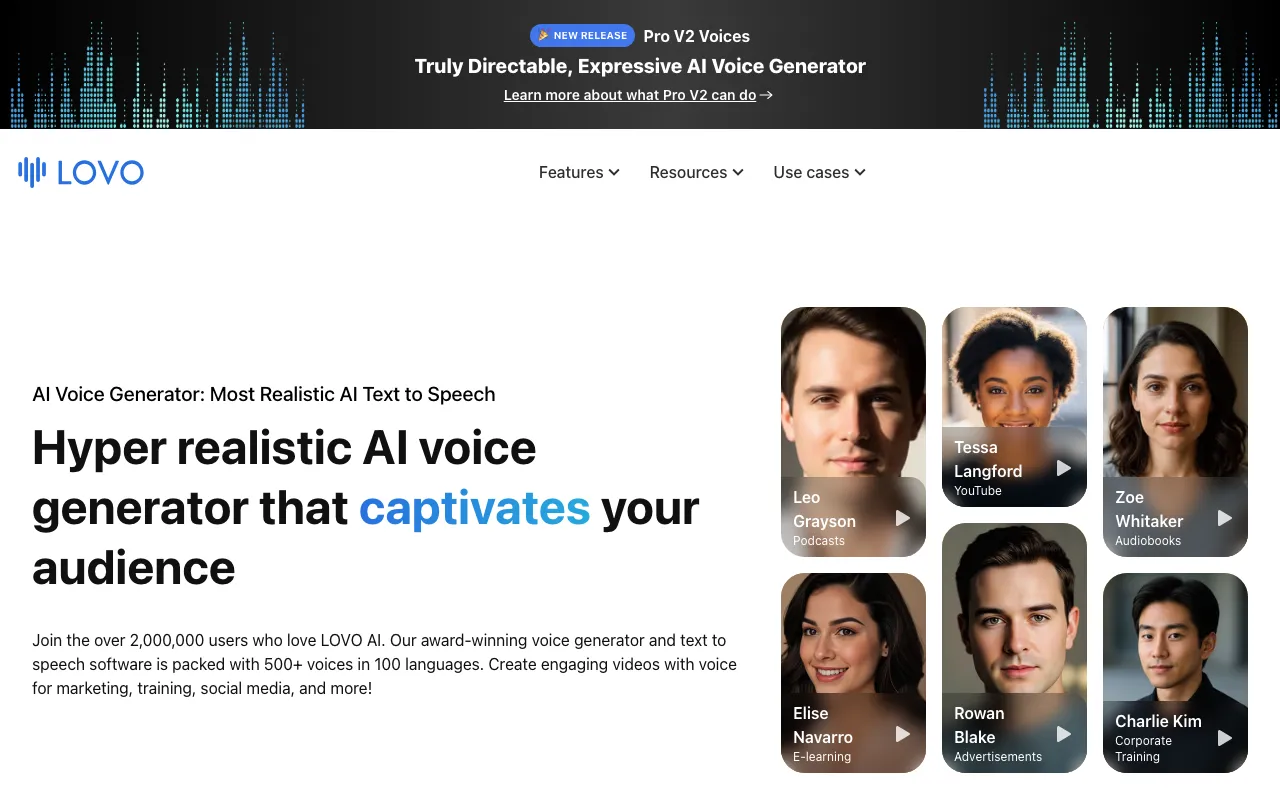
LOVO AI is an AI voiceover and video generation platform built around a single workspace it calls Genny. Inside Genny you write or paste a script, pick from 500+ AI voices across 100+ languages, and generate narration with control over emotion, emphasis, and pronunciation. The same workspace includes a timeline-based video editor, an auto-subtitle generator that covers 20+ languages, a built-in AI writer for drafting scripts, and an AI art generator for royalty-free images — so a full video can be assembled without leaving the tool. LOVO also offers instant voice cloning, creating a custom voice from roughly one minute of source audio.
Rather than being a pure text-to-speech engine, LOVO positions itself as an end-to-end content production tool for creators who want voice and video in one place. It serves more than two million users and exposes a developer API for teams that want to wire its speech synthesis into their own apps. The trade-off for that breadth is depth: reviewers consistently note that LOVO’s raw voice realism trails specialist engines like ElevenLabs, and its cloned voices can sound synthetic on close listening. For high-volume, multi-format work where an integrated pipeline matters more than the last few percent of naturalness, that trade-off is often worth it.
Who is it for?
LOVO AI fits content creators and small teams who produce a steady stream of narrated video and audio and want scripting, voicing, subtitling, and editing under one roof rather than stitched across separate apps. The free tier and 14-day Pro trial make it easy to evaluate, but commercial rights and the full editor only unlock on paid plans, so serious users land on Pro or Pro+.
- YouTubers and faceless-channel operators producing documentary, listicle, or explainer content at volume who need consistent narration and quick editing.
- E-learning and course creators localizing training material across the 100+ language library from a single script.
- Podcasters and audiobook narrators who want stock or cloned voices plus pronunciation control for long-form audio.
- Agencies and marketing teams on Pro+ that generate client voiceovers and videos in bulk and need commercial rights and shared workspaces.
- Developers who want to embed text-to-speech into their own products through LOVO’s API.
How much does LOVO AI cost?
Starting price: $24/mo · Free tier: yes · Model: freemium
Price history tracked from June 2026
| Plan | Price | Includes |
|---|---|---|
| Free | Free | Limited access to the 500+ voice library · Watermarked exports and a monthly word cap · Basic voice cloning and AI writer access · 14-day Pro trial on signup, no credit card required |
| Basic | $24/mo | Full 500+ voice library access · Geared to audio-only work: podcasts, narration · Voice cloning and AI writer included · Roughly 50% cheaper on annual billing |
| Pro | $48/mo | Everything in Basic plus the full video editor · Auto-subtitles, AI art, higher storage and 1080p export · Priority support, beta voices, and producer mode · Commercial rights to generated content |
| Pro+ | $149/mo | High-volume plan for agencies and teams · Full commercial use rights · Larger generation and download allowances · Team collaboration and cloud workspace |
| Enterprise | Custom | Custom seat counts and volume · API access at scale and priority support · Security review and dedicated onboarding · Contact sales for quote |
What are LOVO AI's key features?
- Genny all-in-one workspace combining text-to-speech and a timeline video editor
- 500+ AI voices across 100+ languages with emotion and emphasis controls
- Instant voice cloning from roughly one minute of source audio
- Auto subtitle generator supporting 20+ languages
- Built-in AI writer for scripts and AI art generator for royalty-free images
- Pronunciation editor for fine-tuning tricky words and names
- Team workspace with cloud storage and collaboration
- Developer API for adding text-to-speech to custom apps in a few lines of code
What people use LOVO AI for
- 01 Voicing YouTube videos, explainers, and ads without recording a human voice actor
- 02 Producing audiobook and long-form narration from a script
- 03 Creating multilingual e-learning and training voiceovers in 100+ languages
- 04 Localizing existing videos with auto-generated subtitles and translated TTS
- 05 Generating podcast intros, segments, or full episodes with cloned or stock voices
Pros and cons
| Pros | Cons |
|---|---|
| All-in-one: script, voice, video, and subtitles in a single tool instead of juggling separate apps | Voice realism has a ceiling — top output trails ElevenLabs, and cloned voices can sound synthetic on close listening |
| Large multilingual library — 500+ voices across 100+ languages with emotion tags | Free tier watermarks exports and caps monthly word count; commercial use is gated to paid plans |
| Free tier plus a 14-day Pro trial let you evaluate it without a credit card | Built-in video editor is basic compared with dedicated editing software and has a slight learning curve |
| Paid plans grant commercial rights for monetizing narration and video | Official pricing page is JavaScript-walled; tiers here are corroborated from multiple third-party sources, so verify current prices before buying |
What are the best LOVO AI alternatives?
WellSaid is the closest LOVO AI alternative in our directory: it covers the same category (AI Audio & Music), starts at $0, has a free tier.
Ranked by category overlap with LOVO AI, then free-tier availability, then lowest verified starting price — computed from our verified data, never from sponsorships.
| Alternative | What it is | Starting price | Free tier | Price verified |
|---|---|---|---|---|
| WellSaid | Enterprise AI text-to-speech studio with 120+ voices licensed from real voice actors for e-learning, training, and video | $0 | yes | Jul 14, 2026 |
| ElevenLabs | AI voice platform for text-to-speech, voice cloning, and conversational agents in 70+ languages | $6/mo | yes | Jul 3, 2026 |
| Speechify | Text-to-speech and voice AI platform that reads any document aloud in 1,000+ voices | $11.58/mo | yes | Jun 11, 2026 |
| Fish Audio | Voice cloning and text-to-speech platform with a shared voice marketplace and pay-as-you-go API, built on open-source Fish Speech models | $15/mo | yes | Oct 27, 2026 |
| Murf AI | AI text-to-speech studio with 200+ voices across 35+ languages for voiceovers, dubbing, and voice agents | $19/mo | yes | Jun 11, 2026 |
| Resemble AI | AI voice platform for voice cloning, text-to-speech, and real-time voice agents, plus deepfake detection and audio watermarking | $0.0005/sec | no | Jun 30, 2026 |
How people make money with LOVO AI
- Narrate YouTube videos, explainer clips, and audiobooks as a paid service on freelance marketplaces — the 500+ voice library covers many niches without hiring voice actors
- Offer multilingual e-learning and course voiceover on a per-project or retainer basis, using the 100+ language library to localize a single script across markets
- Run faceless content channels (documentary, listicle, meditation) at volume and monetize via ad revenue, using the built-in editor and AI writer to compress production time
Frequently asked questions
Is LOVO AI free?
LOVO has a free tier with limited access to its 500+ voice library, a monthly word cap, and watermarked exports. New users also get a 14-day Pro trial with no credit card required. Paid plans start at $24/month for Basic.
What is Genny?
Genny is the name of LOVO's all-in-one product — the workspace where text-to-speech, voice cloning, subtitles, and the video editor all live. LOVO is the company and brand; Genny is the platform you actually work in.
How much does LOVO AI cost?
Monthly billing is roughly Basic $24, Pro $48, and Pro+ $149, with an Enterprise tier priced on request. Annual billing cuts the cost by about half. Prices shift periodically, so confirm on LOVO's site before subscribing.
Does LOVO have voice cloning?
Yes. LOVO can clone a voice from about one minute of source audio and then generate new speech in that voice. Cloning quality is good for many uses but can sound synthetic under close listening compared with the top competitors.
Can I use LOVO voices commercially?
Paid plans grant commercial rights to the audio and video you generate, so you can monetize YouTube videos, ads, and client work. The free tier is limited and watermarked and is not intended for commercial output.
How many voices and languages does LOVO support?
LOVO offers 500+ AI voices across 100+ languages, many with emotional range and emphasis controls. Its auto-subtitle generator supports 20+ languages for localizing video content.
Does LOVO AI have an API?
Yes. LOVO provides a developer API for integrating its text-to-speech into custom applications and workflows, which the company advertises as usable in as little as a few lines of code.