Captions
AI video creation app for talking-head and social content, with AI avatars (Mirage) and a chat-based editor
Captions is an AI video app for talking-head and short-form social content, built around AI editing, captions in 100+ languages, dubbing, eye-contact correction, and AI avatars powered by its Mirage model. The Free tier covers basic editing; Pro runs about $9.99/month, and the credit-driven Max tier is $24.99/month with 500 monthly credits for generative AI features. Scale tiers ($69.99–$279.99/month) add 1,400–5,600 credits. Best for creators who shoot talking-head video on mobile and want AI to handle the editing.
What is Captions?
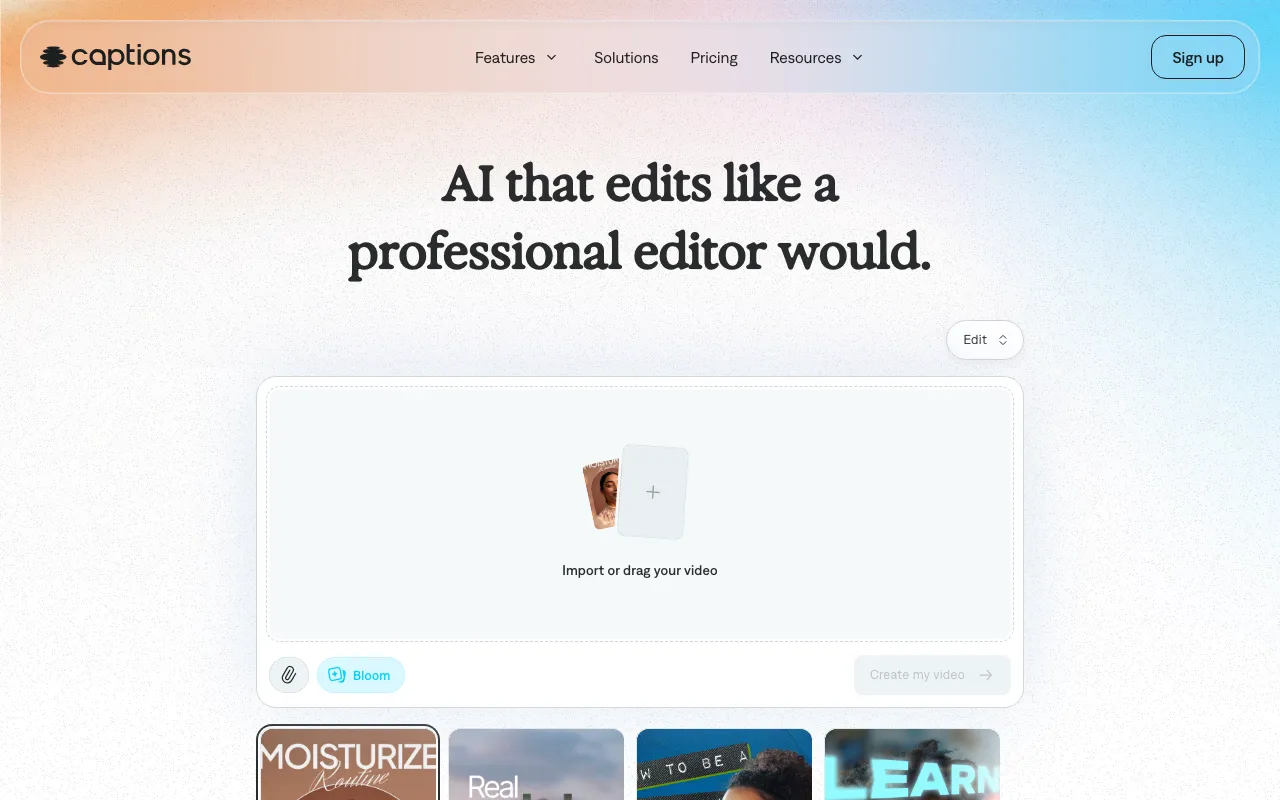
Captions is an AI video creation app aimed at talking-head and short-form social content. Instead of a traditional editing timeline, it leans on automation: you shoot footage on your phone and the app auto-cuts scenes, adds B-roll, applies transitions, and lays in animated captions in over 100 languages. A chat-based editor lets you make changes by typing a prompt rather than dragging clips, and built-in tools handle eye-contact correction, filler-word removal, background-noise cleanup, and dubbing into 30+ languages. The product is mobile-first, with iOS and Android apps alongside web and desktop access.
Its headline feature is AI avatars, powered by an in-house video model called Mirage. Rather than gluing text-to-speech onto a looping animation, Mirage generates talking-head video as a single performance — audio, facial expression, and motion produced together — which reads more naturally than older avatar approaches. Generative features like avatars, B-roll, music, and dubbing run on a monthly credit system: the Max tier at $24.99/month includes 500 credits, while Scale tiers from $69.99 to $279.99/month add 1,400 to 5,600 credits. There is also a Mirage API in beta for developers who want to build talking-head generation into their own tools.
Who is it for?
Captions is best suited to creators and small teams who produce a steady stream of talking-head or social video and want AI to absorb the editing work. The free tier and the roughly $9.99/month Pro tier are enough for someone who mainly needs fast editing and captions, but the avatar and generative features — the real draw — live behind the credit-based Max and Scale plans.
- Short-form creators running TikTok, Reels, or YouTube Shorts channels who want auto-editing and trending captions without learning a full editor.
- Solo marketers and small brands producing UGC-style ads or product demos with AI avatars instead of filming actors.
- Multilingual publishers who need fast dubbing and captions to repurpose one video across 30+ language markets.
- Developers exploring programmatic talking-head video generation through the Mirage API beta, where avatar output can be wired into custom products.
How much does Captions cost?
Starting price: $9.99/mo · Free tier: yes · Model: freemium
Price history tracked from June 2026
| Plan | Price | Includes |
|---|---|---|
| Free | Free | Basic editing — trim, transitions, scene cuts · Captions in 100+ languages · 1 caption template · Media library assets |
| Pro | $9.99/mo | 100+ caption templates · Customizable captions and transcript download · Chat-based AI editor access · Audio enhancement features |
| Max | $24.99/mo | 500 generative credits per month · Curated AI Edit styles library · Custom AI actors / avatars · Generative B-roll, music, sound effects, and images |
| Scale 1x | $69.99/mo | 1,400 credits per month · All Max features · Most sophisticated tier of generative AI models |
| Scale 2x | $139.99/mo | 2,800 credits per month · All Max features · For high-volume avatar and AI video production |
| Scale 4x | $279.99/mo | 5,600 credits per month · All Max features · Highest credit allowance for teams and agencies |
| Enterprise | Custom | Bulk credit discounts · Dedicated account management · Training-data exclusion and priority support · Early beta access |
What are Captions's key features?
- AI editing that auto-cuts scenes, adds B-roll, and applies transitions from raw footage
- Chat-based editor — make edits by typing a prompt rather than dragging clips
- AI avatars powered by the Mirage model, generating talking-head video as a single performance (audio, expression, and motion together)
- Animated captions in 100+ languages with customizable trending templates
- Video translation and dubbing into 30+ languages
- Eye-contact correction, filler-word removal, and background noise cleanup
- Generative B-roll, music, sound effects, and images on the Max tier and above
- Mirage API (beta) for developers to build talking-head video generation into their own tools
What people use Captions for
- 01 Editing raw talking-head footage into finished social videos via chat prompts instead of a manual timeline
- 02 Adding animated, trending-style captions in 100+ languages without manual transcription
- 03 Generating AI avatar (Mirage) videos from a script for product demos, training, or ads
- 04 Dubbing and translating existing videos into 30+ languages to reach new audiences
- 05 Fixing eye contact, removing filler words, and cleaning background noise on self-shot phone video
Pros and cons
| Pros | Cons |
|---|---|
| Mobile-first apps on iOS and Android make it easy to shoot, edit, and publish from a phone in one place | Generative features (AI avatars, B-roll, dubbing) burn monthly credits — the Max tier's 500 credits run out quickly on heavy avatar use, pushing you toward $69.99+ Scale tiers |
| Free tier with no credit card needed covers basic editing and multilingual captions for getting started | AI avatars can still look uncanny on close-up or longer clips, limiting their use for high-stakes brand content |
| Pro tier is cheap at about $9.99/month — well below most dedicated AI avatar platforms | Users report subscription auto-renew and refund friction, and pricing has shifted between sources, so confirm the current rate before subscribing |
| AI avatars are generated as a full performance rather than text-to-speech bolted onto animation, which reads more naturally | The Mirage API is invite-only beta, so programmatic avatar generation is not yet broadly available |
What are the best Captions alternatives?
Runway is the closest Captions alternative in our directory: it covers the same category (AI Video), starts at $12/mo, has a free tier.
Ranked by category overlap with Captions, then free-tier availability, then lowest verified starting price — computed from our verified data, never from sponsorships.
| Alternative | What it is | Starting price | Free tier | Price verified |
|---|---|---|---|---|
| Runway | AI video generation platform for cinematic clips, world simulation, and conversational video agents | $12/mo | yes | Jun 11, 2026 |
| Opus Clip vs Captions → | AI video repurposing tool that turns long videos into short, captioned vertical clips ranked by predicted virality | $15/mo | yes | Jun 20, 2026 |
| Descript | Text-based video and podcast editor with AI transcription, voice cloning, and filler-word removal | $16/mo | yes | Jul 3, 2026 |
| Synthesia | AI video platform that generates studio-quality videos from text using AI avatars | $18/mo | yes | Jun 11, 2026 |
| HeyGen | AI video platform that generates avatar-based videos from text scripts with lip-sync in 175+ languages | $29/mo | yes | Jul 3, 2026 |
Head-to-head comparisons
How people make money with Captions
- Run a faceless or talking-head short-form channel (TikTok, Reels, Shorts) — use AI editing and captions to cut production time, then monetize via creator funds, brand deals, and affiliate links
- Offer UGC-style ad production for ecommerce brands using AI avatars — agencies bill per short ad spot, and credit-based avatar generation removes the need to film live actors
Frequently asked questions
Is Captions free?
Yes. Captions has a free tier with no credit card required. It includes basic editing (trim, transitions, scene cuts), captions in 100+ languages, one caption template, and media library assets. Generative AI features like avatars and AI editing styles require a paid plan.
How much does Captions cost?
Pricing starts around $9.99/month for the Pro tier. The credit-based Max tier is $24.99/month with 500 monthly credits. Scale tiers run $69.99/month (1,400 credits), $139.99/month (2,800 credits), and $279.99/month (5,600 credits). Enterprise is custom-priced.
What are credits in Captions and what use them?
Credits are consumed by heavy generative features such as AI avatar (Mirage) videos, generative B-roll, music, and AI dubbing. Max includes 500 credits per month; the Scale tiers add 1,400 to 5,600. Basic editing and captions do not draw down credits.
What is Mirage in Captions?
Mirage is the AI video model that powers Captions' AI avatars. It generates talking-head video as a single performance — combining audio, facial expression, and motion at once — rather than stitching together text-to-speech and animation separately.
Does Captions have an API?
Yes, but it is in beta. The Mirage API offers talking-head video generation that developers can build into their own products. It runs on credits-based usage billing and currently requires applying for early access.
What platforms does Captions run on?
Captions is available as iOS and Android mobile apps, in the web browser, and as a desktop application. There is also the Mirage API (in beta) for developers. The mobile apps are the primary way most creators use it.
How does Captions compare to HeyGen and Synthesia?
HeyGen and Synthesia are avatar-first platforms aimed at studio-quality corporate and training video. Captions is more of a mobile-first creator app where AI editing and captions are central and avatars are one feature among many. Captions tends to be cheaper at entry but credit-limited on heavy avatar use.