Descript
Text-based video and podcast editor with AI transcription, voice cloning, and filler-word removal
Descript is an AI video and podcast editor built around a text-based paradigm: edit your transcript and the video cuts itself. The free tier includes 60 minutes of media per month and 100 one-time AI credits. Paid plans start at $16/mo (annual) for 1080p export and 400 AI credits/month. Best for solo creators and small teams who produce regular video or podcast content and want to skip traditional timeline editing.
What is Descript?
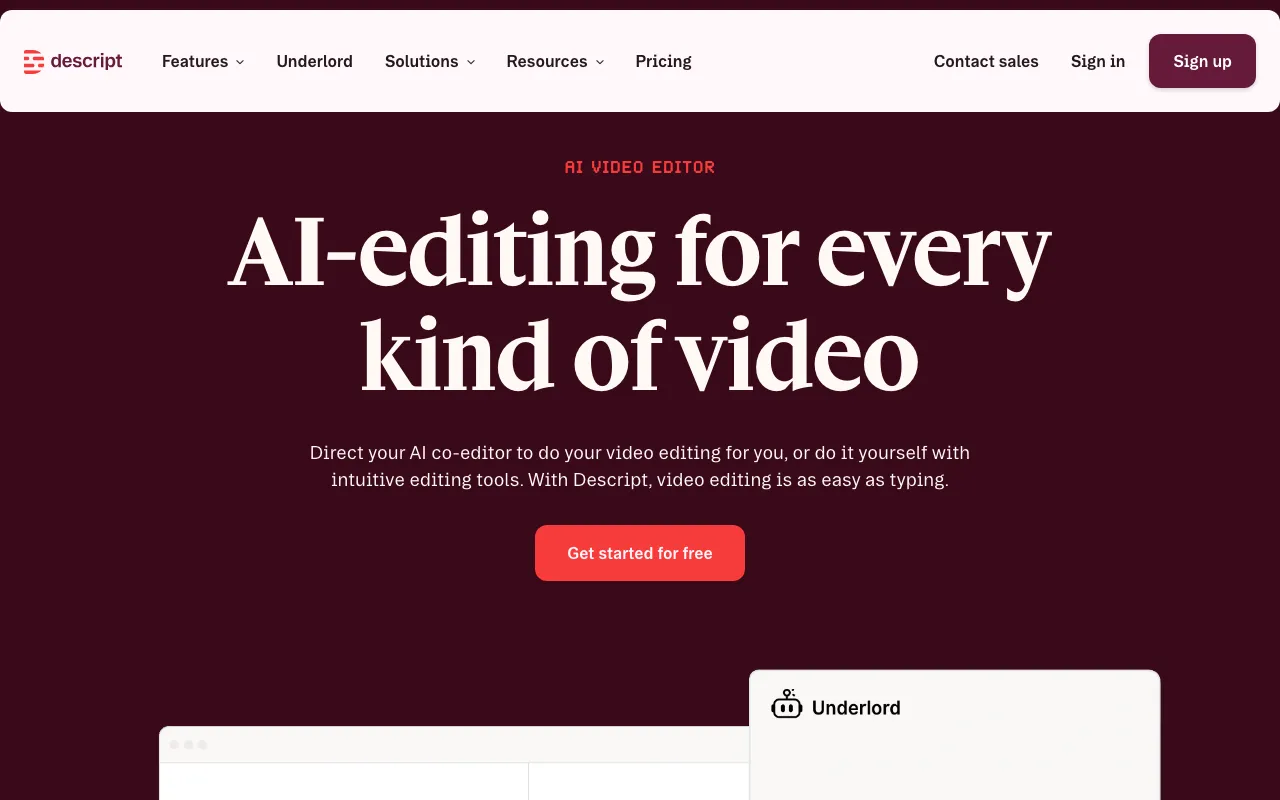
Descript is a web-based video and podcast editor built around a text-first workflow. When you import or record media, Descript generates a transcript and treats it as the primary editing surface. Deleting a sentence in the transcript removes the corresponding clip from the timeline; rearranging paragraphs rearranges the footage. This approach is distinct from conventional non-linear editors like Premiere Pro or DaVinci Resolve, which require manual scrubbing and razor-cutting.
Beyond the transcript model, Descript bundles an AI layer called Underlord that handles agentic tasks: suggesting cuts, writing scripts, generating b-roll descriptions, and assembling rough cuts from raw recordings. Additional AI features include Studio Sound (noise reduction and voice enhancement applied in one click), automatic filler-word removal, eye contact correction, AI green screen, and voice cloning via its Overdub feature. The Business tier adds video translation and dubbing into 30+ languages. All AI usage is metered through a credit system — 400 credits/month on Hobbyist, 800 on Creator, 1500 on Business — so heavy AI use on lower tiers can exhaust credits before the month ends.
The platform is cloud-based and runs in the browser or an Electron wrapper; there is no fully offline desktop mode. Storage caps range from 5GB on free to 2TB on Business. Export resolution is gated by tier: 720p free, 1080p Hobbyist, 4K Creator and above.
Who is it for?
Descript is most effective for creators who produce regular spoken-word video or audio and want to minimize time spent on mechanical editing tasks. The text-based paradigm pays the largest dividend on interview content, podcasts, and tutorial recordings where the edit follows the script closely.
- Independent podcasters who record 1–4 episodes per week and want to cut filler words, clean audio, and export to hosting platforms without a separate DAW.
- Solo YouTube creators producing talking-head or screen-recording videos who need captions, b-roll assembly, and social clips from a single tool.
- Small marketing teams (2–5 people) using the Business plan to localize video content into multiple languages via the dubbing feature.
- Course creators and educators who record instructional video and need clean transcripts alongside the final video for accessibility and repurposing.
How much does Descript cost?
Starting price: $16/mo · Free tier: yes · Model: freemium
Price history tracked from June 2026
| Plan | Price | Includes |
|---|---|---|
| Free | Free | 60 minutes media/month · 100 AI credits (one-time) · 720p export · 5GB storage |
| Hobbyist | $16/mo | Billed annually ($24/mo monthly) · 10 media hours/month · 400 AI credits/month · 1080p watermark-free export · Underlord AI co-editor |
| Creator | $24/mo | Billed annually ($35/mo monthly) · 30 media hours/month · 800 AI credits/month (+500 bonus) · 4K export · Unlimited stock media · 1TB storage |
| Business | $50/mo | Billed annually ($65/mo monthly) · Up to 5 seats · 40 media hours/month · 1500 AI credits/month (+1000 bonus) · Video translation and dubbing (30+ languages) · Custom avatars · Brand Studio · 2TB storage |
| Enterprise | Custom | Custom AI credits and media minutes · SSO/SCIM · Advanced security · Flexible licensing |
What are Descript's key features?
- Text-based video editing: cut, rearrange, or delete footage by editing the auto-generated transcript
- Underlord AI co-editor for script writing, layout design, and agentic editing tasks
- Studio Sound audio enhancement removes background noise and enhances voice clarity
- Filler-word remover automatically detects and cuts 'um', 'uh', and similar verbal tics
- AI voice cloning and overdub for correcting spoken mistakes without re-recording
- Video translation and dubbing into 30+ languages (Business tier)
- Eye contact correction and AI green screen background replacement
- Remote recording rooms for podcast and video interviews
What people use Descript for
- 01 Editing podcast episodes by deleting sentences from a transcript instead of scrubbing a waveform
- 02 Removing filler words (um, uh, like) from recorded interviews automatically
- 03 Creating translated video versions for non-English audiences using the dubbing feature
- 04 Recording remote interviews with guests and exporting clean multi-track audio
- 05 Generating social-media clips from long-form video using AI scene selection
Pros and cons
| Pros | Cons |
|---|---|
| Text-based editing dramatically reduces time spent scrubbing timelines for spoken-word content | 60-minute monthly cap on the free tier is restrictive for regular producers |
| Filler-word removal and Studio Sound work well without manual tuning | AI credit limits can be exhausted quickly on longer projects; credits do not roll over |
| Single tool covers recording, transcription, editing, and publishing | No native desktop offline mode — requires a browser or Electron-based app with cloud dependency |
| Creator plan ($24/mo annual) includes 4K export and unlimited stock media | Video translation and dubbing locked behind the $50/mo Business tier |
What are the best Descript alternatives?
Runway is the closest Descript alternative in our directory: it covers the same category (AI Video), starts at $12/mo, has a free tier.
Ranked by category overlap with Descript, then free-tier availability, then lowest verified starting price — computed from our verified data, never from sponsorships.
| Alternative | What it is | Starting price | Free tier | Price verified |
|---|---|---|---|---|
| Runway vs Descript → | AI video generation platform for cinematic clips, world simulation, and conversational video agents | $12/mo | yes | Jun 11, 2026 |
| Synthesia vs Descript → | AI video platform that generates studio-quality videos from text using AI avatars | $18/mo | yes | Jun 11, 2026 |
| HeyGen vs Descript → | AI video platform that generates avatar-based videos from text scripts with lip-sync in 175+ languages | $29/mo | yes | Jul 3, 2026 |
| Otter.ai | AI meeting assistant that transcribes, summarizes and extracts action items from conversations | $8.33/user/mo | yes | Aug 27, 2026 |
| Fireflies.ai | AI meeting assistant that transcribes, summarizes, and searches your conversations | $10/mo | yes | Jul 3, 2026 |
| Notion | AI workspace combining docs, databases, projects, and autonomous agents in one platform | $10/member/mo | yes | Aug 27, 2026 |
How people make money with Descript
- Offer podcast editing services on Fiverr or Upwork — Descript's transcript-based workflow lets you turn around edits in under an hour
- Produce YouTube Shorts or social clips for brands on Contra using Descript's AI scene detection and captions
Frequently asked questions
Is Descript free?
Yes. The free tier includes 60 minutes of media per month, 100 one-time AI credits, and 720p export. There is no time limit on the free plan, but the 60-minute monthly media cap applies to all content processed.
How much does Descript cost?
Paid plans start at $16/month (Hobbyist, billed annually) or $24/month billed monthly. The Creator plan is $24/mo annual or $35/mo monthly. Business is $50/mo annual or $65/mo monthly. Enterprise pricing is custom.
What is Underlord in Descript?
Underlord is Descript's AI co-editor. It can write scripts, suggest cuts, design layouts, and generate video content from prompts. It is available on the Hobbyist plan and above.
Can Descript translate videos?
Yes, but video translation and dubbing into 30+ languages is a Business-tier feature ($50/mo annual). Lower tiers do not include dubbing.
Does Descript have voice cloning?
Yes. Descript's Overdub feature lets you clone your own voice to correct spoken mistakes in a recording without re-recording. Stock AI voices are also available.
What file formats does Descript export?
Descript exports video up to 4K (Creator plan and above), 1080p on Hobbyist, and 720p on the free tier. Audio export (MP3, WAV) and transcript export (SRT, VTT, DOCX) are supported across plans.
Is Descript good for podcast editing?
Descript is purpose-built for spoken-word content. The transcript-based editing, filler-word removal, Studio Sound noise reduction, and remote recording rooms make it one of the most efficient tools for podcast production.