GitHub Copilot
AI coding assistant with inline completions, chat, and autonomous agent mode across major IDEs
GitHub Copilot is an AI coding assistant built into VS Code, JetBrains, Xcode and more. The free tier includes 2,000 completions and 50 chat requests per month; paid plans start at $10/month for unlimited completions. Best for individual developers and teams already on GitHub who want AI integrated directly into their existing workflow.
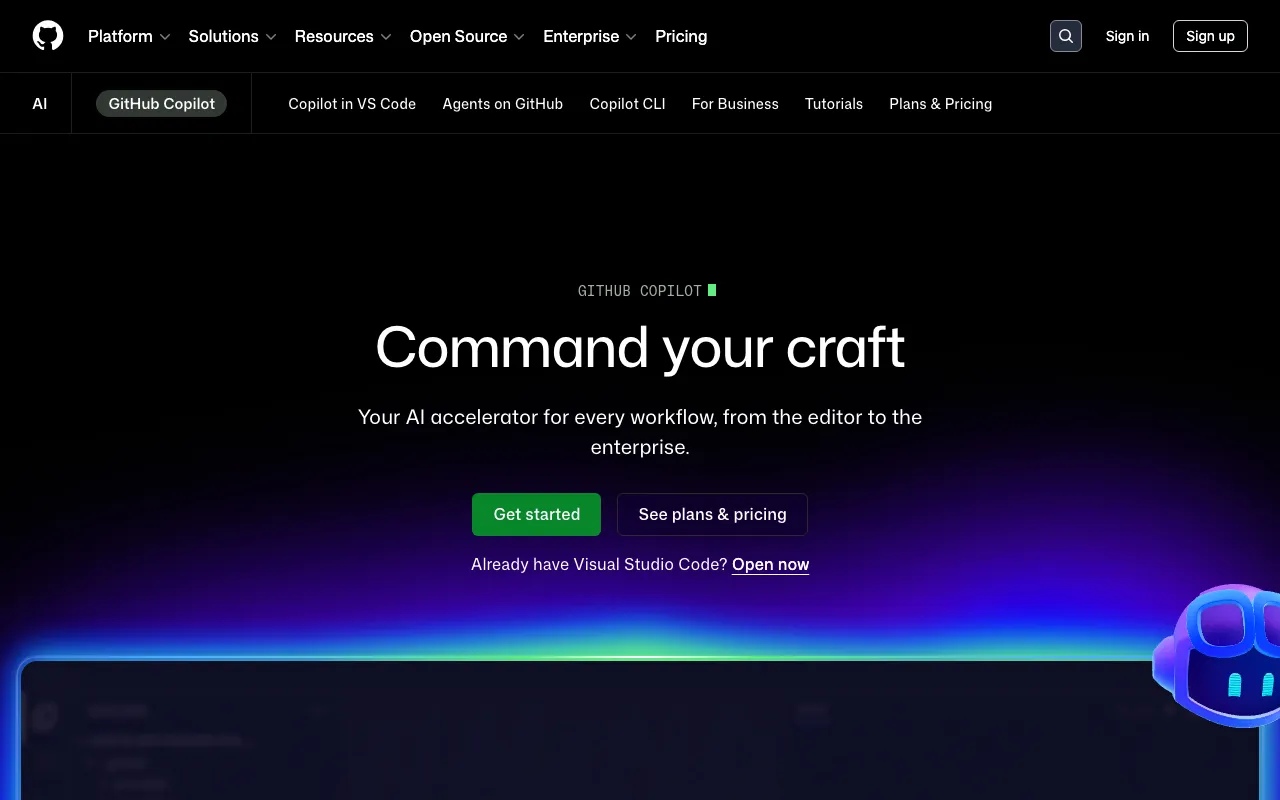
What is GitHub Copilot?
GitHub Copilot is an AI coding assistant developed by GitHub (Microsoft) that integrates directly into the IDE. It generates inline code completions as you type, offers a chat interface for questions and code generation, and includes an agent mode that can plan and execute multi-step development tasks autonomously. Suggestions are generated by models trained on public GitHub repositories and natural language text; the system uses the surrounding code context, open files, and workspace structure to produce relevant completions rather than retrieving stored snippets.
Beyond completions, Copilot covers the full development loop: it can review pull requests on GitHub.com, interpret natural language commands in the terminal via Copilot CLI, and — at higher tiers — query organization-specific knowledge bases. Model selection varies by plan: the free tier accesses lighter models (Claude Haiku 4.5, GPT-4o mini), while Pro+ and Max unlock premium options including Claude Opus. The service runs entirely in the cloud; there is no local inference option.
Who is it for?
GitHub Copilot is most useful for developers who already live in GitHub’s ecosystem — using GitHub for version control, pull requests, and CI/CD — and want AI assistance woven into that workflow without switching tools. The free tier’s 2,000 completions per month is sufficient for part-time or hobbyist use; the $10/month Pro plan is the practical entry point for full-time developers who need unlimited completions.
- Solo developers and students who want AI code completion without paying upfront — the free tier covers light daily use.
- Professional developers on GitHub teams who benefit from in-IDE chat, PR review automation, and codebase Q&A all connected to the same repository.
- Teams running agent workflows that need Copilot to autonomously scaffold features, refactor across files, or execute tasks described in natural language — best served by Pro+ or Max tiers.
- Enterprises on GitHub Enterprise that require audit logs, SSO, and organization-level model customization alongside the coding assistant.
How much does GitHub Copilot cost?
Starting price: $10/mo · Free tier: yes · Model: freemium
Price history tracked from June 2026
| Plan | Price | Includes |
|---|---|---|
| Free | $0/mo | 2,000 completions/month · 50 chat requests/month · Access to Claude Haiku 4.5 and GPT-4o mini · Copilot CLI |
| Pro | $10/mo | Unlimited code completions · $15/mo AI credits · Cloud agent and code review · All Free features |
| Pro+ | $39/mo | Premium models including Claude Opus · $70/mo AI credits · Audit logs · 4x+ usage vs Pro |
| Max | $100/mo | Priority access to new models and features · $200/mo AI credits · 2.9x+ usage vs Pro+ · Sustained high-volume agent workflows |
What are GitHub Copilot's key features?
- Inline code completions trained on public GitHub repositories
- Chat interface embedded in VS Code, JetBrains, Visual Studio, and GitHub.com
- Agent mode for autonomous multi-step task planning and execution
- Pull request code review automation
- Copilot CLI for natural language shell commands
- Support for VS Code, JetBrains, Neovim, Xcode, Eclipse, and Visual Studio
- Organization-level custom knowledge bases and model customization (Business/Enterprise)
- Multiple model options including Claude and GPT variants depending on tier
What people use GitHub Copilot for
- 01 Autocompleting boilerplate and repetitive code patterns during active development
- 02 Using agent mode to plan, scaffold, and execute multi-file refactors autonomously
- 03 Getting inline code review on pull requests without leaving GitHub
- 04 Running natural language terminal commands via Copilot CLI
- 05 Querying a codebase in chat to understand unfamiliar repositories quickly
Pros and cons
| Pros | Cons |
|---|---|
| Free tier with 2,000 completions/month is generous enough for occasional use | Pro new signups were temporarily paused at time of verification — availability may be limited |
| Deep GitHub integration means PRs, issues, and repos are all in context | Business and Enterprise pricing not published on the plans page; requires contacting sales |
| Broad IDE support covers the most common developer environments | Premium models and higher usage limits locked behind $39/mo Pro+ or higher tiers |
| Agent mode handles multi-file tasks without manual step-by-step direction | Chat is limited to VS Code, JetBrains, and Visual Studio — not all supported IDEs |
What are the best GitHub Copilot alternatives?
Windsurf is the closest GitHub Copilot alternative in our directory: it covers the same category (AI Coding), starts at $15/mo, has a free tier.
Ranked by category overlap with GitHub Copilot, then free-tier availability, then lowest verified starting price — computed from our verified data, never from sponsorships.
| Alternative | What it is | Starting price | Free tier | Price verified |
|---|---|---|---|---|
| Windsurf vs GitHub Copilot → | Agentic AI IDE with Cascade that writes, edits and runs code autonomously inside your editor | $15/mo | yes | Jun 11, 2026 |
| Claude | Anthropic's AI assistant built for long-context analysis, coding, and safe reasoning | $20/mo | yes | Jul 3, 2026 |
| Cursor vs GitHub Copilot → | AI-native code editor that runs autonomous agents to build, test, and review code | $20/mo | yes | Jul 3, 2026 |
| Bolt.new vs GitHub Copilot → | AI-powered web development platform that builds full-stack apps from a chat prompt | $25/mo | yes | Jul 3, 2026 |
| ChatGPT | Conversational AI assistant by OpenAI with multimodal reasoning, voice, and agent capabilities | $8/mo | yes | Jun 11, 2026 |
How people make money with GitHub Copilot
- Offer GitHub Copilot onboarding and workflow setup as a service on Upwork or Toptal — configuration, prompt engineering, and custom knowledge-base setup for teams migrating to AI-assisted development
- Build and sell VS Code extension bundles or workspace templates that pair Copilot with linting, testing, and CI configs — sold on the VS Code Marketplace or Gumroad
Frequently asked questions
Is GitHub Copilot free?
Yes. GitHub Copilot has a free tier that includes 2,000 code completions and 50 chat requests per month. No credit card is required. Unlimited completions require the Pro plan at $10/month.
How much does GitHub Copilot cost?
Individual plans are $0 (Free), $10/mo (Pro), $39/mo (Pro+), and $100/mo (Max). Business and Enterprise plans exist but pricing is not listed publicly — contact GitHub sales.
What IDEs does GitHub Copilot support?
GitHub Copilot supports VS Code, Visual Studio, JetBrains IDEs, Neovim, Xcode, and Eclipse. Chat functionality is currently available only in VS Code, JetBrains, and Visual Studio.
What is GitHub Copilot agent mode?
Agent mode lets Copilot autonomously plan and execute multi-step coding tasks — exploring the codebase, writing code across multiple files, and running commands — without requiring step-by-step instructions from the developer.
How does GitHub Copilot compare to Cursor?
Cursor is a standalone AI-first code editor built on VS Code with deep model integration, while GitHub Copilot is an extension that works inside existing IDEs including VS Code. Copilot's free tier is more generous (2,000 completions vs Cursor's limited free tier), but Cursor's paid plans offer tighter model control in a dedicated editing environment.
Can GitHub Copilot write entire files or just complete lines?
Copilot can do both. Inline completions suggest the next line or block; chat can generate entire files or functions; agent mode can scaffold and edit across multiple files in a single task.
Does GitHub Copilot work offline?
No. GitHub Copilot requires an internet connection to send code context to GitHub's servers and return suggestions.