InVideo AI
Prompt-to-video AI that assembles edited videos with stock footage, voiceover, and music
InVideo AI is a prompt-to-video tool: type a prompt, paste a script, or drop a URL and an AI agent assembles a full edited video with stock footage, voiceover, and music. The free plan exports watermarked 720p clips; paid plans start around $20/month (billed annually) to remove the watermark and unlock 1080p, with a higher tier adding 4K. Pricing and limits shift often. Best for social and marketing creators repurposing content quickly.
What is InVideo AI?
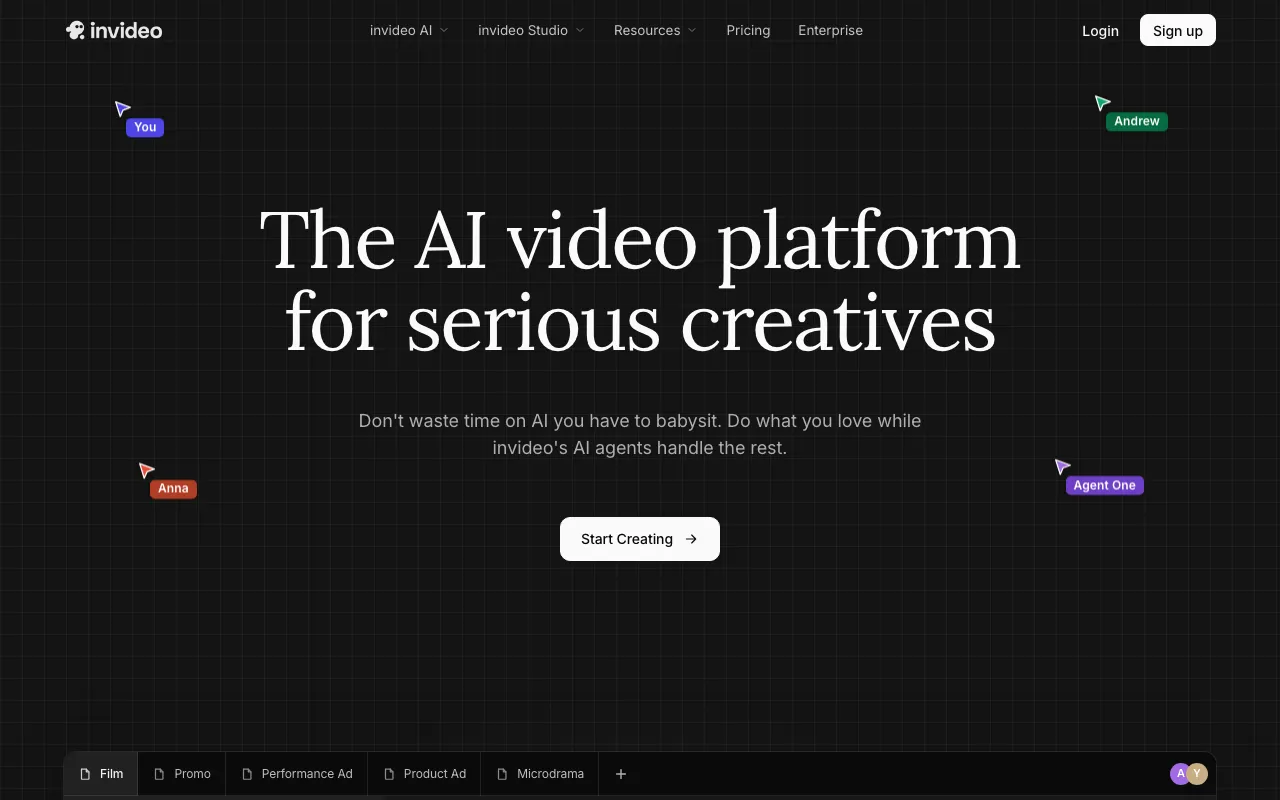
InVideo AI is a text-to-video creation tool aimed at social and marketing creators. You give it a prompt, a written script, or even a URL, and an AI agent assembles a complete edited video — pulling in licensed stock footage, generating a voiceover, adding background music, and cutting it together. Instead of editing on a timeline, you refine the result by telling the AI what to change in plain language (“make the intro shorter,” “swap the second clip”), which makes it fast for people who are not video editors.
The free plan is effectively a trial: exports carry an InVideo watermark, top out at 720p, and limit how many videos you can generate. Paid plans remove those limits — Plus, at roughly $20/month billed annually, drops the watermark and adds 1080p plus a commercial license and the full iStock and Storyblocks libraries; Max, around $48/month, adds up to 4K, more generation minutes, and API access; and a Generative tier near $100/month bundles third-party generative video models that create original footage. The credit system uses separate, non-rolling pools for AI minutes, stock downloads, voiceover, and voice clones, so it pays to understand the limits. Note that InVideo’s pricing and caps change frequently, and exact figures could not be confirmed on the official pricing page at the time of writing.
Who is it for?
InVideo AI suits people who need a lot of short video quickly and value speed over frame-by-frame control. It is built for marketing and social output rather than cinematic, original generative footage (except on the Generative tier).
- Social media creators turning scripts and blog posts into platform-ready clips at volume.
- Marketers and small businesses producing ads and promos without a video editor or shoot.
- Faceless-channel operators who want automated editing with stock footage and AI voiceover.
- Content teams repurposing one piece of source material into many video formats.
How much does InVideo AI cost?
Starting price: $0 · Free tier: yes · Model: freemium
Price history tracked from June 2026
| Plan | Price | Includes |
|---|---|---|
| Free | Free | InVideo watermark on every export · 720p export resolution · Limited weekly AI video generations · Basic stock library; no commercial license |
| Plus | $20/mo | Around $20/month billed annually (roughly $25 month-to-month) · Watermark removed; 1080p exports · Commercial license and full iStock / Storyblocks library · Monthly AI generation and voiceover minutes |
| Max | $48/mo | Around $48/month billed annually · Up to 4K exports and priority rendering · More AI generation minutes and stock downloads · API access |
| Generative | $100/mo | Around $100/month billed annually · Bundles third-party generative video models into the workflow · Generative credits plus higher AI video minutes |
What are InVideo AI's key features?
- Prompt-, script-, and URL-to-video generation
- AI agent that assembles footage, voiceover, and music into a full edit
- Large licensed stock library via iStock and Storyblocks
- AI voiceover with voice cloning on paid tiers
- Text-based editing — change the video by editing instructions
- Access to many underlying AI models for video, image, and audio
- Brand kits and commercial licensing on paid plans
- On-demand credit top-ups
What people use InVideo AI for
- 01 Turning a blog post or URL into a narrated social video automatically
- 02 Producing short marketing and ad clips at volume from text prompts
- 03 Generating talking-style explainer videos with AI voiceover
- 04 Editing a generated video by telling the AI what to change in plain language
- 05 Repurposing one script into multiple platform-specific formats
Pros and cons
| Pros | Cons |
|---|---|
| Fast prompt-to-finished-video flow, strong for social and marketing repurposing | Separate, non-rolling credit pools (AI minutes, stock downloads, voice clones) make limits easy to hit |
| Large licensed stock library with commercial rights baked into paid plans | The free plan is heavily restricted — watermark, 720p, and a low export quota make it effectively a trial |
| Watermark removal and 1080p start at a relatively low price point | Most output is assembled stock plus script rather than original generative footage (except on the Generative tier) |
| Aggregates many generative models in one place | Pricing and limits shift frequently, and exact tier prices were not verifiable on the official page at the time of writing |
What are the best InVideo AI alternatives?
Kling AI is the closest InVideo AI alternative in our directory: it covers the same category (AI Video), starts at $6.99/mo, has a free tier.
Ranked by category overlap with InVideo AI, then free-tier availability, then lowest verified starting price — computed from our verified data, never from sponsorships.
| Alternative | What it is | Starting price | Free tier | Price verified |
|---|---|---|---|---|
| Kling AI | AI video generator that creates 4K clips up to 15 seconds from text or image prompts | $6.99/mo | yes | Jun 11, 2026 |
| Runway | AI video generation platform for cinematic clips, world simulation, and conversational video agents | $12/mo | yes | Jun 11, 2026 |
| Opus Clip | AI video repurposing tool that turns long videos into short, captioned vertical clips ranked by predicted virality | $15/mo | yes | Jun 20, 2026 |
| Synthesia | AI video platform that generates studio-quality videos from text using AI avatars | $18/mo | yes | Jun 11, 2026 |
| HeyGen | AI video platform that generates avatar-based videos from text scripts with lip-sync in 175+ languages | $29/mo | yes | Jul 3, 2026 |
How people make money with InVideo AI
- Run a short-form video service producing social clips and ads for brands, billed per video or as a monthly content retainer
- Build faceless social channels at volume where InVideo handles editing and you handle scripting, monetized through ad revenue and sponsorships
Frequently asked questions
Is InVideo AI free?
There is a free plan, but it is limited: exports carry an InVideo watermark, are capped at 720p, and the number of AI video generations is restricted. It works as a trial; removing the watermark and unlocking 1080p requires a paid plan starting around $20/month (billed annually).
How much does InVideo AI cost?
Paid plans start at roughly $20/month for Plus (billed annually; about $25 month-to-month), which removes the watermark and adds 1080p and commercial licensing. Max is around $48/month for up to 4K, and a Generative tier near $100/month bundles third-party generative video models. Prices shift, so verify on the official site.
Does InVideo AI remove the watermark on paid plans?
Yes. The watermark appears only on the free plan. Paid plans (Plus and above) export without a watermark, add higher resolutions up to 1080p or 4K, and include a commercial license to use the videos in marketing.
What can InVideo AI make videos from?
You can start from a text prompt, a written script, or a URL such as a blog post. The AI agent then assembles stock footage, generates a voiceover, adds music, and produces a full edited video that you can refine with plain-language editing instructions.
Does InVideo AI have an API?
Yes, API access is offered on higher tiers (Max and above) for programmatic video generation. The free and entry plans are app-only, so check the current plan details if API access is a requirement.
Is InVideo AI's footage original or stock?
On most plans, InVideo assembles licensed stock footage (from iStock and Storyblocks) together with AI voiceover and music rather than generating original video. The Generative tier adds access to third-party generative video models that create new footage.