Kling AI
AI video generator that creates 4K clips up to 15 seconds from text or image prompts
Kling AI is a video generation platform from Kuaishou that produces 4K clips at up to 60 FPS from text or image prompts. The free tier gives 66 credits per day (roughly 1-6 short videos) with watermarks; paid plans start at $6.99/month (660 credits, watermark-free, 1080p). Best for solo creators and marketers who need volume output at a lower per-clip cost than Runway or Pika.
What is Kling AI?
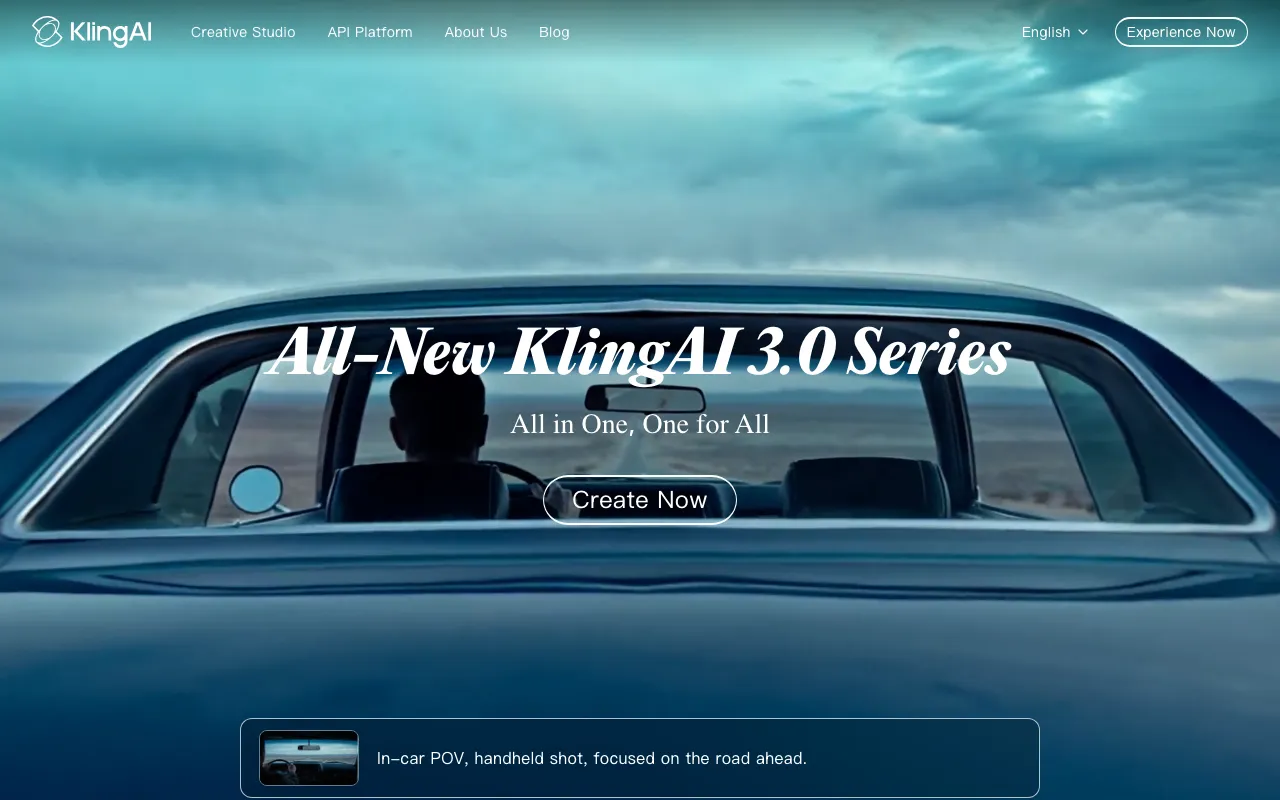
Kling AI is a video generation platform developed by Kuaishou, one of China’s largest short-video companies. It generates video clips from text prompts or reference images, with the current flagship model (Kling 3.0) producing up to 4K resolution at 60 FPS with 15-second clip lengths. The platform operates on a credit system: each generation consumes credits based on model version, resolution, and duration, with a 5-second 1080p clip costing roughly 40 credits and the same clip with native audio costing approximately 60 credits.
The distinguishing feature of Kling 3.0 is the AI Director mode, which allows up to 6 distinct shots — each with its own camera angle, shot size, and duration — to be specified within a single 15-second generation. The model maintains spatial continuity between shots automatically. Kling 2.6 introduced synchronized audio-video generation in a single pass, eliminating the need to add audio as a post-processing step. Video length can be extended beyond the 15-second generation limit by chaining 5-second extensions on paid plans, reaching up to 3 minutes. A REST API with separate prepaid resource packages is available for developers who need programmatic access.
Who is it for?
Kling AI suits creators and small teams who need a high volume of short video clips at a lower per-clip cost than premium competitors, and who can work within a web interface or REST API. The daily-refreshing free tier makes it more accessible for casual experimentation than tools with one-time trial credits, though commercial use and full resolution require a paid subscription.
Specific user types who get the most value:
- Social media content creators (TikTok, Reels, YouTube Shorts) who need a steady supply of AI-generated clips and can use the free tier for personal content or upgrade to Standard for commercial posting.
- Marketing and advertising freelancers who produce short video ads for clients; Kling’s lower starting price ($6.99/mo) reduces the cost basis for volume clip production compared to higher-priced platforms.
- Video editors and producers who need AI-generated b-roll to fill gaps in live-action projects or prototype storyboard sequences before a shoot.
- Developers and agencies building automated video generation pipelines who need API access with predictable per-unit costs via the prepaid resource package system.
How much does Kling AI cost?
Starting price: $6.99/mo · Free tier: yes · Model: freemium
Price history tracked from June 2026
| Plan | Price | Includes |
|---|---|---|
| Free | $0 | 66 credits/day (~1,980/mo) · Credits expire daily · Watermarked output · Up to 540p resolution · No commercial rights |
| Standard | $6.99/mo | 660 credits/mo · Watermark removal · 1080p output · Commercial use rights · Fast-track generation |
| Pro | $25.99/mo | 3,000 credits/mo · Priority processing · Batch generation · Early feature access |
| Premier | $64.99/mo | 8,000 credits/mo · High-priority processing · Volume batch generation |
| Ultra | $180/mo | 26,000 credits/mo · Highest priority queue · Beta feature access · No annual billing option |
What are Kling AI's key features?
- Kling 3.0 model generates up to 4K at 60 FPS with 15-second clip length
- AI Director mode packs up to 6 shots with distinct camera angles into a single 15-second generation
- Image-to-video and text-to-video generation modes
- Kling 2.6 native audio-video generation (synchronized sound in a single pass)
- Video extension up to 3 minutes by chaining 5-second segments on paid plans
- Credit-based system with 20% monthly rollover on paid tiers
- REST API with prepaid resource packages for programmatic access
- Free tier refreshes 66 credits every 24 hours with no subscription required
What people use Kling AI for
- 01 Generating marketing video clips from product photos or brand descriptions
- 02 Creating short-form social content (TikTok, Reels, YouTube Shorts) from text prompts
- 03 Producing AI b-roll to supplement live-action footage in video editing workflows
- 04 Prototyping storyboards and animatics before committing to a full production shoot
- 05 Building multi-shot narrative sequences using the AI Director feature in Kling 3.0
Pros and cons
| Pros | Cons |
|---|---|
| Free tier replenishes daily, making it genuinely usable for light ongoing work rather than just a trial | Free tier output is watermarked and capped at 540p; commercial use requires a paid plan |
| Kling 3.0 supports 4K at 60 FPS — higher spec than most consumer video generators | Credit costs vary significantly by model and resolution, making per-clip costs difficult to estimate before subscribing |
| AI Director multi-shot feature enables narrative sequences in a single generation | Prices vary by region and have changed multiple times in 2025-2026; verify at checkout |
| API available for developers with separate prepaid resource packages starting at $9.80 | Ultra plan ($180/mo) has no annual billing option, unlike lower tiers |
What are the best Kling AI alternatives?
Pika is the closest Kling AI alternative in our directory: it covers the same category (AI Video), starts at $8/mo, has a free tier.
Ranked by category overlap with Kling AI, then free-tier availability, then lowest verified starting price — computed from our verified data, never from sponsorships.
| Alternative | What it is | Starting price | Free tier | Price verified |
|---|---|---|---|---|
| Pika vs Kling AI → | AI video generator that turns text prompts and photos into short-form videos with scene editing tools | $8/mo | yes | Jun 11, 2026 |
| Luma Dream Machine vs Kling AI → | AI video generator that creates cinematic clips from text or images using the Ray 2 model | $9.99/mo | yes | Jun 11, 2026 |
| Runway vs Kling AI → | AI video generation platform for cinematic clips, world simulation, and conversational video agents | $12/mo | yes | Jun 11, 2026 |
| HeyGen vs Kling AI → | AI video platform that generates avatar-based videos from text scripts with lip-sync in 175+ languages | $29/mo | yes | Jul 3, 2026 |
| FLUX | API-first AI image generator from Black Forest Labs with per-image pay-as-you-go pricing | $0.014/image | yes | Jun 11, 2026 |
| Midjourney | AI image generator that creates high-quality art and photos from text prompts via web and Discord | $10/mo | no | Jun 11, 2026 |
How people make money with Kling AI
- Produce short AI video ads for small businesses and freelance via Fiverr or direct outreach — Kling's lower credit cost per clip makes volume work viable.
- Generate AI b-roll footage for stock libraries such as Pond5 or Artgrid — niche scenes (abstract, sci-fi, nature) that are hard to film are in demand.
Frequently asked questions
Is Kling AI free?
Yes. Kling AI has a free tier that provides 66 credits per day, resetting every 24 hours. Free outputs are watermarked and limited to up to 540p resolution. Commercial use rights require a paid plan starting at $6.99/month.
How much does Kling AI cost per month?
Paid plans start at $6.99/month (Standard, 660 credits). Higher tiers are Pro at $25.99/month (3,000 credits), Premier at $64.99/month (8,000 credits), and Ultra at $180/month (26,000 credits). Annual billing saves approximately 34% on Standard through Premier tiers.
What is the maximum video length in Kling AI?
A single generation produces up to 15 seconds (Kling 3.0). Using the video extension feature on paid plans, you can chain 5-second segments to reach up to 3 minutes total.
What resolution does Kling AI support?
Kling 3.0 supports up to 4K resolution at 60 FPS. The free tier is limited to up to 540p. The Standard paid plan unlocks 1080p; higher tiers unlock 4K output.
Can I use Kling AI videos commercially?
Commercial use rights are included on all paid plans starting from the Standard tier ($6.99/month). Free tier outputs cannot be used commercially.
Does Kling AI have an API?
Yes. Kling AI offers a REST API with a separate prepaid resource package system, starting from a $9.80 trial package (100 units). API pricing is distinct from the subscription credit system.
How does Kling AI compare to Runway?
Kling AI's free tier replenishes daily, making it more usable for ongoing experimentation. Runway's free tier is 125 one-time credits that do not replenish. Kling's Standard plan ($6.99/mo) is cheaper than Runway's entry plan ($12/mo). Runway offers more advanced features like Act-Two lip-sync and the GWM world simulation research line.