Jan
Open-source desktop app that runs LLMs fully offline on your own hardware, with an OpenAI-compatible local API server
Jan is a free, genuinely Apache 2.0 licensed desktop app that runs open-weight LLMs entirely offline on your own machine, with roughly 43,600 GitHub stars and v0.8.3 shipped on 24 June 2026. There is no paid tier, no account requirement, and no usage metering — you pay only for your hardware and for any cloud provider keys you choose to attach. Best for privacy-sensitive users running local models on Apple Silicon, Windows, or Linux.
What is Jan?
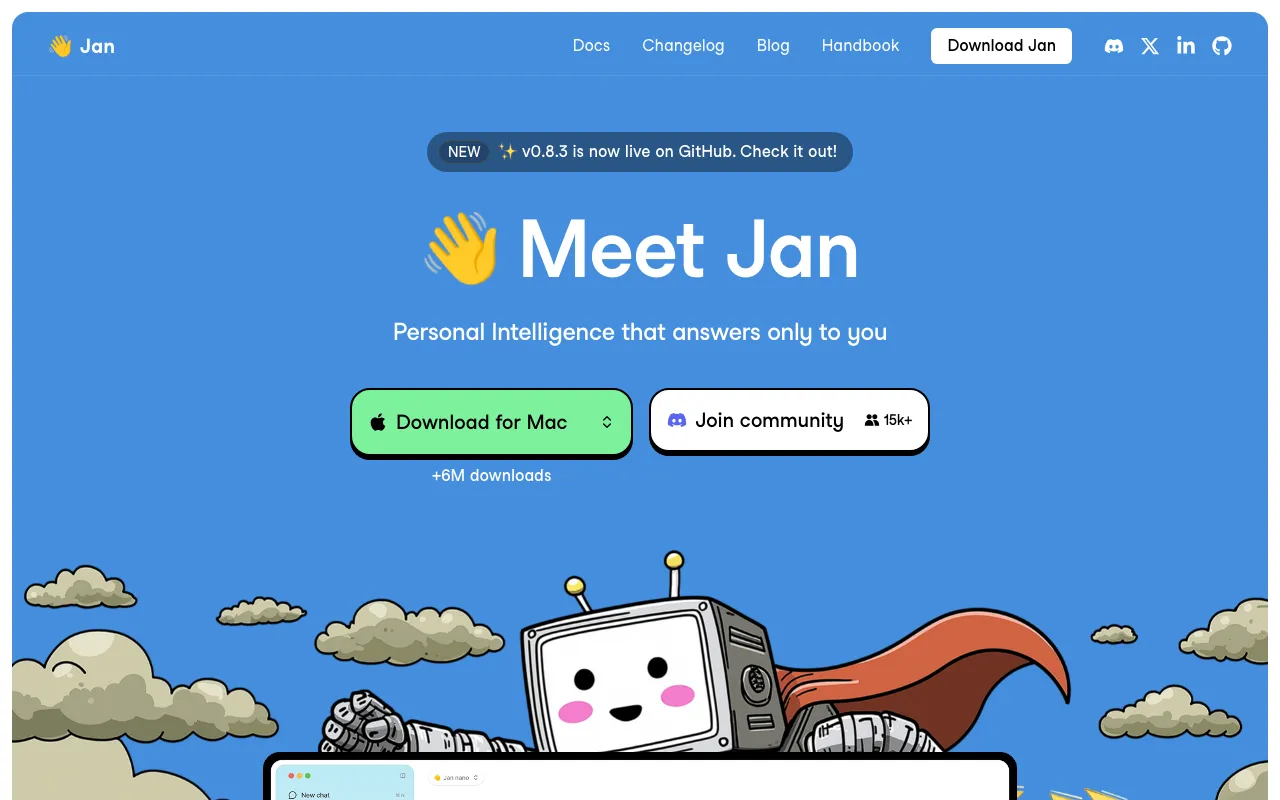
Jan is a desktop application from Menlo Research that runs large language models directly on your own computer instead of calling a hosted service. You download an open-weight model, and inference happens locally through llama.cpp — or through Apple MLX on Apple Silicon — so prompts, documents, and conversation history stay in a folder on your disk. There is no account to create and no sign-in wall. Alongside third-party open models, Jan ships its own family of small models built for reasoning, agents, and deep research, including Jan-v3-4B, Jan-Code-4B, the vision-capable Jan-v2-VL, and the Jan Nano variants at 32k and 128k context.
The developer surface is the part that separates Jan from a plain chat window. A built-in OpenAI-compatible server listens on port 1337 by default, so existing client code can point at a local endpoint with almost no changes and no per-token bill; you can add an API key and bind it to your local network if other devices need access. Jan supports MCP servers with configurable routing, and its CLI can serve a model and automatically wire an external coding agent to it. If you would rather use a frontier model for a particular task, Jan also connects to OpenAI, Anthropic, Google, Groq, Mistral, Azure, OpenRouter, and Hugging Face using your own keys — those calls are billed by the provider, and Jan takes no cut. The licence is Apache 2.0, confirmed in the repository’s LICENSE file, which matters because several nominally open local-AI tools ship source-available terms instead.
Who is it for?
Jan suits people who want a capable assistant without handing their data to a third party, and who have hardware that can actually hold a useful model. Memory is the binding constraint rather than price: about 3B models on 8GB, 7B on 16GB, and 13B on 32GB. That ceiling means a local model will not match a frontier cloud model on hard reasoning, so Jan is strongest where privacy, offline access, or zero marginal cost matter more than peak capability.
- Privacy-sensitive professionals in law, medicine, or finance who cannot send client material to a cloud API but still want everyday AI assistance.
- Developers who want a free OpenAI-compatible endpoint for prototyping, testing, and CI without accruing per-token charges.
- Apple Silicon owners with 16GB or more of unified memory, who get Metal acceleration and the MLX engine — though Intel Mac users are excluded entirely.
- Anyone comparing local runners who wants a finished chat app rather than the command-line focus of Ollama, the model-benchmarking emphasis of LM Studio, or the multi-user server model of Open WebUI.
- Teams wary of licence traps who need genuine Apache 2.0 terms they can audit, fork, and redistribute without a branding or seat-count clause.
How much does Jan cost?
Starting price: $0 · Free tier: yes · Model: open-source
Price history tracked from June 2026
| Plan | Price | Includes |
|---|---|---|
| Jan Desktop | Free | Apache 2.0 licensed, no account and no sign-in required · Runs open-weight models fully offline on macOS, Windows, and Linux · OpenAI-compatible local API server included at no cost · llama.cpp and Apple MLX inference engines built in · Product analytics are opt-in; chats and prompts are never logged |
| Bring-your-own cloud provider | Provider rates | Optional connections to OpenAI, Anthropic, Google, Groq, Mistral, Azure, OpenRouter, and Hugging Face · Custom OpenAI-compatible endpoints also supported · Keys go directly to the provider — Jan adds no markup or subscription |
What are Jan's key features?
- Fully offline inference via llama.cpp, with Apple MLX as a second engine on Apple Silicon
- OpenAI-compatible local API server that listens on port 1337 by default, with optional API key auth
- In-house Jan model family including Jan-v3-4B, Jan-Code-4B, Jan-v2-VL, and the Jan Nano 32k and 128k variants
- Optional cloud provider connections for OpenAI, Anthropic, Google, Groq, Mistral, Azure, OpenRouter, and Hugging Face
- MCP (Model Context Protocol) server support with configurable request routing
- Projects, assistants, and file upload for organising work and grounding answers in your own documents
- Jan CLI with a launch command that serves a local model and pre-wires an external agent to it
- Message version branching, plus HTML and SVG artifact previews added in v0.8.3
What people use Jan for
- 01 Running a private ChatGPT-style assistant on a laptop where no prompt or document ever leaves the machine
- 02 Developing against an OpenAI-compatible endpoint locally without paying per-token cloud API fees
- 03 Working with AI on a plane, in an air-gapped facility, or anywhere without reliable internet access
- 04 Pointing an external coding agent such as Claude Code at a locally served model via the Jan CLI
- 05 Switching between a local model and a frontier cloud model in one interface, per conversation
Pros and cons
| Pros | Cons |
|---|---|
| Genuinely OSI open source under Apache 2.0, verified in the repository LICENSE file rather than inferred from a badge | Intel Macs are not supported at all; macOS 13.6 or higher on Apple Silicon is required |
| Completely free with no paid tier, no seat cost, no usage cap, and no account required to start | Answer quality is capped by what your RAM can hold — roughly 3B models on 8GB, 7B on 16GB, and 13B on 32GB, all well below frontier cloud models |
| Runs entirely offline once weights are downloaded, and product analytics are opt-in with no prompt or chat logging | In-app agents were removed in v0.7.9 over resource and security concerns, so agentic work now needs a separately installed CLI agent |
| Actively maintained — roughly 43,600 GitHub stars, v0.8.3 released 24 June 2026, and commits landing through mid-July 2026 | No mobile app; the desktop build plus a local network server is the only way to reach it from a phone |
| The local server is OpenAI-compatible, so existing client code can point at it with almost no changes | Headline features including Memory and the Jan Platform infrastructure layer are still marked coming soon rather than shipped |
What are the best Jan alternatives?
LM Studio is the closest Jan alternative in our directory: it covers the same category (AI Chatbots), starts at $0, has a free tier.
Ranked by category overlap with Jan, then free-tier availability, then lowest verified starting price — computed from our verified data, never from sponsorships.
| Alternative | What it is | Starting price | Free tier | Price verified |
|---|---|---|---|---|
| LM Studio | Desktop app to discover, download, and run open-source LLMs locally and privately, with an OpenAI-compatible local server | $0 | yes | Oct 11, 2026 |
| Ollama | Free, open-source tool to run open-weight LLMs locally via CLI, desktop, or API — with an optional paid cloud for larger models | $0 | yes | Oct 13, 2026 |
| Open WebUI | Self-hosted web interface for local and API-based LLMs, free for unlimited users as long as the branding stays intact | $0 | yes | Jul 18, 2026 |
| ChatGPT | Conversational AI assistant by OpenAI with multimodal reasoning, voice, and agent capabilities | $8/mo | yes | Jun 11, 2026 |
| Claude | Anthropic's AI assistant built for long-context analysis, coding, and safe reasoning | $20/mo | yes | Jul 3, 2026 |
Head-to-head comparisons
How people make money with Jan
- Offer offline AI deployment for clinics, law firms, and accountants that cannot send client data to a cloud API — scope it as a fixed setup fee for hardware sizing and model selection plus a monthly maintenance retainer
- Build and sell vertical desktop tools against Jan's OpenAI-compatible local endpoint, charging a one-time licence per seat, since end users run inference on their own machines and you carry no per-token inference bill
- Run paid workshops or a subscription video course teaching regulated teams how to pick quantisations, size context windows, and wire MCP servers for fully local AI, billed per seat or as a recurring membership
Frequently asked questions
Is Jan free?
Yes. Jan is completely free with no paid tier, no subscription, no usage cap, and no account requirement. The site publishes no pricing page at all. Your only costs are the hardware you run it on and, optionally, whatever a cloud provider charges if you attach your own API key — those charges go directly to that provider, not to Jan.
Is Jan actually open source?
Yes. The LICENSE file in the janhq/jan repository is the Apache License 2.0, copyright Menlo Research, and the documentation states the same. GitHub reports the licence as NOASSERTION only because the file appends a line requesting attribution in user-facing materials. That request is not a binding restriction, so Jan is OSI-style open source rather than merely source-available.
Does Jan work offline?
Yes. Once model weights are downloaded, Jan runs inference entirely on your own hardware with no internet connection needed. Conversations, settings, and logs are stored in a local data folder. Only optional cloud provider models require network access, and only optional product analytics leave the machine if you enable them at first launch.
What hardware do I need to run Jan?
Jan needs macOS 13.6 or higher on Apple Silicon, or a Windows or Linux machine, plus at least 10GB of free storage. Memory decides which models fit: 8GB typically handles models up to about 3B comfortably, 16GB up to about 7B, and 32GB up to about 13B with headroom for longer context windows.
Can I use Jan as an API?
Yes. Jan ships a built-in OpenAI-compatible server that listens on 127.0.0.1 port 1337 by default and is powered by llama.cpp. You start it from the Local API Server settings panel, optionally set an API key, and point existing OpenAI client code at it. Binding to 0.0.0.0 exposes it to other devices on your network.
How is Jan different from Ollama and LM Studio?
All three run open-weight models locally. Jan leads with a polished chat app plus its own Jan model family and a CLI that wires external coding agents to a local endpoint. Ollama is more command-line and server oriented, while LM Studio focuses on model discovery and benchmarking. Jan's Apache 2.0 licence is the most permissive of the three.
Does Jan support cloud models like GPT and Claude?
Yes. Alongside local inference, Jan connects to OpenAI, Anthropic, Google, Groq, Mistral, Azure OpenAI, OpenRouter, Hugging Face, and any custom OpenAI-compatible endpoint using your own API keys. Those requests necessarily leave your machine and are billed by the provider directly. Local models remain the default for anything private.
Can Jan run autonomous agents?
Not inside the app. The in-app OpenClaw integration was removed in v0.7.9 over resource usage and security concerns. Agents now run as external programs: the jan launch command starts a local model server and pre-configures an agent CLI such as Claude Code or OpenClaw to use it. You install that agent yourself first.