Topaz Labs
Professional AI photo and video enhancement software for upscaling, denoising, sharpening, and restoration
Topaz Labs makes professional AI tools for enhancing photos and video — Gigapixel (upscaling up to 16x), Photo (denoise, sharpen, face recovery), and Video (upscaling, frame interpolation, stabilization). As of October 2025 it is subscription-only: Gigapixel from $149/year, Photo $199/year, Video $299/year, and the all-apps Topaz Studio bundle $399/year. Best for photographers, video editors, and archivists who need top-tier upscaling.
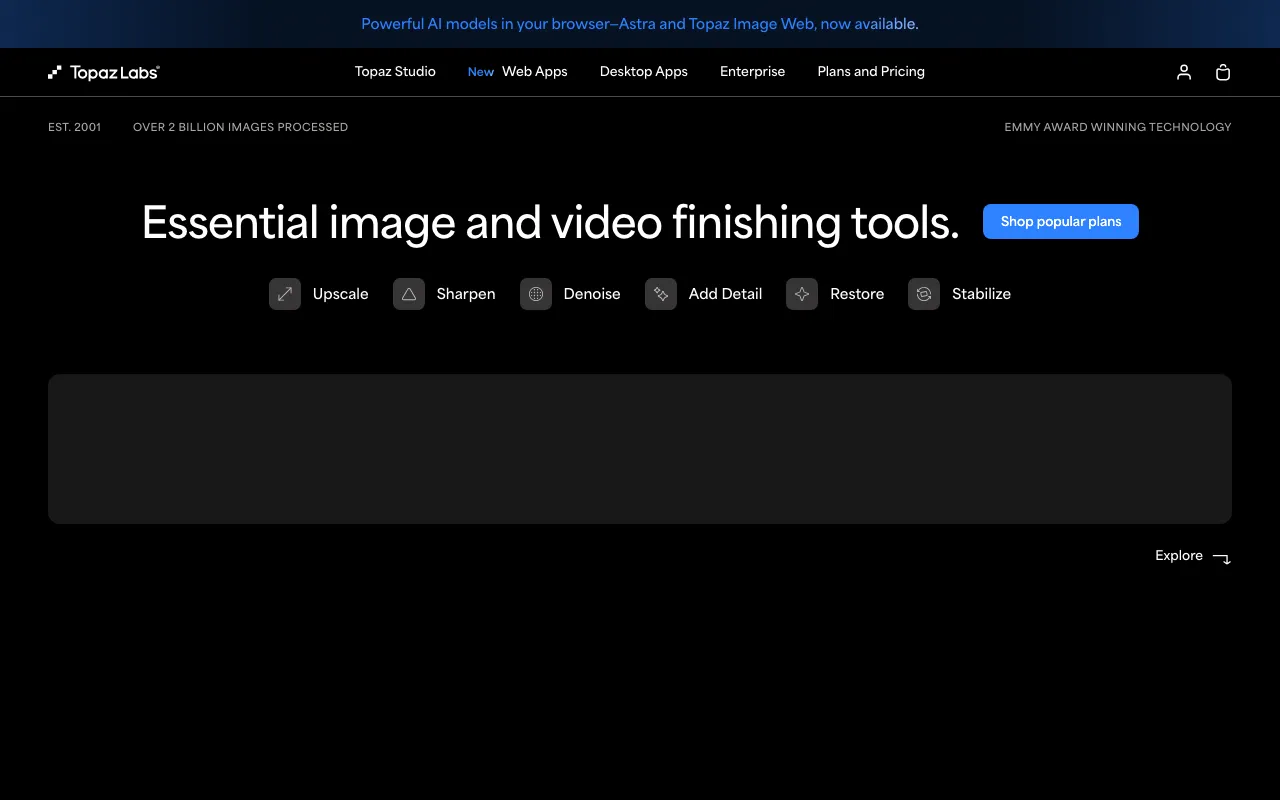
What is Topaz Labs?
Topaz Labs makes professional AI software for enhancing images and video. Its tools are best known for upscaling — enlarging low-resolution files while reconstructing realistic detail — but they also handle noise reduction, sharpening, face recovery, frame interpolation, and stabilization. The lineup centers on three apps: Gigapixel for upscaling (up to 16x), Photo for denoising and sharpening stills, and Video for restoring and enlarging footage. A Photoshop plugin and Lightroom Classic integration let the tools slot into existing editing workflows.
The business model changed significantly in late 2025: as of October 3, 2025, Topaz ended perpetual one-time licenses and moved everything to subscriptions, billed monthly or annually. Gigapixel starts at $149/year, Photo at $199/year, and Video at $299/year, while the all-apps Topaz Studio bundle — which adds 100+ cloud AI models and unlimited cloud processing — is $399/year. Desktop apps still allow unlimited local rendering, so heavy processing is not metered per image.
Who is it for?
Topaz Labs is aimed at people for whom output quality matters enough to pay for specialized tools rather than rely on general editors’ built-in enhancement. The subscription-only shift makes it a recurring cost, so it suits regular use more than occasional one-off jobs.
- Photographers preparing images for large prints who need maximum detail from upscaling.
- Video editors and restorers upscaling or stabilizing footage for production and archival projects.
- Archivists and family historians restoring old, damaged, or noisy photos.
- AI artists who generate images at lower resolution and want to enlarge and sharpen them for final delivery.
How much does Topaz Labs cost?
Starting price: $149/yr · Free tier: no · Model: paid
Price history tracked from June 2026
| Plan | Price | Includes |
|---|---|---|
| Gigapixel | $149/yr | Also $29/month · AI upscaling up to 16x · Unlimited local and cloud rendering · Specialized upscaling models |
| Photo | $199/yr | Also $39/month · Includes Gigapixel upscaling · Denoise, sharpen, and face recovery · Batch processing |
| Video | $299/yr | Also $59/month · AI video upscaling · Frame interpolation and stabilization · For production and archival footage |
| Topaz Studio | $399/yr | Bundle of all apps · 100+ cloud AI models · Unlimited cloud processing · Also offered monthly |
What are Topaz Labs's key features?
- AI image upscaling up to 16x with multiple specialized models
- Face recovery and detail enhancement on portraits
- AI noise reduction, sharpening, and image restoration
- AI video upscaling, frame interpolation, and stabilization
- Batch processing with unlimited local rendering
- Photoshop plugin and Lightroom Classic integration
What people use Topaz Labs for
- 01 Upscaling low-resolution photos for large prints
- 02 Restoring old, blurry, or noisy images
- 03 Upscaling and restoring video footage for production and archives
- 04 Enhancing AI-generated images to higher resolution and detail
Pros and cons
| Pros | Cons |
|---|---|
| Industry-leading upscaling and restoration quality across both image and video | Moved to subscription-only on October 3, 2025 — perpetual one-time licenses are no longer sold |
| Wide model selection plus integrations (Photoshop, Lightroom) | No free tier, and free-trial availability is not clearly advertised |
| Desktop apps allow unlimited local rendering with no per-use metering | Full Studio bundle and Pro tiers are expensive ($399/year and up) |
What are the best Topaz Labs alternatives?
Krea AI is the closest Topaz Labs alternative in our directory: it covers the same category (AI Image Generation), starts at $9/mo, has a free tier.
Ranked by category overlap with Topaz Labs, then free-tier availability, then lowest verified starting price — computed from our verified data, never from sponsorships.
| Alternative | What it is | Starting price | Free tier | Price verified |
|---|---|---|---|---|
| Krea AI | Real-time AI creative suite for image, video, 3D, and lipsync generation with 150+ models in one canvas | $9/mo | yes | Oct 11, 2026 |
| Adobe Firefly | Commercially safe AI image generator trained on licensed content with Creative Cloud integration | $9.99/mo | yes | Aug 27, 2026 |
| Photoroom | AI photo editor for e-commerce — background removal, AI product backgrounds, and batch editing | $12.99/mo | yes | Oct 21, 2026 |
| Magnific AI | Generative AI image upscaler and enhancer that hallucinates realistic detail up to 16x, now part of Freepik | ~$5.75/mo | no | Jun 20, 2026 |
How people make money with Topaz Labs
- Offer a photo-restoration service on marketplaces like Etsy or Fiverr — take customers' old, blurry, or damaged family photos and return enhanced, print-ready versions, pricing per image or per batch
- Sell large-format print upscaling to artists, photographers, and e-commerce sellers who need low-resolution images enlarged for posters or product displays, charging a per-file enhancement fee
Frequently asked questions
How much does Topaz Labs cost?
Topaz Labs is subscription-based as of October 2025. Gigapixel starts at $149/year, Photo at $199/year, and Video at $299/year, each also available monthly. The Topaz Studio bundle, which includes all apps and cloud models, is $399/year.
Does Topaz Labs still sell one-time licenses?
No. Topaz ended perpetual one-time licenses on October 3, 2025, and all products are now subscriptions billed monthly or annually. Existing perpetual-license owners keep what they bought, but new purchases are subscription only.
What does Topaz Gigapixel do?
Gigapixel is Topaz's dedicated upscaling app. It enlarges images up to 16x using AI models trained for different content types, recovering detail and sharpness that simple resizing cannot. It is commonly used to prepare images for large prints.
Can Topaz Labs enhance video?
Yes. Topaz Video provides AI upscaling, frame interpolation for smoother motion, and stabilization. It is used to restore and upscale older or low-resolution footage for production and archival workflows, billed at $299/year or monthly.
Is there a free version of Topaz Labs?
Topaz Labs has no free tier, and free-trial availability is not clearly advertised on its product pages. All current products require a monthly or annual subscription, starting at $149/year for Gigapixel.
Does Topaz Labs work with Photoshop and Lightroom?
Yes. Topaz apps integrate as a Photoshop plugin and work alongside Lightroom Classic, so you can route images through Topaz for upscaling, denoising, or sharpening and return them to your existing editing workflow.