Wispr Flow
AI dictation that types your speech into any app with automatic editing and formatting
Wispr Flow is an AI dictation tool that types your speech into any app — email, docs, Slack, or an IDE — with automatic editing that strips filler words and formats to context. It claims 220 WPM, roughly 4x faster than typing, across 100+ languages. A free tier gives 2,000 words per week on desktop; Flow Pro is $15/month ($12 billed annually) for unlimited dictation. Best for people who write a lot and want system-wide voice input everywhere, not a separate transcription app.
What is Wispr Flow?
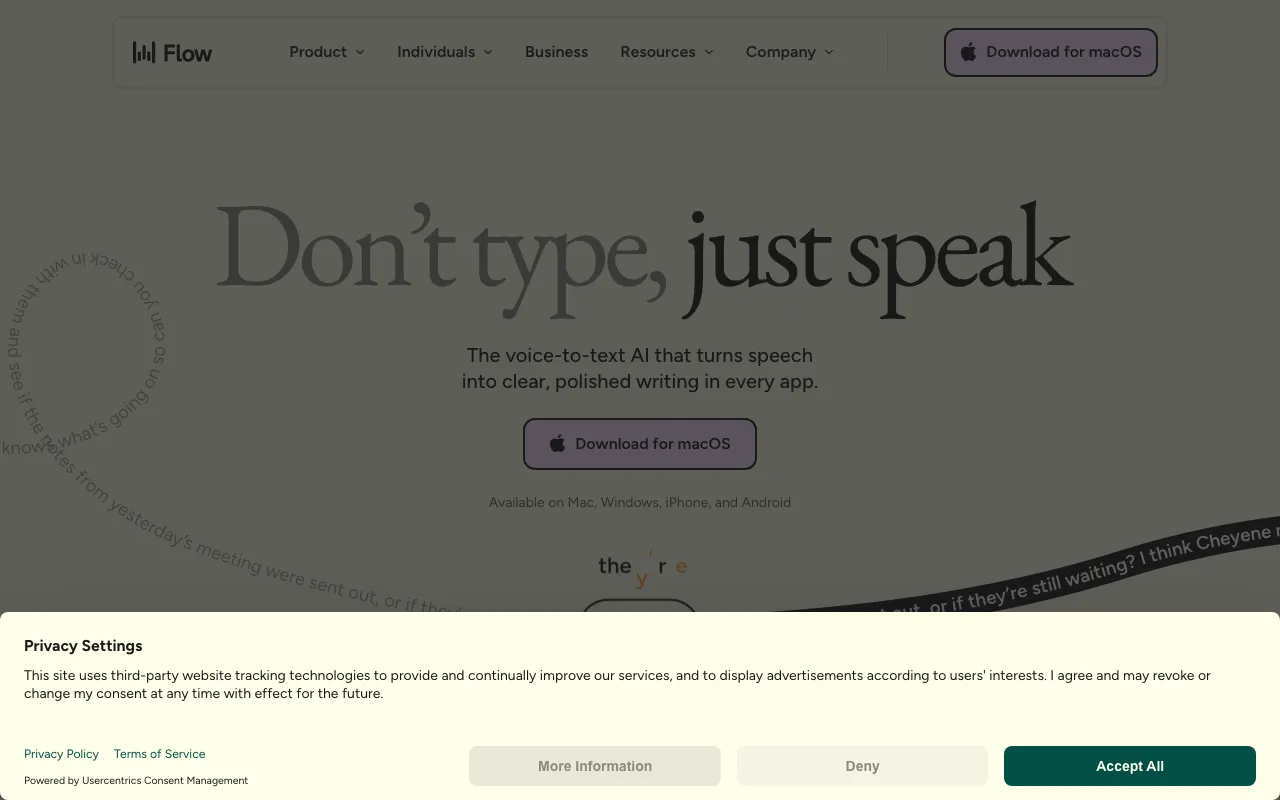
Wispr Flow is an AI dictation tool that turns speaking into a primary input method. Instead of opening a transcription app and copying text out, Flow runs as a system-wide floating overlay: you hold a hotkey, talk, and it types directly into whatever app is focused — email, a document, Slack, a browser field, or a code editor. The distinguishing feature is the AI cleanup layer. Flow strips filler words like “um” and “uh,” adds punctuation and capitalization, structures lists, and adapts formatting to context, so what lands on the page is finished writing rather than a raw transcript. It claims roughly 220 words per minute, about four times faster than typing, and supports over 100 languages with automatic detection and mid-sentence code-switching.
The product is built by Wispr AI, an independent company that raised $25M in November 2025 and states it is building its own models and infrastructure (today’s pipeline reportedly pairs a transcription subprocessor with a fine-tuned cleanup model). Flow ships native apps for macOS, Windows, and iPhone, with Android still in limited rollout. It learns a personal dictionary of names and jargon over time, offers a snippet and command library for templated voice shortcuts, and — on Flow Pro — a command mode that lets you edit text by voice. Pricing is straightforward: a capped free tier, a flat Pro subscription, and a custom Enterprise plan.
Who is it for?
Wispr Flow suits people who produce a high volume of text and would rather talk than type — and who want that everywhere, not just inside one app. Because it processes audio in the cloud, it fits users comfortable with that trade-off; those who need fully offline dictation will prefer a local-model alternative. The free tier is enough to build the habit, but its weekly word cap means committed users move to Pro quickly.
- Heavy writers and communicators — founders, managers, and creators — who send a lot of email and messages and want voice input across every app.
- Developers who dictate comments, prompts, and documentation into an editor faster than typing.
- People with typing strain or accessibility needs who want reliable system-wide voice input on Mac, Windows, or iPhone.
- Multilingual users who switch languages mid-sentence and need automatic detection rather than manual mode-switching.
How much does Wispr Flow cost?
Starting price: $15/mo · Free tier: yes · Model: freemium
Price history tracked from June 2026
| Plan | Price | Includes |
|---|---|---|
| Flow Basic | Free | 2,000 words/week on Mac or Windows, 1,000/week on iPhone · Custom dictionary and 100+ languages · Privacy mode, HIPAA-ready |
| Flow Pro | $15/mo | $12/user/mo billed annually (20% off, ~$144/yr) · Unlimited words on all platforms · Command mode for voice editing · Priority support, early access, team collaboration |
| Flow Enterprise | Custom | SOC 2 Type II and ISO 27001 · Enforced HIPAA, SSO/SAML, admin dashboards · Bulk-pricing discounts |
What are Wispr Flow's key features?
- System-wide dictation that types into any app via a floating overlay
- Auto-editing that removes filler words and applies punctuation, capitalization, and lists
- Context-aware formatting that adapts to code, email, or notes
- Command mode for voice-driven text editing on Flow Pro
- Auto-learning personal dictionary for names and jargon, plus a snippet/command library
- 100+ languages with automatic detection and mid-sentence code-switching
What people use Wispr Flow for
- 01 Dictating email, messages, and documents into any app instead of typing
- 02 Writing code comments and AI prompts by voice inside an editor
- 03 Capturing long-form drafts quickly at speaking speed
- 04 Reducing typing strain with system-wide voice input across Mac, Windows, and iPhone
Pros and cons
| Pros | Cons |
|---|---|
| Types into any application, unlike standalone transcription apps | Audio is processed in the cloud (OpenAI as a subprocessor) with no offline/local mode, unlike superwhisper |
| AI cleanup produces formatted writing, not the raw transcript of OS dictation | Free tier's 2,000 words/week (1,000 on iPhone) runs out fast, pushing heavy users to the subscription |
| Free tier of 2,000 words/week and a 14-day Pro trial with no credit card | No full Android release yet (waitlist), and accuracy on heavy jargon or in noisy settings still leans on the custom dictionary |
| Cross-platform across macOS, Windows, and iPhone with 100+ languages |
What are the best Wispr Flow alternatives?
Krisp is the closest Wispr Flow alternative in our directory: it covers the same category (AI Productivity), starts at $8/mo, has a free tier.
Ranked by category overlap with Wispr Flow, then free-tier availability, then lowest verified starting price — computed from our verified data, never from sponsorships.
| Alternative | What it is | Starting price | Free tier | Price verified |
|---|---|---|---|---|
| Krisp | Real-time AI noise cancellation plus an AI meeting assistant that records, transcribes, and summarizes calls | $8/mo | yes | Jun 28, 2026 |
| Otter.ai | AI meeting assistant that transcribes, summarizes and extracts action items from conversations | $8.33/user/mo | yes | Aug 27, 2026 |
| Grammarly | AI writing assistant that checks grammar, tone, and clarity and generates text across apps and browsers | $0 | yes | Jun 22, 2026 |
| Speechify | Text-to-speech and voice AI platform that reads any document aloud in 1,000+ voices | $11.58/mo | yes | Jun 11, 2026 |
How people make money with Wispr Flow
- Offer a productivity-consulting service that sets up voice-first workflows for busy executives and writers using Wispr Flow, billing per onboarding session or a monthly retainer
- Ghostwrite newsletters and long-form content faster by dictating drafts at speaking speed, then editing and delivering per piece through a freelance marketplace
Frequently asked questions
Is Wispr Flow free?
Yes, Wispr Flow has a free tier called Flow Basic that allows 2,000 words per week on Mac or Windows and 1,000 words per week on iPhone. It includes the custom dictionary, 100-plus languages, and privacy mode. Unlimited dictation requires Flow Pro at $15 per month, or $12 per month billed annually.
How much does Wispr Flow cost?
Flow Pro costs $15 per user per month, or $12 per month billed annually (a 20% discount, about $144 per year). It adds unlimited words on all platforms, command mode for voice editing, and priority support. A free Basic tier and a custom-priced Enterprise plan complete the lineup. Students get three months free plus 50% off.
What does Wispr Flow do?
Wispr Flow is an AI dictation tool that types your spoken words directly into any application — email, documents, Slack, browsers, or a code editor — through a floating overlay. It automatically removes filler words, adds punctuation, and formats text to context, so the output is clean writing rather than a raw transcript. It claims about 220 words per minute.
How is Wispr Flow different from Apple or Windows dictation?
Built-in OS dictation produces raw text with no smart editing, so you fix filler words and punctuation yourself. Wispr Flow adds an AI cleanup layer that removes 'um' and 'uh,' punctuates, capitalizes, structures lists, and adapts formatting to the app you're in — code, email, or notes — and works across Mac, Windows, and iPhone.
Is Wispr Flow private?
Wispr Flow processes audio in the cloud, using OpenAI as a transcription subprocessor, so there is no fully offline or local mode like superwhisper offers. It provides a privacy mode, is HIPAA-ready, and the Enterprise plan adds SOC 2 Type II and ISO 27001. Privacy-sensitive users should review its data handling before dictating confidential content.
What platforms does Wispr Flow support?
Wispr Flow has native apps for macOS, Windows, and iPhone. A full Android release was still in waitlist or limited rollout at the time of verification, which is its main platform gap. It works system-wide on supported platforms, typing into any app rather than only into its own window.