Wordtune
AI writing and rewriting assistant from AI21 Labs that paraphrases, summarizes, and adjusts tone inline
Wordtune is an AI writing and rewriting assistant from AI21 Labs that paraphrases, shortens, expands, and adjusts the tone of your text inline. The Basic tier is free (10 rewrites/day); Advanced is $6.99/month and Unlimited is $9.99/month, dropping to about $4.89 and $6.99 on annual billing. It outputs in English only, so it is best for refining and tightening existing English writing rather than generating long-form drafts.
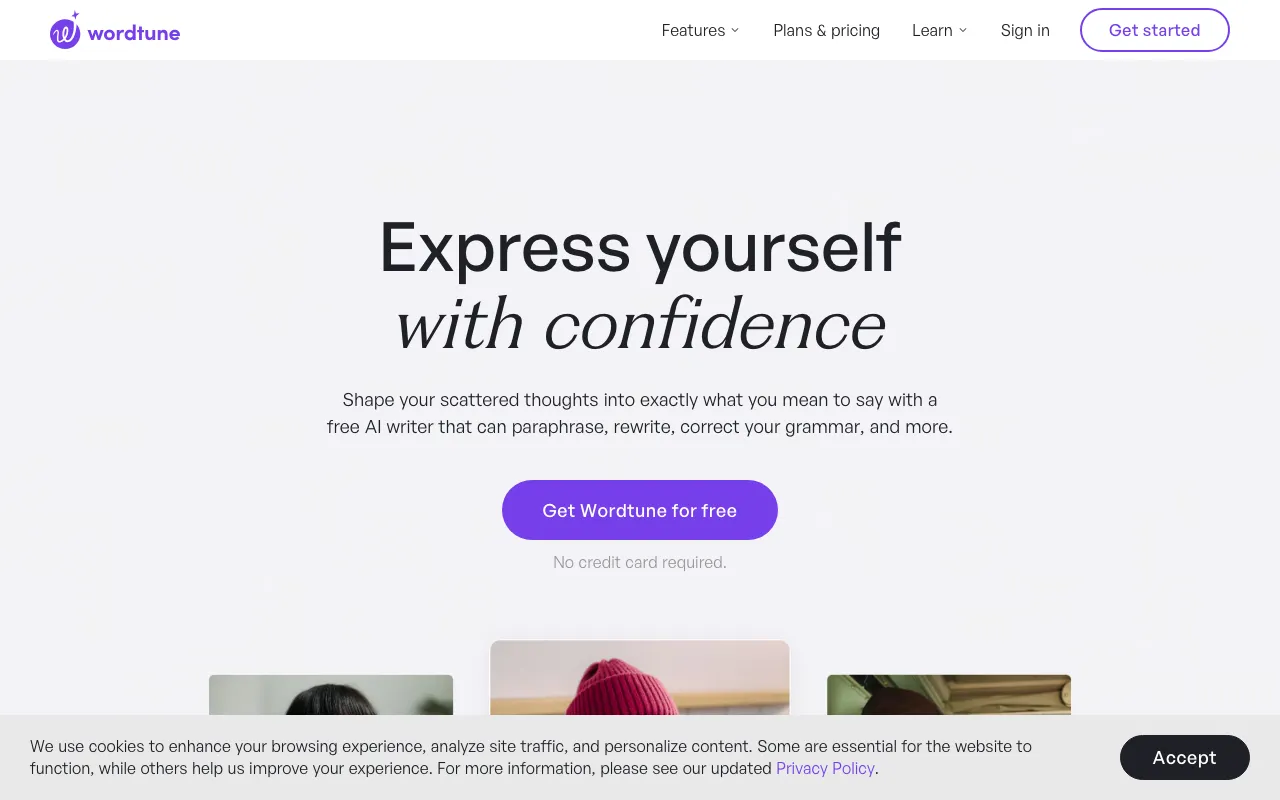
What is Wordtune?
Wordtune is an AI writing assistant built by AI21 Labs that focuses on improving text you already have rather than generating it from scratch. Its core feature is context-aware paraphrasing: you highlight a sentence and Wordtune offers several alternative phrasings that keep the original meaning while changing the wording, length, or tone. Around that core it layers grammar and spelling correction, a formal-to-casual tone switcher, a smart synonym generator, and a generative mode that can draft or continue text when you do need new content.
Beyond rewriting, Wordtune summarizes long articles, documents, web pages, and even videos into short takeaways, and it can translate from roughly 10 languages into English. It works inline almost everywhere through a Chrome and Edge browser extension, so the suggestions appear directly inside Gmail, Google Docs, LinkedIn, and most web apps, with an iOS app for mobile editing. The product is operated separately from AI21’s developer-facing language model APIs.
Who is it for?
Wordtune is best suited to people who write a lot of short- to medium-length English text and want it to read more clearly without rewriting it by hand. The free Basic tier is enough to evaluate the tool, but its daily rewrite cap means regular users will need a paid plan fairly quickly.
- Non-native English speakers who draft emails, posts, or reports and want them to read like fluent, natural English.
- Professionals and students polishing messages, essays, and documents who value clearer phrasing over generating new content.
- Social media managers and marketers adjusting tone and tightening copy across many short pieces.
- Anyone who lives in the browser and wants inline rewriting inside Gmail, Docs, and LinkedIn rather than a separate writing app.
How much does Wordtune cost?
Starting price: $6.99/mo · Free tier: yes · Model: freemium
Price history tracked from June 2026
| Plan | Price | Includes |
|---|---|---|
| Basic | Free | 10 rewrites and AI suggestions per day · 3 AI summaries per month · Unlimited spelling and grammar checks · No credit card required |
| Advanced | $6.99/mo | About $4.89/mo billed annually · 30 rewrites and AI suggestions per day · 15 AI summaries per month · Unlimited AI recommendations and corrections |
| Unlimited | $9.99/mo | About $6.99/mo billed annually · Unlimited rewrites, summaries, and vocabulary enhancements · Clarity and fluency improvements · Premium support |
| Teams | Custom | Everything in Unlimited · SAML SSO · Centralized billing · Dedicated business support |
What are Wordtune's key features?
- Context-aware paraphrasing that suggests multiple rewrites per sentence
- Tone switching between formal and casual
- AI summaries of articles, documents, web pages, and videos
- Grammar, spelling, and clarity corrections
- Generative AI writing to draft or continue text
- Browser extension for Chrome and Edge that works inline across the web
- iOS app and translation from 10 languages into English
What people use Wordtune for
- 01 Rewriting a clunky sentence into several clearer alternatives without changing its meaning
- 02 Adjusting tone between formal and casual for emails, posts, or messages
- 03 Summarizing long articles, PDFs, or YouTube videos into short takeaways
- 04 Tightening or expanding paragraphs to hit a length or clarity target
- 05 Helping non-native English speakers polish drafts to read like fluent English
Pros and cons
| Pros | Cons |
|---|---|
| Genuinely usable free tier with no credit card required | Outputs in English only — it can translate into English but cannot write or refine in other languages |
| Inline browser extension works directly inside Gmail, Docs, and LinkedIn | Free tier caps rewrites at 10/day and summaries at 3/month, enough only to evaluate the tool |
| Cheaper than most all-in-one AI writers — Unlimited is under $10/month | Focused on rewriting and short edits, not long-form drafting like Jasper or Claude |
| Strong at preserving meaning while rephrasing, useful for non-native English writers | No public API — it is a consumer product, separate from AI21's developer LLM APIs |
What are the best Wordtune alternatives?
Grammarly is the closest Wordtune alternative in our directory: it covers the same category (AI Writing & Marketing), starts at $0, has a free tier.
Ranked by category overlap with Wordtune, then free-tier availability, then lowest verified starting price — computed from our verified data, never from sponsorships.
| Alternative | What it is | Starting price | Free tier | Price verified |
|---|---|---|---|---|
| Grammarly | AI writing assistant that checks grammar, tone, and clarity and generates text across apps and browsers | $0 | yes | Jun 22, 2026 |
| QuillBot | AI writing suite built around paraphrasing, with grammar checking, summarizing, and AI detection | $0 | yes | Jun 22, 2026 |
| Rytr vs Wordtune → | Budget AI writing assistant for short-form copy across 40+ use cases, 30+ languages, and 20+ tones | $9/mo | yes | Jun 28, 2026 |
| Copy.ai | AI-native GTM platform for automating sales, marketing, and content workflows | $24/mo | no | Jul 3, 2026 |
| Jasper | AI marketing platform with 100+ specialized agents for brand-consistent content at scale | $59/mo | no | Jul 3, 2026 |
Head-to-head comparisons
How people make money with Wordtune
- Freelance copy-editing and ESL proofreading on Upwork or Fiverr — use Wordtune to rephrase and tighten client drafts faster, charging a per-document or per-word editing rate
Frequently asked questions
Is Wordtune free?
Yes. The Basic plan is free and requires no credit card. It includes up to 10 rewrites and AI suggestions per day, 3 AI summaries per month, and unlimited spelling and grammar checks. Heavier use requires the Advanced or Unlimited plan.
How much does Wordtune cost?
Wordtune Advanced is $6.99 per month and Unlimited is $9.99 per month on monthly billing, dropping to roughly $4.89 and $6.99 per month when billed annually. A free Basic tier and a custom-priced Teams plan with SSO and centralized billing are also available.
Does Wordtune work in languages other than English?
Wordtune writes and refines text in English only. It can translate from about 10 input languages into English, but it cannot generate or rewrite content in other languages, which limits its usefulness for non-English writing.
What is the difference between Wordtune Advanced and Unlimited?
Advanced caps daily rewrites at 30 and summaries at 15 per month. Unlimited removes those caps, giving unlimited rewrites, summaries, and vocabulary enhancements plus premium support. Unlimited costs $9.99 per month versus $6.99 for Advanced on monthly billing.
Does Wordtune have a browser extension?
Yes. Wordtune offers a Chrome and Microsoft Edge extension that works inline across the web, including Gmail, Google Docs, and LinkedIn. There is also an iOS app. Wordtune does not currently offer a desktop app or a public developer API.
Who makes Wordtune?
Wordtune is built by AI21 Labs, a company that also sells separate large language model APIs to developers. Wordtune is its consumer-facing writing assistant and is billed and operated independently of AI21's developer products.