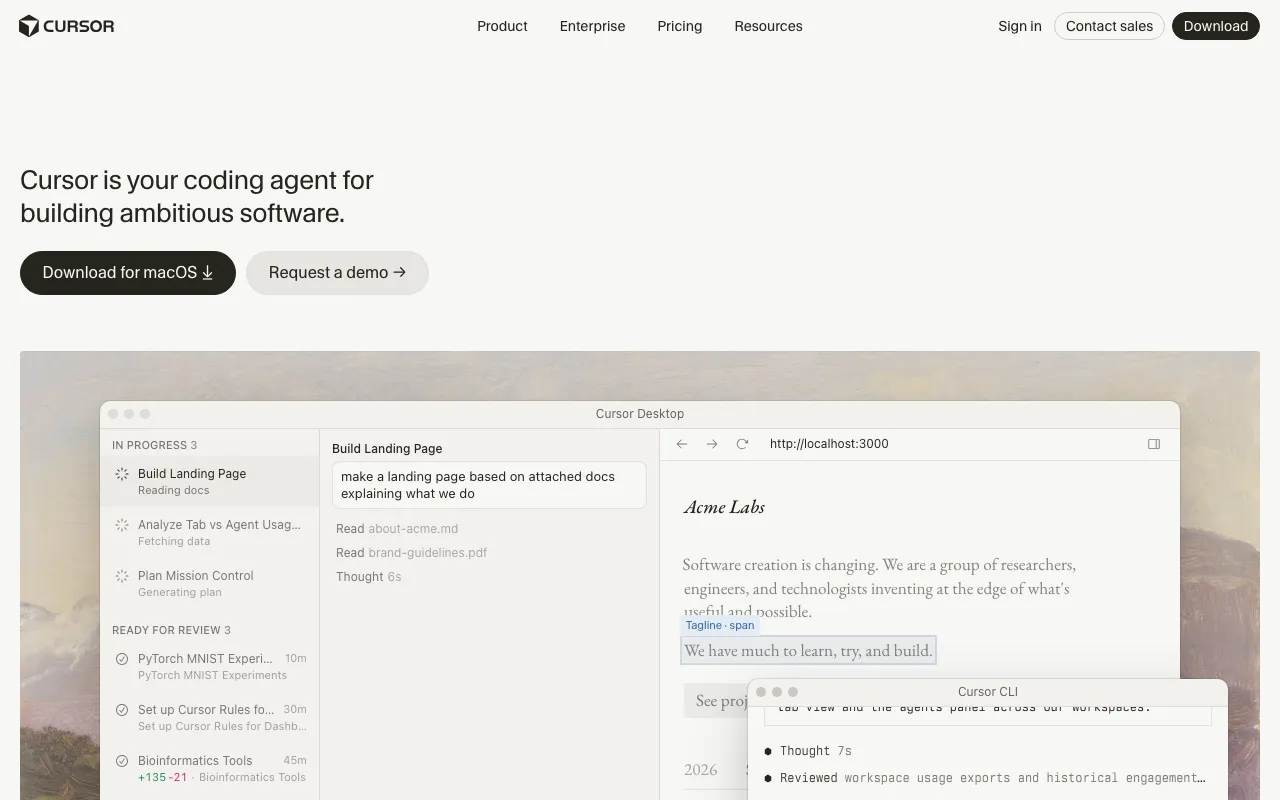
Cursor
AI-native code editor that runs autonomous agents to build, test, and review code
FREEMIUM Verified JUL 3, 2026
5 tools ranked · last updated Jul 12, 2026 · how we picked
The best AI code editor in 2026 is Cursor, a VS Code-based IDE whose agents autonomously write, run, and test code across your whole project, at $20/month with a free Hobby tier. The best value is Zed, a fast open-source native editor with a built-in AI agent panel at $10/month, while Trae pairs a free tier of 5,000 autocompletions a month with an autonomous SOLO mode, from $20/month paid. All five are installable editors, not terminal tools.
Prices last verified Oct 27, 2026 against official pricing pages.
Cursor is the strongest AI-native code editor you can install today. Built on VS Code, it carries over your existing extensions and keybindings, then adds an agentic mode that autonomously writes across multiple files, runs tests, and fixes failures while you review the diff. Its edge over rivals is the depth of that feature set — end-to-end agents, cloud agents, and the Bugbot reviewer — paired with the broadest model choice, drawing on Claude, GPT-4o, Gemini, and xAI from one credit pool. Pro is $20/month, Pro+ is $60/month, and there is a free Hobby tier. The honest caveat: autonomous agent runs still need careful review, because they can introduce subtle bugs across many files at once, and the Pro credit pool can run dry mid-month on heavy agentic work. For most developers who want one capable AI editor, Cursor is the default.
Windsurf is the most purpose-built agentic IDE here. Its Cascade engine plans and executes multi-step tasks, reads project structure through Codemaps for better reasoning about large codebases, and runs terminal commands as part of a single directed session — it feels less like autocomplete and more like delegating. It is also VS Code-based with multi-model support and free unlimited Tab autocomplete. Pro is $15/month, undercutting Cursor, with Teams at $30/seat. The honest caveat: the free tier’s 25 monthly prompt credits run out fast on multi-turn agentic sessions, so you will likely need Pro to use it seriously — and the product has been through a period of ownership and branding churn that creates some identity uncertainty for new users. If deep, plan-and-execute automation is your priority over ecosystem maturity, Windsurf edges ahead.
Zed is the value and performance pick: a fast, GPU-accelerated, open-source editor written in Rust, with a built-in AI Agent Panel for agentic editing. Because it is open source and model-agnostic, you can bring your own API key and use it essentially for free, and the hosted Pro plan is just $10/month. For developers who care about a snappy native editor first and AI second, it is the most pleasant tool here to actually type in. The honest caveat: the AI is metered — the free Personal tier includes no hosted token credits, and Pro’s included $5 of usage runs out fast — so serious AI use means bring-your-own-key or paying for tokens on top. Its agentic capabilities are also shallower than Cursor’s or Windsurf’s, and the extension ecosystem is smaller. For speed, openness, and price, though, Zed is unmatched.
If you already live in IntelliJ, PyCharm, WebStorm, or another JetBrains IDE, JetBrains AI is the natural choice — it layers an AI Assistant and the Junie autonomous coding agent directly into the tools you know, with multi-provider model access and deep, native integration into the IDE’s understanding of your project. AI Pro is $10/month and AI Ultimate is $30/month, with a free AI tier. The honest caveat is right there in the name: it is only useful inside JetBrains IDEs, so if you work anywhere else you get nothing, and the free tier’s credit allowance is stingy (roughly three credits) with paid credit pools that drain quickly on agentic work. For developers committed to the JetBrains ecosystem it is excellent and frictionless; for everyone else, a standalone editor makes more sense.
Trae, ByteDance’s VS Code-based editor, stands out for SOLO, an autonomous mode that builds full-stack projects from a prompt, and it supports multiple frontier models. The free tier includes 5,000 autocompletions a month and limited SOLO access; paid plans start at $20/month for Pro, which includes $20 of model usage, with Pro+ at $60/month and Ultra at $200/month. Trae’s former $3 Lite plan is no longer listed, so it is no longer cheaper than Cursor once you pay. The honest caveat is a trust one: ByteDance ownership raises privacy concerns, with reports of telemetry continuing after opt-out and no local-only mode, and the per-tier usage limits are not clearly documented. If you want prompt-to-project scaffolding and are comfortable with the data-handling trade-off, Trae is worth trying on its free tier; if privacy is paramount, choose Zed or a JetBrains tool instead.
We ranked these five installable AI editors by agentic capability, breadth of model choice, verified-price value, and free-tier usefulness — not by popularity, and no tool paid or was incentivized to appear. This list covers editors you install and work inside; terminal-based agents like Claude Code sit in our separate CLI-tools ranking. Cursor leads on all-round depth and ecosystem, Windsurf on pure agentic automation, Zed on value and speed, JetBrains AI for those already in its IDEs, and Trae on SOLO-mode scaffolding with a clearly-stated privacy caveat. Pricing was verified between June 11 and July 10 2026 against each product’s official pricing page, and Trae’s was re-checked on October 27 2026.
AI-native code editor that runs autonomous agents to build, test, and review code
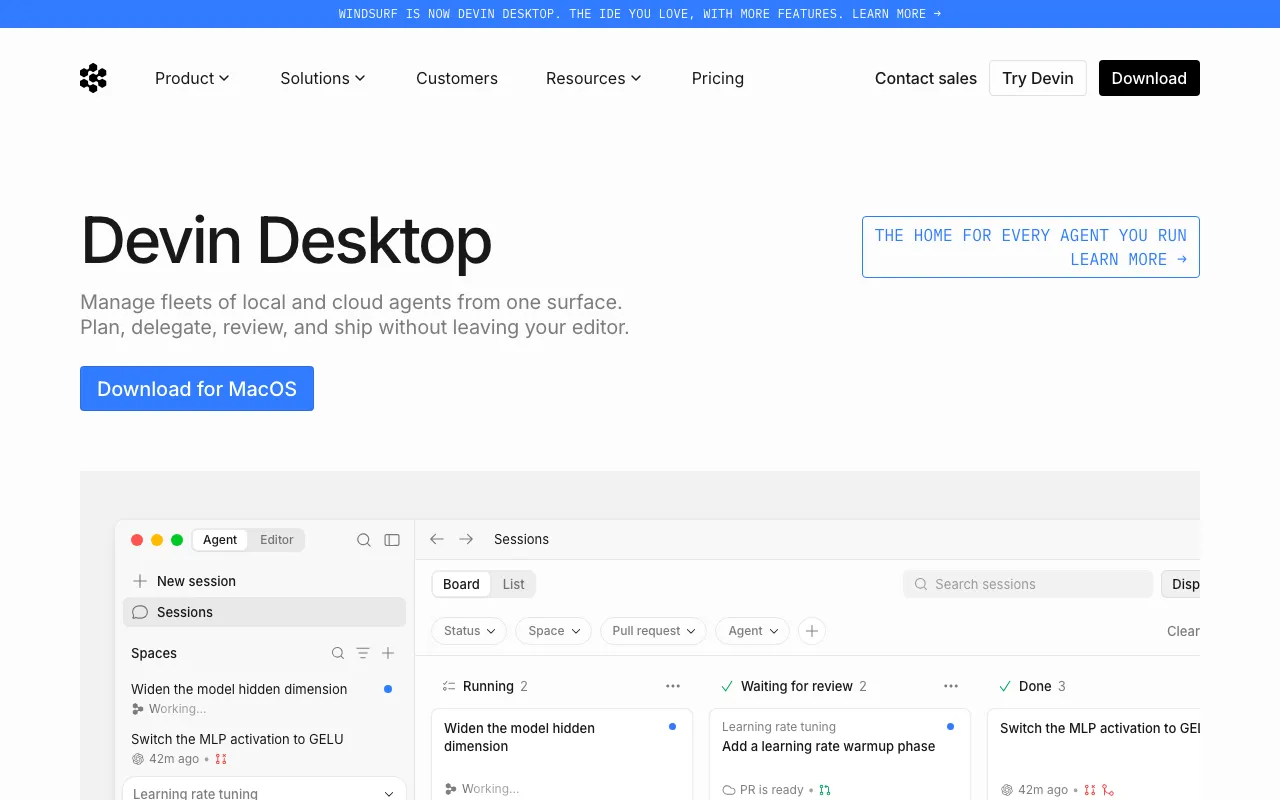
Agentic AI IDE with Cascade that writes, edits and runs code autonomously inside your editor
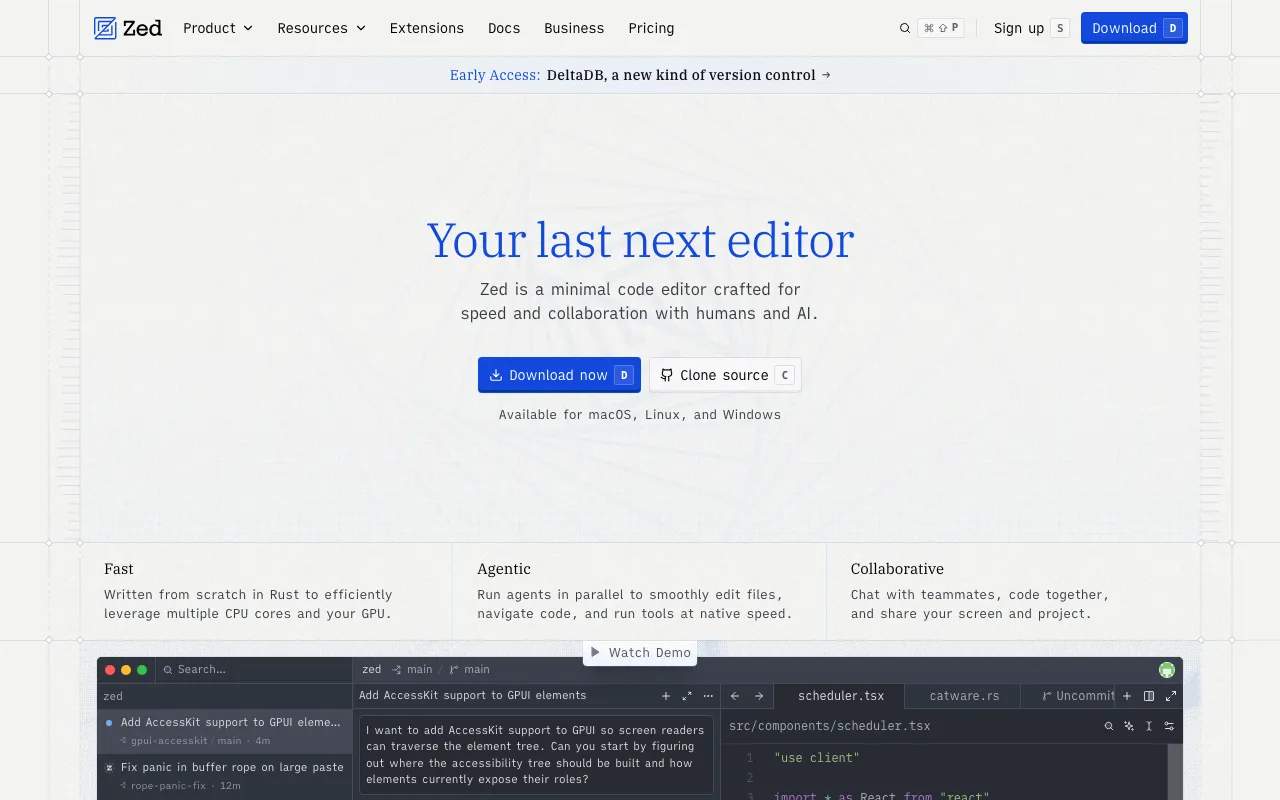
Fast, open-source code editor written in Rust with a built-in AI agent panel and agentic editing

AI Assistant plus the Junie autonomous coding agent, built into IntelliJ, PyCharm, WebStorm, and the rest of the JetBrains IDE line
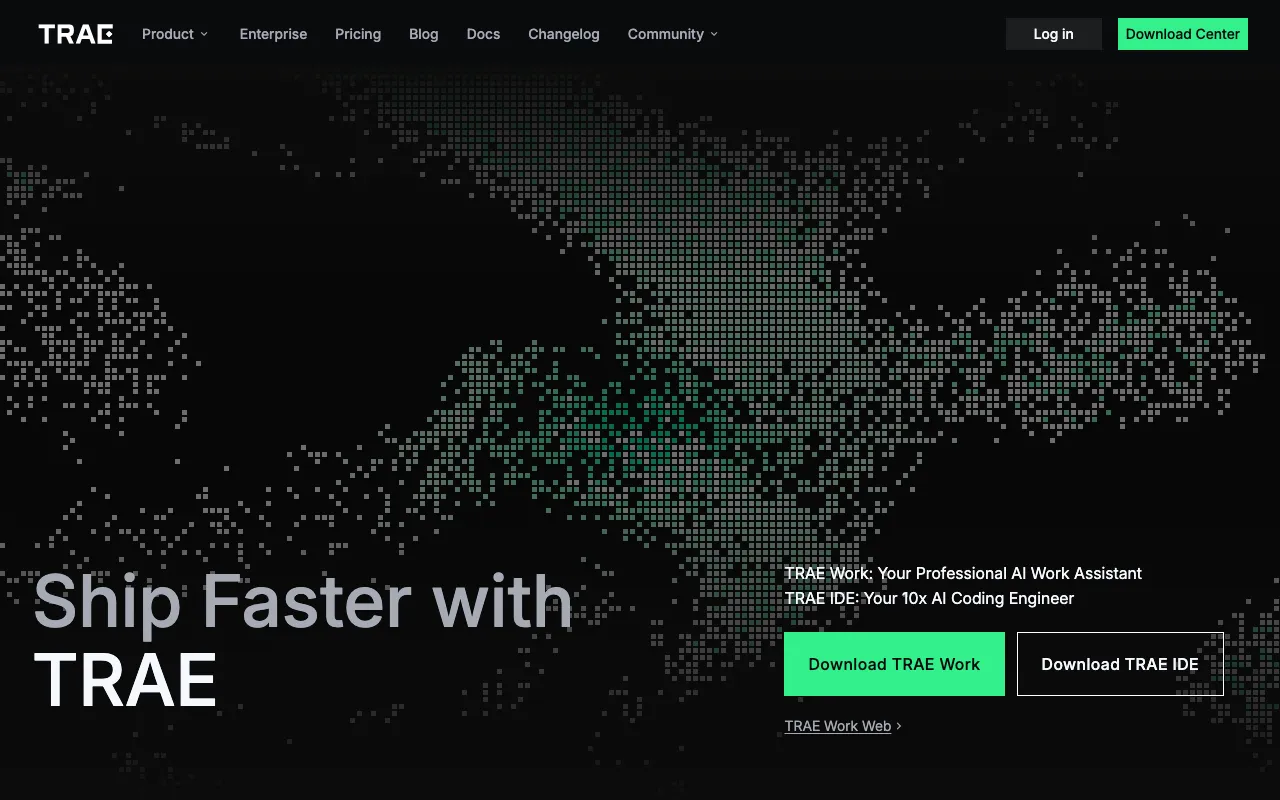
ByteDance's free, VS Code-based AI code editor with an autonomous SOLO mode that scaffolds and builds full-stack projects from a prompt
Every tool in this list has a full profile in our directory with pricing verified against its official pricing page on the date shown on its stamp. Ranking reflects verified pricing, free-tier generosity, platform coverage, and documented capabilities. Rank is not for sale: a sponsor can buy only a separate slot marked Sponsored, outside the ranking. Read the full methodology.
Yes — 5 of the 5 tools here have a free tier: Cursor, Windsurf, Zed, JetBrains AI, Trae. Pricing verified Jul 12, 2026.
Zed has the lowest verified monthly starting price in this list at $10/mo, checked against its official pricing page on Jun 26, 2026.