Trae
ByteDance's free, VS Code-based AI code editor with an autonomous SOLO mode that scaffolds and builds full-stack projects from a prompt
Trae is ByteDance's AI-native code editor, a fork of VS Code, with an agentic assistant and a SOLO mode that builds full-stack projects from a natural-language prompt. The free tier includes 5,000 autocompletions per month and 2 concurrent cloud tasks; paid plans run $3/month (Lite), $10/month (Pro, 10 concurrent tasks), $30/month (Pro+), and $100/month (Ultra). In February 2026 it moved to token-based usage billing. Best for cost-conscious developers who want a Cursor-style AI IDE with multi-model access.
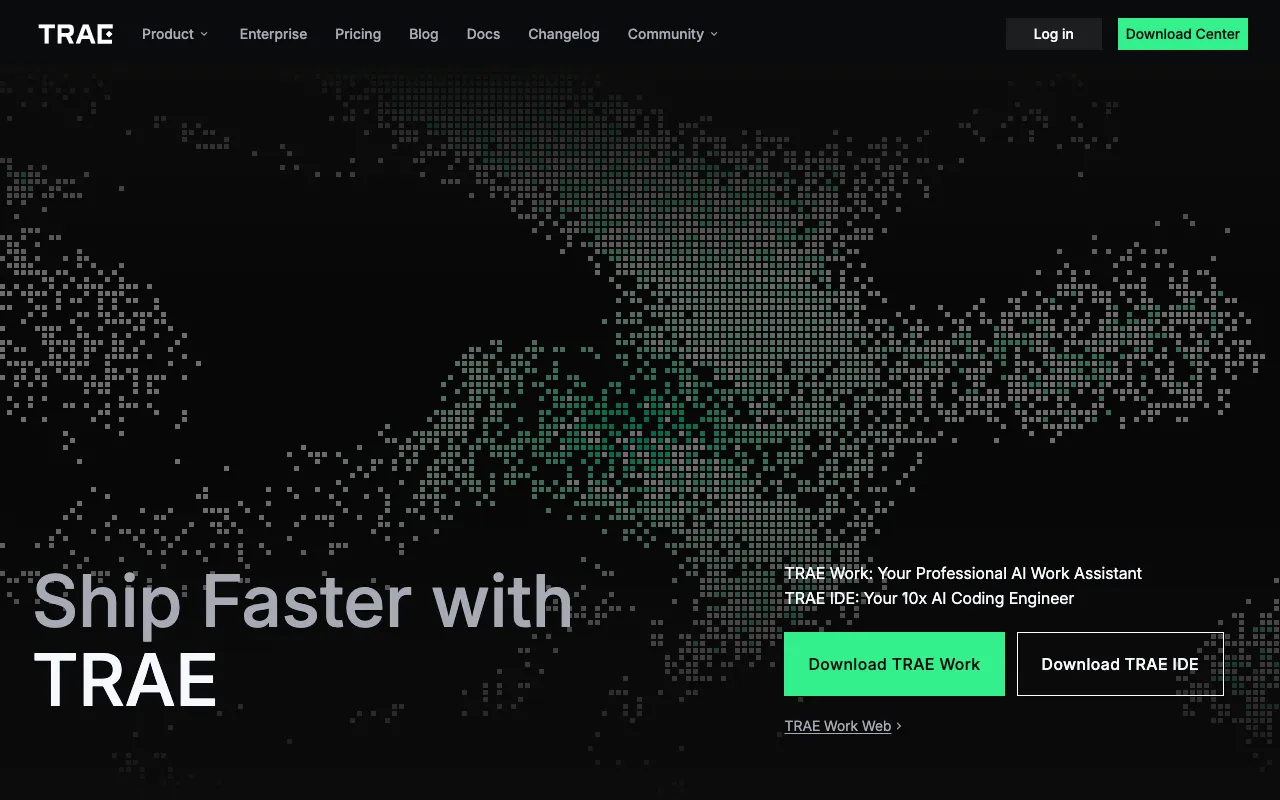
What is Trae?
Trae is an AI-native code editor from ByteDance, built as a fork of VS Code and launched in early 2025. It combines an agentic coding assistant with multi-model access — letting you switch between frontier models per task — inside a familiar editor where most VS Code extensions and keybindings still work. Its standout feature is SOLO mode, an autonomous agent that takes a natural-language prompt and scaffolds and builds a full-stack project end-to-end, with a unified Flow panel that automatically switches between the editor, terminal, browser, and documentation based on what the AI is doing. SOLO mode became a standalone desktop and web app in March 2026.
Trae is positioned as a low-cost alternative to other AI IDEs. The free tier includes 5,000 autocompletions per month and up to 2 concurrent cloud tasks, and paid plans are aggressively priced: Lite at $3/month, Pro at $10/month with up to 10 concurrent tasks, Pro+ at $30/month, and Ultra at $100/month with up to 20 concurrent tasks. In February 2026 the paid tiers switched from flat fast-request caps to token-based usage billing, which makes the real value of each tier depend on the model and context size you use. Because Trae is owned by ByteDance, it has also drawn scrutiny over telemetry and data retention that prospective users should factor in.
Who is it for?
Trae is aimed at developers who want an agentic, multi-model AI editor without paying the higher subscription fees of established rivals — and at less-technical builders who want to go from idea to working app through SOLO mode. The privacy questions around ByteDance ownership make it a weaker fit for teams handling sensitive or proprietary code.
- Cost-conscious developers who want a Cursor-style editor starting at $3/month rather than $20.
- Vibe-coders and non-experts who want SOLO mode to scaffold a full-stack app from a prompt.
- Multi-model developers who like switching between frontier models inside one editor.
- Solo developers and indie hackers prototyping quickly, who are comfortable with the platform’s data practices.
How much does Trae cost?
Starting price: $3/mo · Free tier: yes · Model: freemium
Price history tracked from June 2026
| Plan | Price | Includes |
|---|---|---|
| Free | Free | 5,000 autocompletions per month · Up to 2 concurrent cloud tasks · Limited SOLO mode access · Built on VS Code with marketplace compatibility |
| Lite | $3/mo | Basic usage allowance plus bonus usage · Unlimited autocomplete · SOLO mode access · Up to 2 concurrent cloud tasks |
| Pro | $10/mo | Larger usage allowance plus bonus usage · Unlimited autocomplete and SOLO mode · Up to 10 concurrent cloud tasks · Fast queue priority; 7-day free trial |
| Pro+ | $30/mo | About 3.5x more usage than Pro · Up to 15 concurrent cloud tasks · Fast queue priority |
| Ultra | $100/mo | About 20x more usage than Pro · Up to 20 concurrent cloud tasks · Early access to new models · Fast queue priority |
What are Trae's key features?
- Built on VS Code, so existing extensions and keybindings largely transfer
- SOLO mode — an autonomous agent that scaffolds and builds full-stack projects end-to-end
- Flow panel in SOLO mode that auto-switches between editor, terminal, browser, and docs
- Agentic Builder mode plus chat for multi-file edits
- Multi-model access across frontier providers within one editor
- Unlimited autocomplete on paid tiers (5,000/month on free)
- Cloud tasks with tier-based concurrency from 2 up to 20
- Fast queue priority on paid tiers
What people use Trae for
- 01 Scaffolding a full-stack app from a natural-language prompt using SOLO mode, then refining it by hand
- 02 Getting low-cost AI autocomplete and chat inside a familiar VS Code-style editor
- 03 Switching between frontier models per task within one editor
- 04 Running agentic, multi-file edits in Builder mode while reviewing the changes
- 05 Prototyping quickly as a non-expert builder without setting up a toolchain
Pros and cons
| Pros | Cons |
|---|---|
| Very low entry price — paid plans start at $3/month, undercutting most rival AI IDEs | ByteDance ownership raises widely reported privacy concerns — coverage has cited telemetry that continued after opt-out and long data-retention windows, with no local-only mode |
| Generous free tier with 5,000 autocompletions per month and SOLO mode access | Pricing moved to token-based usage billing in February 2026, making true per-tier value hard to predict as 'basic' and 'bonus' usage deplete |
| SOLO mode handles full-project scaffolding for non-experts, not just inline completion | Per-tier model access and exact usage allowances are not clearly stated on the pricing page |
| VS Code base means a familiar editor and broad extension compatibility | No public API and no Linux or mobile builds at launch |
What are the best Trae alternatives?
GitHub Copilot is the closest Trae alternative in our directory: it covers the same category (AI Coding), starts at $10/mo, has a free tier.
Ranked by category overlap with Trae, then free-tier availability, then lowest verified starting price — computed from our verified data, never from sponsorships.
| Alternative | What it is | Starting price | Free tier | Price verified |
|---|---|---|---|---|
| GitHub Copilot | AI coding assistant with inline completions, chat, and autonomous agent mode across major IDEs | $10/mo | yes | Jul 3, 2026 |
| Zed | Fast, open-source code editor written in Rust with a built-in AI agent panel and agentic editing | $10/mo | yes | Jun 26, 2026 |
| Windsurf | Agentic AI IDE with Cascade that writes, edits and runs code autonomously inside your editor | $15/mo | yes | Jun 11, 2026 |
| Claude | Anthropic's AI assistant built for long-context analysis, coding, and safe reasoning | $20/mo | yes | Jul 3, 2026 |
| Cursor | AI-native code editor that runs autonomous agents to build, test, and review code | $20/mo | yes | Jul 3, 2026 |
How people make money with Trae
- Vibe-coding client MVPs — use SOLO mode to scaffold a working full-stack prototype from a written brief, then refine and hand it off, billing a fixed project fee for the delivered app
- Build and sell starter templates or boilerplates generated and refined in Trae, charging per template on a marketplace
Frequently asked questions
Is Trae free?
Yes. Trae has a free tier with 5,000 autocompletions per month, up to 2 concurrent cloud tasks, and limited SOLO mode access. Paid plans start at just $3/month (Lite) and go up to $100/month (Ultra).
What is Trae's SOLO mode?
SOLO mode is Trae's autonomous agent that builds full-stack projects from a natural-language prompt. Its Flow panel automatically switches between the editor, terminal, browser, and documentation as the AI works. SOLO became a standalone app on desktop and web in March 2026.
How much does Trae cost?
Trae is freemium. Beyond the free tier, Lite is $3/month, Pro is $10/month with up to 10 concurrent cloud tasks, Pro+ is $30/month, and Ultra is $100/month with up to 20 concurrent tasks. Since February 2026 paid usage is metered on a token basis.
Is Trae safe to use given ByteDance ownership?
Trae is owned by ByteDance, and reporting in 2025 raised concerns about telemetry continuing after opt-out and long data-retention periods, with no documented local-only mode. Developers handling sensitive or proprietary code should weigh those privacy considerations before adopting it.
Is Trae a Cursor alternative?
Yes. Like Cursor, Trae is a VS Code-based AI editor with agentic coding and multi-model access, positioned as a lower-cost option starting at $3/month. The main trade-offs are ByteDance's privacy track record and less transparent per-tier usage limits.
Is Trae better than Claude for coding?
Trae is an editor that runs various frontier models, so it is not a replacement for Claude but a place to use models like it. For direct code generation and reasoning quality, Claude remains the stronger choice; Trae's appeal is price and the SOLO full-project workflow.
Public signals
- "Performance and telemetry analysis of Trae IDE, ByteDance's VSCode fork" — 954 points on Hacker News, Jul 27, 2025