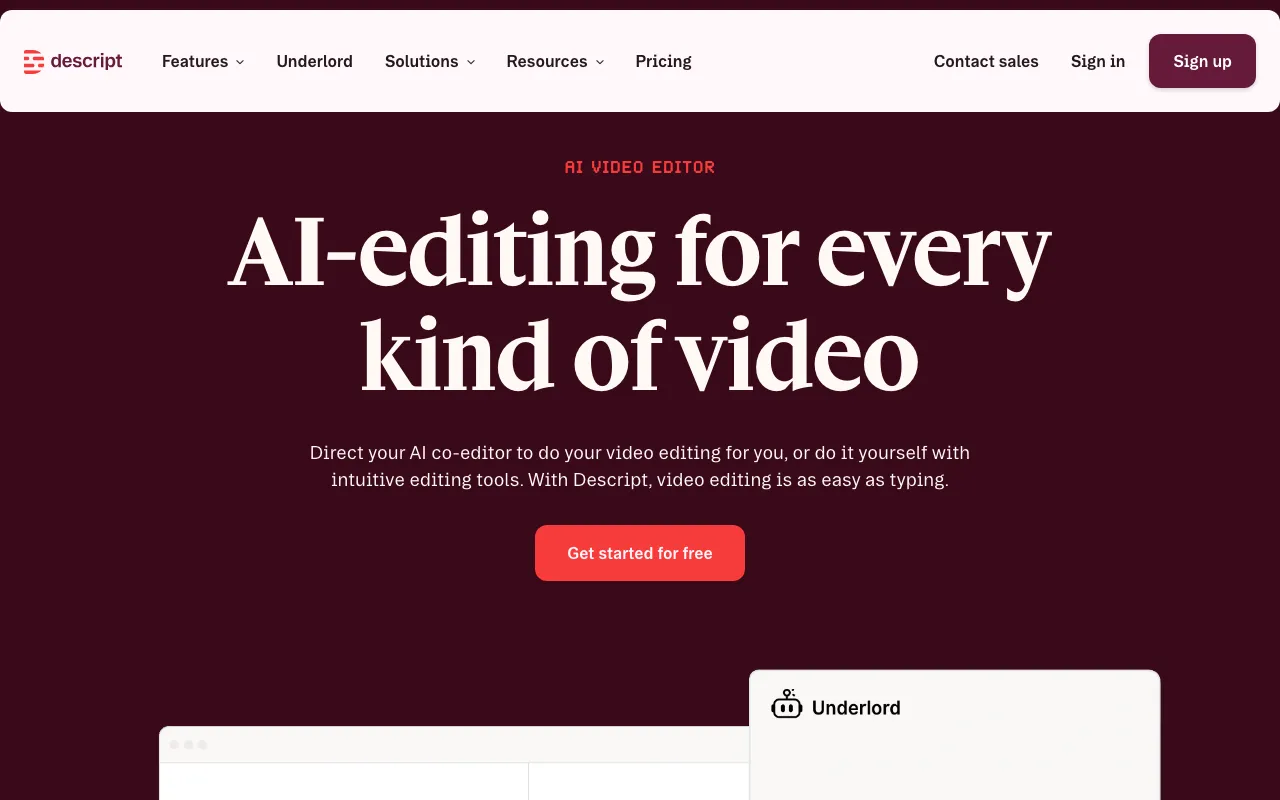
Descript
Text-based video and podcast editor with AI transcription, voice cloning, and filler-word removal
FREEMIUM Verified JUL 3, 2026
5 tools ranked · last updated Jul 11, 2026 · how we picked
The best AI podcast production tool in 2026 is Descript, whose transcript editing turns raw recordings into finished episodes from $16/month. Riverside is the strongest runner-up for remote recording and built-in podcast hosting at $29/month, while Opus Clip and Captions repurpose finished episodes into social clips and ElevenLabs adds voice cloning and dubbing — 5 tools spanning 4 different stages of making and distributing a show.
Prices last verified Jul 11, 2026 against official pricing pages.
Descript is a browser-based video and podcast editor built around a text-first workflow: it transcribes your recording automatically, and deleting or rearranging text in that transcript cuts and reorders the actual footage, turning hours of timeline scrubbing into minutes of copyediting. It also bundles Studio Sound noise cleanup, automatic filler-word removal, remote recording rooms for interviews, and an AI co-editor called Underlord. The free tier includes 60 minutes of media a month and 100 one-time AI credits at 720p export; paid plans start at $16/month billed annually (Hobbyist), unlocking 10 media hours a month, 400 AI credits, and 1080p watermark-free export. It’s built for solo podcasters and small teams producing regular episodes who want to skip manual editing. The honest caveat: AI credits don’t roll over and can be exhausted quickly on longer projects, and there’s no native offline desktop mode — Descript runs in a browser or Electron wrapper with a cloud dependency.
Riverside is a remote recording studio built for podcasters and video creators: each guest’s audio and video is captured locally on their own device and uploaded separately, so a dropped Wi-Fi connection during the call never degrades the final export. Beyond capture, it layers on AI editing — Magic Clips auto-generates short highlight clips from a long session, an AI editing agent and Magic Audio noise cleanup speed up post-production, and paid plans add built-in podcast hosting with publishing straight to YouTube, Spotify, and Apple Podcasts. The free plan allows 2 hours of one-off multi-track recording at 720p with a watermark; Pro starts at $29/month ($24/month billed annually) for 4K video, no watermark, unlimited transcription, and 5 hours a month of separate track downloads. It suits podcasters recording remote guests on a recurring basis. The catch: that free-plan cap is a one-time 2 hours total, not monthly, and every export carries a watermark until you upgrade — it isn’t viable for ongoing production.
Opus Clip takes a finished long-form episode — a podcast, webinar, or YouTube upload — and automatically cuts it into short, captioned vertical clips sized for TikTok, Reels, and Shorts, using an AI model that finds clippable moments by spoken words, visuals, sound, and emotion, then scores each clip with a predicted virality rating. Billing runs on processing minutes: the Free plan includes 60 minutes a month with watermarked, 1080p exports; Starter is $15/month (about $9/month billed annually) for 150 watermark-free minutes; Pro is $29/month for 300 minutes plus a timeline editor, AI B-roll, and one-click auto-posting to social platforms. It’s the right tool for podcasters who already have finished episodes and need volume repurposing into short-form social content. The honest caveat, straight from its own listing: the virality score is a prediction, not a guarantee — top-ranked clips still flop, so picks still need human curation before publishing.
ElevenLabs is an AI audio platform for text-to-speech, voice cloning, dubbing, and sound generation across 70+ languages, making it the pipeline’s specialist for voice work rather than a full editor. Podcasters use it to generate narration, clone a host’s voice to fix a flubbed line without a re-record, or run an episode through Dubbing Studio to release translated versions for other-language audiences. The free tier includes 10,000 credits a month covering text-to-speech, sound effects, and basic studio projects; paid plans start at $6/month (Starter) for a commercial license and Instant Voice Cloning, with Professional Voice Cloning arriving at the $22/month Creator tier. It fits creators who need scalable synthetic voice rather than a recording or editing hub. The caveat: the free tier explicitly excludes commercial use, so anything you publish requires at least the $6/month plan, and credit costs on long-form audio at higher quality settings can add up fast.
Captions is a mobile-first AI video app built for talking-head and short-form social content: shoot footage on a phone and it auto-cuts scenes, adds animated captions in 100+ languages, corrects eye contact, and — via its in-house Mirage model — can generate AI avatar video as a single performance instead of stitching text-to-speech onto an animation. For a podcast pipeline, it’s most useful for turning an episode’s talking segments into polished vertical clips or generating avatar-led promos. The free tier covers basic trim-and-caption editing; Pro runs about $9.99/month, and the credit-driven Max tier is $24.99/month with 500 monthly credits for avatars, generative B-roll, and dubbing, with Scale tiers from $69.99 to $279.99/month adding more credits. It’s built for creators who want AI to absorb the editing work on mobile. The honest caveat, per its own listing: users report subscription auto-renew and refund friction, and pricing has shifted between sources, so it’s worth confirming the current rate before subscribing.
These five tools serve different stages of getting a podcast made and heard rather than competing head-to-head, so we ranked them by how central and valuable each is to that pipeline, weighing capability, free-tier generosity, and confirmed starting price within each tier. Descript leads on the strength of its cheap $16/month entry, a genuinely usable monthly-recurring free tier, and its position as the highest-leverage step in the whole workflow: turning a raw recording into a publishable episode. Riverside ranks second because it uniquely bundles native podcast hosting and distribution alongside recording, even though its free tier is a one-time 2-hour allowance rather than a monthly one. Opus Clip and Captions both repurpose finished episodes into short social clips, and ElevenLabs remains a specialist add-on for voice cloning and dubbing rather than a full production hub. Pricing verified on 2026-07-11; no tool paid to appear.
Text-based video and podcast editor with AI transcription, voice cloning, and filler-word removal
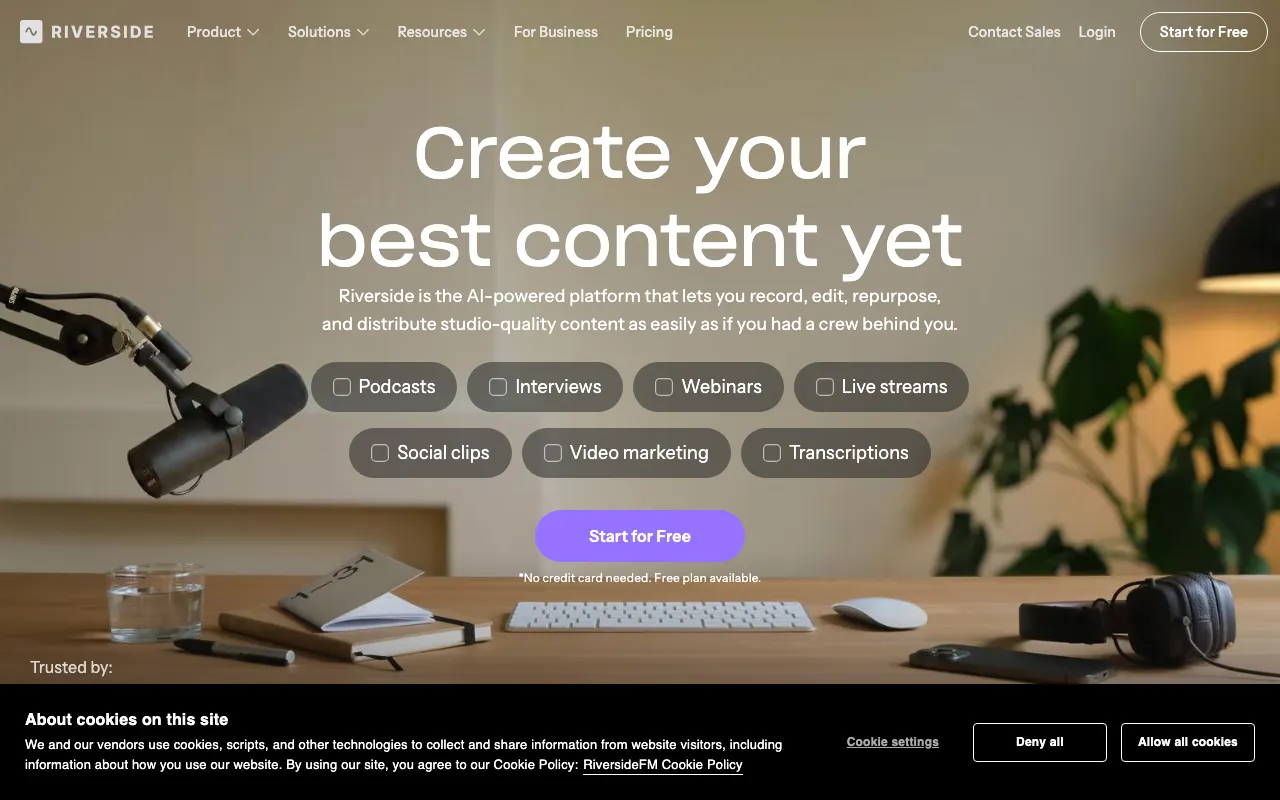
Studio-quality remote podcast and video recording with AI editing — Magic Clips, AI show notes, transcription, and multi-platform publishing
AI video repurposing tool that turns long videos into short, captioned vertical clips ranked by predicted virality
AI voice platform for text-to-speech, voice cloning, and conversational agents in 70+ languages
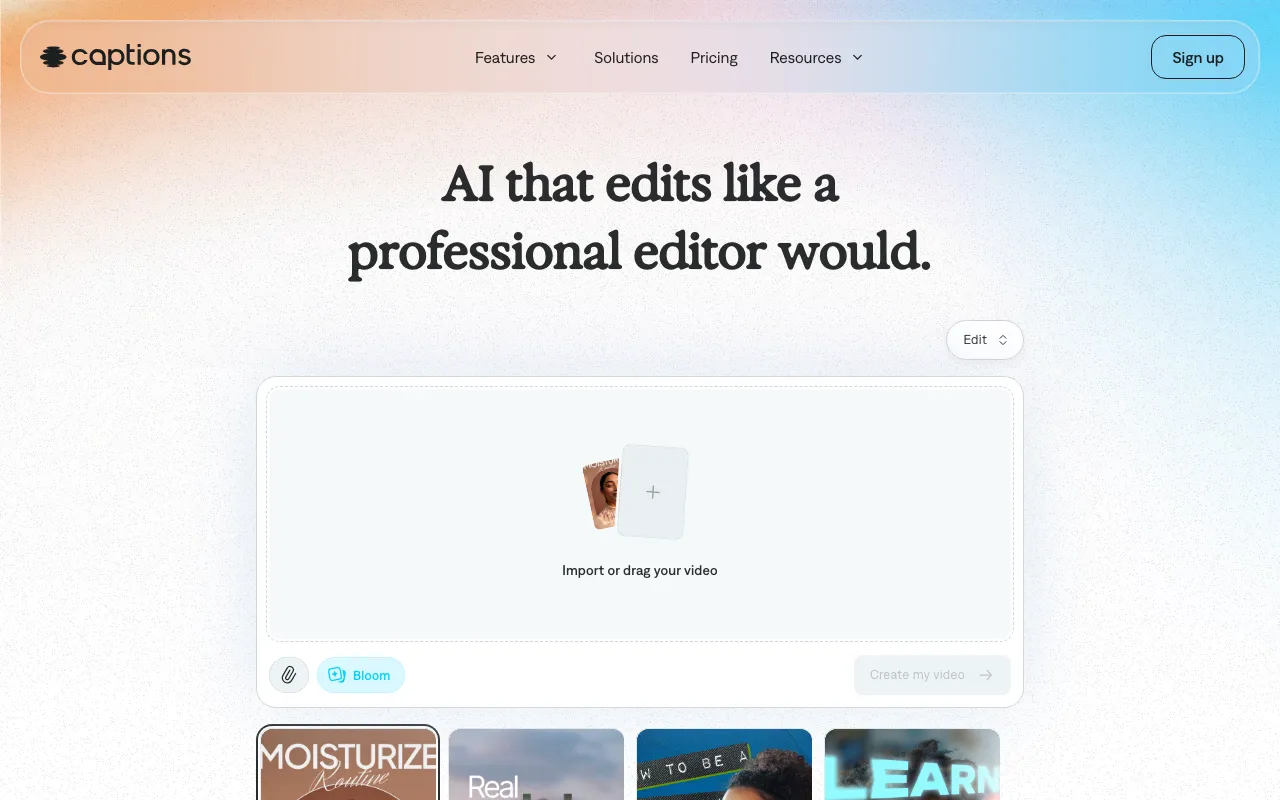
AI video creation app for talking-head and social content, with AI avatars (Mirage) and a chat-based editor
Every tool in this list has a full profile in our directory with pricing verified against its official pricing page on the date shown on its stamp. Ranking reflects verified pricing, free-tier generosity, platform coverage, and documented capabilities. Rank is not for sale: a sponsor can buy only a separate slot marked Sponsored, outside the ranking. Read the full methodology.
Yes — 5 of the 5 tools here have a free tier: Descript, Riverside, Opus Clip, ElevenLabs, Captions. Pricing verified Jul 11, 2026.
ElevenLabs has the lowest verified monthly starting price in this list at $6/mo, checked against its official pricing page on Jul 3, 2026.
4 of the 5 tools list an API: Riverside, Opus Clip, ElevenLabs, Captions.