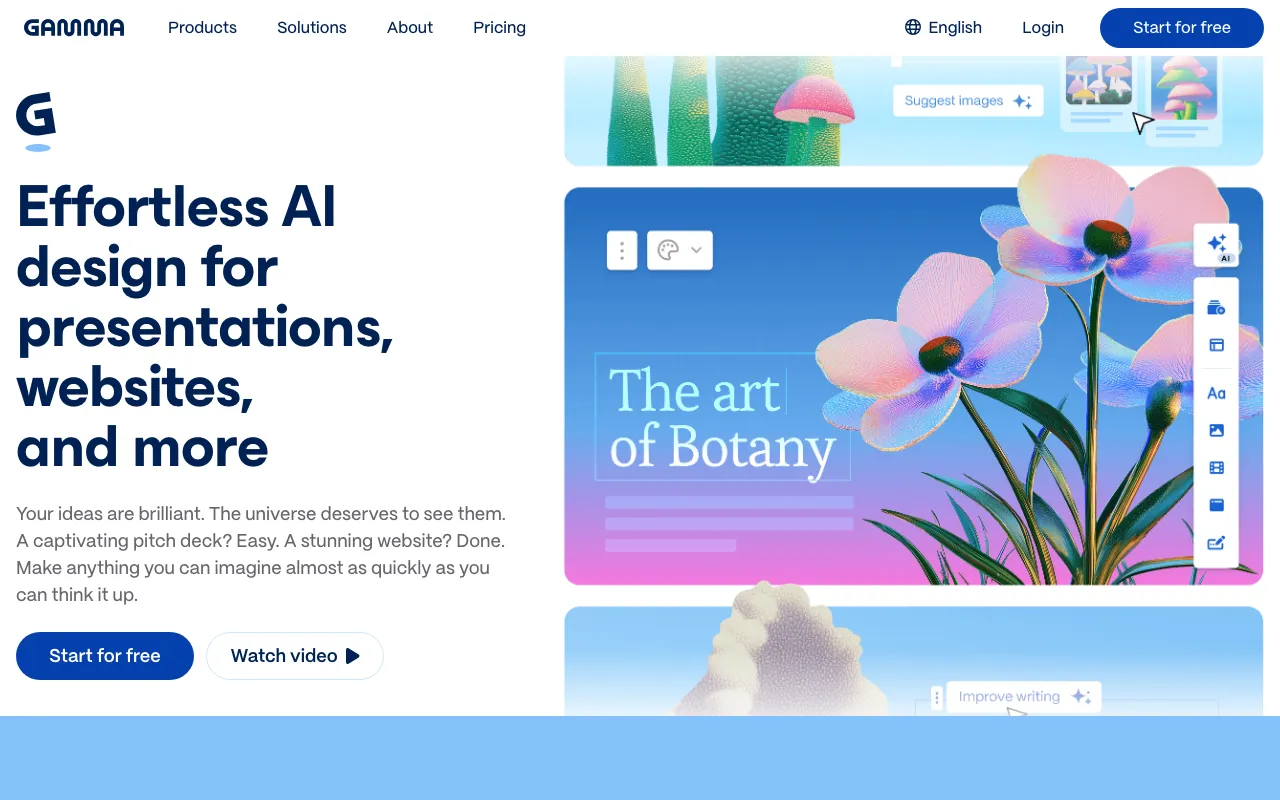
Gamma
AI presentation and document builder that generates slides, docs and web pages from a prompt
FREEMIUM Verified AUG 27, 2026
4 tools ranked · last updated Jul 8, 2026 · how we picked
The best AI presentation maker in 2026 is Gamma, which turns a prompt into a fully designed deck in under two minutes, with paid plans from $9/month. Gamma's own free tier grants 400 one-time credits, but the most generous permanent free option is Canva, which builds slides via Magic Design at $0 (Pro is about $15/month). The strongest dedicated runner-up is Beautiful.ai, whose auto-formatting Smart Slides keep decks on-brand from $12/month billed annually.
Prices last verified Aug 27, 2026 against official pricing pages.
Gamma is a web-based AI presentation builder that turns a text prompt, an uploaded document, or a pasted URL into a fully designed deck — layout, images, and transitions included — usually in under two minutes. Rather than static slides, it produces a scrollable, card-based format with web-style animations that shares cleanly as a link, and the Gamma Agent can restyle an entire deck from your brand guidelines. The free tier includes 400 one-time AI credits (roughly 10–15 decks, with no monthly refresh); paid plans run $9/month for Plus, $18/month for Pro, and $90/month for Ultra, adding credit refreshes, more cards per prompt, and watermark removal. It is the best pick for founders, marketers, and consultants who need polished output fast without design skills. The main caveat: PowerPoint export often breaks layouts, because Gamma’s vertical card format does not map cleanly to fixed 16:9 slides.
Beautiful.ai is dedicated AI presentation software built around Smart Slides — 300-plus auto-aligning layouts that adjust spacing, alignment, and hierarchy automatically as you add or remove content, so decks stay tidy without manual nudging. Its Create with AI workflow starts from a prompt, outline, or existing document, then lets you refine the structure before slides render, and strong brand controls let a team lock colors, fonts, and logos across every deck. There is no permanent free tier — only a 14-day trial that requires a credit card — after which Pro is $12/month billed annually ($144/year) and Team is $40/user/month annually for 2–20 seats. It suits sales and marketing teams and founders who value speed and brand consistency over freeform control, with slide-level viewer analytics for follow-up. The honest caveat: the template-driven Smart Slides feel rigid next to freeform editors, offering little pixel-level control.
Canva is a browser-based design platform where presentations are one workflow among many — social posts, video, print, and documents — but its Magic Design feature generates complete slide layouts from a text prompt or uploaded media, while Magic Write and Dream Lab add on-canvas copy and AI images. The genuinely usable free tier includes 1.6 million-plus templates, 5 GB storage, and limited monthly AI credits at $0; Pro is about $15/month (roughly $120/year) and unlocks premium templates, background removal, and full Magic Studio access. It is the best choice for marketers and small teams who already use Canva for other assets and want decks in the same editor. Be honest about the trade-off: presentations are not Canva’s sole focus, so slide generation is less specialized than Gamma’s or Beautiful.ai’s, and free and Pro AI credit limits are not clearly published, which can block a workflow mid-task.
Genspark is an all-in-one AI Super Agent whose AI Slides tool generates a structured deck — titles and key points included — from a single prompt, alongside research reports, spreadsheets, web browsing, and even real outbound phone calls. Slides are just one of 80-plus tools the planning agent can route a task through, so this is the pick if you want deck creation bundled into a much broader workspace rather than a specialized builder. The free plan gives 100 credits per day with no credit card; Plus is $24.99/month ($19.99 billed annually) for 10,000 credits a month, and Pro is $249.99/month for 125,000 credits. It fits solo operators and small teams who would otherwise juggle several separate AI tools. The caveat: presentations are a minor part of the product, credit-based metering makes cost-per-deck hard to predict, and the jump from Plus to Pro is steep with no middle tier.
All four tools genuinely generate presentations from a prompt or document, but they split into two dedicated builders and two broader platforms. Gamma and Beautiful.ai are purpose-built AI deck makers, so they rank first; Canva creates slides through Magic Design inside a wider design suite, and Genspark produces AI Slides as one task among many in its agent workspace. We ranked on deck quality and speed, verified price, the presence of a real free tier, and how squarely each product fits the presentation use case rather than adjacent work. Pricing was verified on July 8 2026 against each product’s official pricing page; no tool paid or provided incentives to appear in this list.
AI presentation and document builder that generates slides, docs and web pages from a prompt
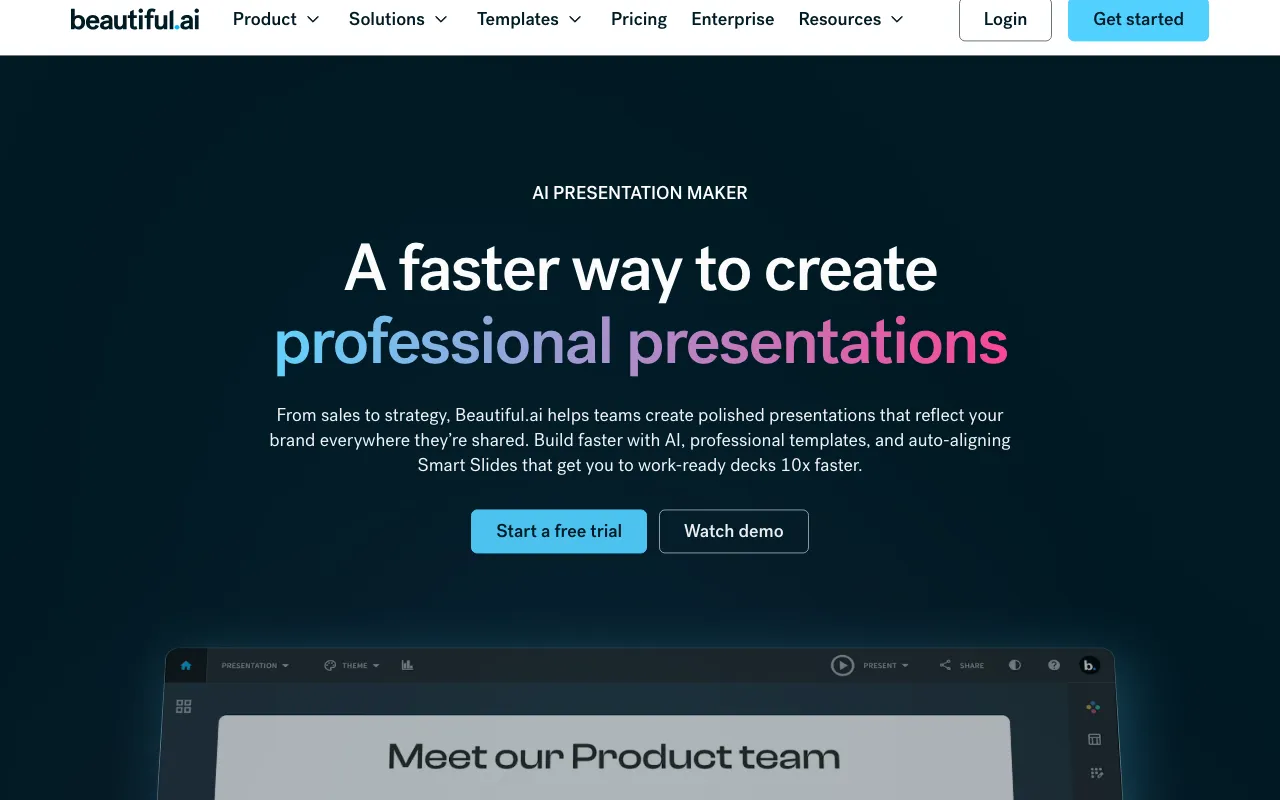
AI presentation software with Smart Slides that auto-format your deck as you add content
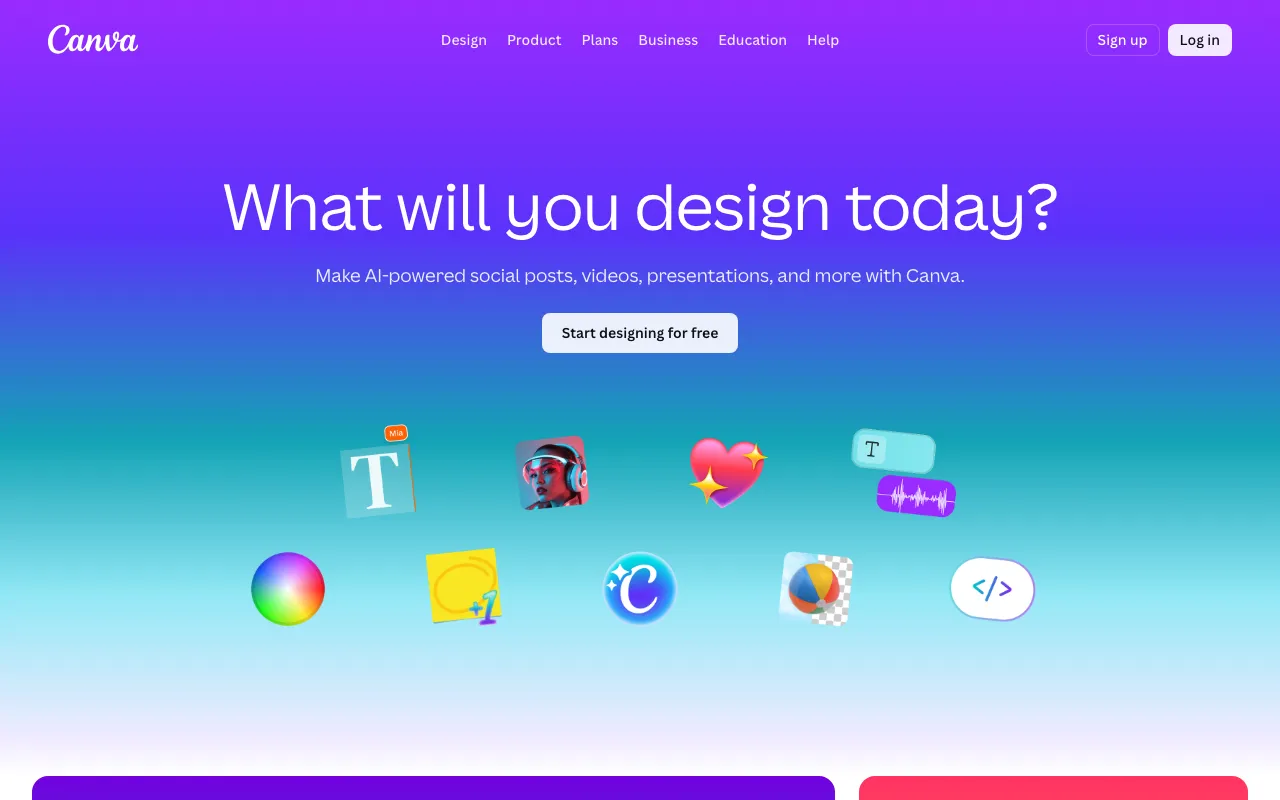
AI-powered design platform with templates, image generation, and Magic Studio tools
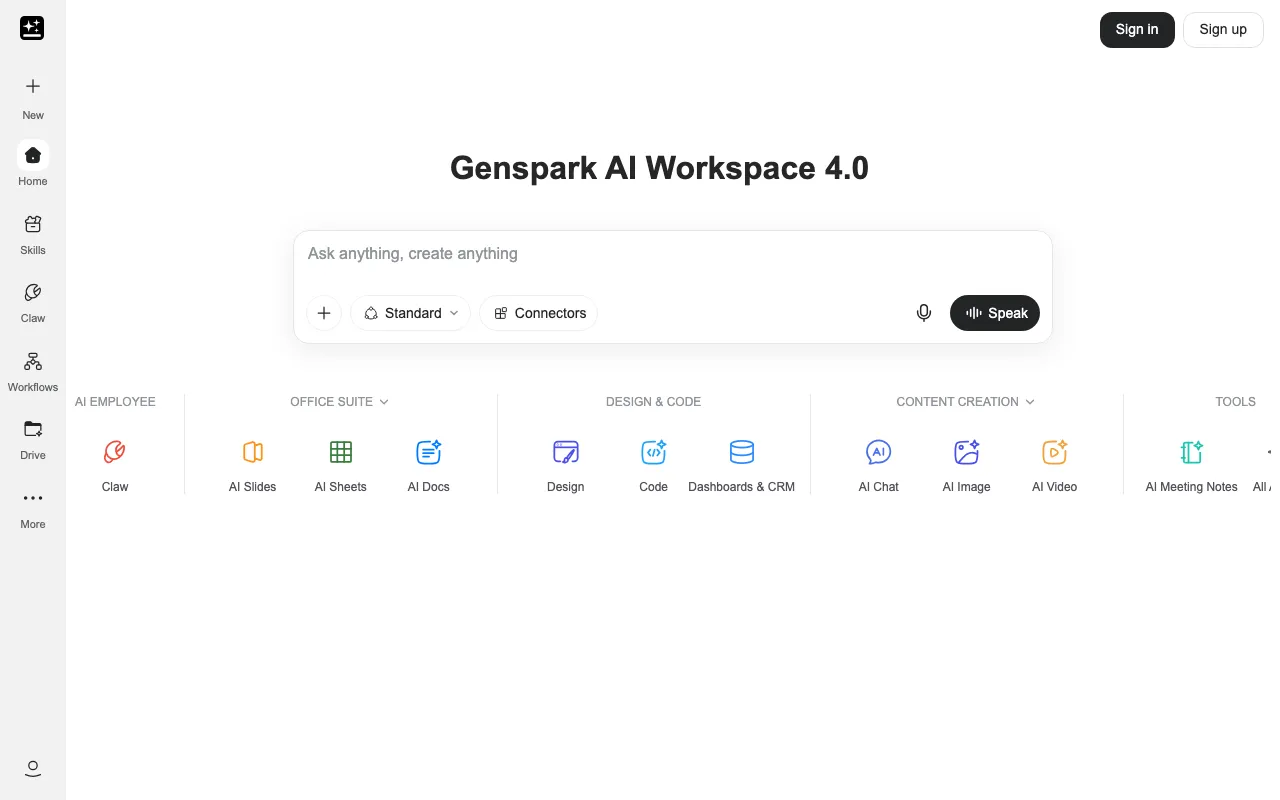
All-in-one AI Super Agent that runs research, slides, sheets, browsing, and real phone calls
Every tool in this list has a full profile in our directory with pricing verified against its official pricing page on the date shown on its stamp. Ranking reflects verified pricing, free-tier generosity, platform coverage, and documented capabilities. Rank is not for sale: a sponsor can buy only a separate slot marked Sponsored, outside the ranking. Read the full methodology.
Yes — 3 of the 4 tools here have a free tier: Gamma, Canva, Genspark. Pricing verified Jul 8, 2026.
Gamma has the lowest verified monthly starting price in this list at $9/mo, checked against its official pricing page on Aug 27, 2026.
2 of the 4 tools list an API: Gamma, Canva.