Canva
AI-powered design platform with templates, image generation, and Magic Studio tools
Canva is a browser-based design platform with an integrated AI suite (Magic Studio) covering image generation, copywriting, and layout automation. The free tier includes over 1.6 million templates and 5 GB storage; Pro costs approximately $15/month and unlocks premium templates, 100 GB storage, background removal, and full Magic Studio access. Best for marketers, content creators, and small teams who need polished visuals without hiring a designer.
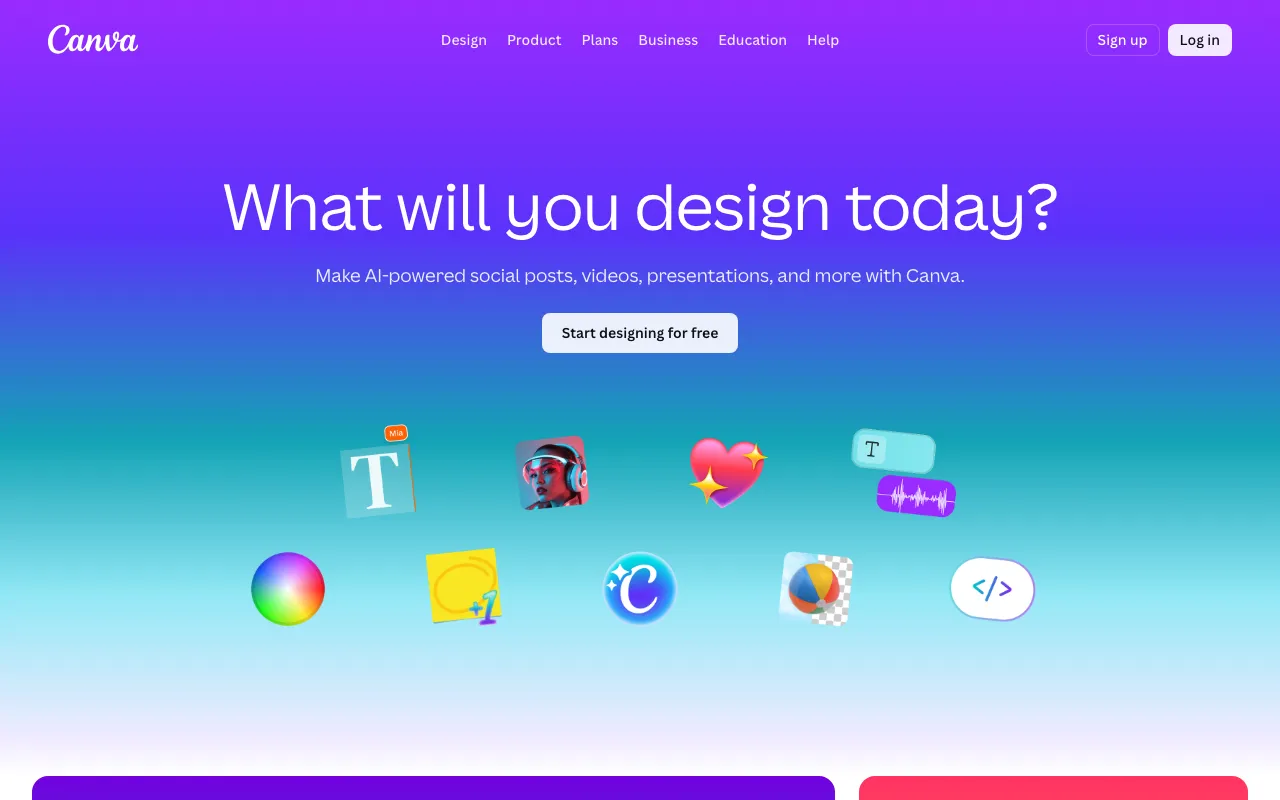
What is Canva?
Canva is a browser-based graphic design platform that lets users create social media posts, presentations, marketing materials, videos, and print assets from a library of pre-built templates. Unlike Adobe Illustrator or Photoshop, it operates entirely through a drag-and-drop web interface, requiring no prior design knowledge. Files are stored in the cloud and accessible from any device.
In 2023, Canva introduced Magic Studio — a suite of AI tools embedded directly in the editor. By 2026, Magic Studio covers five distinct workflows: Magic Design generates complete layouts from a text prompt or uploaded media; Dream Lab produces AI images using a diffusion model tuned for commercial applications; Magic Write generates on-canvas copy such as headlines and captions; Magic Resize reformats a single design to any platform dimension in one click; and Magic Charts converts raw data into visual graphics. The April 2026 Canva AI 2.0 update added a proprietary Canva Design Model and conversational design controls, expanding the scope of what can be generated or modified through natural language.
The platform covers formats spanning social media (Instagram, LinkedIn, TikTok), documents (resumes, reports, proposals), presentations (slides, pitch decks), video (short-form, YouTube thumbnails), and print (business cards, posters, flyers). Storage, Brand Kit slots, AI credit access, and collaboration features scale across four tiers: Free, Pro, Teams, and Enterprise.
Who is it for?
Canva suits anyone who needs professional-looking visual output without hiring a designer or learning professional design software. The free tier is adequate for occasional personal or academic use, while Pro is the practical minimum for anyone producing content regularly at volume.
- Social media managers and content creators who need to produce multiple on-brand posts per week. Magic Resize eliminates manual reformatting across platforms, and Brand Kits enforce visual consistency without manual colour and font selection.
- Small business owners and marketers producing ads, flyers, email headers, and pitch decks without a dedicated design team. The stock library and template range remove the need for separate asset subscriptions.
- Freelancers offering design services who need a fast, client-friendly tool. Canva’s template marketplace also supports a direct revenue stream for template creators.
- Educators and non-profits, who can access free Pro-level accounts through Canva’s verified Education and Nonprofit programmes.
How much does Canva cost?
Starting price: $15/mo · Free tier: yes · Model: freemium
Price history tracked from June 2026
| Plan | Price | Includes |
|---|---|---|
| Free | Free | 1.6M+ free templates · 5 GB storage · Limited AI credits per month · 1 Brand Kit |
| Pro | ~$15/mo | ~$120/year (billed annually) · 3.6M+ premium templates · 100 GB storage · Full Magic Studio AI access · Background Remover · Magic Resize · 100M+ stock photos and videos · 5 Brand Kits |
| Teams | ~$10/user/mo | 3-user minimum · 500 GB storage · 100 Brand Kits · Approval workflows · Team template locking |
| Enterprise | Custom | 50+ users · 1 TB storage · AI admin controls · SSO and advanced compliance · Dedicated account support |
What are Canva's key features?
- Magic Design — generates complete layouts from a text prompt or uploaded media
- Dream Lab — text-to-image generator using a diffusion model tuned for commercial and marketing use cases
- Magic Write — AI copywriter embedded in the canvas for captions, headlines, and product descriptions
- Magic Resize — one-click reformatting of a design to any platform dimension
- Background Remover — single-click subject isolation, available on Pro and above
- 1.6M+ free templates across social, print, video, and presentation formats
- Canva Sheets and Magic Charts for data-driven design and automated visualisation
- Brand Kit for storing logos, colours, and fonts for consistent team output
What people use Canva for
- 01 Creating social media posts, stories, and ads from branded templates
- 02 Producing marketing materials — flyers, presentations, and pitch decks — without Adobe skills
- 03 Generating AI images for blog headers, ad creatives, and product mockups via Dream Lab
- 04 Building brand kits with logo, fonts, and colour palette to maintain visual consistency across a team
- 05 Automating design variants with Magic Resize to reformat one asset across multiple platform dimensions
Pros and cons
| Pros | Cons |
|---|---|
| No design software experience required — drag-and-drop interface with a shallow learning curve | AI image quality from Dream Lab trails specialist tools like Midjourney or Adobe Firefly for photorealistic output |
| Magic Studio bundles five AI tools (image gen, copywriting, layout, resize, charts) inside one editor with no tab-switching | Background removal and premium stock assets require Pro or above — the free tier lacks these features and feels incomplete for professional use |
| Free tier is genuinely usable: 1.6M+ templates and 5 GB storage at no cost | AI credit limits on free and Pro tiers are not clearly published, leading to unexpected blocks mid-workflow |
| Cross-platform: works in the browser, iOS, Android, and a desktop app for offline editing | Export quality and file-format options (no native SVG export on free) lag behind dedicated tools like Adobe Illustrator |
What are the best Canva alternatives?
Recraft is the closest Canva alternative in our directory: it covers the same category (AI Design), starts at $10/mo, has a free tier.
Ranked by category overlap with Canva, then free-tier availability, then lowest verified starting price — computed from our verified data, never from sponsorships.
| Alternative | What it is | Starting price | Free tier | Price verified |
|---|---|---|---|---|
| Recraft vs Canva → | AI image and vector generator with custom styles, mockups, and design-ready output | $10/mo | yes | Jul 3, 2026 |
| Looka vs Canva → | AI logo maker and brand kit generator for small businesses | $20 one-time | no | Aug 27, 2026 |
| Gamma | AI presentation and document builder that generates slides, docs and web pages from a prompt | $9/mo | yes | Aug 27, 2026 |
| Adobe Firefly | Commercially safe AI image generator trained on licensed content with Creative Cloud integration | $9.99/mo | yes | Aug 27, 2026 |
| Ideogram | AI image generator specializing in accurate text rendering and layout-aware design output | $20/mo | yes | Aug 27, 2026 |
| Midjourney | AI image generator that creates high-quality art and photos from text prompts via web and Discord | $10/mo | no | Jun 11, 2026 |
Head-to-head comparisons
How people make money with Canva
- Sell Canva templates on Etsy or Creative Market — mature niches include resumes, social media kits, and Notion dashboards
- Offer social media content packages as a freelancer on Fiverr or directly to clients as a monthly retainer using Canva-based workflows
- Design and sell print-on-demand products (mugs, t-shirts, wall art) via Printful or Redbubble using Canva artwork — no upfront inventory cost
Frequently asked questions
Is Canva free?
Yes. Canva has a permanent free tier with 1.6M+ templates, 5 GB storage, and limited AI credits each month. No trial expiry — it stays free indefinitely.
How much does Canva Pro cost?
Based on multiple third-party sources current to mid-2026, Canva Pro is approximately $15/month when billed monthly, or around $120/year when billed annually. A 30-day free trial is available. Prices may vary by region — verify at canva.com/pricing.
What is Canva Magic Studio?
Magic Studio is Canva's integrated AI suite, introduced in 2023 and expanded in 2026. It includes Magic Design (layout generation), Dream Lab (text-to-image), Magic Write (AI copywriting), Magic Resize, and Magic Charts. Full access requires a Pro plan or above.
Can I use Canva designs commercially?
Yes, with conditions. Free-plan designs using free assets can be used commercially. Pro and Teams plans extend commercial rights to premium stock photos, videos, and AI-generated images. Always check the licence status of any third-party element used in a design.
Does Canva have an API?
Yes. The Canva Connect API allows developers to integrate Canva's editor and template library into their own applications. API access is aimed at enterprise customers and requires a separate agreement.
What is the difference between Canva Pro and Canva Teams?
Canva Pro is a single-user plan at $15/month. Canva Teams (starting at $10/user/month, 3-user minimum) adds shared Brand Kits, approval workflows, template locking, and 500 GB shared storage — features designed for collaborative teams rather than individual creators.
Does Canva work offline?
Canva has a desktop app for macOS and Windows that supports limited offline editing for files previously opened online. Full functionality, including AI features, requires an internet connection.