Beautiful.ai
AI presentation software with Smart Slides that auto-format your deck as you add content
Beautiful.ai is presentation software whose Smart Slides auto-align spacing and layout as you add content, so decks stay tidy without manual formatting. There is no permanent free tier — only a 14-day trial that requires a card. Pro is $12/month billed annually, Team runs $40/user/month annually for 2–20 seats, and Enterprise is custom. Best for teams that value on-brand, fast decks over freeform design control.
What is Beautiful.ai?
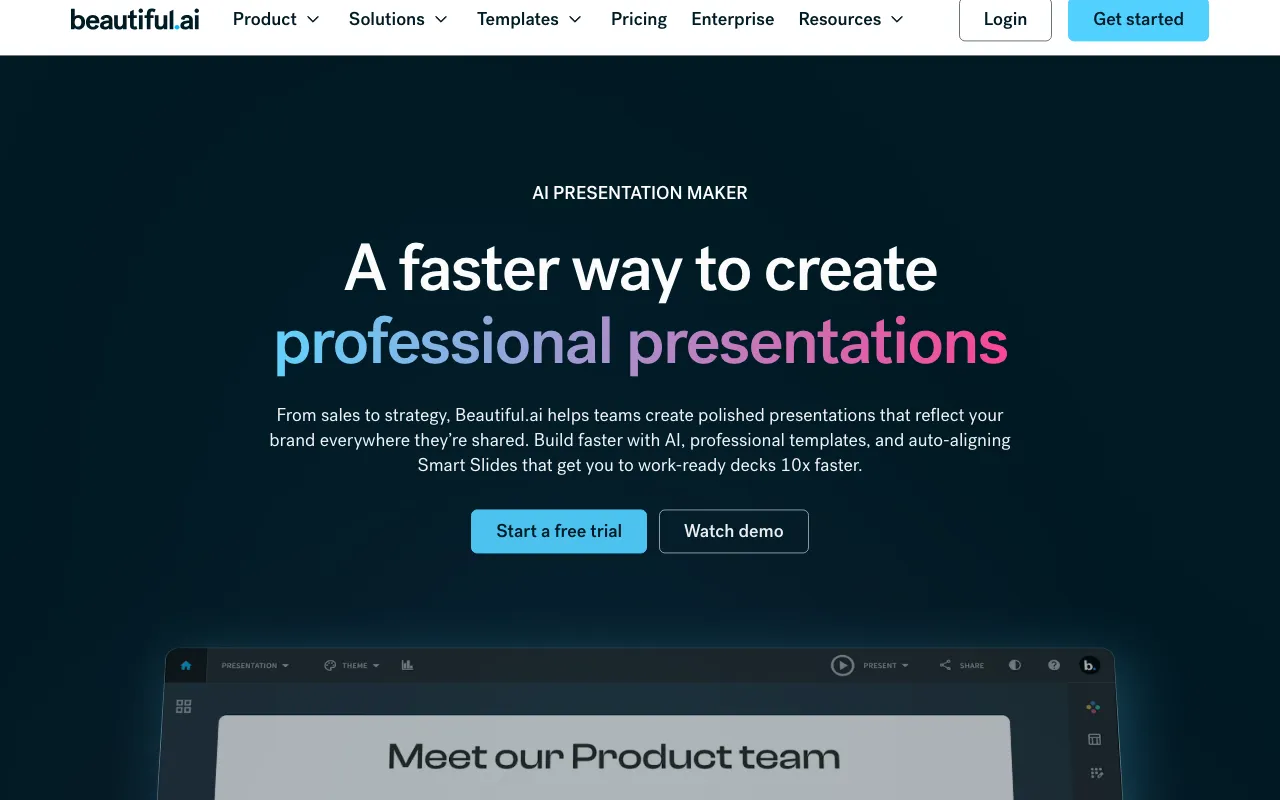
Beautiful.ai is web-based presentation software built around Smart Slides — 300+ auto-aligning layouts that adjust spacing, alignment, and visual hierarchy automatically as you add or remove content. Instead of nudging text boxes and images by hand, you pick a layout and the design rules keep the slide balanced, which is the product’s core pitch against manual tools. The Create with AI workflow lets you start from a prompt, outline, or an existing document, refine the structure, and then generate a polished first-draft deck to edit.
Beyond generation, the platform leans into brand consistency and collaboration. You define colors, fonts, logos, and themes once and lock them across every presentation, so a team’s decks stay on-brand. It includes animated charts and diagrams that can link to spreadsheets for live data, real-time collaborative editing with a centralized slide library and version control, viewer analytics that track slide-level engagement, and PowerPoint (PPTX) and PDF import/export. There is no permanent free tier — access starts with a 14-day trial that requires a credit card, then Pro at $12/month billed annually.
Who is it for?
Beautiful.ai fits individuals and teams who make a steady stream of decks and care more about staying on-brand and moving fast than about pixel-level design control. If you want a freeform canvas or heavy generative-AI output, tools like Canva or Gamma may suit you better; Beautiful.ai’s value is the auto-formatting guardrails and team brand controls.
- Sales and marketing teams that need on-brand pitch and campaign decks quickly, with viewer analytics to track prospect engagement.
- Startups and founders building investor and product decks who want a consistent look without a designer.
- Small teams (2–20 people) standardizing on locked brand themes and a shared slide library via the Team plan.
- Enterprises needing SSO, SOC 2 Type II, audit logs, and admin controls across 20+ seats.
How much does Beautiful.ai cost?
Starting price: $12/mo · Free tier: no · Model: paid
Price history tracked from June 2026
| Plan | Price | Includes |
|---|---|---|
| Pro | $12/mo | Billed annually ($144/year); 1 seat · Unlimited AI content generation · 300+ Smart Slide layouts · Custom branding (colors, fonts, logo) · Viewer analytics · PowerPoint (PPTX) and PDF import/export |
| Team | $40/user/mo | Billed annually; $50/user/mo month-to-month · 2–20 users required · Real-time collaborative editing · Centralized shared slide library · Version control and permissions · Engagement tracking and multi-language support |
| Enterprise | Custom | 20+ users · SSO and advanced permissions · SOC 2 Type II certification · Dedicated onboarding and team training · Audit logs and priority support |
| Single Presentation | $45 | One-off access to all Pro features for a single deck · Cancellable anytime |
What are Beautiful.ai's key features?
- Smart Slides — 300+ auto-aligning layouts that adjust spacing, alignment, and hierarchy as content changes
- Create with AI — generate a deck from a prompt, outline, or document, then iterate on the structure before rendering
- Brand controls — define colors, fonts, logos, and themes once and lock them across every presentation
- Data visualization — animated charts, graphs, timelines, and diagrams that can link to spreadsheets for live updates
- Real-time collaboration with a centralized slide library, version control, and permission management
- Viewer analytics that track slide-level engagement on shared decks
- Built-in content libraries of stock images, icons, videos, and AI-generated visuals
- PowerPoint (PPTX) and PDF import and export
What people use Beautiful.ai for
- 01 Building on-brand sales and marketing decks quickly, where formatting stays aligned without manual nudging
- 02 Generating a first-draft deck from a prompt, outline, or existing document, then refining the structure before slides render
- 03 Standardizing team decks with locked brand themes, shared fonts and colors, and a centralized slide library
- 04 Tracking how prospects engage with a shared deck via slide-level viewer analytics for sales follow-up
Pros and cons
| Pros | Cons |
|---|---|
| Smart Slides auto-format layout, so slides stay aligned and consistent without manual design work | No permanent free tier — only a 14-day trial, and that trial requires a credit card up front |
| Strong brand controls — lock themes, fonts, and colors across a whole team to keep decks on-brand | Template-driven Smart Slides feel rigid compared with freeform editors like Canva; there is little pixel-level control |
| PowerPoint (PPTX) and PDF import/export keep it compatible with existing presentation workflows | Fewer generative-AI bells than Gamma, which leans harder into one-shot AI deck generation |
| Slide-level viewer analytics show engagement, which is useful for sales and marketing follow-up | Team plan at $40/user/month billed annually adds up for larger groups, and Team requires a 2-seat minimum |
What are the best Beautiful.ai alternatives?
Napkin AI is the closest Beautiful.ai alternative in our directory: it covers the same category (AI Design), starts at $0, has a free tier.
Ranked by category overlap with Beautiful.ai, then free-tier availability, then lowest verified starting price — computed from our verified data, never from sponsorships.
| Alternative | What it is | Starting price | Free tier | Price verified |
|---|---|---|---|---|
| Napkin AI | Turns plain text into editable diagrams, flowcharts, infographics, mind maps, and charts for presentations, docs, and social posts | $0 | yes | Jun 23, 2026 |
| Canva | AI-powered design platform with templates, image generation, and Magic Studio tools | $15/mo | yes | Jun 11, 2026 |
| Gamma | AI presentation and document builder that generates slides, docs and web pages from a prompt | $9/mo | yes | Aug 27, 2026 |
How people make money with Beautiful.ai
- Offer pitch-deck and sales-deck design as a service on freelance marketplaces like Upwork or Fiverr — Smart Slides let you turn client content around fast while keeping brand consistency across the deck
- Sell branded template setup and Beautiful.ai onboarding to small teams standardizing on the Team plan, packaging locked themes and a shared slide library as a one-time engagement
Frequently asked questions
Is Beautiful.ai free?
No. Beautiful.ai has no permanent free plan. The only way to use it without paying upfront is a 14-day free trial of the Pro or Team plan, and that trial requires a credit card that will be charged in full if you do not cancel before it ends.
How much does Beautiful.ai Pro cost?
Pro costs $12/month billed annually ($144/year) for a single seat. It includes unlimited AI content generation, 300+ Smart Slide layouts, custom branding, viewer analytics, and PowerPoint import/export.
What does the Beautiful.ai Team plan cost?
Team is $40 per user per month billed annually, or $50 per user per month month-to-month. It requires between 2 and 20 users and adds real-time collaborative editing, a centralized slide library, version control, and engagement tracking.
Does Beautiful.ai generate slides with AI?
Yes. The Create with AI workflow lets you start from a prompt, outline, or document, refine the structure, and then generate polished slides. It emphasizes guided iteration rather than a single one-shot generation.
Can Beautiful.ai import and export PowerPoint?
Yes. Beautiful.ai imports and exports PowerPoint (PPTX) files and also exports to PDF, so decks can move in and out of existing presentation workflows.
Is there an Enterprise plan?
Yes. Enterprise is custom-priced for 20+ users and adds SSO, advanced permissions, SOC 2 Type II certification, audit logs, dedicated onboarding and team training, and priority support. You contact sales for a quote.