
LTX Studio
AI storytelling platform that turns a script into a storyboard and finished video, built on Lightricks' open-source LTXV models
FREEMIUM Verified OCT 18, 2026
6 tools ranked · last updated Jul 20, 2026 · how we picked
The best AI tool for filmmakers in 2026 is LTX Studio at $15/mo — it turns a script into a shot-by-shot storyboard instead of one isolated clip. Kling AI is the cheapest paid entry at $6.99/mo, and its free tier refreshes 66 credits every day rather than expiring as a one-time trial. ComfyUI is the only genuinely free pick: the core engine is GPL-3.0 open source and runs on your own GPU with no subscription at all. These 6 tools are ranked by where they sit in a narrative pipeline — script, storyboard, shot coverage, continuity, finishing — not by raw clip quality.
Prices last verified Oct 21, 2026 against official pricing pages.
LTX Studio is the only tool here that starts where a film actually starts: you paste a script or a logline and it returns a shot-by-shot breakdown with generated frames, then lets you generate video for each shot and assemble it on an in-browser timeline. Character casting keeps a cast on-model across scenes, which is the difference between an animatic and a pile of unrelated clips. Built by Lightricks on the open LTXV models, it runs on credits: a free tier gives 800 one-time credits (not a monthly refill), then Lite is $15/mo for 8,000 credits, Standard $35/mo for 28,000, and Pro $125/mo for 110,000. Two caveats worth planning around. Commercial rights only unlock at the $35/mo Standard plan — Free and Lite are personal-use only, which catches people out. And raw clip quality still trails Veo, Kling, and Runway on complex motion, so treat it as previz and planning rather than final pixels.
Runway is the pick when a specific shot has to carry weight. Gen-4.5 is among the highest-fidelity consumer video models available in mid-2026, and the surrounding toolset is post-production shaped rather than prompt shaped: Act-Two handles lip-sync and expressive character animation, Aleph 2.0 covers advanced visual generation tasks, and a REST API on all paid plans means shot generation can sit inside an existing pipeline instead of a browser tab. The free tier is 125 one-time credits with no monthly replenishment, so treat it as a trial. Standard is $12/user/mo for 625 credits, watermark removal, and Gen-4.5; Pro is $28/user/mo for 2,250 credits and custom voice for lip sync; Max is $76/user/mo for 9,500 credits with one month of rollover. Two caveats: the advertised per-month prices require annual billing, and credit costs per generation are not published, making it genuinely hard to budget a shot list in advance.
Kling’s AI Director mode is the reason it belongs on a filmmaker’s list rather than a generator list: it packs up to 6 distinct shots, each with its own camera angle, shot size, and duration, into a single 15-second generation, and maintains spatial continuity between them. That is coverage of a scene from one prompt, not one angle at a time. Kling 3.0 outputs up to 4K at 60 FPS, and video extension chains 5-second segments to reach roughly 3 minutes on paid plans. The free tier refreshes 66 credits every 24 hours, which makes it usable for ongoing blocking experiments, though it is watermarked, capped at 540p, and carries no commercial rights. Standard is $6.99/mo for 660 credits with 1080p and commercial use, Pro $25.99/mo, Premier $64.99/mo, Ultra $180/mo. Caveats: prices vary by region and have changed several times, so verify at checkout, and per-clip credit costs are hard to predict.
Continuity is the problem generative video is worst at, and Vidu attacks it directly. Reference-to-video takes three or more images of a character, object, or set and composites them into a generated clip that stays consistent with those references — so the same actor, prop, or location can recur across a sequence instead of being reinvented each generation. The flagship Q3 model produces up to 1080p at clip lengths up to 16 seconds, with first-frame and last-frame control for matching cuts, plus an off-peak mode at half the credit cost. Pricing is among the cheapest here: a free tier of about 80 credits (watermarked, no commercial use), Standard at $10/mo for 800 credits, Premium at $35/mo for 4,000, and Ultimate at $99/mo for 8,000, with an API selling credits at $0.005 each. Two caveats: a 1080p 16-second Q3-pro clip can cost roughly 384 credits, and the 16-second ceiling means anything longer is a stitching job.
Every generative pipeline eventually produces a shot that is right in content and wrong in resolution, and Topaz is the standard answer. Topaz Video handles AI upscaling, frame interpolation for smoother or retimed motion, and stabilization, which covers both the finishing pass on generated clips and the restoration pass on real archival or low-resolution footage. Gigapixel upscales stills up to 16x with models trained per content type, and Photo adds denoise, sharpen, and face recovery, with a Photoshop plugin and Lightroom Classic integration for routing work in and out. Desktop apps allow unlimited local rendering, so heavy batches are not metered per file. Pricing is annual: Gigapixel $149/yr, Photo $199/yr, Video $299/yr, and the all-apps Topaz Studio bundle $399/yr. Two caveats: there is no free tier and free-trial availability is not clearly advertised, and Topaz ended perpetual one-time licenses on October 3 2025, so this is now a recurring cost rather than a purchase.
ComfyUI is the choice when a look has to be reproduced exactly rather than rediscovered each time. It is a node graph editor where the whole inference pipeline is visible and editable — checkpoint loader, CLIP encoders, sampler, scheduler, CFG, seed, VAE decoder — so a saved graph applies the same treatment deterministically across hundreds of frames, and imported LoRAs can lock a character or house style. Partner nodes call proprietary models including Kling and Seedance from the same credit balance, and Comfy API turns any workflow into an endpoint. The core engine is GPL-3.0 open source and free forever on your own GPU. Comfy Cloud adds 5 free GPU runs for new users, Standard at $20/mo for 4,200 credits, Creator at $35/mo for 7,400 with custom LoRA imports, and Pro at $100/mo for 21,100. Two caveats: the learning curve is steep, and without a capable GPU you are effectively pushed onto Cloud at $20/mo minimum.
We ranked these by where each tool does real work in a narrative pipeline — script to storyboard, shot generation, coverage and continuity, then finishing — rather than by which model produces the prettiest eight seconds in isolation. Tools that only generate an unrelated clip on demand were excluded or ranked lower, because the hard problems in filmmaking are continuity, coverage, and delivery, not single-shot fidelity. We also weighted what a plan actually permits: commercial rights, watermark removal, and output resolution are gated at wildly different price points here, and a tier that cannot be used in paid work is not a tier a filmmaker can plan around. Credit systems were treated as a cost risk rather than a feature, since most of these platforms decline to publish per-generation costs. Pricing was verified on July 20 2026 against each product’s official pricing page; no tool paid or provided incentives to appear.
AI storytelling platform that turns a script into a storyboard and finished video, built on Lightricks' open-source LTXV models
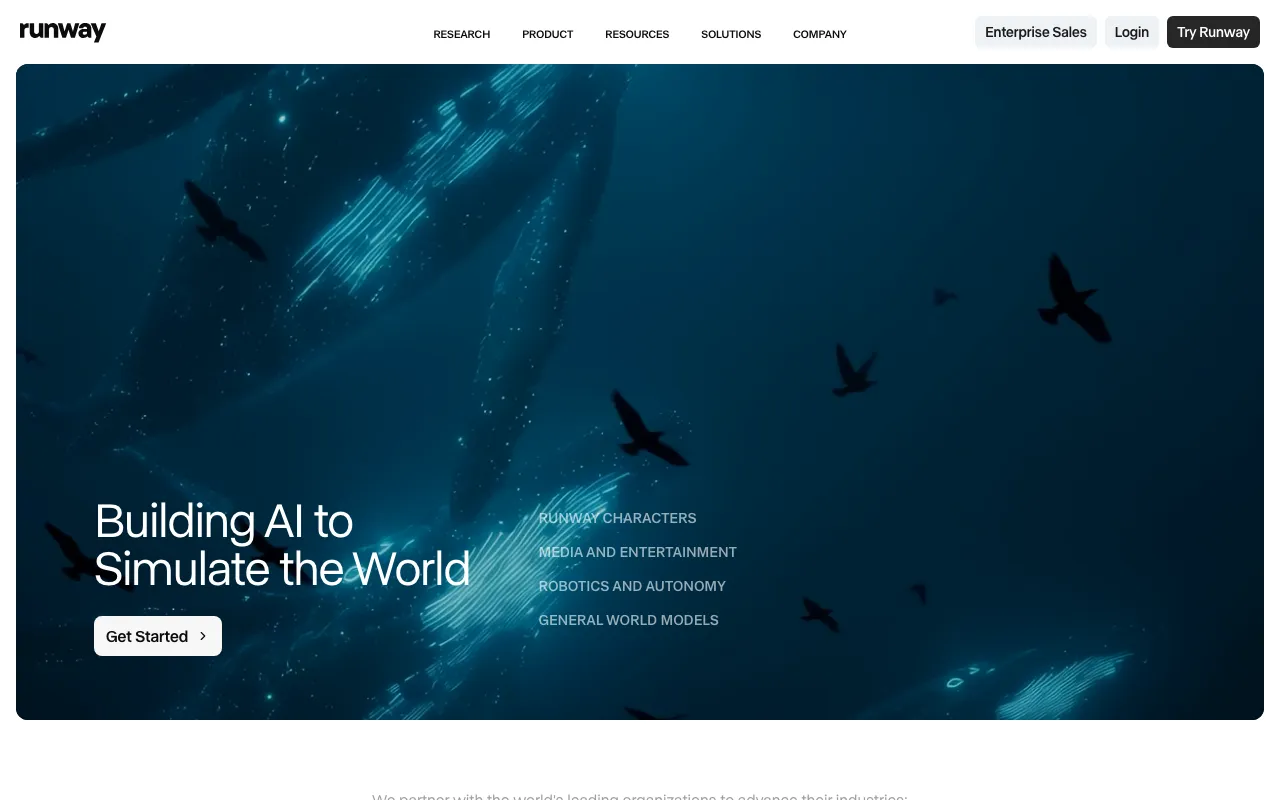
AI video generation platform for cinematic clips, world simulation, and conversational video agents
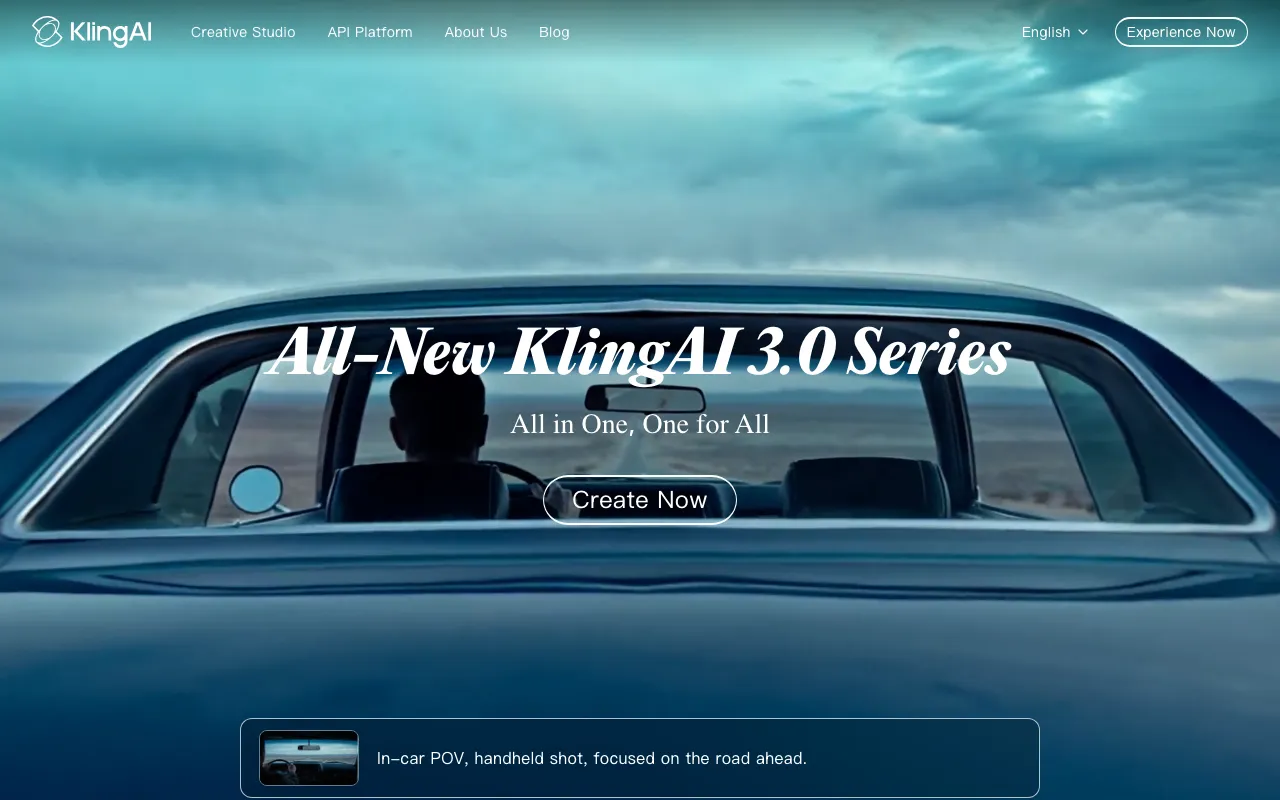
AI video generator that creates 4K clips up to 15 seconds from text or image prompts

AI video generator with reference-to-video for consistent characters, up to 1080p and 16-second clips
Professional AI photo and video enhancement software for upscaling, denoising, sharpening, and restoration
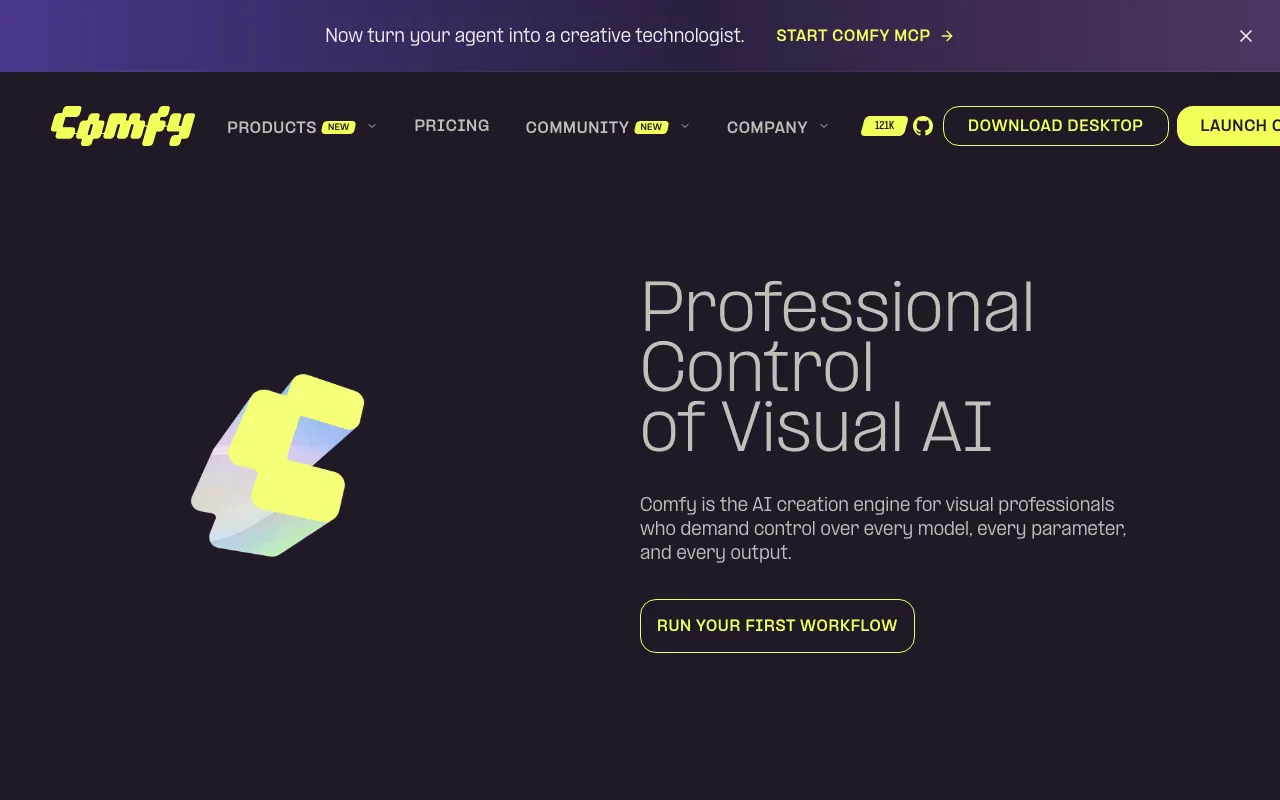
Node-based generative media app with an open-source local engine and a hosted Comfy Cloud tier
Every tool in this list has a full profile in our directory with pricing verified against its official pricing page on the date shown on its stamp. Ranking reflects verified pricing, free-tier generosity, platform coverage, and documented capabilities. Rank is not for sale: a sponsor can buy only a separate slot marked Sponsored, outside the ranking. Read the full methodology.
Yes — 5 of the 6 tools here have a free tier: LTX Studio, Runway, Kling AI, Vidu, ComfyUI. Pricing verified Jul 20, 2026.
Kling AI has the lowest verified monthly starting price in this list at $6.99/mo, checked against its official pricing page on Jun 11, 2026.
5 of the 6 tools list an API: Runway, Kling AI, Vidu, Topaz Labs, ComfyUI.