Taplio
AI LinkedIn growth tool for scheduling posts, writing with AI, and automating engagement and outreach
PAID Verified JUL 19, 2026
5 tools ranked · last updated Jul 19, 2026 · how we picked
The best AI tool for LinkedIn in 2026 is Taplio, the only LinkedIn-native pick here — though AI writing starts on its $69/month Growth plan, not the $39 Starter. Grammarly is the best free option, with 100 AI prompts a month at $0 and Pro at $12/month billed annually. Neither Taplio nor Copy.ai has a free tier at all, so the 3 picks that do — Grammarly, Canva and Opus Clip — are where to start if you are not ready to pay.
Prices last verified Jul 19, 2026 against official pricing pages.
Taplio, from lempire, is the only tool in this list built for LinkedIn specifically rather than adapted to it, covering publishing, engagement, and outbound in one place: post scheduling with a custom queue, a 5M+ viral post inspiration database, analytics, Kanban drafts, polls, and an included API and LinkedIn MCP server on every tier. Starter is $39/month ($32 annually), Growth is $69/month ($49 annually) with 250 AI credits and 500 comment credits, and Pro is $199/month ($149 annually) with unlimited AI credits, a lead database, and auto-DMs. A 7-day trial grants full Pro access. Two caveats worth stating plainly: the $39 Starter headline is misleading, since every AI feature is excluded from it and AI writing genuinely begins at $69/month, and automating posts, comments, connections, and DMs on a platform that does not sanction third-party automation carries real account risk that scales with how aggressively you configure it.
Grammarly is the highest-value free pick here because it works everywhere you would actually draft a LinkedIn post — browser, desktop, mobile, Office, Google Docs — rather than requiring you to write inside a dedicated tool first. The free tier covers grammar, spelling, and punctuation correction, tone detection, and 100 AI prompts a month, which is enough to tighten a few posts a week at no cost. Pro is $12/month billed annually ($144/year) and raises that to 2,000 AI prompts per member each month with full-sentence rewrites, tone adjustment, plagiarism and AI-text detection, and citation suggestions. Two caveats: the gap between $12 annually and $30 month-to-month is large, so the cheap price only applies if you commit for a year, and Grammarly edits what you have written rather than generating post ideas — it improves a draft, it does not supply one.
Carousels and image posts are a large share of what performs on LinkedIn, and Canva is the most direct route to producing them without a designer. Magic Studio bundles image generation, copywriting, layout, and Magic Resize inside one editor, so a single design becomes a carousel, a banner, and a square post without rebuilding it each time. The free tier includes 1.6M+ templates, 5 GB of storage, and 1 Brand Kit, and designs built from free assets can be used commercially. Pro is approximately $15/month (around $120/year) for 3.6M+ premium templates, 100 GB storage, Background Remover, 100M+ stock photos and videos, and 5 Brand Kits; Teams is around $10/user/month with a three-user minimum. Two caveats: background removal and premium stock require Pro, and AI credit limits on both free and Pro are not clearly published, which leads to unexpected blocks mid-workflow.
Opus Clip takes a long recording — a webinar, podcast, or conference talk — and cuts it into short vertical clips with auto-captions, reframing, and a predicted virality score, which is the cheapest way to keep a LinkedIn feed supplied with video if you already produce long-form content. Its credit model is unusually predictable: one minute of source video costs one credit regardless of how many clips it produces. The free tier gives 60 processing minutes a month with watermarked 1080p exports and 3-day retention; Starter is $15/month (about $9 billed annually) for 150 minutes watermark-free, and Pro is $29/month for 300 minutes plus timeline editing, AI B-roll, and auto-posting. Two caveats: the listed auto-post destinations are TikTok, YouTube Shorts, and Instagram, so LinkedIn uploads stay manual, and the virality score is a prediction rather than a guarantee.
Copy.ai is the pick when LinkedIn is one channel inside a wider go-to-market motion rather than the whole strategy — it automates sales prospecting, content creation, and marketing workflows through agents, tables, and 2,000+ integrations, so post copy and outbound sequences come out of the same system as the rest of your pipeline. The Chat plan is $29/month, or $24 billed annually, and includes 5 seats with unlimited words in chat plus access to OpenAI, Anthropic, and Gemini models from one subscription. Two caveats: there is no free tier at all, and the gap above Chat is severe — the next plan, Growth, is $1,000/month for 75 seats and 20,000 workflow credits, with nothing in between, so a small team that outgrows Chat has no gradual upgrade path. API access is Enterprise-only.
LinkedIn work splits into four jobs — writing the post, designing the visual, cutting the video, and distributing or engaging at volume — and no single tool does all four well, so we ranked one strong pick per job rather than five variations on a post generator. Taplio leads because it is the only one built for the platform itself; everything below it is a general tool that happens to serve LinkedIn well, and we said which job each one is actually for. We weighted the honesty of entry pricing heavily here, because two of these five advertise a starting price that excludes the feature most people are buying. Nothing in this list ranks on follower counts or engagement claims, which are not verifiable. Pricing was verified on July 19 2026 against each product’s official pricing page; no tool paid or provided incentives to appear in this list.
AI LinkedIn growth tool for scheduling posts, writing with AI, and automating engagement and outreach
AI writing assistant that checks grammar, tone, and clarity and generates text across apps and browsers
AI-powered design platform with templates, image generation, and Magic Studio tools
AI video repurposing tool that turns long videos into short, captioned vertical clips ranked by predicted virality
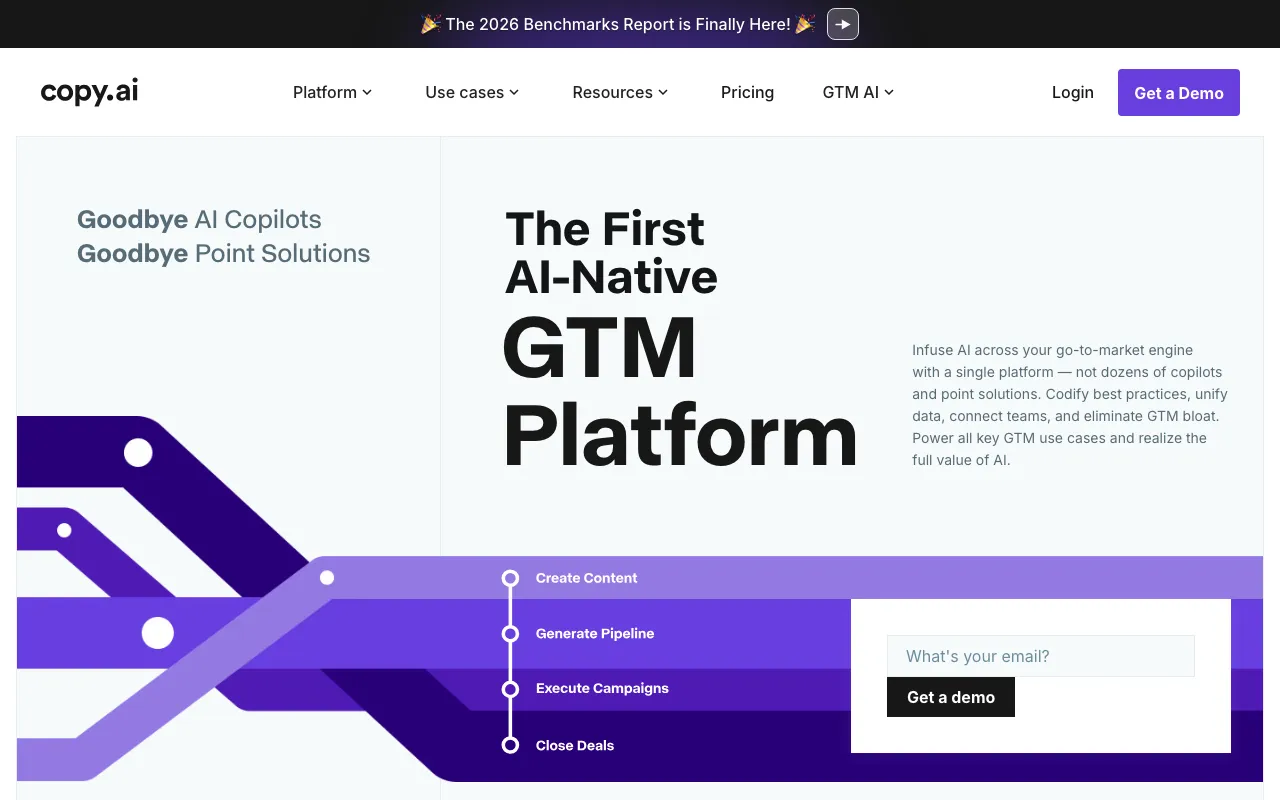
AI-native GTM platform for automating sales, marketing, and content workflows
Every tool in this list has a full profile in our directory with pricing verified against its official pricing page on the date shown on its stamp. Ranking reflects verified pricing, free-tier generosity, platform coverage, and documented capabilities. Rank is not for sale: a sponsor can buy only a separate slot marked Sponsored, outside the ranking. Read the full methodology.
Yes — 3 of the 5 tools here have a free tier: Grammarly, Canva, Opus Clip. Pricing verified Jul 19, 2026.
Canva has the lowest verified monthly starting price in this list at $15/mo, checked against its official pricing page on Jun 11, 2026.
4 of the 5 tools list an API: Taplio, Canva, Opus Clip, Copy.ai.