Browser Use
Open-source library that lets AI agents control a real browser to automate and extract from any site
Browser Use is an open-source Python library that lets AI agents control a real browser — clicking, typing, and extracting structured data from any website via natural-language tasks. The library is free; Browser Use Cloud adds managed, stealth browsers with a free tier (3 concurrent sessions), Dev at $29/month, Business at $299/month, and usage-based billing at $0.02/browser-hour. It is model-agnostic and works with Claude. Best for developers building web-automation agents at scale.
What is Browser Use?
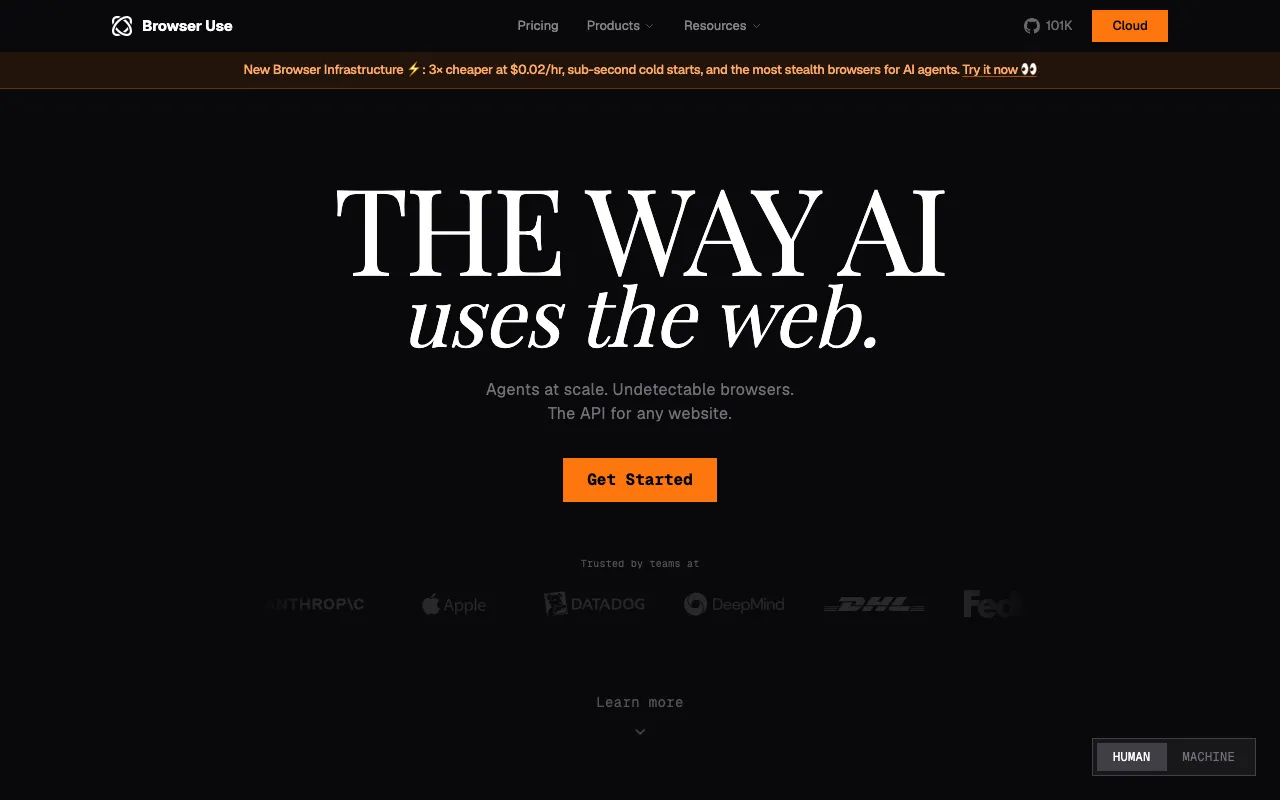
Browser Use is an open-source Python library that gives AI agents control of a real web browser. Instead of calling an API, an agent driven by Browser Use navigates pages, clicks buttons, fills forms, and reads content the way a person would — all from natural-language instructions. That makes it suited to the large part of the web that has no clean API: apps behind a login, sites that render data with JavaScript, and multi-step flows that only exist in a browser. A core capability is turning what it sees into structured data an agent can act on.
The library is free and self-hostable, which is what most developers search for by name. On top of it sits Browser Use Cloud, a managed service that removes the operational burden of running browsers at scale: it provides stealth (anti-detection) browsers, CAPTCHA solving, and a residential proxy pool across 195+ countries, plus scheduled jobs and concurrency. The tool is model-agnostic — you bring your own LLM, and Claude and other frontier models are supported — with the Cloud’s built-in V3 Agent billed on token usage at a markup over provider rates.
Who is it for?
Browser Use is a developer tool, not a no-code product: you write Python (or call the Cloud API) to define what the agent should do. It fits people building web-automation and data-extraction agents who have hit the limits of plain HTTP scraping and need something that can actually operate a page. The free library covers experimentation and self-hosting; the Cloud tiers are for teams that would rather pay than run browser infrastructure themselves.
- Developers and AI engineers building agents that log into web apps, fill forms, or extract data no public API exposes.
- Data and growth teams running competitive monitoring or lead enrichment against sites that block ordinary scrapers.
- QA engineers automating end-to-end tests of web flows with natural-language steps.
- Startups scaling web automation that prefer Cloud’s managed stealth browsers and proxies over building and maintaining their own.
How much does Browser Use cost?
Starting price: $0 · Free tier: yes · Model: open-source
Price history tracked from June 2026
| Plan | Price | Includes |
|---|---|---|
| Library (self-hosted) | Free | Open-source Python library · Bring your own LLM and browser · Full control, self-managed infra · No usage fees |
| Cloud Free | $0 | 3 concurrent sessions · Advanced stealth and captcha solving · Basic proxy pool, 1 team member · Community support |
| Dev | $29/mo | 25 concurrent sessions · Bring-your-own API keys and proxies · Scheduled jobs and auto-recharge · Priority support |
| Business | $299/mo | 200 concurrent sessions · Unlimited team members and browser profiles · Priority support · Scaleup tier at $999/mo for 500 sessions |
| Enterprise | Custom | Negotiated credits and concurrency · Dedicated support · Custom SLAs · Volume pricing |
What are Browser Use's key features?
- Open-source Python library that gives LLM agents full browser control
- Structured data extraction from any website via natural-language tasks
- Cloud service with managed, anti-detection (stealth) browsers and CAPTCHA solving
- Residential proxy pool spanning 195+ countries
- Scheduled jobs and bring-your-own API keys on paid Cloud tiers
- Model-agnostic — works with Claude and other frontier LLMs
What people use Browser Use for
- 01 Building an AI agent that logs into a web app and extracts structured data on a schedule
- 02 Automating repetitive web tasks like form submissions across many sites
- 03 End-to-end testing of web flows driven by natural-language instructions
- 04 Running web-research agents that navigate and read pages a plain API can't reach
Pros and cons
| Pros | Cons |
|---|---|
| Core library is genuinely open-source and free to self-host | Self-hosting the library means you own proxy, anti-detection, and scaling headaches |
| Model-agnostic — pair it with Claude or any frontier LLM | Cloud costs stack up: $0.02/browser-hour plus $5/GB proxy bandwidth on top of the plan fee |
| Cloud tier handles the hard parts: stealth browsers, proxies, and CAPTCHA solving | The built-in V3 Agent bills token usage at 1.2x the underlying provider's model rates |
| Free Cloud tier (3 concurrent sessions) to prototype before paying | Browser automation is inherently brittle — a site redesign can break an agent flow |
What are the best Browser Use alternatives?
CrewAI is the closest Browser Use alternative in our directory: it covers the same category (AI Agents & Automation), starts at $0, has a free tier.
Ranked by category overlap with Browser Use, then free-tier availability, then lowest verified starting price — computed from our verified data, never from sponsorships.
| Alternative | What it is | Starting price | Free tier | Price verified |
|---|---|---|---|---|
| CrewAI | Open-source multi-agent framework for orchestrating collaborative AI agent teams | $0 | yes | Jul 3, 2026 |
| Manus | Autonomous general AI agent that plans and executes multi-step tasks end-to-end in the cloud | $20/mo | yes | Jun 20, 2026 |
| Lindy | No-code AI agents that handle email, calendar, meetings, and 100+ app integrations | $49.99/mo | no | Jun 21, 2026 |
How people make money with Browser Use
- Build custom web-automation agents for clients — data scraping, form filling, competitive monitoring — on top of the open-source library, billed as fixed-scope automation projects
- Offer a managed web-data extraction service using Browser Use Cloud's stealth browsers, charging clients a monthly subscription per monitored site or data feed
Frequently asked questions
Is Browser Use free?
Yes, the core Browser Use library is open-source and free to self-host. Browser Use Cloud, the managed service, also has a free tier with 3 concurrent sessions; paid Cloud plans start at $29 per month for the Dev tier.
How much does Browser Use Cloud cost?
Browser Use Cloud has a free tier, then Dev at $29/month (25 concurrent sessions), Business at $299/month (200 sessions), and Scaleup at $999/month (500 sessions). Usage adds $0.02 per browser-hour and $5 per GB of proxy bandwidth.
What does Browser Use do?
Browser Use lets an AI agent control a real web browser — navigating pages, clicking, typing, and extracting structured data — from natural-language instructions. It handles tasks a plain API cannot, like operating apps that require a logged-in browser session.
Which LLMs does Browser Use support?
Browser Use is model-agnostic and works with frontier LLMs including Anthropic's Claude. You supply the model, either through your own API keys on paid Cloud tiers or the built-in V3 Agent, billed at 1.2 times provider token rates.
Is Browser Use good for web scraping?
Yes. Structured data extraction is a core use case, and Cloud adds stealth browsers, CAPTCHA solving, and a residential proxy pool across 195+ countries to reach sites that block ordinary scrapers. Note that flows can break when target sites change.
Do I need the Cloud plan to use Browser Use?
No. You can run the open-source library entirely yourself for free. The Cloud plans exist to remove infrastructure work — managed stealth browsers, proxies, scheduling, and scaling — which matters most when running many agents in parallel.