Lindy
No-code AI agents that handle email, calendar, meetings, and 100+ app integrations
Lindy builds no-code AI agents that triage email, schedule meetings, take notes, and act across 100+ integrations. It has no free tier — a 7-day trial, then Plus at $49.99/month (up to 2 inboxes), Pro at $99.99/month (3x usage plus browser automation), and Max at $199.99/month (7x usage, up to 5 inboxes). Best for operators automating recurring knowledge work without writing code.
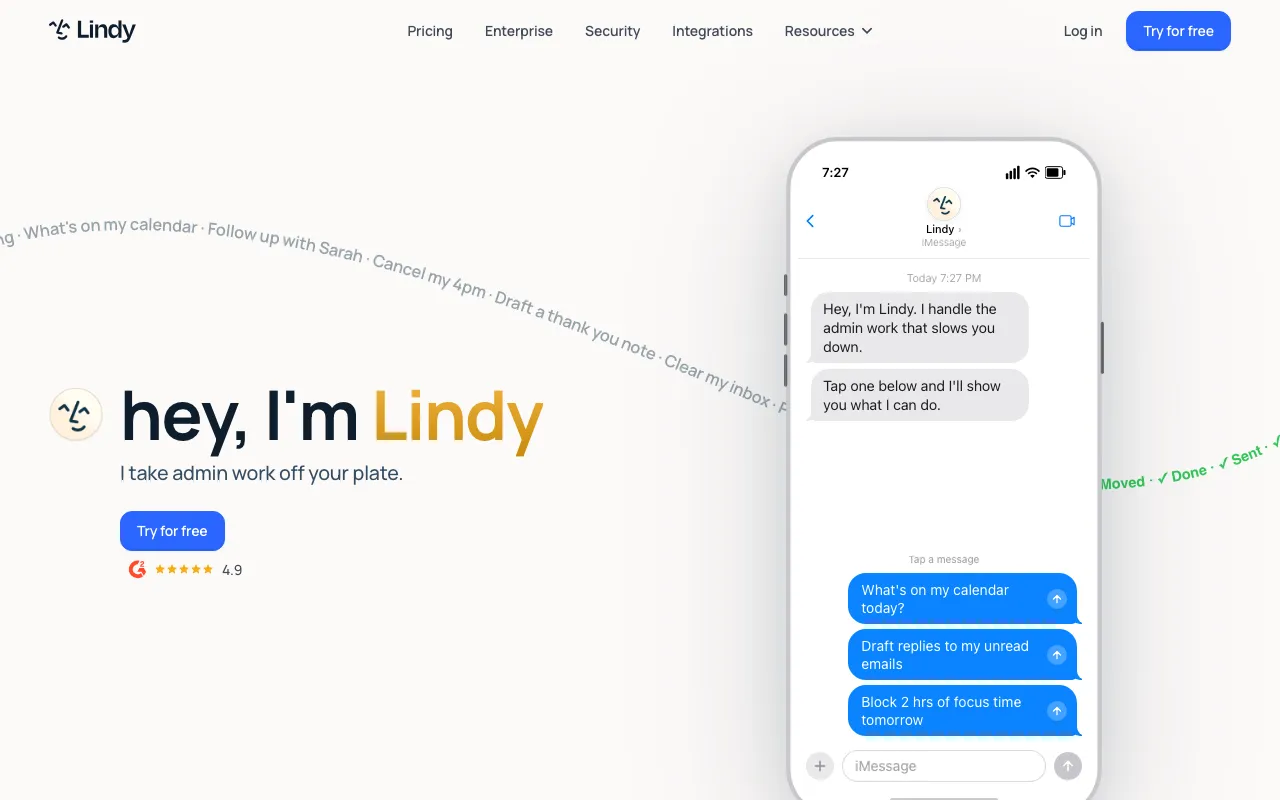
What is Lindy?
Lindy is a platform for building AI agents that handle recurring knowledge work without writing code. You assemble an agent from triggers and steps in a no-code builder, connect it to your tools — Gmail, Outlook, Slack, HubSpot, Salesforce, and 100+ others — and it acts on your behalf: triaging the inbox and drafting replies in your voice, coordinating meeting scheduling, joining calls to record notes and pull out action items, and updating CRM records from the context of those emails and meetings. Rather than a chatbot you visit, it runs as an integrated assistant you can delegate to from the web app, by email, or by text message.
There is no free tier. After a 7-day trial, Plus costs $49.99/month and connects up to 2 inboxes with a standard usage allowance. Pro at $99.99/month triples that usage, raises the inbox limit to 3, and adds “computer use” — browser automation that lets an agent operate web apps that have no API. Max at $199.99/month gives 7x the Plus usage and up to 5 inboxes. Enterprise plans add SSO, SCIM provisioning, HIPAA compliance, audit logs, and a signed BAA for teams with compliance requirements.
Who is it for?
Lindy suits people who spend a large share of their week on repetitive, rules-but-judgment work — email, scheduling, follow-ups, CRM hygiene — and want to hand it to agents that understand context rather than rigid if-this-then-that rules. Because the agents act on real inboxes and customer records, it rewards users who set up oversight and review rather than fully unattended automation.
- Founders, operators, and account managers drowning in email, scheduling, and follow-up who want an assistant that drafts and acts in their voice.
- Sales and customer teams automating meeting prep, note-taking, and CRM updates across HubSpot or Salesforce.
- Automation builders and agencies who prefer a no-code agent builder over scripting and want to package agents for clients.
- Teams with compliance needs that require SSO, HIPAA, and audit logs on the Enterprise plan.
How much does Lindy cost?
Starting price: $49.99/mo · Free tier: no · Model: paid
Price history tracked from June 2026
| Plan | Price | Includes |
|---|---|---|
| Plus | $49.99/mo | Standard usage allowance · Up to 2 connected inboxes · Email drafting, meeting notes, and scheduling · 100+ integrations |
| Pro | $99.99/mo | 3x the usage of Plus · Up to 3 connected inboxes · Adds computer use (browser automation) |
| Max | $199.99/mo | 7x the usage of Plus · Up to 5 connected inboxes · Highest usage allowance |
| Enterprise | Custom | SSO and SCIM provisioning · HIPAA compliance and signed BAA · Audit logs and dedicated support |
What are Lindy's key features?
- No-code agent builder with triggers and multi-step workflows
- 100+ integrations (Gmail, Outlook, Slack, HubSpot, Salesforce, and more)
- Email drafting in the user's voice and automatic inbox triage
- Meeting joining, recording, notes, and action-item extraction
- Delegation via web app, email, or text message (iMessage/SMS)
- Computer use / browser automation on the Pro plan and above
- Enterprise controls: SSO, SCIM, HIPAA compliance, audit logs, and signed BAA
What people use Lindy for
- 01 Automatically triaging and drafting replies to inbound email in your voice
- 02 Coordinating meeting scheduling and rescheduling across calendars
- 03 Joining meetings to record, transcribe, and extract action items
- 04 Updating CRM records (HubSpot, Salesforce) from email and meeting context
- 05 Chaining multi-step workflows across 100+ connected apps with triggers
Pros and cons
| Pros | Cons |
|---|---|
| No-code builder makes multi-step agents approachable for non-engineers | No free tier — entry is $49.99/month after a 7-day trial |
| Broad integration coverage (100+ apps) supports end-to-end automations | Usage is metered and the Plus plan caps connected inboxes at 2 |
| Browser automation (Pro) handles tasks that have no direct API | Browser automation (computer use) requires the $99.99/month Pro plan or higher |
| Delegate by email or text message, not just from a web dashboard | Autonomous agents acting on email and CRM need oversight to avoid compounding mistakes |
What are the best Lindy alternatives?
Manus is the closest Lindy alternative in our directory: it covers the same category (AI Agents & Automation), starts at $20/mo, has a free tier.
Ranked by category overlap with Lindy, then free-tier availability, then lowest verified starting price — computed from our verified data, never from sponsorships.
| Alternative | What it is | Starting price | Free tier | Price verified |
|---|---|---|---|---|
| Manus | Autonomous general AI agent that plans and executes multi-step tasks end-to-end in the cloud | $20/mo | yes | Jun 20, 2026 |
| CrewAI | Open-source multi-agent framework for orchestrating collaborative AI agent teams | $0 | yes | Jul 3, 2026 |
| Make | Visual automation platform connecting 3,000+ apps with no-code workflows and AI agents | $9/mo | yes | Jul 3, 2026 |
| Relevance AI | No-code platform for building and deploying autonomous AI agents for business workflows | $19/mo | yes | Jun 11, 2026 |
| Zapier | No-code automation platform that connects 7,000+ apps to build multi-step workflows without writing code | $19.99/mo | yes | Jun 11, 2026 |
How people make money with Lindy
- Build-and-sell Lindy agents for SMBs — agencies set up inbox-triage or lead-follow-up agents for a project fee, then add a monthly management retainer for tuning and oversight
Frequently asked questions
Is Lindy free?
No. Lindy has no free tier — just a 7-day free trial with no credit card required. Paid plans start at Plus for $49.99/month.
How much does Lindy cost in 2026?
Plus is $49.99/month (up to 2 inboxes), Pro is $99.99/month (3x the usage of Plus, up to 3 inboxes, plus browser automation), and Max is $199.99/month (7x usage, up to 5 inboxes). Enterprise pricing is custom.
What can Lindy's AI agents do?
They triage and draft email, schedule and reschedule meetings, join calls to take notes and extract action items, update CRMs, and run multi-step workflows across 100+ connected apps — triggered automatically or on demand.
Does Lindy require coding?
No. Lindy uses a no-code builder with triggers and steps, so non-engineers can assemble agents. More complex workflows still benefit from someone who understands the connected systems.
What is computer use in Lindy?
Computer use is browser automation that lets a Lindy agent operate web apps that lack an API. It is available on the Pro plan ($99.99/month) and above.
How is Lindy different from Zapier?
Zapier connects apps with deterministic triggers and actions. Lindy adds LLM-driven agents that interpret context — drafting email in your voice, summarizing meetings, deciding next steps — rather than only firing fixed automations.