Browserbase
Cloud browser infrastructure for AI agents — run and scale headless browser sessions via API; maker of the open-source Stagehand framework
Browserbase is cloud browser infrastructure for AI agents — headless Chrome sessions you run and scale over an API, plus the open-source Stagehand framework. The Free plan gives 1 browser hour and 3 concurrent browsers; Developer is $20/month (100 browser hours, then $0.12/browser-hour) and Startup is $99/month (500 hours, then $0.10/browser-hour); Scale is custom. Best for developers building web-automation agents at scale.
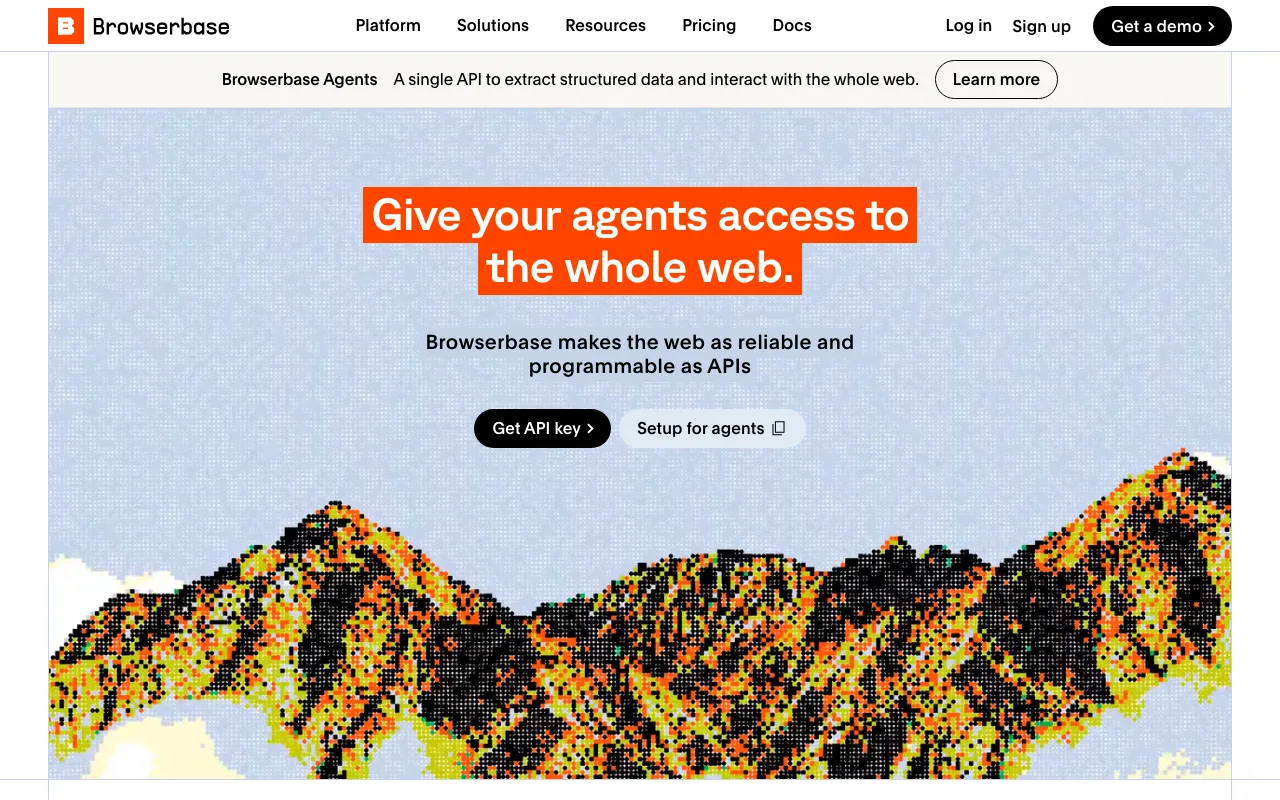
What is Browserbase?
Browserbase is cloud infrastructure that runs real, headless Chrome browsers for AI agents. Instead of provisioning and scaling browsers yourself, you start sessions over an API and let agents navigate pages, click, type, log in, and extract data the way a person would — reaching the large part of the web that has no clean API, such as apps behind authentication and sites that render content with JavaScript. Sessions come with management tooling: a live view to watch a run, replays, and unified logs for debugging, plus residential proxies and stealth mode to reach sites that block ordinary bots.
The company also maintains Stagehand, an open-source AI browser-automation framework, and its browsers are compatible with Playwright, Puppeteer, and Selenium, so existing automation code can point at managed infrastructure without a rewrite. Higher-level Search and Fetch APIs return web content as HTML, JSON, or markdown for agents that just need data. Browserbase reports scale on the order of tens of millions of browser sessions per month and 100 concurrent browsers on its Startup plan (250+ on Scale), which is the concurrency most teams building agents in parallel are paying for.
Who is it for?
Browserbase is a developer and infrastructure product, not a no-code agent: you write code (or use a framework like Stagehand) to define what the agent does, and Browserbase runs the browsers underneath. It fits teams that have outgrown running their own browser fleet and would rather pay per browser-hour than maintain proxies, stealth, and scaling themselves. The Free plan is enough to prototype; the flat Developer and Startup plans, plus usage-based overage, are where production workloads live. If you want a ready-made agent library to drive the browser, pair it with something like Browser Use.
- Developers and AI engineers building agents that log into web apps, fill forms, or extract data that no public API exposes.
- Startups scaling web automation that need high concurrency and managed stealth browsers without operating their own infrastructure.
- QA and platform teams running Playwright, Puppeteer, or Selenium suites who want them on scalable, observable cloud browsers.
- Enterprises with compliance needs (HIPAA, DPA, SSO) evaluating the Scale tier for regulated web-automation workloads.
How much does Browserbase cost?
Starting price: $20/mo · Free tier: yes · Model: freemium
Price history tracked from June 2026
| Plan | Price | Includes |
|---|---|---|
| Free | $0 | 3 concurrent browsers · 1 browser hour included · 15-minute session limit, 7-day data retention · 3 Agent runs, 1,000 Search calls, 1,000 Fetch calls |
| Developer | $20/mo | 25 concurrent browsers · 100 browser hours, then $0.12/browser-hour · 1GB proxies, then $12/GB · 30-day data retention |
| Startup | $99/mo | 100 concurrent browsers (marked most popular) · 500 browser hours, then $0.10/browser-hour · 5GB proxies, then $10/GB · 10,000 Fetch calls included |
| Scale | Custom | 250+ concurrent browsers, usage-based hours · Enterprise compliance: HIPAA, DPA, SSO · Higher Search and Fetch call volumes · Negotiated terms and support |
What are Browserbase's key features?
- Headless Chrome sessions delivered as a service, accessible over API and SDKs
- Stagehand — the company's open-source AI browser-automation framework
- Compatible with Playwright, Puppeteer, and Selenium
- Session management with live view, replays, and unified logs for debugging
- Residential proxies and stealth mode to reach bot-protected sites
- Search API and Fetch API that return web content as HTML, JSON, or markdown
- High concurrency — 100 concurrent browsers on Startup, 250+ on Scale
What people use Browserbase for
- 01 Running AI web agents at scale — spinning up many concurrent headless browser sessions over an API instead of managing browser infrastructure yourself
- 02 Extracting structured data from sites behind logins or heavy JavaScript that a plain HTTP API can't reach
- 03 Automated end-to-end testing with live session view, replays, and unified logs for debugging
- 04 Powering agent frameworks — Stagehand, Playwright, Puppeteer, or Selenium — with managed stealth browsers and proxies
Pros and cons
| Pros | Cons |
|---|---|
| Purpose-built browser infrastructure — offloads scaling, proxies, and stealth so you don't run browser fleets yourself | Costs are consumption-based — heavy concurrent usage stacks per-browser-hour and per-GB proxy charges on top of the monthly fee |
| Works with existing tools: Playwright, Puppeteer, Selenium, and the open-source Stagehand framework | Free plan is tightly capped (1 browser hour, 15-minute sessions, 7-day retention) — really just for evaluation |
| Free plan (1 browser hour, 3 concurrent browsers) to prototype before paying | It's infrastructure, not a finished agent — you still build the automation logic and supply the LLM |
| Transparent per-browser-hour overage rates ($0.10–$0.12/hour) on top of flat monthly plans | Browser automation is inherently brittle; a target-site redesign can break a flow regardless of the underlying infra |
What are the best Browserbase alternatives?
Browser Use is the closest Browserbase alternative in our directory: it covers the same category (AI Agents & Automation), starts at $0, has a free tier.
Ranked by category overlap with Browserbase, then free-tier availability, then lowest verified starting price — computed from our verified data, never from sponsorships.
| Alternative | What it is | Starting price | Free tier | Price verified |
|---|---|---|---|---|
| Browser Use | Open-source library that lets AI agents control a real browser to automate and extract from any site | $0 | yes | Jul 1, 2026 |
| Relevance AI | No-code platform for building and deploying autonomous AI agents for business workflows | $19/mo | yes | Jun 11, 2026 |
| Manus | Autonomous general AI agent that plans and executes multi-step tasks end-to-end in the cloud | $20/mo | yes | Jun 20, 2026 |
| n8n | Open-source workflow automation platform for building AI agents and multi-app integrations | €20/mo | yes | Jul 3, 2026 |
| Skyvern | Open-source AI agent that automates browser workflows with vision instead of brittle selectors | $29/mo | yes | Jul 5, 2026 |
How people make money with Browserbase
- Build and sell managed web-automation agents to clients — data extraction, form filling, competitive monitoring — running the browser sessions on Browserbase and billing a fixed monthly retainer per workflow
- Ship a vertical AI agent (recruiting ops, e-commerce, QA testing) on top of Browserbase's per-browser-hour infrastructure, wrapping the consumption cost inside a per-seat SaaS subscription
Frequently asked questions
Is Browserbase free?
Yes, there is a Free plan at $0/month with 3 concurrent browsers, 1 browser hour, a 15-minute session limit, and 7-day data retention. It's meant for evaluation; paid plans start at $20/month for the Developer tier.
How much does Browserbase cost?
Browserbase has a Free plan, then Developer at $20/month (25 concurrent browsers, 100 browser hours, then $0.12/browser-hour), Startup at $99/month (100 concurrent browsers, 500 hours, then $0.10/browser-hour), and Scale with custom pricing for 250+ concurrent browsers.
What is a browser hour on Browserbase?
A browser hour is the billing unit — one browser session running for one hour. Plans include a bundle of hours (100 on Developer, 500 on Startup), then bill overage per browser-hour: $0.12 on Developer and $0.10 on Startup.
What is Stagehand?
Stagehand is Browserbase's open-source AI browser-automation framework, positioned as one of the most popular ways to script AI agents that drive a browser. You can use it on your own infrastructure or run it on Browserbase's managed browsers.
Does Browserbase work with Playwright and Puppeteer?
Yes. Browserbase provides real Chrome sessions compatible with Playwright, Puppeteer, and Selenium, so existing browser-automation code can point at Browserbase's managed, scalable infrastructure with proxies and stealth built in.
How is Browserbase different from Browser Use?
Browserbase is browser infrastructure — the managed, scalable headless browsers your agents run on — plus the Stagehand framework. Browser Use is an open-source agent library that drives a browser. They can complement each other: an agent framework can run its sessions on Browserbase.