Skyvern
Open-source AI agent that automates browser workflows with vision instead of brittle selectors
Skyvern is a Y Combinator-backed, open-source (AGPL-3.0) AI agent that automates browser workflows from natural language, using vision language models instead of brittle DOM selectors so it survives layout changes. It handles logins, 2FA, and CAPTCHAs, and extracts data to CSV or JSON. With 22,000+ GitHub stars, it offers a free cloud tier plus Hobby at $29/mo and Pro at $149/mo; the open-source version is free to self-host. Best for teams automating web tasks that break traditional scrapers.
What is Skyvern?
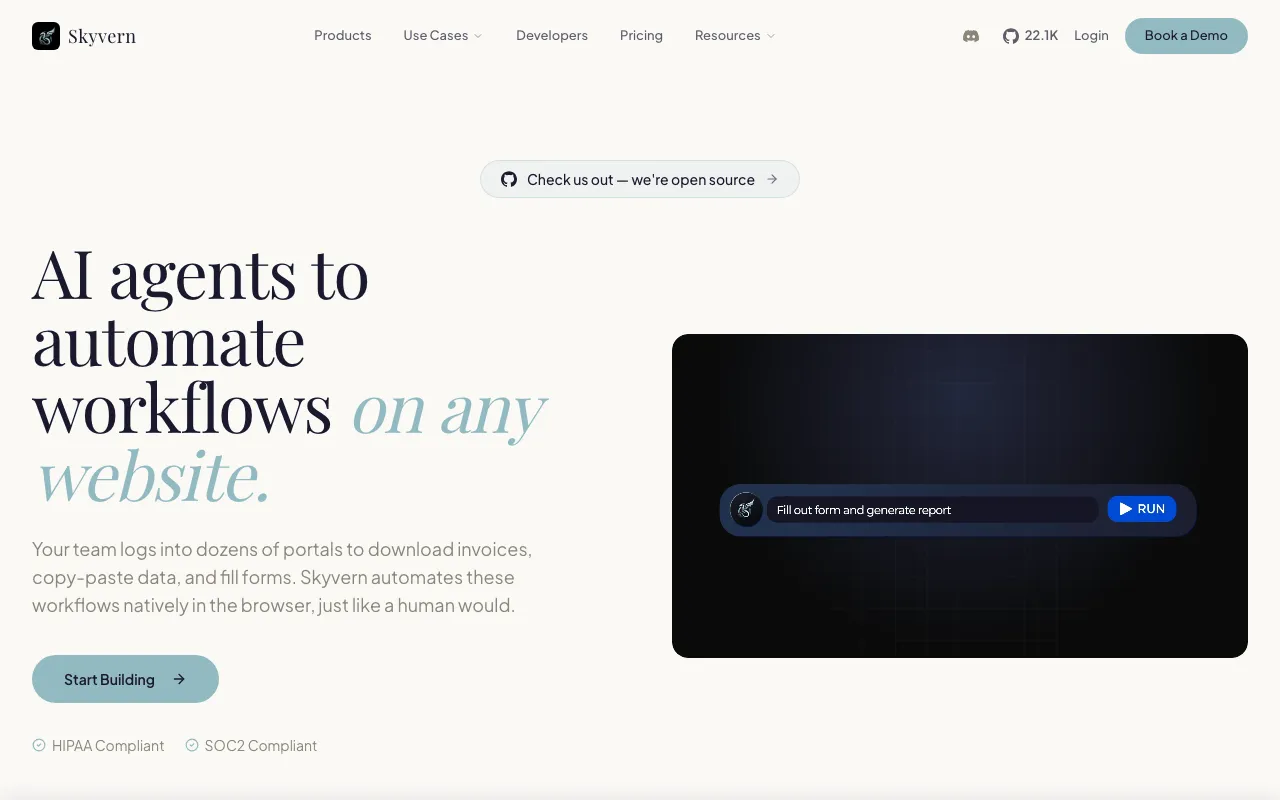
Skyvern is an open-source AI agent that automates browser-based workflows from a natural-language description. Instead of the DOM, XPath, or CSS selectors that traditional automation and scraping tools rely on — and which break the moment a site tweaks its layout — Skyvern uses vision language models and computer vision to read a page the way a person would. That makes its workflows self-healing: they keep working through UI changes without constant maintenance. You can describe a task, upload a standard operating procedure, or use a record-once mode to demonstrate a flow and have Skyvern repeat it.
Beyond navigation, Skyvern handles the parts of the web that stop simpler bots: full login flows with 2FA and TOTP, a stored-credential vault, native CAPTCHA solving, and residential or datacenter proxies with geo-targeting. It extracts data into any schema as CSV or JSON, and includes OCR and document classification. The project is Y Combinator-backed, licensed AGPL-3.0, and has passed 22,000 GitHub stars; it ships as a cloud service, a REST API with Python and TypeScript SDKs, and a self-hostable Docker image that works with OpenAI, Anthropic, Gemini, or local models via Ollama.
Who is it for?
Skyvern suits teams that need to automate real web tasks — the kind involving authentication, forms, and data extraction across sites that actively resist scraping. Its open-source core is free to self-host for technical teams comfortable with Docker and their own LLM keys, while the cloud tiers trade that setup for a managed service billed by per-action credits.
- Operations and RevOps teams automating repetitive portal logins, form submissions, and data pulls that break selector-based scripts.
- Developers building automation products who want a vision-based agent behind a REST API and SDKs rather than maintaining brittle scrapers.
- Data teams extracting structured information from many sites at scale into CSV or JSON.
- Privacy- or compliance-sensitive organizations that prefer to self-host the open-source version with their own model keys and infrastructure.
How much does Skyvern cost?
Starting price: $29/mo · Free tier: yes · Model: freemium
Price history tracked from June 2026
| Plan | Price | Includes |
|---|---|---|
| Free | Free | Free monthly cloud credits, no credit card · 1 concurrent run · Datacenter proxies, webhooks, community support |
| Hobby | $29/mo | ~30,000 credits/mo (roughly 1,200 actions) · 10 concurrent runs · Basic CAPTCHA solver, stored credentials, email support |
| Pro | $149/mo | ~150,000 credits/mo (roughly 6,200 actions) · 25 concurrent runs · Advanced CAPTCHA solver, residential proxies, 2FA/TOTP, team workspaces |
| Enterprise | Custom | Unlimited credits and concurrent runs · Advanced anti-bot, SOC 2 Type II, HIPAA · Dedicated support |
| Open source | Free | AGPL-3.0 self-hosting via Docker · Bring your own LLM keys · Model-agnostic (OpenAI, Anthropic, Gemini, Ollama) |
What are Skyvern's key features?
- Natural-language browser automation with a 'record once, run forever' capture mode
- Vision language models plus computer vision instead of DOM/XPath/CSS selectors
- Native handling of logins, 2FA/TOTP, and CAPTCHA solving
- Data extraction to any schema (CSV or JSON), plus OCR and document classification
- REST API, Python and TypeScript SDKs, webhooks, and Docker self-hosting
- Model-agnostic backend with residential and datacenter proxy networks
What people use Skyvern for
- 01 Automating multi-step browser tasks (logins, forms, downloads) from a natural-language description
- 02 Extracting structured data from sites into CSV or JSON at scale
- 03 Running workflows that require 2FA, stored credentials, or CAPTCHA solving
- 04 Replacing brittle selector-based scrapers that break when a site's layout changes
Pros and cons
| Pros | Cons |
|---|---|
| Open source (AGPL-3.0) with 22,000+ GitHub stars — free to self-host | Vision-LLM navigation can be non-deterministic and slower than scripted bots on complex sites |
| Vision-based navigation resists layout changes that break selector-based bots | Per-action credit costs add up on long workflows, pushing heavy use to the $149/mo Pro tier or Enterprise |
| Handles logins, 2FA, and CAPTCHAs that block simpler scraping tools | Self-hosting needs Docker plus your own LLM keys, and AGPL-3.0 may deter some commercial embedding |
| Flexible deployment: cloud, REST API, SDKs, and on-premises Docker |
What are the best Skyvern alternatives?
Browser Use is the closest Skyvern alternative in our directory: it covers the same category (AI Agents & Automation), starts at $0, has a free tier.
Ranked by category overlap with Skyvern, then free-tier availability, then lowest verified starting price — computed from our verified data, never from sponsorships.
| Alternative | What it is | Starting price | Free tier | Price verified |
|---|---|---|---|---|
| Browser Use | Open-source library that lets AI agents control a real browser to automate and extract from any site | $0 | yes | Jul 1, 2026 |
| Relevance AI | No-code platform for building and deploying autonomous AI agents for business workflows | $19/mo | yes | Jun 11, 2026 |
| Manus | Autonomous general AI agent that plans and executes multi-step tasks end-to-end in the cloud | $20/mo | yes | Jun 20, 2026 |
| Lindy | No-code AI agents that handle email, calendar, meetings, and 100+ app integrations | $49.99/mo | no | Jun 21, 2026 |
How people make money with Skyvern
- Build and sell web-automation workflows to operations teams — use Skyvern to automate form-filling, data extraction, and portal logins that break traditional scrapers, billing per workflow or on a monthly retainer
- Offer a managed data-collection service that self-hosts the open-source version to keep infrastructure costs low while charging clients for maintained, layout-resilient scrapers
Frequently asked questions
Is Skyvern free?
Skyvern is open source under the AGPL-3.0 license, so you can self-host it for free with your own LLM keys. The hosted cloud service also has a free tier with monthly credits, then paid plans: Hobby at $29 per month and Pro at $149, plus custom Enterprise pricing.
How is Skyvern different from traditional RPA?
Traditional RPA records brittle DOM or XPath selectors that break when a website's layout changes. Skyvern uses vision language models and computer vision to interpret the page like a person would, so workflows survive UI changes without constant selector maintenance. It also handles logins, 2FA, and CAPTCHAs natively.
How much does Skyvern cost?
Skyvern's cloud plans are Hobby at $29 per month (about 30,000 credits) and Pro at $149 per month (about 150,000 credits), with a free tier and custom Enterprise pricing above that. Credits are consumed per action, so cost depends on how many steps your workflows take. Self-hosting the open-source version is free.
What can Skyvern automate?
Skyvern automates browser workflows described in natural language: logging in, filling forms, completing multi-step flows, handling 2FA and CAPTCHAs, downloading documents, and extracting data into CSV or JSON. It can be shown a task once via a record feature and then repeat it, and it connects through a REST API and SDKs.
Does Skyvern handle logins and CAPTCHAs?
Yes. Skyvern handles full authentication flows including 2FA and TOTP, offers a stored-credential vault, and includes CAPTCHA solving — a basic solver on Hobby and an advanced solver plus residential proxies on Pro. This lets it run automations on sites that block simpler scraping tools.
Is Skyvern reliable on complex websites?
Vision-based navigation is more resilient to layout changes than hard-coded selectors, but it can be non-deterministic and slower than a scripted bot on multi-step or heavily defended sites. Per-action credit costs also add up on long workflows, so complex production use often lands on the Pro or Enterprise tier.