Cline
Open-source autonomous coding agent for VS Code that edits files, runs commands, and brings your own model
Cline is an open-source (Apache-2.0) AI coding agent that runs as a free VS Code extension with 8M+ installs. It plans and executes multi-file changes, runs terminal commands, and works through MCP — but you bring your own API key, so every task bills model tokens directly to Anthropic, OpenAI, or Google. There is no subscription for solo use; a Teams plan adds central billing at $20/user/month with the first 10 seats free. Best for developers who want a transparent, model-agnostic agent and don't mind paying provider token costs.
What is Cline?
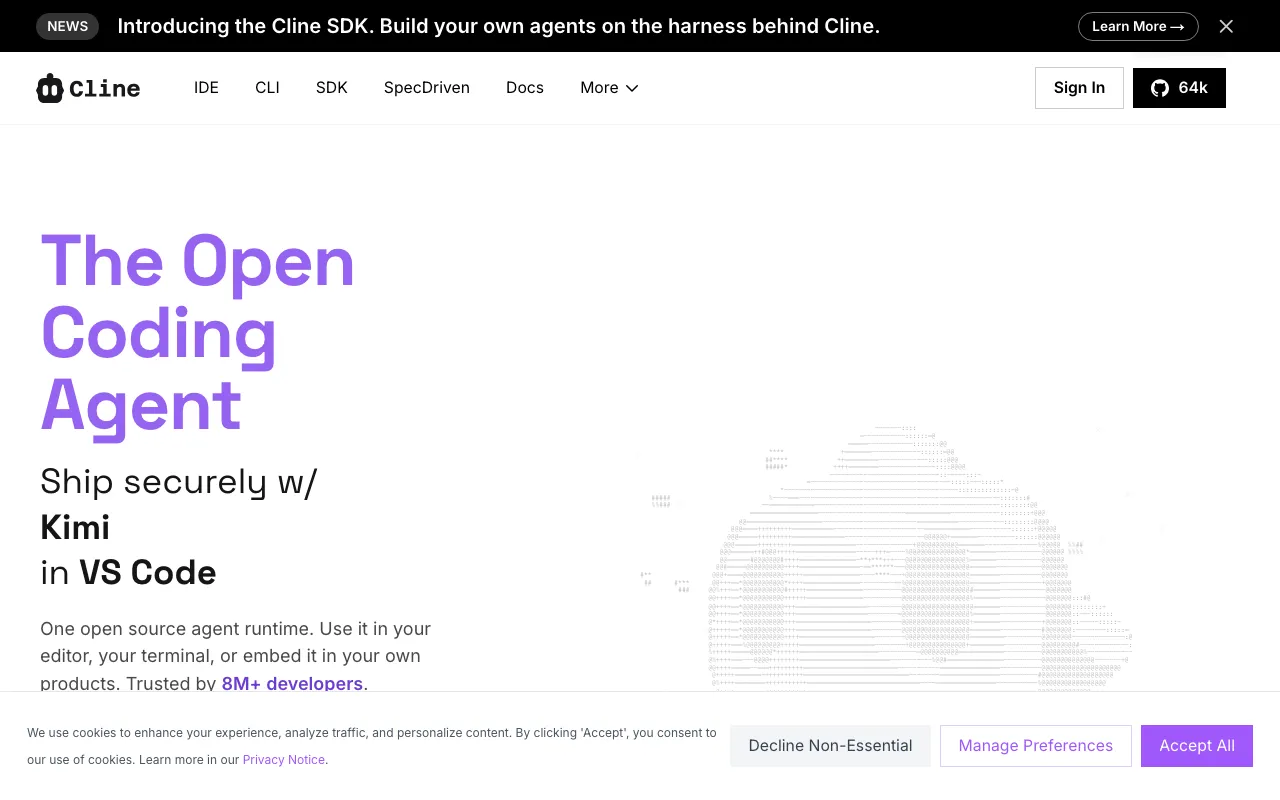
Cline is an open-source AI coding agent that runs as a free Visual Studio Code extension (with a CLI and SDK alongside it) under the Apache-2.0 license. Rather than completing tokens as you type, it operates as an autonomous agent: you describe a task, it plans the work, edits across multiple files with linter-aware fixes and rollback checkpoints, and executes terminal commands while reacting to their output. Its defining choice is that you bring your own model — Cline connects to Anthropic Claude, OpenAI, Google Gemini, AWS Bedrock, Ollama, and any OpenAI-compatible endpoint — so it is the harness, and the model you wire up is the intelligence doing the actual reasoning.
The trade-off of that openness is the cost model. Because you supply your own API key, every task bills tokens directly to your chosen provider, not to Cline; the extension itself charges nothing for solo use. Cline adds a Plan and Act workflow so you approve a strategy before edits run, an MCP Marketplace for extending the agent with external tools, and .clinerules files for teaching it project coding standards. In practice, Cline is most capable when pointed at a strong coding model — Claude in particular — which is the model it most often runs and which ranks above Cline as the underlying brains; Cline is the open delivery layer around it. With 8M+ installs and adoption at companies like Samsung and Salesforce, it has become the reference open-source alternative to closed agentic editors.
Who is it for?
Cline suits developers who want full control over which model they run and how their code and prompts are routed, and who are comfortable trading a polished all-in-one editor for transparency and zero subscription lock-in. The extension is free, but the value only appears once you connect a capable model and accept the per-token costs that come with it — so it fits people who already work with provider API keys or want to.
- Solo developers and freelancers who want a free, auditable agent and prefer paying per-token model costs over a monthly seat fee.
- Privacy-conscious engineers who want a client-side, BYO-key setup that sends prompts straight to their chosen provider rather than through a vendor middleman.
- Teams (up to 10 seats free) that want centralized billing, an admin dashboard, and JetBrains support without committing to a closed platform.
- Developers who want model choice — switching between Claude, GPT, Gemini, or a local Ollama model per task without leaving VS Code.
How much does Cline cost?
Starting price: $0 · Free tier: yes · Model: open-source
Price history tracked from June 2026
| Plan | Price | Includes |
|---|---|---|
| Open Source | Free | Apache-2.0 VS Code extension, CLI, and SDK · Bring your own API key (Anthropic, OpenAI, Google, Bedrock, and more) · Plan and Act modes, multi-file edits, checkpoints · MCP Marketplace and .clinerules support · Model token costs paid directly to the provider, not Cline |
| Teams | $20/user/mo | First 10 seats permanently free; $20/user/month beyond that after Q1 2026 · Centralized billing and admin across the team · Optional Cline inference credits at no markup, or keep BYO keys · JetBrains extension support · Team management dashboard |
| Enterprise | Custom | SSO, SLA, and dedicated support · Role-based access control and authentication logs · Inference provider limits and centralized governance · Contact sales for pricing |
What are Cline's key features?
- Plan and Act modes — separate the strategy step from execution so you approve the plan before edits run
- Coordinated multi-file edits with linter-aware fixes, diffs, and checkpoints to roll back changes
- Bring-your-own-model: Anthropic Claude, OpenAI, Google Gemini, AWS Bedrock, Azure, Vertex, Ollama, DeepSeek, xAI, Mistral, and any OpenAI-compatible endpoint
- MCP (Model Context Protocol) integration plus an MCP Marketplace for adding tools
- Terminal command execution with live output reactivity
- CLI and SDK in addition to the VS Code extension, for scripting and embedding
- .clinerules and Skills to teach the agent project-specific coding standards
What people use Cline for
- 01 Delegating a multi-file feature or refactor to an agent that edits, runs the linter, and applies fixes for review
- 02 Running an autonomous agent on your own Anthropic, OpenAI, or Google key to avoid per-seat subscription lock-in
- 03 Executing terminal commands (builds, tests, migrations) from inside the editor with live output the agent reacts to
- 04 Enforcing team coding standards through .clinerules files committed to the repo
- 05 Extending the agent with MCP servers from the marketplace for database, browser, or API access
Pros and cons
| Pros | Cons |
|---|---|
| Free and open-source under Apache-2.0 — no subscription required for individual use, and the source is auditable | BYO API key means real per-token costs — heavy agentic runs can spend $100+/month in model fees billed by the provider, not Cline |
| Model-agnostic: switch between Claude, GPT, Gemini, or local models without changing editor | No built-in proprietary autocomplete model; Cline is an agent, not a Tab-completion tool, so you may still want a separate completion extension |
| Client-side architecture and BYO key mean your code and prompts go straight to your chosen provider, not through a vendor middleman | Requires configuration — you must supply API keys and pick a model before it does anything useful |
| Works as a standard VS Code extension, so existing extensions, keybindings, and settings stay intact | Large autonomous tasks can burn through tokens quickly if not scoped, and quality depends entirely on the underlying model you wire up |
What are the best Cline alternatives?
GitHub Copilot is the closest Cline alternative in our directory: it covers the same category (AI Coding), starts at $10/mo, has a free tier.
Ranked by category overlap with Cline, then free-tier availability, then lowest verified starting price — computed from our verified data, never from sponsorships.
| Alternative | What it is | Starting price | Free tier | Price verified |
|---|---|---|---|---|
| GitHub Copilot | AI coding assistant with inline completions, chat, and autonomous agent mode across major IDEs | $10/mo | yes | Jul 3, 2026 |
| Windsurf | Agentic AI IDE with Cascade that writes, edits and runs code autonomously inside your editor | $15/mo | yes | Jun 11, 2026 |
| Claude | Anthropic's AI assistant built for long-context analysis, coding, and safe reasoning | $20/mo | yes | Jul 3, 2026 |
| Cursor | AI-native code editor that runs autonomous agents to build, test, and review code | $20/mo | yes | Jul 3, 2026 |
| Factory AI | Agentic software-development platform whose Droids autonomously triage, code, validate, and ship software across the SDLC from the desktop, CLI, or cloud | $20/mo | no | Jun 18, 2026 |
Head-to-head comparisons
How people make money with Cline
- Freelance AI-accelerated development on Upwork or Toptal — bill clients for shipped features while keeping tooling cost near zero, since the extension is free and you only pay per-token model costs billed by your provider
- Offer Cline setup and .clinerules authoring as a consulting service for small dev teams adopting the free Teams tier — package coding-standards rules, MCP server config, and model selection per workflow
Frequently asked questions
Is Cline free?
Yes. The Cline extension is free and open-source under the Apache-2.0 license, with no subscription for individual use. You only pay for the AI model tokens your tasks consume, and those are billed directly by your chosen provider (Anthropic, OpenAI, Google, and others), not by Cline.
Does Cline cost money to run?
The extension itself is free, but Cline uses a bring-your-own-API-key model, so each task spends tokens on the model you connect. Typical individual usage runs roughly $5-50/month in provider fees, and heavy agentic work can exceed $100/month. Cline takes no markup on inference.
What models does Cline support?
Cline is model-agnostic. It works with Anthropic Claude, OpenAI, Google Gemini, AWS Bedrock, Azure, GCP Vertex, Ollama, DeepSeek, xAI, Mistral, Cerebras, OpenRouter, and any OpenAI-compatible endpoint. For coding, Claude is the strongest underlying model most users pair it with.
Is Cline better than Cursor?
They solve different problems. Cline is an open-source agent extension you point at your own model and key; Cursor is a full AI-native editor with a proprietary Tab autocomplete model and credit-pool billing. Cline favors transparency and model choice; Cursor favors an integrated, polished editing experience. See the Cursor page to compare.
Does Cline have a Teams plan?
Yes. The Teams plan adds centralized billing, an admin dashboard, and JetBrains support. The first 10 seats are permanently free, and additional seats are $20/user/month after the Q1 2026 promotional period. Teams can use Cline's inference credits at no markup or keep bringing their own keys.
What is Plan and Act mode in Cline?
Plan mode has the agent draft a strategy for the task before touching files, which you review and approve; Act mode then executes the edits and commands. Separating the two steps reduces the risk of an autonomous run making unwanted multi-file changes.
Does Cline send my code to its own servers?
On the bring-your-own-key setup, Cline's client-side architecture sends your prompts and code directly to the model provider you configure rather than through Cline's servers. If you instead use the optional Cline inference credits, requests route through Cline's provider.