Dust
Enterprise platform for building and deploying AI agents connected to company data, tools, and workflows
Dust is an enterprise platform for building AI agents grounded in company data from Slack, Notion, GitHub, and Drive. Pricing moved to credit metering: a Free seat gives 500 lifetime credits with no card required, a Pro seat costs $30 per seat per month with 8,000 monthly credits, and a Max seat costs $150 per seat per month with 40,000 credits. Annual billing cuts 20%. The self-serve Business plan caps at 100 seats, 3 connectors, and 5 Spaces; past that it is Enterprise contact-sales.
What is Dust?
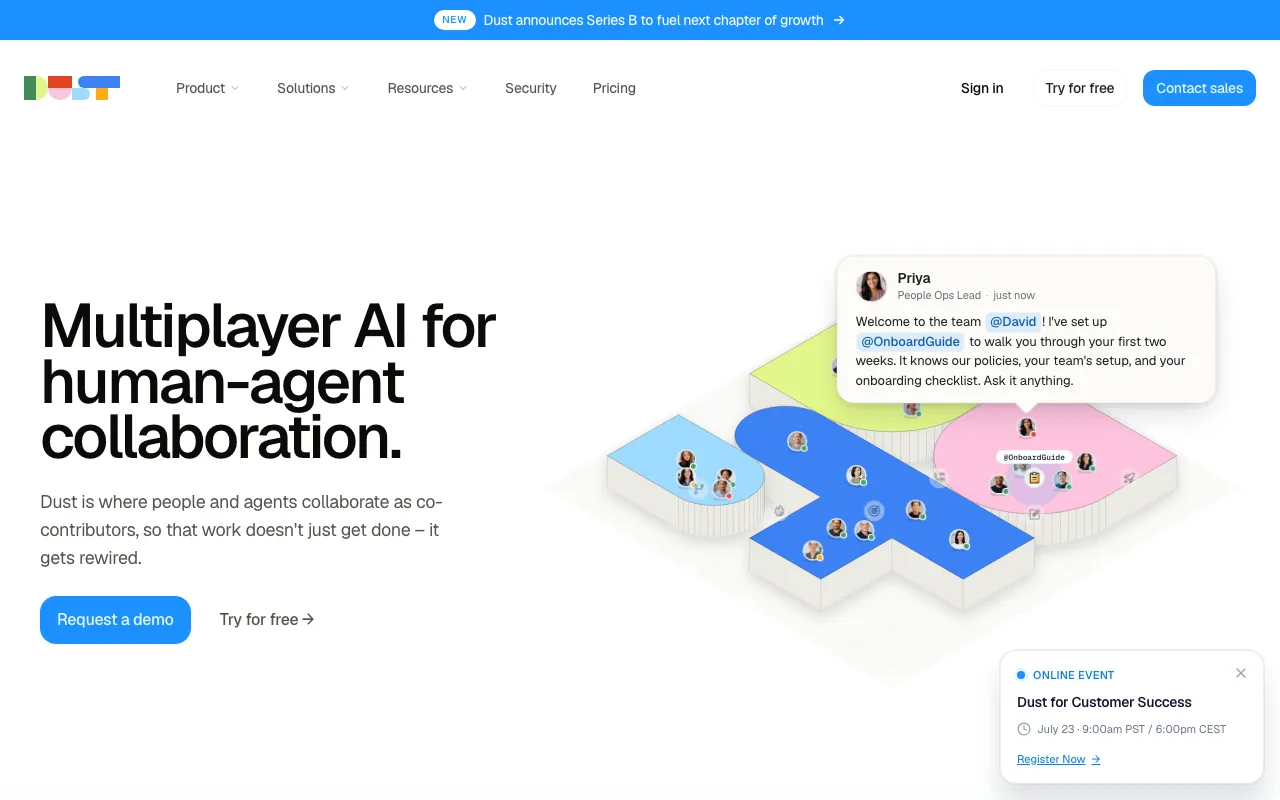
Dust — the enterprise AI product at dust.tt, from the Paris-based company of the same name, not any of the unrelated software that shares the word — is a platform for building AI agents that are grounded in a company’s own data and tools. Rather than a single assistant, a Dust workspace holds many purpose-built agents: each one gets its own instructions, a scoped set of knowledge sources, and a list of tools it may call. Connectors pull in content from more than 20 systems including Slack, Notion, GitHub, and Google Drive, and anything without a native connector can be reached through an MCP server. Agents can be chained into multi-step workflows and fired on a schedule or by an event rather than only in response to a chat message.
Access is deliberately spread across the places work already happens: the web app, a browser extension for Chrome, Firefox, Edge, and other Chromium browsers, a Slack app that answers when an agent is mentioned in a channel or thread, a command-line tool published on npm, and a Conversation API for calling agents from other software. Billing changed shape in 2026 — instead of a flat unlimited-message seat, each seat type now carries a monthly credit allowance, where a credit is consumed based on the model used and the tools the agent invokes. Dust announced a $40M Series B in May 2026 led by Abstract and Sequoia, and its own site reports more than 3,000 teams and over 300,000 agents deployed.
Who is it for?
Dust is aimed at companies that want AI answers grounded in internal systems rather than generic chat, and that have enough shared context — documentation, tickets, code, deal notes — to make connecting data sources worth the setup work. The free workspace supports up to 5 users with no credit card, which is enough to test whether agents on your own data actually beat search, but the 500-credit lifetime allowance is exhausted quickly by real work. The 100-seat, 3-connector ceiling on the self-serve plan means larger or more integration-heavy deployments end up in an Enterprise conversation.
- Operations and internal-tools teams who want to replace repetitive lookups and status-report writing with scheduled agents that read from Slack, Notion, and the ticket system.
- Small and mid-size companies (roughly 5–100 people) that fit inside the self-serve Business plan and want SSO, SOC 2 Type II, and EU data residency without negotiating an enterprise contract.
- Support and sales teams that need one shared agent working from the same CRM and knowledge base, instead of every rep configuring a personal chatbot.
- Developers automating around an existing stack who will use the Conversation API, MCP servers, the CLI, or the Zapier, Make, n8n, and Power Automate connectors rather than only the chat UI.
- Teams with mixed AI usage who benefit from mixing Free, Pro, and Max seats in one workspace so occasional users do not consume a full-price seat.
How much does Dust cost?
Starting price: $30/seat/mo · Free tier: yes · Model: freemium
Price history tracked from June 2026
| Plan | Price | Includes |
|---|---|---|
| Business — Free seat | Free | 500 credits for the lifetime of the seat (does not reset monthly) · No credit card required to create a workspace · Up to 5 users, 3 connectors, and 5 Spaces · Intended for occasional users and evaluation |
| Business — Pro seat | $30/seat/mo | 8,000 credits per seat per month · $24 per seat per month billed yearly (20% off) · 20+ frontier models (GPT, Claude, Gemini, Mistral, DeepSeek) · Custom agents, multi-agent orchestration, scheduled and event-driven triggers · 5 remote MCP servers, Frames, Pods, Conversation API |
| Business — Max seat | $150/seat/mo | 40,000 credits per seat per month (5x the Pro seat) · $120 per seat per month billed yearly (20% off) · Same feature set as Pro; sized for power users · Aimed at deep research and tool-heavy automation workloads |
| Enterprise | Custom | Unlimited connectors, Spaces, and MCP servers · Workspace-pooled credits with volume pricing · SCIM provisioning, audit logs, custom data retention · Single-tenant deployment and US data residency · Dedicated CSM, priority support with SLA, custom MSA and DPA |
What are Dust's key features?
- No-code custom agents with configurable instructions, skills, knowledge sources, and tool access
- Connectors to 20+ company data sources including Slack, Notion, GitHub, and Google Drive
- Multi-agent orchestration with scheduled and event-driven triggers
- MCP server support, native and remote, so agents can reach tools outside the built-in connectors
- 20+ frontier models across OpenAI, Anthropic, Google, Mistral, and DeepSeek with multi-modal input
- Frames — interactive dashboards and apps generated by agents (white-labelled on Enterprise)
- Pods — collaborative workspaces where a team shares agent context
- Spaces for data segmentation and permission control
- Browser extension for Chrome, Firefox, Edge, and other Chromium browsers
- Slack app for invoking named agents inside channels and threads
- Conversation API on Business; Data Source API added on Enterprise
- SSO with Okta, Entra ID, and JumpCloud; SOC 2 Type II with US and EU data residency
What people use Dust for
- 01 Answering internal questions from company knowledge spread across Slack, Notion, Confluence, and Drive without manual search
- 02 Running scheduled or event-triggered agents that draft reports, summarize channels, or update records on a recurring basis
- 03 Giving sales and support teams a shared agent that pulls from CRM and ticket history instead of a personal chatbot per person
- 04 Chaining several specialized agents into one workflow, where each step has its own instructions, data scope, and tools
- 05 Calling agents programmatically from an existing app or automation platform through the Conversation API
Pros and cons
| Pros | Cons |
|---|---|
| Free workspace needs no credit card and supports up to 5 users, so a team can evaluate it on real data before paying | The Free seat's 500 credits are a lifetime allocation, not a monthly one — once spent, that seat is stuck until an admin upgrades it |
| Seat types can be mixed inside one workspace and reassigned as usage shifts, so occasional users do not need a full-price seat | Credit metering makes monthly spend hard to forecast; a tool-heavy agent burns credits far faster than plain chat, and unused credits never roll over |
| Annual billing removes 20% from every paid seat ($24 for Pro, $120 for Max per seat per month) | The self-serve Business plan is capped at 100 seats, 3 connectors, and 5 Spaces — SCIM, audit logs, and more connectors all require an Enterprise quote |
| Model-agnostic — one workspace exposes 20+ models from five vendors, so agents are not locked to a single provider | A Max seat at $150 per seat per month is a steep ceiling for a team of power users, and programmatic API traffic bills on top of seats at roughly one cent per credit |
| SOC 2 Type II plus EU data residency is available on the self-serve plan, not gated behind an Enterprise contract | Value depends heavily on connecting internal systems, which creates real switching cost once agents, Spaces, and permissions are configured |
What are the best Dust alternatives?
CrewAI is the closest Dust alternative in our directory: it covers the same category (AI Agents & Automation), starts at $0, has a free tier.
Ranked by category overlap with Dust, then free-tier availability, then lowest verified starting price — computed from our verified data, never from sponsorships.
| Alternative | What it is | Starting price | Free tier | Price verified |
|---|---|---|---|---|
| CrewAI | Open-source multi-agent framework for orchestrating collaborative AI agent teams | $0 | yes | Jul 3, 2026 |
| Relevance AI | No-code platform for building and deploying autonomous AI agents for business workflows | $19/mo | yes | Jun 11, 2026 |
| n8n | Open-source workflow automation platform for building AI agents and multi-app integrations | €20/mo | yes | Jul 3, 2026 |
| Lindy | No-code AI agents that handle email, calendar, meetings, and 100+ app integrations | $49.99/mo | no | Jun 21, 2026 |
| Glean | Enterprise Work AI platform unifying AI search, an assistant, and agents over a permission-aware company knowledge graph | Custom | no | Jul 12, 2026 |
How people make money with Dust
- Sell internal agent rollouts to mid-size companies: Dust bills per seat with monthly credit allocations, so a fixed implementation fee plus an ongoing managed retainer maps cleanly onto how finance teams already budget for seats
- Run a connector-and-agent audit for teams already paying for Slack, Notion, and Drive, charging a project fee to design agents that absorb repetitive internal support and reporting requests
Frequently asked questions
Is Dust free?
Yes, partly. The Business plan includes a Free seat at no cost with no credit card required, capped at 500 credits for the lifetime of the seat and limited to 5 users, 3 connectors, and 5 Spaces. Once those credits are spent, an admin has to upgrade the seat to Pro or Max to continue working.
How much does Dust cost per user?
Dust bills per seat within the Business plan. A Pro seat is $30 per seat per month, or $24 per seat per month billed yearly, and includes 8,000 credits monthly. A Max seat is $150 per seat per month, or $120 billed yearly, with 40,000 credits. Enterprise pricing is quoted by sales.
What is a Dust credit?
A credit is Dust's unit for measuring AI usage. Consumption depends on the model chosen, task complexity, and any tools the agent calls, such as search, data retrieval, code execution, or actions in connected apps. A short chat with a token-efficient model costs few credits; a multi-step research run costs many more. Unused credits do not roll over between billing periods.
Does Dust have an API?
Yes. The Business plan exposes a Conversation API for triggering agents programmatically, and Enterprise adds a Data Source API for managing indexed content. Programmatic usage on Business is metered at roughly one cent per credit on top of seat costs. Dust also publishes a command-line tool on npm, supports MCP servers, and connects to Zapier, Make, n8n, and Power Automate.
What is the difference between the Business and Enterprise plans?
Business is self-serve, capped at 100 seats, 3 connectors, and 5 Spaces, with email support and SSO available on request above 5 seats. Enterprise removes the connector and Spaces limits, adds SCIM provisioning, audit logs, single-tenant deployment, workspace-pooled credits with volume pricing, custom legal terms, and a dedicated customer success manager with an SLA.
Which AI models does Dust support?
Dust is model-agnostic and lists 20-plus frontier models across OpenAI GPT, Anthropic Claude, Google Gemini, Mistral, and DeepSeek, with multi-modal input. You pick the model per agent, so a cheap model can handle routine chat while a stronger one runs research or coding agents. Model choice directly affects credit consumption, since heavier models burn more credits per message.
Did Dust change its pricing in 2026?
Yes. Third-party pricing trackers report that Dust moved from a flat per-seat plan with unlimited messages to the credit-metered Free, Pro, and Max seat structure around mid-2026. Reviews written before that change often still quote the old flat euro rate, so treat them as stale. The figures listed here were read from Dust's own pricing page data in July 2026.
Can Dust agents access company data like Slack and Notion?
Yes. Dust ships connectors to more than 20 data sources including Slack, Notion, GitHub, and Google Drive, plus any tool reachable through an MCP server. The Business plan limits you to 3 active connectors and 5 Spaces for permission segmentation; Enterprise lifts both caps. Agents can search, query, and extract across connected sources rather than only reading uploaded files.