Fotor
All-in-one AI photo editor and design suite with generation, background removal, and enhancement
Fotor is a long-established, all-in-one AI photo editor and design suite that claims 800M+ users. It bundles an AI image generator, background remover, photo enhancer, object remover, and AI avatar and headshot tools alongside a full editor and template library. A free tier is watermarked with 512 MB storage; Pro is $8.99/month (about $39.99/year) and Pro+ is $19.99/month. Broad and cheap, but generation quality trails specialists. Best for everyday editing, social graphics, and quick AI edits in one app.
What is Fotor?
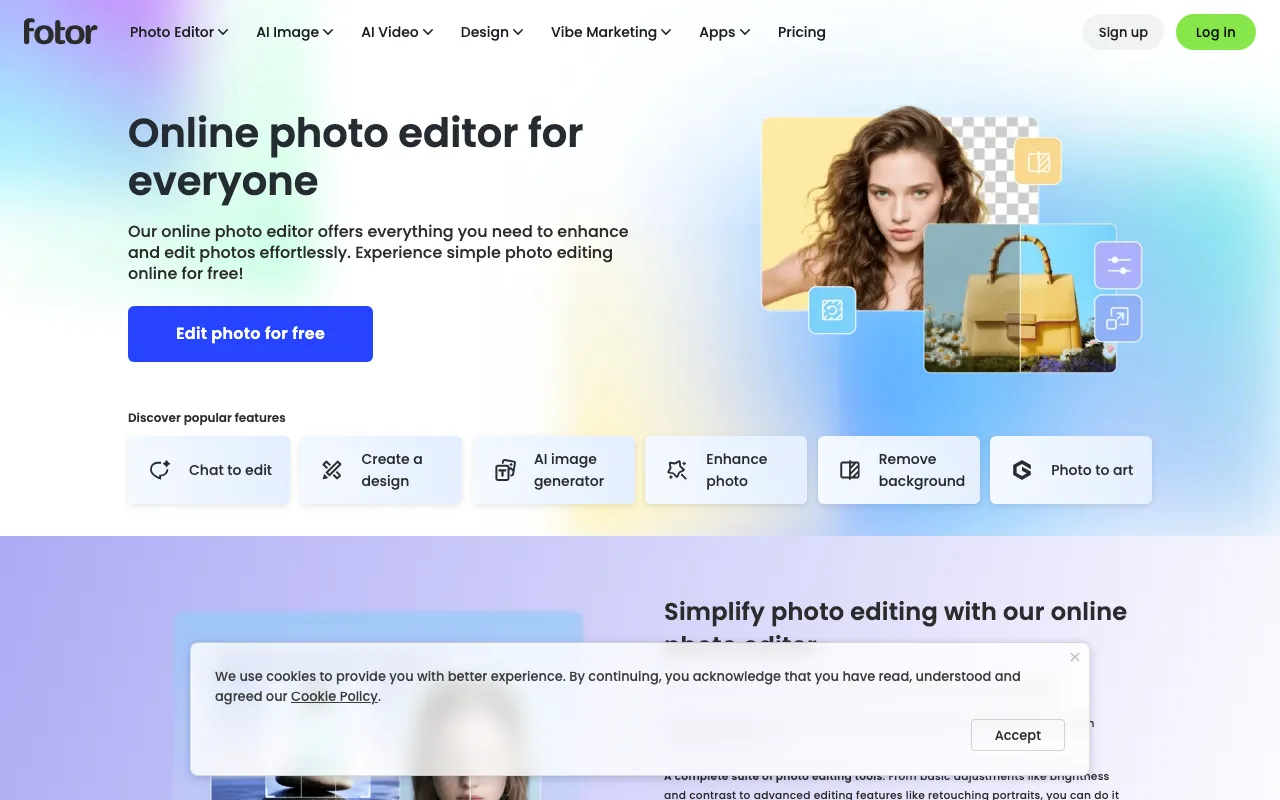
Fotor is a long-running online photo editor that has grown into an all-in-one AI creative suite, claiming more than 800 million users worldwide. Its core is a familiar photo editor and a large design-template library — collages, social graphics, and marketing materials — but the draw in 2026 is the breadth of AI tools stacked on top: a text-to-image generator, background remover, object remover, image extender for uncropping, an AI photo enhancer and upscaler, and AI avatar and headshot generators, plus stylized AI art effects. It runs on the web, Windows and Mac desktop, and iOS and Android.
The trade-off for that breadth is depth. Fotor is a generalist, so no single feature is best-in-class: its raw generation and upscaling quality trail dedicated models like Adobe Firefly or Krea, and its product-photo cutouts don’t match a specialist like Photoroom. What it offers instead is convenience and price — one inexpensive subscription covering editing, design, and a wide AI toolkit, with a beginner-friendly interface. AI features run on a monthly credit pool (around 100 credits on Pro), and the free Basic tier is deliberately limited: watermarks on some outputs, 512 MB of storage, 30-day retention, and a single concurrent generation.
Who is it for?
Fotor suits people who want a broad, affordable toolkit for everyday visual work rather than a professional’s specialist app. If your needs span quick edits, social graphics, background removal, and the occasional AI generation, having them in one place at a low price is the appeal; if you need top-tier generation or precise product cutouts, a specialist will serve better.
- Creators and social media managers who need fast graphics, AI edits, and enhancements without switching between several tools.
- Small e-commerce sellers who batch-remove backgrounds and clean up product photos for listings.
- Casual and beginner users who want an easy editor with AI avatars, headshots, and enhancement built in.
- Budget-conscious users who want a wide feature set in one subscription rather than paying for separate generation, editing, and design apps.
How much does Fotor cost?
Starting price: $8.99/mo · Free tier: yes · Model: freemium
Price history tracked from June 2026
| Plan | Price | Includes |
|---|---|---|
| Basic | Free | Limited free credits, 1 concurrent generation · Basic editing tools and 2 AI chats · 512 MB cloud storage, watermarked exports, 30-day retention |
| Pro | $8.99/mo | $39.99/year (~$3.33/mo) billed annually · ~100 monthly credits, 10 concurrent generations · 100+ editing tools, watermark-free exports, ad-free · 2 GB cloud storage, 100k+ templates |
| Pro+ | $19.99/mo | $89.99/year (~$7.49/mo) billed annually · 30 concurrent generations, 2,000 AI chats · Batch background removal (up to ~500 images), multiple brand kits · 100 GB cloud storage, 1M+ HD stock photos |
What are Fotor's key features?
- AI image generator (text-to-image) plus AI art styles (cartoon, anime, sketch)
- AI background remover, object remover, and image extender (uncrop)
- AI photo enhancer and upscaler for low-resolution images
- AI avatar and headshot generators from reference photos
- Full photo editor plus design templates and collage maker (100k+ templates)
- Cross-platform: web, Windows and Mac desktop, iOS and Android
What people use Fotor for
- 01 Editing and enhancing photos with AI upscaling, object removal, and background removal
- 02 Generating images and AI avatars or headshots from prompts or reference photos
- 03 Creating social graphics and marketing designs from a large template library
- 04 Batch-removing backgrounds from product photos for e-commerce listings
Pros and cons
| Pros | Cons |
|---|---|
| Broad toolkit — editing, design, and a wide AI stack — in one affordable app | AI features are credit-capped (~100/month on Pro); heavy use pushes you to Pro+ |
| Pro at $8.99/month (about $3.33 annually) undercuts many single-purpose rivals | Free tier is limited — watermarks on some outputs, 512 MB storage, and 30-day retention |
| Available on web, desktop, and mobile with a large template library | Jack-of-all-trades: generation and upscaling quality trail specialists like Firefly, Krea, or Photoroom |
| Beginner-friendly interface for quick edits without a learning curve |
What are the best Fotor alternatives?
Photoroom is the closest Fotor alternative in our directory: it covers the same category (AI Image Generation), starts at $12.99/mo, has a free tier.
Ranked by category overlap with Fotor, then free-tier availability, then lowest verified starting price — computed from our verified data, never from sponsorships.
| Alternative | What it is | Starting price | Free tier | Price verified |
|---|---|---|---|---|
| Photoroom | AI photo editor for e-commerce — background removal, AI product backgrounds, and batch editing | $12.99/mo | yes | Oct 21, 2026 |
| Krea AI | Real-time AI creative suite for image, video, 3D, and lipsync generation with 150+ models in one canvas | $9/mo | yes | Oct 11, 2026 |
| Adobe Firefly | Commercially safe AI image generator trained on licensed content with Creative Cloud integration | $9.99/mo | yes | Aug 27, 2026 |
| Canva | AI-powered design platform with templates, image generation, and Magic Studio tools | $15/mo | yes | Jun 11, 2026 |
How people make money with Fotor
- Offer bulk product-photo editing and background removal to e-commerce sellers using Fotor's batch tools, charging per image or per catalog through a freelance marketplace
- Sell social-media graphics, AI avatars, and headshots to small brands and creators using Fotor's templates and AI art tools, billing per design package or on a monthly retainer
Frequently asked questions
Is Fotor free?
Yes. Fotor has a free Basic tier with limited credits, basic editing tools, and 512 MB of storage, but exports carry a watermark and AI generations are capped. Removing the watermark and unlocking the full toolkit needs Pro at $8.99 per month (about $39.99 per year) or Pro+ at $19.99 per month.
How much does Fotor cost?
Fotor's Pro plan is $8.99 per month, or $39.99 per year (roughly $3.33 per month), and Pro+ is $19.99 per month (about $89.99 per year). Pro includes around 100 monthly AI credits and 100-plus editing tools; Pro+ adds batch background removal, brand kits, and 100 GB of storage. A free Basic tier exists too.
What AI features does Fotor have?
Fotor bundles a wide AI toolkit: an AI image generator, background remover, photo enhancer and upscaler, object remover, image extender, and AI avatar and headshot generators, plus AI art styles. It also works as a general photo editor and design-template tool, making it an all-in-one suite rather than a single-purpose AI app.
How is Fotor different from Canva?
Both blend design templates with AI, but Fotor leans more toward photo retouching and AI image enhancement, while Canva emphasizes presentations, brand collaboration, and a larger template ecosystem. Fotor is generally cheaper and broader on photo AI; Canva is stronger for team design and multi-format content.
Does Fotor add watermarks?
Fotor's free Basic tier applies watermarks to some outputs and limits storage to 512 MB with 30-day retention and one concurrent generation. Watermark-free exports, more storage, and higher generation limits require a paid Pro or Pro+ plan. Basic editing exports are watermark-free, but AI and premium assets stay gated.
Is Fotor good for professional work?
Fotor is a capable all-rounder rather than a best-in-class specialist. Its AI generation and upscaling quality trail dedicated tools like Adobe Firefly or Krea, and its product-photo cutouts trail Photoroom. But its breadth, low price, and easy interface make it strong for everyday editing, social graphics, and quick AI edits.