Google Veo
Google DeepMind's text- and image-to-video model with native audio, generating 1080p and 4K clips
Veo is Google DeepMind's video generation model — current version Veo 3.1 — that turns text or image prompts into 1080p or 4K clips with synchronized native audio. It is free with limits through the Gemini app (older Veo 2), while Google AI Pro at $19.99/month and Ultra at $249.99/month raise the limits; the Gemini API bills from $0.40 per second of video. Best for marketers and filmmakers who want cinematic AI video inside Google's ecosystem.
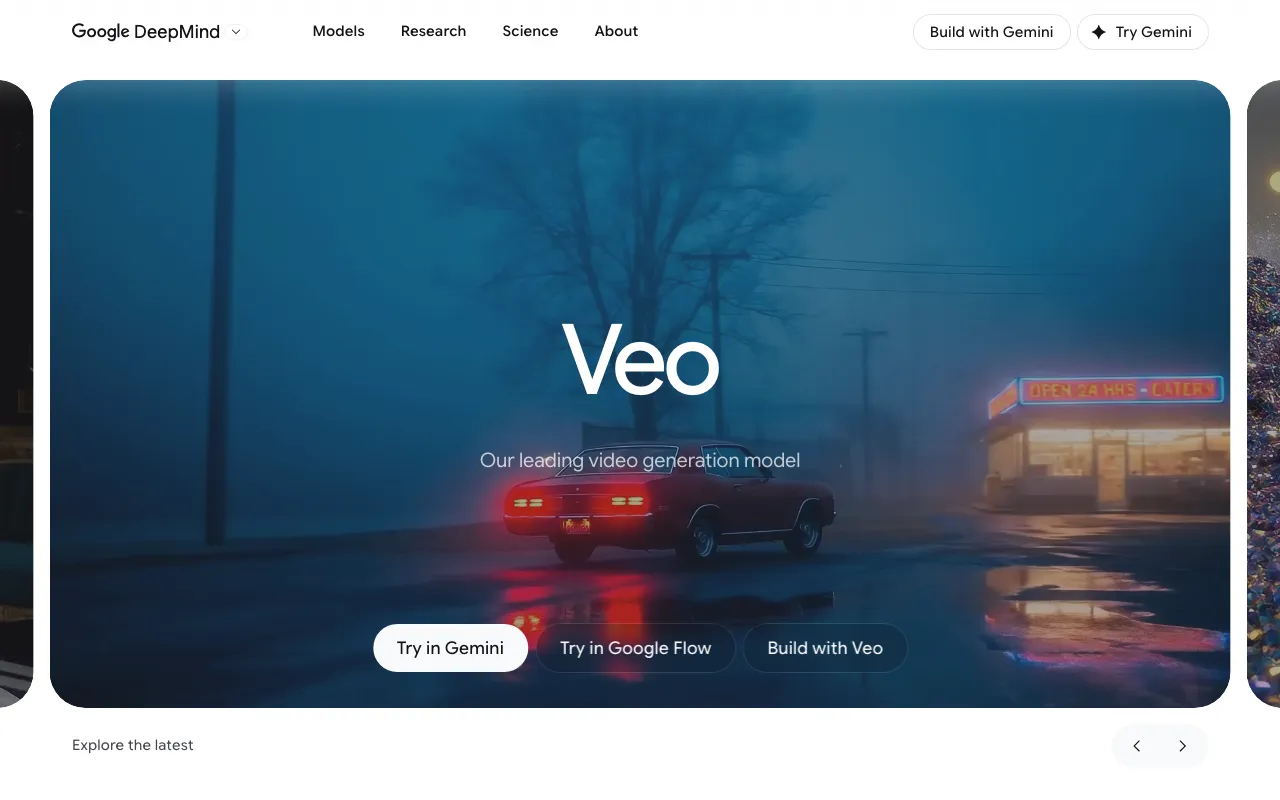
What is Google Veo?
Google Veo is the video generation model from Google DeepMind. You give it a text prompt or a starting image, and it produces a short, high-resolution clip — up to 1080p or 4K — with synchronized native audio generated in the same pass, including dialogue, sound effects, and ambient noise. The current version, Veo 3.1, focuses on physical realism and prompt adherence, and ships alongside Fast and Lite variants that trade some quality for lower cost and quicker turnaround.
Veo is not a standalone app so much as a model woven through Google’s products. Consumers reach it inside the Gemini app and through the Flow filmmaking tool, which adds shot-by-shot composition, reference images for character and style consistency, camera controls, and scene extension to stretch sequences past the roughly 8-second native clip length. Developers call the same model through the Gemini API and Vertex AI on pay-as-you-go pricing, starting around $0.40 per second of video. Because it lives in Google’s ecosystem, output flows naturally into the rest of the Gemini and Workspace stack.
Who is it for?
Veo suits people who want cinematic AI video without committing to a separate, standalone platform — especially anyone already inside Gemini, Workspace, or Google Cloud. The free Gemini tier (usually the older Veo 2 model) is fine for experimentation, but serious use of Veo 3.1 with audio means a paid Google AI plan or the metered API.
- Marketers and social creators producing short ads, teasers, and b-roll at volume from text prompts rather than commissioning shoots.
- Filmmakers and studios using Flow for previsualization, storyboarding, and reference-consistent shots before a live production.
- Developers integrating video generation into their own apps through the Gemini API on usage-based billing.
- Google ecosystem users who want generated clips to flow straight into Gemini, Workspace, and Vertex AI without exporting between tools.
How much does Google Veo cost?
Starting price: $0 · Free tier: yes · Model: freemium
Price history tracked from June 2026
| Plan | Price | Includes |
|---|---|---|
| Free (Gemini) | Free | Limited video generations in the Gemini app · Older Veo 2 model on the free tier · 15 GB shared Google storage |
| Google AI Plus | $7.99/mo | Veo 3.1 Fast access with daily caps · Higher usage limits than free · 200 GB storage |
| Google AI Pro | $19.99/mo | Expanded Veo video generation · Roughly 1,000 monthly AI credits · Access to the Flow filmmaking tool · 2 TB storage |
| Google AI Ultra | $249.99/mo | Full Veo 3.1 with native audio · Highest monthly credit allotment · Priority access to new models · 30 TB storage |
| Gemini API | $0.40/sec | Veo 3.1 from $0.40 per second (720p/1080p) · Veo 3.1 Fast from $0.10 per second · 4K output from $0.60 per second · Pay-as-you-go via Gemini API and Vertex AI |
What are Google Veo's key features?
- Veo 3.1 text-to-video and image-to-video generation
- Native synchronized audio — dialogue, sound effects, and ambient sound in one pass
- 1080p and 4K output resolutions
- Reference images for character, object, and style consistency
- Scene extension to build sequences beyond the 8-second native clip
- Flow filmmaking tool for shot-by-shot composition
- Camera and motion controls plus object add and remove
- Available in the Gemini app, Google Flow, AI Studio, and the Gemini API
What people use Google Veo for
- 01 Generating cinematic b-roll and establishing shots without a camera crew or stock licensing
- 02 Turning a product photo into a short animated promo with synchronized sound
- 03 Storyboarding and previsualizing scenes before a live shoot
- 04 Producing short social-media and ad creative at volume from text prompts
- 05 Extending an 8-second generation into a longer sequence with scene extension
Pros and cons
| Pros | Cons |
|---|---|
| Native synchronized audio and strong physics realism set it apart from silent video models | Native clips are capped at about 8 seconds, so longer videos require stitching or scene extension |
| Multiple entry points — free Veo 2 in Gemini up to a usage-based API — fit hobbyists through developers | Full-quality Veo 3.1 with audio is effectively gated behind the $249.99/month Ultra plan or the metered API |
| Deep tooling via Flow, reference images, and scene extension goes beyond a single text box | The subscription credit system is opaque and the per-plan video allotments have changed repeatedly |
| Actively developed and current (Veo 3.1) with frequent model updates | The free tier is limited to the older Veo 2 model in most regions |
What are the best Google Veo alternatives?
Kling AI is the closest Google Veo alternative in our directory: it covers the same category (AI Video), starts at $6.99/mo, has a free tier.
Ranked by category overlap with Google Veo, then free-tier availability, then lowest verified starting price — computed from our verified data, never from sponsorships.
| Alternative | What it is | Starting price | Free tier | Price verified |
|---|---|---|---|---|
| Kling AI | AI video generator that creates 4K clips up to 15 seconds from text or image prompts | $6.99/mo | yes | Jun 11, 2026 |
| Pika | AI video generator that turns text prompts and photos into short-form videos with scene editing tools | $8/mo | yes | Jun 11, 2026 |
| Luma Dream Machine | AI video generator that creates cinematic clips from text or images using the Ray 2 model | $9.99/mo | yes | Jun 11, 2026 |
| Runway | AI video generation platform for cinematic clips, world simulation, and conversational video agents | $12/mo | yes | Jun 11, 2026 |
| Synthesia | AI video platform that generates studio-quality videos from text using AI avatars | $18/mo | yes | Jun 11, 2026 |
How people make money with Google Veo
- Short-form social and ad video service — produce AI b-roll, product teasers, and UGC-style ads for brands, billed per clip or as a monthly content retainer
- Faceless YouTube and TikTok channel production where Veo handles the footage and you handle scripting and editing, monetized through ad revenue and sponsorships
Frequently asked questions
Is Google Veo free?
There is a free tier through the Gemini app, but it is limited and generally runs the older Veo 2 model. Access to the current Veo 3.1 with native audio comes through paid Google AI plans (Pro at $19.99/month, Ultra at $249.99/month) or the usage-based Gemini API.
What is the latest version of Veo?
Veo 3.1 is the current model as of mid-2026, with Fast and Lite variants that trade some quality for lower cost and faster generation. Veo 2 is the older model still used on some free and lower tiers.
How long can a Veo clip be?
Native Veo generations are about 8 seconds long. You can build longer sequences using scene extension, which continues from the end of a previous clip, or by stitching multiple generations together in the Flow tool.
Does Veo generate audio?
Yes. Veo 3.1 produces synchronized native audio — dialogue, sound effects, and ambient sound — in the same generation as the video, rather than requiring a separate audio pass.
How much does the Veo API cost?
Through the Gemini API, Veo 3.1 starts around $0.40 per second of generated video at 720p/1080p, with a cheaper Fast tier from about $0.10 per second and 4K from roughly $0.60 per second. It is billed as pay-as-you-go usage.
What can I use Veo for commercially?
Veo is used for ads, social clips, b-roll, and previsualization. Commercial-use terms depend on the plan or API agreement you generate under, so check the current Google terms for your tier before publishing.