GPT4All
Free, open-source desktop app to run local LLMs fully offline on your own hardware, with LocalDocs RAG over your private files
GPT4All is a free, open-source desktop app from Nomic AI that runs local LLMs fully offline on your own hardware — no cloud, no data leaving your machine. Its LocalDocs feature adds private RAG over your files, and an optional OpenAI-compatible local server exposes an API. It is MIT-licensed and costs $0, with over 250,000 monthly users.
What is GPT4All?
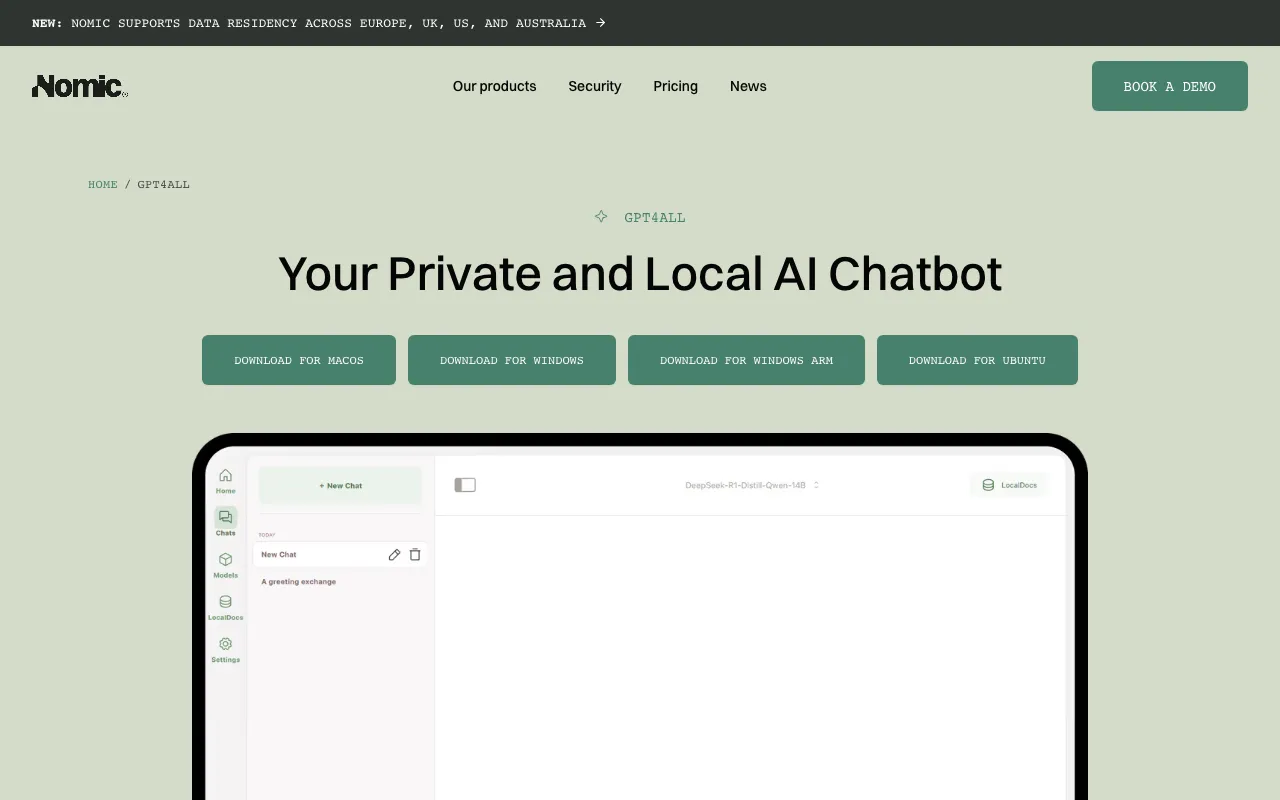
GPT4All is a free, open-source desktop application from Nomic AI that lets you run large language models directly on your own computer, fully offline. Instead of sending prompts to a cloud service, you download quantized open-weight models through a one-click installer and run inference locally on your CPU or GPU. Nothing leaves the machine — no account, no API key, and no per-token billing. The project is released under the MIT license and, with tens of thousands of GitHub stars and hundreds of thousands of monthly users, it is one of the most popular ways for non-experts to run local AI.
Beyond basic chat, GPT4All includes LocalDocs, a retrieval-augmented generation feature that indexes folders of your own files so the model can answer questions grounded in your private documents without any of that content touching the internet. It can also expose an optional OpenAI-compatible local server, letting other applications reuse an on-device model with the same request format they would use for a cloud API. Builds are available for macOS, Windows, and Linux, including Apple Silicon and Windows ARM. Note that Nomic separately sells its Atlas data platform and embedding products; this profile covers only the free GPT4All desktop app.
Who is it for?
GPT4All is aimed at privacy-conscious users and tinkerers who want to run AI locally rather than depend on a cloud subscription. It is easiest to justify when data confidentiality, offline operation, or zero recurring cost matters more than raw model quality, since locally runnable open-source models trail frontier cloud assistants on the hardest reasoning and coding tasks.
- Privacy-focused professionals in law, healthcare, or finance who cannot send sensitive documents to cloud LLMs and want local Q&A via LocalDocs.
- Developers and hobbyists who want to experiment with many open-source models for free and expose a local OpenAI-compatible endpoint to their own apps.
- Users on air-gapped or restricted machines where internet access to cloud AI services is blocked or prohibited.
- Beginners who want the simplest possible on-ramp to running a local LLM through a one-click desktop installer rather than command-line tooling.
How much does GPT4All cost?
Starting price: $0 · Free tier: yes · Model: open-source
Price history tracked from June 2026
| Plan | Price | Includes |
|---|---|---|
| Free | $0 | Fully free and MIT-licensed, no account required · Runs thousands of open-source models locally and offline · LocalDocs private RAG over your own files · Optional OpenAI-compatible local API server · macOS, Windows, and Linux desktop builds |
What are GPT4All's key features?
- One-click desktop installer that downloads and runs quantized open-source models locally
- LocalDocs retrieval-augmented generation over folders of your own documents
- Built-in OpenAI-compatible local server API for integrating on-device inference into other tools
- CPU and GPU acceleration, including Apple Silicon and Windows ARM (Snapdragon) builds
- Model library covering many open-weight families with per-model download management
- Fully offline operation — no data leaves the device and no account is required
What people use GPT4All for
- 01 Chatting with a local LLM completely offline on a laptop with no internet connection
- 02 Private document Q&A via LocalDocs over sensitive files that must never leave the machine
- 03 Serving a local OpenAI-compatible endpoint so other apps can call an on-device model
- 04 Evaluating and comparing open-source models (Llama, Mistral, Granite, and others) without cloud costs
- 05 Running AI on air-gapped or regulated workstations where cloud APIs are prohibited
Pros and cons
| Pros | Cons |
|---|---|
| Completely free and MIT-licensed with no paid tier, no subscription, and no account | Needs reasonably capable hardware; large models require significant RAM and are slow on weak CPUs |
| Runs fully offline, so prompts and documents never leave your hardware — strong privacy story | Locally runnable open-source models are weaker than frontier cloud models like Claude for hard reasoning and coding |
| Cross-platform desktop app (macOS, Windows, Linux) with a beginner-friendly one-click installer | No cloud sync or mobile/web app — everything is tied to the individual desktop install |
| Local OpenAI-compatible API lets existing tools reuse an on-device model with minimal changes | Release cadence has slowed (latest stable build v3.10.0 dates to early 2025), so updates arrive less frequently than some rivals |
What are the best GPT4All alternatives?
Jan is the closest GPT4All alternative in our directory: it covers the same category (AI Chatbots), starts at $0, has a free tier.
Ranked by category overlap with GPT4All, then free-tier availability, then lowest verified starting price — computed from our verified data, never from sponsorships.
| Alternative | What it is | Starting price | Free tier | Price verified |
|---|---|---|---|---|
| Jan vs GPT4All → | Open-source desktop app that runs LLMs fully offline on your own hardware, with an OpenAI-compatible local API server | $0 | yes | Jul 19, 2026 |
| LM Studio | Desktop app to discover, download, and run open-source LLMs locally and privately, with an OpenAI-compatible local server | $0 | yes | Oct 11, 2026 |
| Ollama | Free, open-source tool to run open-weight LLMs locally via CLI, desktop, or API — with an optional paid cloud for larger models | $0 | yes | Oct 13, 2026 |
| Open WebUI | Self-hosted web interface for local and API-based LLMs, free for unlimited users as long as the branding stays intact | $0 | yes | Jul 18, 2026 |
| Claude | Anthropic's AI assistant built for long-context analysis, coding, and safe reasoning | $20/mo | yes | Jul 3, 2026 |
| Msty | Desktop and web AI workspace for running local and cloud LLMs side by side, with split chats, personas, and knowledge stacks | $149/yr | yes | Jul 19, 2026 |
Head-to-head comparisons
How people make money with GPT4All
- Offer privacy-first local AI setup services for law firms, clinics, and other regulated small businesses that cannot send data to cloud LLMs — install and configure GPT4All plus LocalDocs on their own machines as a fixed-fee engagement
- Build and sell niche LocalDocs knowledge bases (curated technical manuals, compliance templates, or product docs) that clients load into GPT4All for fully offline question-answering
Frequently asked questions
Is GPT4All free?
Yes. GPT4All is completely free and open-source under the MIT license. There is no paid tier, subscription, or account requirement. You download the desktop app, pick open-source models, and run them locally at no cost beyond your own hardware and electricity.
Does GPT4All work offline?
Yes. Once a model is downloaded, GPT4All runs entirely on your own machine with no internet connection. Prompts, chats, and LocalDocs files never leave your device, which makes it suitable for air-gapped, private, or regulated environments where cloud AI is not allowed.
What platforms does GPT4All support?
GPT4All ships desktop builds for macOS (Monterey 12.6 or later, optimized for Apple Silicon), Windows (x64 and ARM), and Linux (x86-64). There is no official web or mobile app; it is a native desktop application installed directly on your computer.
Does GPT4All have an API?
Yes. GPT4All can run a local OpenAI-compatible HTTP server, so other applications can send requests to an on-device model using the familiar OpenAI request format. The server runs on your machine, keeping inference and data local rather than routing through a cloud endpoint.
What is LocalDocs in GPT4All?
LocalDocs is GPT4All's retrieval-augmented generation feature. You point it at folders of your own files, and the app indexes them so the model can answer questions grounded in that content. All indexing and retrieval happen locally, so private documents never leave your machine.
Is GPT4All still maintained?
Yes. The nomic-ai/gpt4all repository remains public and MIT-licensed with over 77,000 GitHub stars and 250,000-plus monthly users. Development has slowed compared with its peak, with the latest stable release in early 2025, but the project is active and not archived.