PixVerse
AI video generator that turns text prompts or a single photo into short clips with a credits-based free tier
PixVerse generates 1-15 second video clips from text or a single image using its V6 model, with native audio (dialogue, music, sound effects) baked into generation. The free Basic tier gives 90 starting credits plus 60 refreshed daily but watermarks output; paid plans start at $10/month for 1,200 credits and 720p, rising to $199/month for 25,000 credits and top priority. Best for short-form creators who need fast, cheap clips rather than cinema-grade footage.
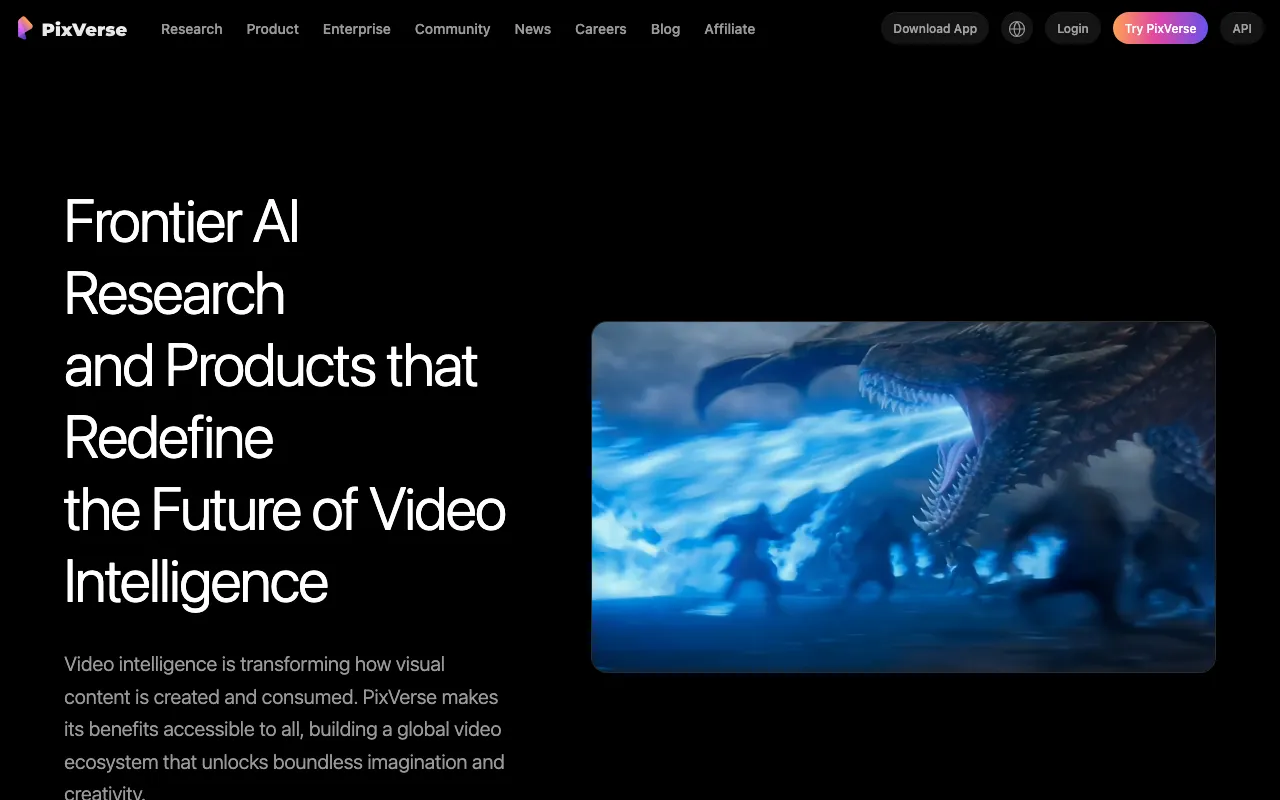
What is PixVerse?
PixVerse is an AI video generation platform that turns a text prompt or a single reference image into a short video clip, typically 1 to 15 seconds long. Its current model, V6, launched in March 2026 and added over 20 cinematic camera controls (focal length, aperture, depth of field, lens distortion), native audio generation with synced dialogue and sound effects, and a MultiShot mode that strings together continuous multi-angle shots from one prompt. A conversational Agent mode lets a user describe an idea in plain language and have PixVerse assemble the video, and a CLI exposes the same generation pipeline to developers and coding-agent workflows.
Access runs through a credits system rather than flat per-video pricing: every generation consumes credits based on resolution, duration, and features used (like audio or higher concurrency). The free Basic tier gives 90 starting credits plus 60 refreshed daily, but output is watermarked and restricted from commercial use. Paid subscriptions unlock watermark-free exports, higher resolution up to 1080p, and larger monthly credit pools, with a separate API and credit-pack system for developers and high-volume users.
Who is it for?
PixVerse fits people who need short, disposable video clips quickly and cheaply rather than long-form or broadcast-grade footage. The free tier is usable for testing prompts and low-stakes experiments, but any commercial output — social ads, client work, watermark-free exports — requires at least the $30/month Pro plan.
- Short-form social creators making Reels, TikTok clips, or YouTube Shorts from a single product photo or portrait using image-to-video.
- Solo marketers and small agencies who need fast, low-cost social video variations without hiring a video team, once they’re on Pro or above for commercial rights.
- Concept and storyboard artists using camera controls and MultiShot to previsualize shots before a real production.
- Developers building video generation into an app or agent workflow through the PixVerse API or CLI rather than the consumer web app.
- Creators who need long-form, broadcast-quality output should look at Runway or Kling AI instead, since PixVerse clips top out at 15 seconds and 1080p.
How much does PixVerse cost?
Starting price: $10/mo · Free tier: yes · Model: freemium
Price history tracked from June 2026
| Plan | Price | Includes |
|---|---|---|
| Basic | Free | 90 starting credits plus 60 refreshed daily · Watermarked output · No commercial use · 2 concurrent generations |
| Standard | $10/mo | 1,200 credits/month · Up to 720p resolution · 3 concurrent generations · $8/mo billed annually ($96/yr) |
| Pro | $30/mo | 6,000 credits/month · Up to 1080p resolution · Watermark-free, commercial use allowed · 5 concurrent generations, priority queue · $24/mo billed annually ($288/yr) |
| Premium | $60/mo | 15,000 credits/month · Watermark-free output · 8 concurrent generations · $48/mo billed annually ($576/yr) |
| Ultra | $199/mo | 25,000 credits/month · Highest priority processing · Discounted or free off-peak generation · $149/mo billed annually ($1,788/yr) |
| Enterprise / API | Custom | API access starting near $100/month for 15,000 credits · V6 API billed around $4.80 per minute of output · Custom credit packs from $10 for 1,000 credits |
What are PixVerse's key features?
- Text-to-video and image-to-video generation via the V6 model
- MultiShot — automatically generates continuous multi-angle shot sequences from one prompt
- Native audio generation with dialogue, music, sound effects, and synchronized lip-sync
- Character consistency across shots using reference images
- Over 20 cinematic camera controls: focal length, aperture, depth of field, lens distortion
- Conversational Agent mode that turns an abstract idea into a finished video
- CLI access for developers and coding-agent workflows
- Mobile apps for iOS and Android in addition to the web app
What people use PixVerse for
- 01 Turning a single product photo or portrait into a short animated clip for social media
- 02 Generating multi-shot short films from a text prompt with synced dialogue, music, and sound effects
- 03 Rapid storyboarding or previz for video concepts before committing to a full production
- 04 Testing camera moves (tracking shots, focal length, depth of field) on a concept without a camera crew
Pros and cons
| Pros | Cons |
|---|---|
| Free tier requires no credit card and refreshes 60 credits daily on top of a 90-credit starting balance | Clips cap at 15 seconds and 1080p, well short of the length and fidelity professional video work usually needs |
| Native audio (dialogue, music, sound effects) is generated alongside video, skipping a separate audio pipeline | Free tier output is watermarked and blocked from commercial use; that requires at least the $30/month Pro plan |
| Credit packs from $10 give a cheap way to top up without upgrading a subscription tier | Credit costs scale with resolution and duration, so heavy 1080p use burns through monthly allotments fast and pushes toward the pricier Premium or Ultra tiers |
| Mobile apps make on-the-go generation and social sharing straightforward | Output quality and prompt adherence still trail top closed rivals like Google Veo and Kling on complex physics and long camera moves |
What are the best PixVerse alternatives?
Kling AI is the closest PixVerse alternative in our directory: it covers the same category (AI Video), starts at $6.99/mo, has a free tier.
Ranked by category overlap with PixVerse, then free-tier availability, then lowest verified starting price — computed from our verified data, never from sponsorships.
| Alternative | What it is | Starting price | Free tier | Price verified |
|---|---|---|---|---|
| Kling AI | AI video generator that creates 4K clips up to 15 seconds from text or image prompts | $6.99/mo | yes | Jun 11, 2026 |
| Pika | AI video generator that turns text prompts and photos into short-form videos with scene editing tools | $8/mo | yes | Jun 11, 2026 |
| Luma Dream Machine | AI video generator that creates cinematic clips from text or images using the Ray 2 model | $9.99/mo | yes | Jun 11, 2026 |
| Runway | AI video generation platform for cinematic clips, world simulation, and conversational video agents | $12/mo | yes | Jun 11, 2026 |
How people make money with PixVerse
- Produce short-form social clips (Reels, TikTok, Shorts) for small business clients using image-to-video on the watermark-free Pro tier, which permits commercial use
Frequently asked questions
Is PixVerse free?
Yes. The Basic tier is free with no credit card required, giving 90 starting credits plus 60 credits refreshed daily. Output is watermarked and cannot be used commercially on the free tier.
How much does PixVerse cost?
Paid plans start at Standard for $10/month (1,200 credits, up to 720p) and scale to Pro at $30/month, Premium at $60/month, and Ultra at $199/month with 25,000 credits. Annual billing cuts the effective monthly price by roughly 20-25%.
Does PixVerse remove the watermark?
The free Basic tier always watermarks output. Paid plans, starting with Pro at $30/month, generate watermark-free video and allow commercial use.
What is PixVerse V6?
V6 is PixVerse's current video model, launched in March 2026. It adds over 20 cinematic camera controls, native multi-shot audio generation with lip-sync, and improved character and physics consistency compared to earlier PixVerse versions.
How long can a PixVerse video be?
Individual generated clips run from 1 to 15 seconds, at resolutions from 360p up to 1080p depending on plan and settings. Longer sequences are built by chaining multiple shots together with MultiShot.
Does PixVerse have an API?
Yes. API plans start near $100/month for 15,000 credits, and PixVerse also publishes per-minute API pricing (around $4.80/minute for V6) for programmatic access outside the subscription tiers.
Is PixVerse available on mobile?
Yes. PixVerse has free iOS and Android apps in addition to the web app, offering the same text-to-video and image-to-video generation features.