Remini
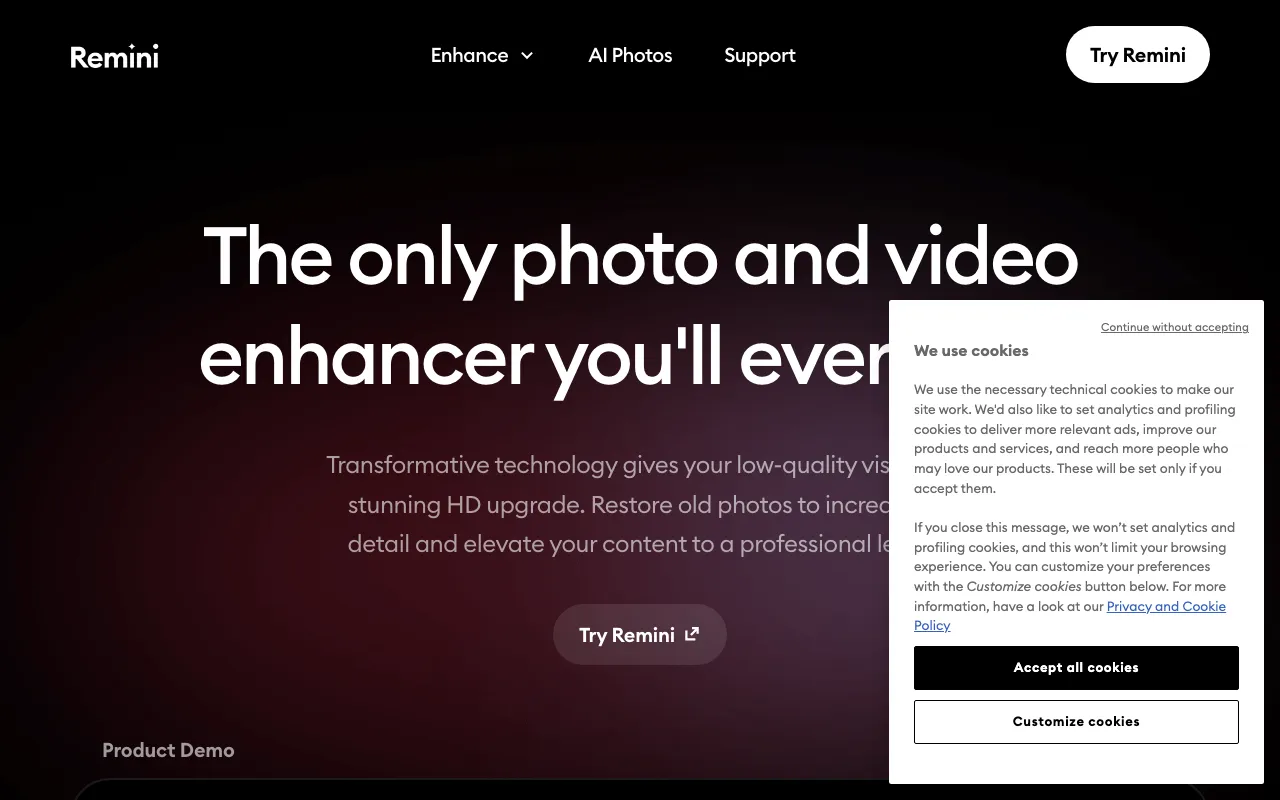
AI photo and video enhancer that upscales, unblurs, and restores old images in one tap — mobile and web, by Bending Spoons
Remini is a mobile-first AI photo and video enhancer from Bending Spoons that upscales, unblurs, and restores images in one tap. Reported web pricing is $6.99/week (Personal) and $9.99/week (Business), with a free ad-supported tier that watermarks exports. It excels at old-photo restoration but often over-smooths faces and leans on aggressive weekly billing. Best for quick fixes, not pro-grade control.
What is Remini?
Remini is an AI photo and video enhancer built primarily for phones, with a companion web app. You upload a low-quality image — a blurry snapshot, a grainy scan, a faded print — and its models upscale, sharpen, denoise, and rebuild facial detail in a single tap, no manual editing required. The app bundles nine core tools (Unblur & Sharpener, Denoiser, Old Photos Restorer, Image Enlarger, Color Fixer, Face Enhancer, Background Enhancer, Low Quality Enhancer, and Video Enhancer) plus AI Photos, which generates studio-style portraits from a handful of your own selfies. The company reports 100M monthly active users and over 5B photos and videos enhanced.
Remini is developed by AI Creativity S.r.l., part of Bending Spoons. Because it is app-first, most of its pricing lives in the iOS and Android in-app subscriptions rather than on a single public pricing page, which is why published figures vary. The reported web plans are Personal at $6.99/week and Business at $9.99/week, with monthly and yearly options and a free tier that gates exports behind ads and adds a watermark. Its strength is restoration — reviving old or damaged family photos — but the same aggressive face model that makes low-res portraits pop can over-smooth skin into a waxy, cartoonish look, and there is no slider to dial that back.
Who is it for?
Remini is aimed at casual users who want a fast, one-tap fix for a specific photo rather than a full editing suite. If your goal is to rescue an old family portrait, sharpen a blurry phone picture before sharing, or generate quick AI headshots, it does that with almost no learning curve. If you need precise, repeatable, high-fidelity upscaling — or you are producing commercial work at volume — a dedicated tool like topaz-labs or magnific will give you far more control, and general editors like photoroom or fotor cover broader tasks.
- People restoring old or damaged photos who want to unblur, denoise, and revive faded prints without touching a desktop editor.
- Casual mobile users who need a one-tap cleanup of blurry or low-light phone snapshots before posting or printing.
- Anyone wanting quick AI portraits from a few selfies via the AI Photos feature, accepting some loss of likeness.
- Not for pro retouchers or high-volume commercial work, who will hit the over-smoothing, weekly-billing, and fine-control limits fast.
How much does Remini cost?
Starting price: $6.99/week · Free tier: yes · Model: freemium
Price history tracked from June 2026
| Plan | Price | Includes |
|---|---|---|
| Free | Free | Access to the core enhancement tools · Limited daily exports · Ad view required before each export · Watermark added to results |
| Personal (web) | $6.99/week | Reported weekly price; monthly and yearly billing also offered · Yearly plan reported to save up to 50% vs weekly · Watermark-free photo and video enhancement · Price is app-store / third-party sourced and varies by region |
| Business (web) | $9.99/week | Reported unlimited photo enhancements · Bulk upload · Commercial-use license · Price is app-store / third-party sourced and varies by region |
| Mobile in-app | Varies | Weekly and annual subscriptions sold inside the iOS/Android apps · Introductory offers reported as low as $0.99 · Priced separately from the web plans · Figures vary by store, region, and promotion |
What are Remini's key features?
- Unblur & Sharpener that removes motion blur and fixes soft focus
- Old Photos Restorer for faded, scratched, or damaged prints
- Face Enhancer that rebuilds facial detail in low-resolution portraits
- Video Enhancer that applies the same enhancement pipeline to clips
- Image Enlarger that upscales resolution (reported up to 2x)
- Denoiser and Color Fixer for grain removal and tone correction
- AI Photos for generating studio-style portraits from your uploads
- Background Enhancer and a general Low Quality Enhancer for whole-image cleanup
What people use Remini for
- 01 Restoring old, faded, or scratched family photographs
- 02 Sharpening blurry or low-resolution phone snapshots before printing or sharing
- 03 Enhancing faces in group photos where individual detail is lost
- 04 Upscaling and denoising short video clips
- 05 Generating AI headshots or portraits from a few uploaded selfies via AI Photos
Pros and cons
| Pros | Cons |
|---|---|
| One-tap enhancement needs no editing skill and produces strong results on faces, eyes, and hair | Aggressive weekly billing: web Personal is reported at $6.99/week and Business at $9.99/week, which compounds to roughly $30/month or about $360/year for a single-purpose tool |
| Genuinely useful for reviving old or blurry family photos that generic filters leave untouched | Heavy over-smoothing — faces often come out waxy or cartoonish, and the all-or-nothing AI gives you no slider to dial the effect back |
| Available on iOS, Android, and the web, so you can enhance on a phone or in a browser | Subscription friction is a recurring complaint: free exports are watermarked and ad-gated, and users report auto-renewals and unexpected charges (Trustpilot scores sit around 1.3–1.5/5) |
| Free tier lets you test the core enhancers before committing to a subscription | Limited fine control versus dedicated upscalers like topaz-labs or magnific — no per-parameter tuning or model selection |
What are the best Remini alternatives?
Fotor is the closest Remini alternative in our directory: it covers the same category (AI Image Generation), starts at $8.99/mo, has a free tier.
Ranked by category overlap with Remini, then free-tier availability, then lowest verified starting price — computed from our verified data, never from sponsorships.
| Alternative | What it is | Starting price | Free tier | Price verified |
|---|---|---|---|---|
| Fotor | All-in-one AI photo editor and design suite with generation, background removal, and enhancement | $8.99/mo | yes | Jul 5, 2026 |
| Photoroom | AI photo editor for e-commerce — background removal, AI product backgrounds, and batch editing | $12.99/mo | yes | Oct 21, 2026 |
| Magnific AI | Generative AI image upscaler and enhancer that hallucinates realistic detail up to 16x, now part of Freepik | ~$5.75/mo | no | Jun 20, 2026 |
| Topaz Labs | Professional AI photo and video enhancement software for upscaling, denoising, sharpening, and restoration | $149/yr | no | Jun 24, 2026 |
How people make money with Remini
- Photo-restoration gigs for old, faded, or damaged family photos on freelance marketplaces like Fiverr or Upwork, where clients often lack the tools or skill to do it themselves
- Bulk headshot and product-image cleanup for real-estate agents or small e-commerce sellers, using the Business plan's bulk upload and commercial-use license
Frequently asked questions
Is Remini free?
Remini has a free tier, but it is limited: you get a capped number of daily exports, must watch an ad before each export, and results carry a watermark. Removing those limits requires a paid subscription.
How much does Remini cost?
Reported web pricing is $6.99/week for the Personal plan and $9.99/week for the Business plan, with monthly and yearly billing also offered (the yearly plan is reported to save up to 50% versus weekly). The mobile apps sell separate weekly and annual subscriptions, with introductory offers reported as low as $0.99. These figures are app-store and third-party sourced and vary by region and promotion.
Who makes Remini?
Remini is developed by AI Creativity S.r.l., which operates under Bending Spoons S.p.A., the Italian company behind several large consumer apps.
Does Remini add a watermark to photos?
Yes, on the free tier. Free exports are watermarked and gated behind an ad. Paid Personal and Business plans remove the watermark and the ads.
Is Remini good for restoring old photos?
Old-photo restoration is one of Remini's strongest use cases — it can unblur, denoise, and rebuild detail in faded or damaged prints. The main caveat is that its Face Enhancer can over-smooth skin into a waxy look, so results are not always faithful to the original.
Can I use Remini images commercially?
Commercial use is tied to the Business plan, which is reported to include a commercial-use license along with unlimited enhancements and bulk upload. The Personal and free tiers are aimed at individual, non-commercial use.
How do I avoid unexpected Remini charges?
Subscriptions auto-renew by default. To avoid recurring weekly charges, cancel through the App Store, Google Play, or your web account before the current billing period ends. Multiple users have reported difficulty getting refunds after auto-renewal, so cancel early.