Scenario
Trains custom AI models on your own art so generated images, video, and 3D assets match your studio's established style
Scenario trains custom LoRA models on a studio's own art bible — 10-30 reference images for a style, 5-15 for a specific subject — so output matches an existing visual identity instead of a generic AI look. A permanent free tier gives 50 daily credits with no card. Starter is $15/month for 1,500 credits, Pro is $45/month for 5,000 credits and unlocks custom model training, and Max is $75/month for 10,000 credits and up to 25 seats. Annual billing cuts 33%. Best for game and brand teams that need visual consistency across thousands of assets.
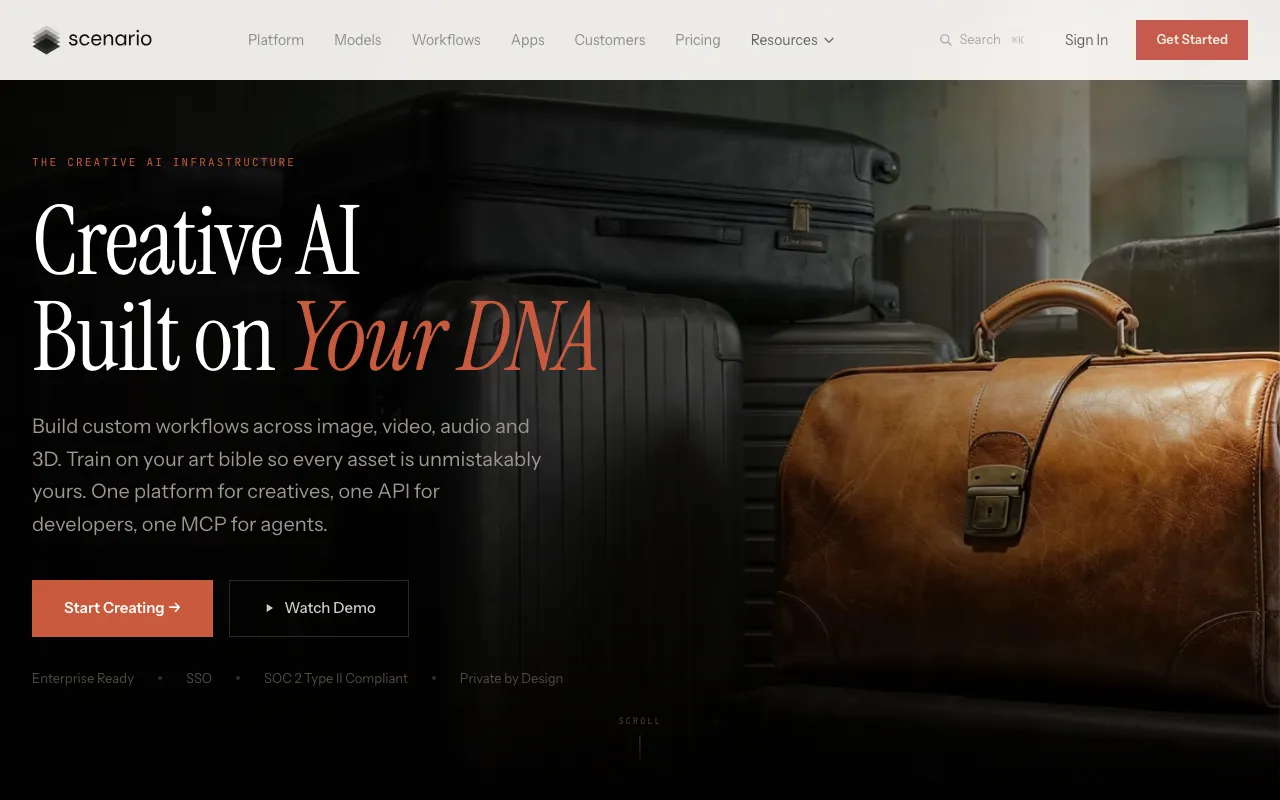
What is Scenario?
Scenario is a web platform for generating visual assets that match a style you already own. Instead of prompting a general-purpose model and hoping the output resembles your project, you upload between 5 and 100 reference images — your art bible, your existing character sheets, your icon set — and Scenario trains a custom LoRA model on them. Every later generation inherits that style. The guidance is 10-30 images to capture a style and 5-15 for a specific character or object, with training runs taking 30 minutes to a few hours. That trained model then becomes reusable infrastructure: new NPCs, item icons, tile variants, and marketing key art all come out of the same visual system.
Around that core sits a general generation layer — a library of 500+ models from 50+ providers spanning image, video, 3D, and audio, with side-by-side output comparison so you can test the same prompt across several of them. Multi-step pipelines are built in a visual node editor, agents batch-generate assets from reusable team templates, and a REST API exposes generation, training, batch processing, and modification tasks like background removal and vectorization to external tooling. The product launched squarely aimed at 2D game assets under a game-focused domain that now permanently redirects to the current site, and the positioning has since widened to creative AI infrastructure, with the company reporting 15,000+ customers and naming Unity and Ubisoft among them.
Who is it for?
Scenario is for teams whose problem is consistency at volume rather than image quality on any single generation. If you need one striking illustration, a general image model is cheaper and faster. The value here shows up when you need four hundred assets that all look like they came from the same artist — and it only shows up on Pro at $45/month or above, since custom model training is not included in the $15/month Starter tier. The free tier’s 50 daily credits are enough to judge output quality against your art direction before committing.
- Game studios and indie developers maintaining a locked visual identity across characters, items, environments, and UI, especially for live-service content drops where new assets ship continuously.
- Technical artists and pipeline engineers who want generation callable from internal tools through the REST API rather than as a separate browser workflow artists have to context-switch into.
- Marketing and brand teams producing high volumes of on-brand creative — ad variants, store banners, key art — that must match an existing style guide rather than drift toward a generic AI aesthetic.
- Freelancers and small art shops taking style-matched asset commissions, where training one model per client turns repeat batch work into a fast, repeatable delivery.
How much does Scenario cost?
Starting price: $15/mo · Free tier: yes · Model: freemium
Price history tracked from June 2026
| Plan | Price | Includes |
|---|---|---|
| Free | Free | 50 free credits per day · No credit card required · Evaluation and personal use — commercial licensing starts on paid tiers |
| Starter | $15/mo | 1,500 monthly credits · 1-user workspace · 50 GB storage · Access to 65+ core models · Community Discord support · $10/mo billed annually |
| Pro | $45/mo | 5,000 monthly credits · Custom model training included · Access to 30+ advanced models · 1-user workspace, 500 GB storage · Ticket support · $30/mo billed annually |
| Max | $75/mo | 10,000 monthly credits · Up to 25 users with team collaboration tools · 1 TB base storage (+1 TB per additional seat) · Custom editing model training · High-priority generation queue · $50/mo billed annually |
| Enterprise | Custom | Annual billing, 10-user minimum · 10 TB base storage (+1 TB per seat) · Custom integrations and add-ons · Dedicated account team with Slack support |
What are Scenario's key features?
- Custom model training on 5-100 reference images to lock a style, character, or object
- Unified library of 500+ models from 50+ providers across image, video, 3D, and audio
- Side-by-side output comparison across different models on the same prompt
- Visual node-based workflow editor for multi-step generation pipelines
- Agents that batch-generate on-brand assets from reusable team templates
- REST API covering image generation, custom model training, batch processing, and asset modification
- Asset modification tasks including background removal, upscaling, and vectorization
- Pre-built apps for common jobs like character sheets, animation, and 3D model creation
What people use Scenario for
- 01 Training a LoRA on a game's existing character art so new NPCs, skins, and variants stay on-model without an artist redrawing each one
- 02 Batch-generating hundreds of item icons, tiles, or card frames in a single locked style for a live-service content drop
- 03 Concepting environments and props early in pre-production, then handing the strongest outputs to artists as paint-over references
- 04 Keeping marketing creative — key art, store banners, ad variants — aligned to the same art bible the game itself uses
- 05 Wiring generation into an existing pipeline via the REST API so asset requests run from internal tools instead of a browser tab
Pros and cons
| Pros | Cons |
|---|---|
| Custom-trained models solve the actual production problem — style consistency across thousands of assets — rather than one-off pretty images | Custom model training — the headline feature — is gated behind Pro at $45/month; Starter at $15/month is generation only |
| Permanent free tier with 50 daily credits and no credit card, enough to judge whether the output fits your art direction | Credit ceilings bite fast: 1,500 monthly credits on Starter goes quickly once video or 3D generation is in the mix, since those cost far more per run than images |
| API-first, so generation can run inside existing studio tooling instead of forcing artists into a web app | Training is not instant or free of effort — 30 minutes to a few hours per model, on top of curating 10-30 clean, consistent reference images first |
| Annual billing cuts 33% off every paid plan | Starter and Pro are single-user workspaces; any real team collaboration requires Max at $75/month, and storage is billed per additional seat |
What are the best Scenario alternatives?
Meshy is the closest Scenario alternative in our directory: it covers the same category (AI Image Generation), starts at $0, has a free tier.
Ranked by category overlap with Scenario, then free-tier availability, then lowest verified starting price — computed from our verified data, never from sponsorships.
| Alternative | What it is | Starting price | Free tier | Price verified |
|---|---|---|---|---|
| Meshy | AI 3D model generator that turns text or images into textured, riggable 3D models in seconds, with exports for game, film, AR/VR, and 3D-printing pipelines | $0 | yes | Nov 1, 2026 |
| Civitai | Community hub for Stable Diffusion models, LoRAs, and checkpoints, with a built-in AI image generator and a Buzz-credit economy | $10/mo | yes | Nov 1, 2026 |
| Leonardo.Ai | AI image generator with custom model training, canvas editor, and token-based generation | $12/mo | yes | Jun 11, 2026 |
| Stable Diffusion | Open-weight AI image generation model by Stability AI with API and self-hosted deployment options | $20/mo | yes | Jun 11, 2026 |
| getimg.ai | AI image suite aggregating 40+ models like FLUX and Stable Diffusion for text-to-image, editing, and video, plus a separate developer API | $8/mo | no | Jun 30, 2026 |
| Midjourney | AI image generator that creates high-quality art and photos from text prompts via web and Discord | $10/mo | no | Jun 11, 2026 |
How people make money with Scenario
- Offer style-matched game asset commissions to indie studios: train one model on the client's art bible, then deliver sprite, icon, and UI sets as fixed-scope asset packs rather than billing hourly — the training cost is paid once and amortized across every later batch
- Publish themed asset packs on marketplaces like the Unity Asset Store or itch.io — paid Scenario tiers carry commercial licensing, so packs can be sold outright or on a royalty split while one trained model keeps every pack visually coherent
Frequently asked questions
Is Scenario free?
There is a permanent free tier, not a time-limited trial: 50 credits per day with no credit card required. It is intended for evaluation and personal use — commercial licensing begins with the paid plans, which start at $15/month.
How much does Scenario cost?
Starter is $15/month for 1,500 credits, Pro is $45/month for 5,000 credits, and Max is $75/month for 10,000 credits and up to 25 users. Enterprise is custom-priced with a 10-user minimum. Annual billing cuts roughly 33%, bringing the same tiers to $10, $30, and $50 per month.
What happened to scenario.gg?
It is the same product. The original scenario.gg domain now 301-redirects to scenario.com. The rename tracks a repositioning: the platform launched focused on 2D game assets and now markets itself more broadly as creative AI infrastructure across image, video, audio, and 3D, with gaming as one industry vertical among marketing, e-commerce, and fashion.
How many images do you need to train a custom model?
Between 5 and 100 reference images depending on the goal. Scenario's guidance is 10-30 images to capture a style and 5-15 for a specific character or object. Training runs take anywhere from 30 minutes to a few hours.
Which plan do I need to train custom models?
Pro at $45/month or higher. The Starter plan at $15/month includes credits and access to 65+ core models but not custom model training. Max adds custom editing model training on top of Pro's capabilities.
Does Scenario have an API?
Yes. There is a public REST API with a downloadable OpenAPI spec, covering image generation, custom model training, batch processing, and asset modification tasks such as background removal and vectorization. This is what lets studios call generation from internal pipelines rather than the web UI.
Is Scenario only for game developers?
No, though that is its origin and still its strongest fit. The platform reports 15,000+ customers spanning gaming, marketing and advertising, e-commerce, fashion, and education. The core mechanic — training a model on your own art so output stays on-brand — applies anywhere visual consistency matters at volume.