SentryDock
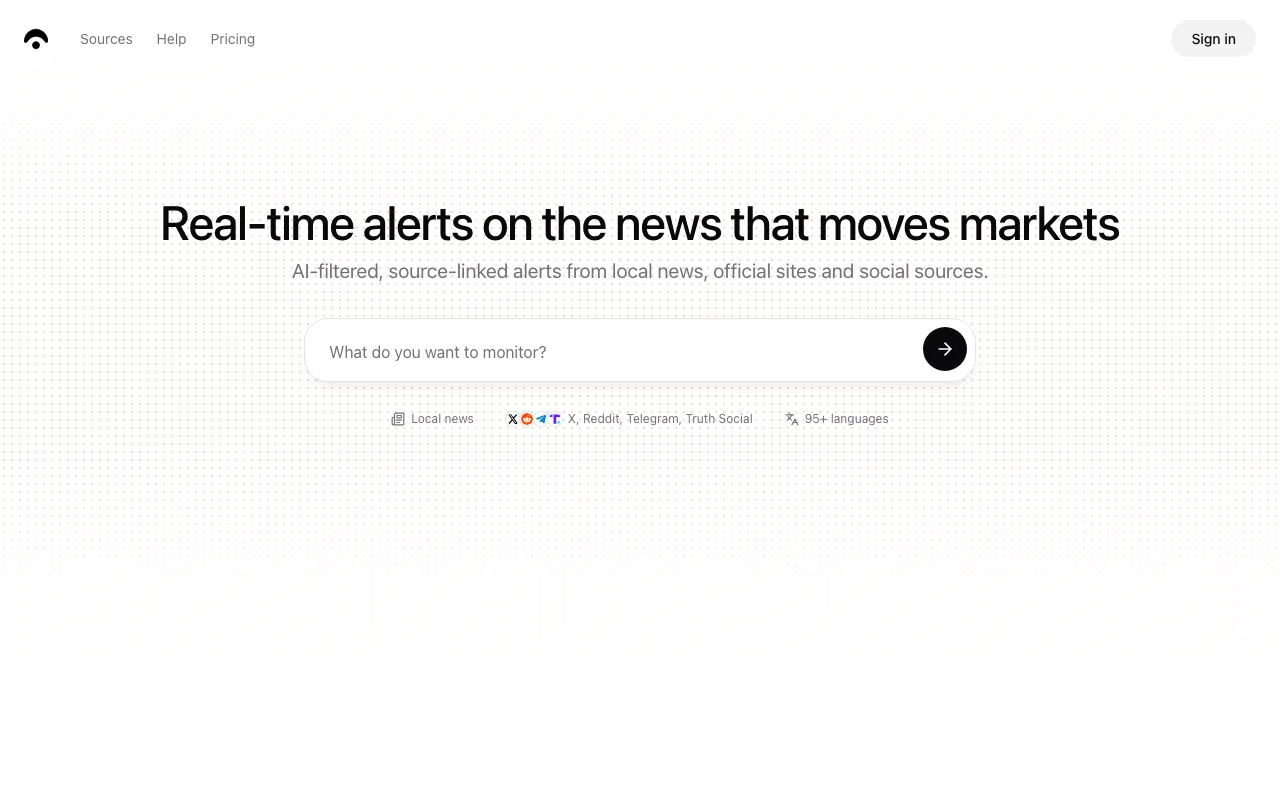
AI watches local news, official portals, and social sources in 95+ languages and alerts traders when something moves a market
SentryDock monitors local news sites, official portals, X, Reddit, Telegram, and Truth Social in 95+ languages, translates them, judges likely market impact, and pushes alerts to email, Slack, Teams, Discord, or SMS. Three paid plans: Starter $80/month or $672/year, Pro $180 or $1,512, Ultra $350 or $2,940. The binding limit is realtime monitor slots — 1, 3, and 10 respectively. There is no free tier and no free trial advertised.
What is SentryDock?
SentryDock is a monitoring platform for people who need to hear about something before it reaches Bloomberg or Reuters. You describe what matters — a company, a commodity, an event, a conflict — review the source list it proposes, choose a schedule, and pick where results should land. From then on the platform re-checks those sources, compares new material against the instructions saved on the monitor, translates anything that is not in English, and pushes what survives to email, Slack, Microsoft Teams, Discord, or SMS. Every result keeps a link back to the original so the underlying claim can be checked.
The differentiator is reach into sources most desks cannot read: local publications, official and government portals, specialist communities, and social platforms including X, Reddit, Telegram, and Truth Social, across more than 95 languages. Founded in 2024, the company positions this as catching supply disruptions, policy changes, and infrastructure incidents in producing regions hours before they surface in English-language financial media. On top of alerting, it runs prediction passes at four escalating depths and assembles a personal briefing twice daily from your own monitors. What each plan really rations is realtime monitor slots — the monitors that re-check every few minutes — at 1, 3, and 10 across Starter, Pro, and Ultra.
Who is it for?
SentryDock is a professional tool at a professional price. With an $80/month floor, no free tier, and a single realtime slot at entry level, it only makes sense when being early on a specific story has a measurable value.
- Commodity and market traders tracking a defined set of supply-side themes, where a local report of a port closure or an export ban is worth more than the same story hours later.
- Research and risk analysts who currently do this monitoring and translation by hand across foreign-language sources and want it repeatable instead of ad hoc.
- Brokers and client-facing teams who need to be first with a relevant escalation, and who benefit from alerts landing in a shared channel rather than one inbox.
- Teams that have outgrown general AI search — exa and perplexity answer questions on demand, whereas SentryDock is built around standing monitors that keep watching after the question is answered.
How much does SentryDock cost?
Starting price: $80/mo · Free tier: no · Model: paid
Price history tracked from June 2026
| Plan | Price | Includes |
|---|---|---|
| Starter | $80/mo | $672/year on annual billing · 1 realtime monitor slot · Unlimited hourly and daily monitors · Up to 10 sources tracked per task · Quick predictions only · Email and Slack alerts, daily AI briefings, 95+ language translation |
| Pro | $180/mo | $1,512/year on annual billing · 3 realtime monitor slots · Up to 25 sources tracked per task · Adds Deep and Expert prediction depths · Adds SMS alerts and a team workspace · Priority support |
| Ultra | $350/mo | $2,940/year on annual billing · 10 realtime monitor slots · Up to 50 sources tracked per task · All prediction depths including Extreme · Priority access to new features · Dedicated optimisation |
What are SentryDock's key features?
- Realtime monitors that re-check their sources every few minutes, plus unlimited hourly and daily monitors on every plan
- Automatic translation across 95+ languages with the original source link preserved on every result
- Meaning-based matching against a monitor's saved instructions rather than plain keyword alerting, with duplicate and off-topic suppression
- Four prediction depths — Quick, Deep, Expert, Extreme — that trade compute and research breadth for latency
- Alert delivery to email, Slack, Microsoft Teams, Discord, and SMS on Pro and above
- Daily AI briefings at 6am and 6pm assembled from your own monitoring tasks
- Per-plan source ceilings of 10, 25, and 50 sources per monitoring task
- Prebuilt source and tracker pages for common feeds such as major wires, forex outlets, and social trackers
What people use SentryDock for
- 01 Catching supply disruptions, policy changes, or infrastructure incidents reported first by local outlets in producing regions
- 02 Following an event or conflict across sources in languages the desk does not read, with automatic translation and a link back to the original
- 03 Routing breaking-news alerts into a shared Slack, Teams, or Discord channel so a whole desk reacts at once
- 04 Reading a twice-daily briefing built from your own monitoring tasks instead of a generic market wrap
- 05 Tracking specific social sources — X, Reddit, Telegram, Truth Social — alongside conventional news in one workspace
Pros and cons
| Pros | Cons |
|---|---|
| The pricing page is fully rendered and unambiguous — three tiers, both billing periods, and a complete feature matrix, which is rare in this niche | Expensive to start: $80/month is the floor and there is no free tier or advertised trial, so evaluation costs real money |
| Local-language coverage is the genuine differentiator; most competing tools index English-language wires and stop there | Realtime slots are the real product and they are scarce — Starter gets exactly one, so anyone tracking several themes is pushed to Pro or Ultra |
| Every result keeps a link to the original source, so a claim can be checked rather than taken on trust | No public API, so alerts cannot be piped into a custom model or trading system beyond the supported chat and email destinations |
| Annual billing removes roughly 30 percent from every tier, and plans can be changed or cancelled without a contract | Effectively no independent footprint — search results are almost entirely SentryDock's own pages, so accuracy, latency, and false-positive rates cannot be checked against outside reports |
| The homepage cites a model line-up that has been superseded, which makes it hard to tell what is actually running behind the predictions today |
What are the best SentryDock alternatives?
Glean is the closest SentryDock alternative in our directory: it covers the same category (AI Search & Research), starts at Custom, has no free tier.
Ranked by category overlap with SentryDock, then free-tier availability, then lowest verified starting price — computed from our verified data, never from sponsorships.
| Alternative | What it is | Starting price | Free tier | Price verified |
|---|---|---|---|---|
| Glean | Enterprise Work AI platform unifying AI search, an assistant, and agents over a permission-aware company knowledge graph | Custom | no | Jul 12, 2026 |
| Exa | AI-native web search engine and API built for agents, with semantic search and content extraction | $0 | yes | Oct 12, 2026 |
| Felo AI | Multilingual AI search and creation platform combining research, summarization and content generation | $14.99/mo | yes | Jul 3, 2026 |
| Perplexity | AI-powered answer engine that searches the live web and cites every source | $20/mo | yes | Jun 11, 2026 |
| Kagi | Paid, ad-free search engine with an AI assistant, universal summarizer, and translator layered on top of independent search results | $5/mo | no | Jul 11, 2026 |
How people make money with SentryDock
- Package a daily market-intelligence briefing for a specific commodity or region, built from monitors on local-language sources most subscribers cannot read, and sell it as a paid newsletter or client memo
- Offer scoped monitoring as a consulting deliverable for brokers or risk teams: build and tune the monitor set, route alerts into their Slack or Teams, and charge a setup fee plus a monthly management retainer
Frequently asked questions
How much does SentryDock cost?
There are three plans. Starter is $80 per month or $672 per year, Pro is $180 per month or $1,512 per year, and Ultra is $350 per month or $2,940 per year. Annual billing saves roughly 30 percent on each tier.
Does SentryDock have a free tier?
No. The pricing page lists three paid plans with no free plan, and no free trial is advertised anywhere on the site. The lowest entry point is Starter at $80 per month, or $672 if paid annually.
What is a realtime monitor?
A realtime monitor re-checks its sources every few minutes for breaking signals, and each plan includes a fixed number of these slots — 1 on Starter, 3 on Pro, 10 on Ultra. Hourly and daily monitors are unlimited on every plan, so the slots are what you are really buying.
What are SentryDock prediction tiers?
Predictions run at four depths. Quick is a fast exploratory pass, Deep is an extended signal sweep, Expert is a comprehensive dive, and Extreme is exhaustive multi-pass research. Starter includes Quick only, Pro adds Deep and Expert, and Ultra unlocks Extreme.
Which languages and sources does SentryDock cover?
The platform advertises more than 10,000 local and social sources across 95 or more languages, including local news sites, official and government portals, RSS feeds, X, Reddit, Telegram, and Truth Social. Material is monitored in its original language and translated automatically.
Where can SentryDock send alerts?
Email and Slack on every plan, with Microsoft Teams and Discord channels supported for team delivery. SMS alerts are limited to the Pro and Ultra plans. Daily briefings arrive twice a day at 6am and 6pm.
Does SentryDock have an API?
No public API is documented on the site. Integration is limited to the supported alert destinations — email, Slack, Teams, Discord, and SMS — so routing results into a custom system is not currently possible.