superwhisper
On-device Whisper-based dictation app that types your speech into any Mac, Windows, or iOS app
superwhisper is a system-wide dictation app that transcribes speech into any text field using local Whisper-based models, so audio never has to leave an Apple Silicon Mac. The free tier covers basic dictation with limited cloud models; Pro unlocks unlimited cloud models, local models, and custom modes for $8.49/month, $84.99/year, or a $249.99 lifetime license. Best for macOS-first users who want fast, private dictation without a recurring subscription.
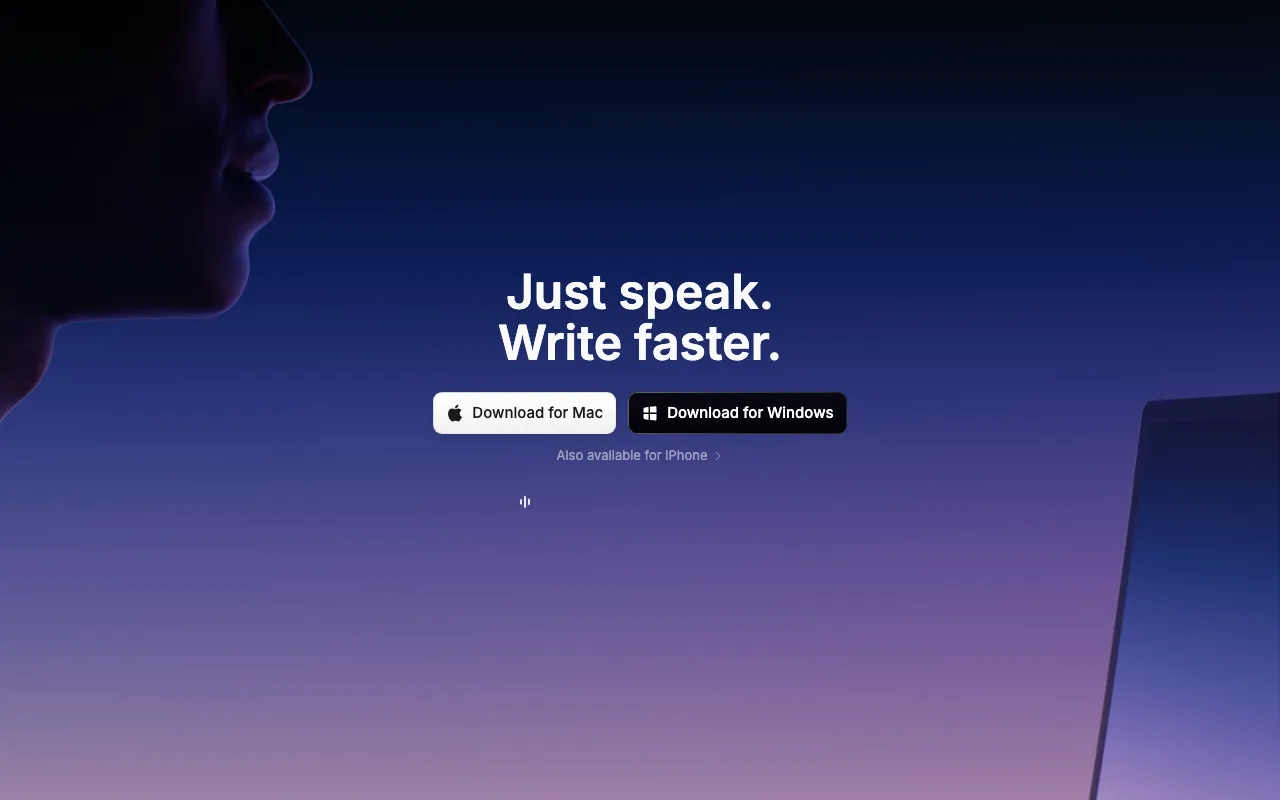
What is superwhisper?
superwhisper is a dictation app that converts speech into typed text anywhere on a computer or phone, rather than inside a single app or website. A keyboard shortcut (Option+Space on Mac) activates the microphone, and the transcribed, formatted text is inserted directly into whatever field is focused — an email, a chat window, a code editor, or a document. On Apple Silicon Macs, transcription runs on local, Whisper-based models entirely on-device, so audio doesn’t need to leave the machine or reach a server; Intel Macs and other platforms lean more on cloud models instead. The app is built by SuperUltra, a small, bootstrapped company based in Toronto.
Beyond raw transcription, superwhisper adds a layer of AI post-processing: predefined and custom “modes” reformat dictated speech for tone or context (formal writing, casual chat, email), a custom vocabulary remembers names and specialized terms across sessions, and a meeting assistant records and transcribes conversations with speaker separation on the Pro tier. It supports 100+ languages, including translation into English, and lets Pro users choose between local models and cloud models from providers like OpenAI, Anthropic, and Meta.
Who is it for?
superwhisper fits people who type a lot during their workday and want to replace some of that typing with speech, particularly those who value keeping dictation processed locally rather than streamed to a cloud service. The free tier is enough to try basic dictation, but the more useful local-model and meeting features sit behind Pro, which is priced as a subscription or a one-time lifetime purchase.
- Mac users on Apple Silicon who want fast, offline, privacy-focused dictation without sending audio to a third-party server.
- People who dictate heavily throughout the day (writers, support staff, founders) and want a one-time $249.99 payment instead of an indefinite subscription like wispr-flow.
- Professionals who record in-person meetings and want automatic transcription with speaker separation, without adding a bot to a video call the way otter-ai does.
- Multilingual users who need dictation with translation into English across 100+ supported languages.
- Users who need Android support or team/SSO controls out of the box should look elsewhere, since superwhisper covers macOS, Windows, and iOS only, with enterprise features reserved for a custom plan.
How much does superwhisper cost?
Starting price: $8.49/mo · Free tier: yes · Model: freemium
Price history tracked from June 2026
| Plan | Price | Includes |
|---|---|---|
| Free | Free | Voice-to-text dictation in any app · Meeting recording and transcription · 100+ language support · Limited cloud voice models · Email support |
| Pro Monthly | $8.49/mo | Unlimited cloud voice models · Local (on-device) voice models · Custom modes and AI-powered modes · Custom vocabulary and speaker separation · 40% student discount available |
| Pro Annual | $84.99/yr | Same features as Pro Monthly · About 17% cheaper than paying monthly · Priority support |
| Pro Lifetime | $249.99 | One-time payment, no recurring billing · All current and future Pro features · Works across Mac, Windows, and iOS |
| Enterprise | Custom | Everything in Pro · SOC 2 Type II certification · Centralized billing and authentication · Enterprise-hosted models and volume discounts |
What are superwhisper's key features?
- Local, on-device transcription using Whisper-based models on Apple Silicon Macs
- System-wide activation via keyboard shortcut that types into any focused text field
- Predefined and custom 'modes' that reformat dictated text for tone or context (formal, casual, email)
- Custom vocabulary that remembers names, abbreviations, and specialized terms
- Meeting assistant that records and transcribes conversations with speaker separation (Pro)
- Support for 100+ languages with translation to English
- Choice of cloud AI models (GPT, Claude, Llama, and others) alongside local models
What people use superwhisper for
- 01 Dictating emails, Slack messages, and documents system-wide instead of typing
- 02 Recording and transcribing in-person or virtual meetings without a bot joining the call
- 03 Drafting long-form notes or first-pass writing by speaking instead of typing
- 04 Transcribing uploaded audio or video files into text (Pro)
- 05 Dictating in a non-English language with automatic translation to English
Pros and cons
| Pros | Cons |
|---|---|
| Local processing on Apple Silicon means dictation works fully offline with no audio sent to a server | Best offline performance is limited to Apple Silicon Macs; Intel Macs are pushed toward cloud models |
| One-time $249.99 lifetime license avoids an ongoing subscription entirely, unlike most AI dictation tools | Local voice models, unlimited cloud models, and speaker separation all require the paid Pro tier |
| Free tier is usable on its own for basic dictation, not just a time-limited trial | No native Android app, and the free tier's cloud model usage is capped |
| Works system-wide across virtually any app rather than being locked to a single editor or browser | As a small, bootstrapped company, feature pacing and long-term support depend on one team rather than a larger vendor |
What are the best superwhisper alternatives?
Raycast is the closest superwhisper alternative in our directory: it covers the same category (AI Productivity), starts at $8/mo, has a free tier.
Ranked by category overlap with superwhisper, then free-tier availability, then lowest verified starting price — computed from our verified data, never from sponsorships.
| Alternative | What it is | Starting price | Free tier | Price verified |
|---|---|---|---|---|
| Raycast | Keyboard-first Mac launcher with built-in AI, extensions, and clipboard tools — free core, Windows beta, and an iOS companion app | $8/mo | yes | Oct 21, 2026 |
| Otter.ai | AI meeting assistant that transcribes, summarizes and extracts action items from conversations | $8.33/user/mo | yes | Aug 27, 2026 |
| Granola | AI notepad that transcribes meetings without a bot and augments your own typed notes into clean summaries | $14/mo | yes | Oct 23, 2026 |
| Wispr Flow | AI dictation that types your speech into any app with automatic editing and formatting | $15/mo | yes | Jul 5, 2026 |
Frequently asked questions
Is superwhisper free?
Yes, there is a free tier that includes system-wide dictation, meeting recording and transcription, and 100+ language support, but it caps you to limited cloud voice models. Local on-device models and unlimited cloud models require Pro.
How much does superwhisper Pro cost?
Pro is $8.49/month, $84.99/year (about 17% cheaper than monthly), or $249.99 as a one-time lifetime purchase that removes recurring billing entirely. All paid plans include a 30-day refund window.
Does superwhisper work offline?
Yes, on Apple Silicon Macs, superwhisper can run local Whisper-based models entirely on-device so dictation works without an internet connection. Intel Macs are better suited to cloud models instead of local ones.
What platforms does superwhisper support?
superwhisper is available on macOS, Windows, and iOS. On-device local model processing is optimized for Apple Silicon Macs; Windows and Intel Mac users rely more on cloud models.
Is superwhisper a subscription or a one-time purchase?
Both are offered. You can pay monthly ($8.49) or annually ($84.99), or buy a $249.99 lifetime license once and keep all current and future Pro features without recurring payments.
How is superwhisper different from Wispr Flow?
Both are system-wide AI dictation apps, but superwhisper emphasizes local, on-device Whisper models on Apple Silicon and offers a one-time lifetime purchase option, while Wispr Flow is subscription-only. Compare them on the Wispr Flow page for a fuller breakdown.
Can superwhisper transcribe meetings?
Yes. superwhisper includes a meeting assistant that records and automatically transcribes conversations, with speaker separation available on the Pro tier.