Viggle
AI video tool that animates any character or image with motion — swap a character into a clip or drop it into a viral template
Viggle animates any character or still image with motion, best known for the meme "swap" that drops a person into a viral video template. The free tier gives 5 watermarked videos a day; Pro removes the watermark at $9.99/month with 80 credits, Live is $19.99/month for 200 credits, and Max is $79.99/month for 800 credits (20% less billed yearly). Best for meme and short-form creators who want fast character animation, not broadcast-grade film work.
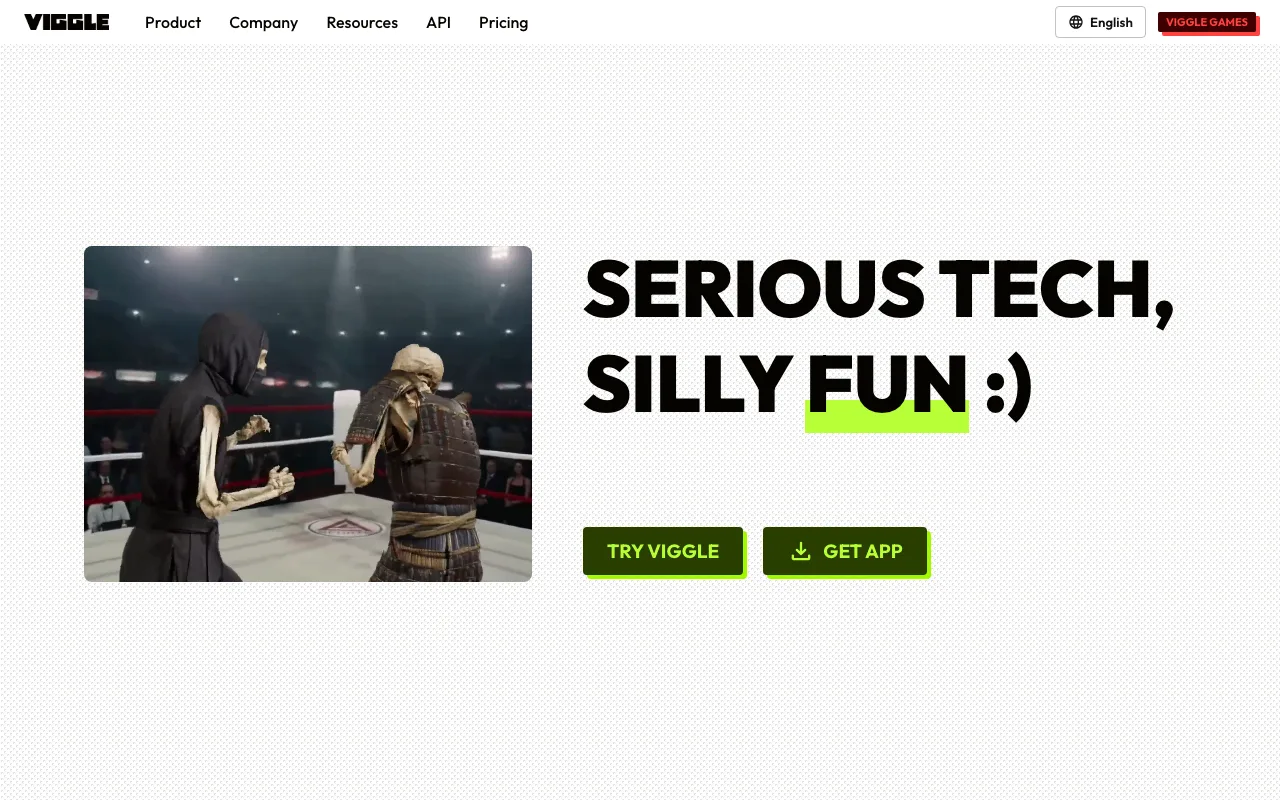
What is Viggle?
Viggle is an AI video tool that applies motion to a character or still image, so a drawing, photo, or mascot can move like a real performer. It is best known for the meme-style “swap”: you supply an image of a character and Viggle drops that character into a viral video template, or replaces an existing character in a clip with your own. The generations run on JST-1, a video-3D foundation model with a basic grasp of physics, which is what keeps limbs and bodies moving plausibly instead of melting or distorting the way earlier image-animation tools did. The core actions are Mix (replace one character in a video with an image), Animate (place a character into one of 1,000+ templates), and Multi (swap several characters at once).
Viggle is a freemium product with a genuinely usable free tier: 5 videos per day, watermarked, with 7-day asset storage. Paid plans remove the watermark and add monthly credits — Pro at $9.99/month (80 credits), Live at $19.99/month (200 credits), and Max at $79.99/month (800 credits), each 20% less billed yearly — with higher tiers adding more simultaneous generations, all models, and longer Real-Time Swap sessions. A separate developer API is billed per second of output video, roughly one credit per second. The tool is reachable through a web app, iOS and Android apps, and a Discord bot, and its community has grown past 4 million Discord members with a user base reported around 12 million.
Who is it for?
Viggle is aimed at meme makers and short-form video creators who want fast, funny character animation without motion-capture rigs or heavy editing software. It is not a substitute for a full generative video model or a film-grade animation pipeline — output is tuned for social clips, not broadcast. The free tier is enough to test the concept and post occasionally; creators who post daily or need watermark-free output will hit the free caps quickly and move to Pro or Live.
- Meme and short-form creators who want to swap a person or character into trending dance and reaction templates for TikTok, Reels, and Shorts.
- Faceless-channel operators running high-volume social accounts who need many watermark-free clips a day and lean on the higher credit tiers.
- Small brands and indie marketers animating a mascot or product character for lightweight promo content.
- Developers integrating character animation into their own apps through the usage-based API.
How much does Viggle cost?
Starting price: $0 · Free tier: yes · Model: freemium
Price history tracked from June 2026
| Plan | Price | Includes |
|---|---|---|
| Free | Free | 5 free videos per day · Output carries a Viggle watermark · 1 video generation at a time · 7-day asset and generation storage · Limited multi-track and Real-Time Swap sessions |
| Pro | $9.99/mo | $7.99/month billed yearly · 80 credits per month, no watermark · Up to 4 video generations at once · Permanent asset storage, unlimited multi-track sessions · All models except Seedance |
| Live | $19.99/mo | $15.99/month billed yearly · 200 credits per month · Up to 6 video generations at once · Stream 6+ hours in Real-Time Swap · Access to all models |
| Max | $79.99/mo | $63.99/month billed yearly · 800 credits per month · Up to 10 video generations at once · Unlimited Real-Time Swap sessions · Access to all models |
| API | Usage-based | Billed per second of output video · Roughly 1 credit per second (about $0.01/sec) · Separate meter from consumer subscriptions · For developers integrating animation into apps |
What are Viggle's key features?
- Mix — replace any character in a source video with a single image input
- Animate — place a character into one of 1,000+ viral video templates
- Multi — swap several characters in one video at once
- Real-Time Swap and Multi-Track sessions for live and layered edits
- JST-1 video-3D foundation model that keeps motion physically plausible instead of distorting limbs
- Access via web app, iOS and Android apps, a Discord bot, and a developer API
What people use Viggle for
- 01 Swapping a person or character into a viral dance or meme template for short-form social video
- 02 Animating a still character illustration or brand mascot so it moves in a promo clip
- 03 Replacing multiple characters in an existing video with your own image inputs using Multi
- 04 Prototyping motion for an indie game or animation idea without motion-capture gear
Pros and cons
| Pros | Cons |
|---|---|
| Genuinely usable free tier — 5 watermarked videos per day with no credit card | Free output is watermarked and capped at 5 videos per day with only 7 days of asset storage |
| The cheapest paid tier, Pro at $9.99/month ($7.99 billed yearly), already removes the watermark | Credit-based billing burns fast on long or high-quality clips — Pro includes only 80 credits a month |
| Runs across web, mobile, Discord, and API, so it fits both casual and pipeline workflows | Output quality suits memes and short-form, not broadcast- or film-grade animation |
| Large template library (1,000+ clips) and a 4M+ member Discord for references and support | Prices have moved sharply: Pro, Live and Max cost $9.99, $19.99 and $79.99 a month in October 2026, about double the figures older reviews quote |
What are the best Viggle alternatives?
Kling AI is the closest Viggle alternative in our directory: it covers the same category (AI Video), starts at $6.99/mo, has a free tier.
Ranked by category overlap with Viggle, then free-tier availability, then lowest verified starting price — computed from our verified data, never from sponsorships.
| Alternative | What it is | Starting price | Free tier | Price verified |
|---|---|---|---|---|
| Kling AI | AI video generator that creates 4K clips up to 15 seconds from text or image prompts | $6.99/mo | yes | Jun 11, 2026 |
| Pika | AI video generator that turns text prompts and photos into short-form videos with scene editing tools | $8/mo | yes | Jun 11, 2026 |
| Runway | AI video generation platform for cinematic clips, world simulation, and conversational video agents | $12/mo | yes | Jun 11, 2026 |
| HeyGen | AI video platform that generates avatar-based videos from text scripts with lip-sync in 175+ languages | $29/mo | yes | Jul 3, 2026 |
How people make money with Viggle
- Run a faceless short-form meme channel on TikTok, Reels, or YouTube Shorts using character swaps and viral templates, monetizing through platform creator funds and brand sponsorships
- Offer quick character-animation clips as a gig service on Fiverr or Upwork for creators who want a mascot, avatar, or product character dropped into trending videos
Frequently asked questions
Is Viggle AI free?
Yes. The free tier gives 5 videos per day. Free output carries a Viggle watermark, runs one video generation at a time, and keeps assets and generations for only 7 days. Multi-track and Real-Time Swap sessions are limited.
How much does Viggle Pro cost?
Viggle Pro costs $9.99 per month, or $7.99 per month billed yearly. It includes 80 credits a month, removes the watermark, allows up to 4 video generations at once, adds permanent asset storage, and covers every model except Seedance.
What is the difference between Live and Max?
Live is $19.99 per month with 200 credits, up to 6 generations at once, 6+ hours of Real-Time Swap streaming, and all models. Max is $79.99 per month with 800 credits, up to 10 generations at once, and unlimited Real-Time Swap. Yearly billing cuts both by 20%.
Does Viggle remove the watermark?
Only on paid plans. Every free-tier video is exported with a Viggle watermark overlay. Upgrading to Pro, Live, or Max removes the watermark, and Pro is the cheapest way to do so at $9.99 per month.
Does Viggle have an API?
Yes. Viggle offers a developer API billed per second of output video, roughly one credit per second (about $0.01 per second). It uses a separate meter from the consumer subscription plans and targets apps embedding animation.
What can Viggle actually do?
Viggle animates characters and still images with motion. Core actions are Mix, which swaps a character in a video with your image, Animate, which drops a character into a viral template, and Multi, which replaces several characters at once.
Is Viggle AI still active in 2026?
Yes. Viggle remains active in 2026. It was founded in 2022, raised a Series A led by Andreessen Horowitz, and runs a Discord community of more than 4 million members alongside its web, mobile, and API products.