Grammarly
AI writing assistant that checks grammar, tone, and clarity and generates text across apps and browsers
FREEMIUM Verified JUN 22, 2026
6 tools ranked · last updated Jul 18, 2026 · how we picked
The best AI Chrome extension in 2026 is Grammarly, free with 100 AI prompts a month and working in nearly every text field on the web. The best paid sidebar is Sider at $10/month, which puts 20+ models including GPT, Claude and Gemini into any tab, and Wordtune is the cheapest paid option at $6.99/month. All 6 picks are extension-first products rather than desktop apps with a browser add-on bolted on.
Prices last verified Jul 14, 2026 against official pricing pages.
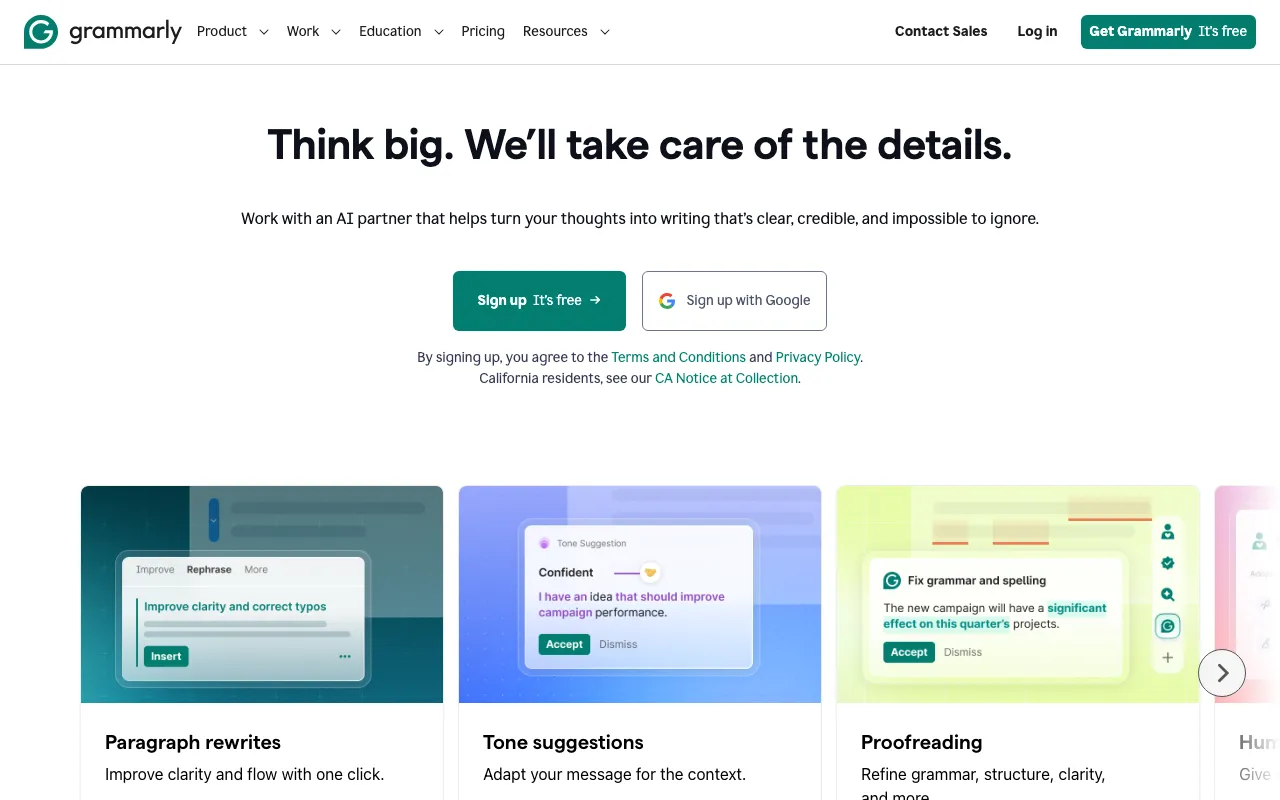
Grammarly is the extension with the best ratio of capability to cost on this list, because the useful version is free: 100 AI prompts a month at $0, plus unlimited grammar, spelling, tone and clarity checking in nearly every text field you touch — Gmail, Google Docs, LinkedIn, a CMS, a support ticket. It behaves like a layer over the browser rather than a destination you visit, which is exactly what an extension should be. Pro raises the prompt allowance to 2,000 and adds full rewrites, plagiarism checking and AI-text detection. The caveat is the price structure: Pro is $12/month only if you commit to a year, and month-to-month billing is $30 — a 2.5x gap that is easy to miss at signup. Enterprise has no published per-seat price, so teams have to go through sales to budget.
Sider docks a sidebar into any tab and gives you 20+ models — GPT, Claude, Gemini, DeepSeek and Grok — for chat, page and PDF summarising, translation across 50+ languages, and writing help, without switching to another site. With more than 10 million installs it is the most widely used sidebar of its kind, and the free plan’s 30 Basic Credits a day makes it genuinely testable. Basic is around $10/month, Pro $20/month and an Unlimited tier sits near $25/month. It ranks second because the sidebar model suits the browser better than anything except Grammarly’s invisible layer. Three caveats worth stating: pricing and tier names have changed repeatedly, advanced-model queries are metered even on paid plans (200 Advanced Credits a month on Basic), and Firefox is not supported at all.
Monica does the same job as Sider — a browser sidebar routing to frontier models including GPT-5.5, Claude and Gemini — and differentiates on reach: the same subscription covers desktop, web and mobile apps, so the assistant follows you off the browser. Pro is around $9.90/month ($8.30 billed annually) with 200 advanced-model queries and a monthly credit pool; Pro+ is $19.90/month and Max is $82.90/month. Choose it over Sider if you want one AI subscription across devices rather than the cheapest in-browser option. The caveats are structural to the routing model: the tier lineup and credit counts change often, heavy users exhaust the advanced-model pool before it resets, and because Monica does not control the underlying providers, output quality and availability depend on companies it has no relationship with from your side.
Wordtune, from AI21 Labs, is the narrowest tool here and the cheapest: it paraphrases, shortens, expands and re-tones a sentence inline, wherever you are writing, without opening a chat window. The Basic tier is free with 10 rewrites a day; Advanced is $6.99/month and Unlimited is $9.99/month, dropping to roughly $4.89 and $6.99 on annual billing. If your actual problem is that your first draft is clumsy rather than that you need an assistant, this does that one job faster than a sidebar chat. The caveat is a hard ceiling rather than a limit: Wordtune outputs in English only — it can translate into English but cannot write or refine in any other language — and the free tier’s 10 rewrites a day and 3 summaries a month are enough to evaluate it and nothing more.
Liner started as a web highlighter and is now an answer engine that returns cited responses and collects sources into a research workspace, with three modes: Search, Scholar for academic papers, and Write. Inside the browser it works the way research actually happens — highlight, ask, keep the citation — rather than sending you to a separate chat tab. The free tier gives 100 agent credits a month, Pro is $17.99/month ($14.99 billed annually) and Max is $35.99/month with unlimited file uploads. It serves students and researchers better than a general chatbot because the citation trail is the product. Two caveats: the free tier shows ads inside answers and limits uploads to one 25MB file a day, and at $17.99 Pro costs more than rivals that charge $20 but bundle broader model access.
Bardeen is the most extension-native tool in this list — its own documentation concedes it depends heavily on the Chrome extension and is not a standalone cloud platform, which for this ranking is a feature. You describe a task in plain language and it builds a playbook that scrapes pages, enriches contact data, qualifies leads and syncs results to a CRM or spreadsheet. The free plan includes 100 monthly credits, Basic is $10/month and Premium is $50/month, with credits charged per row of data. It ranks last only because its audience is narrower: this is a sales and operations tool, not a general assistant. The caveats are the two that always apply to scraping — enrichment costs 3 credits a row so heavy use exceeds the headline price, and playbooks break when target sites change their layout.
We ranked on whether the extension is the primary way you use the product, then on capability, free-tier generosity and verified price. That test removed a lot of otherwise strong tools: 18 profiles in our catalogue carry an “extension” platform tag that refers to a VS Code or JetBrains plugin rather than a browser add-on, including GitHub Copilot, Tabnine and Cline — none belong in a Chrome roundup. We also excluded tools whose extension is a minor companion to a web app, such as Perplexity, Kagi, ClickUp, Jasper and the meeting recorders, and Fyxer, which is genuinely extension-primary but has no free tier and costs $30/user/month. Three picks here — Sider, Monica and Bardeen — carry explicit warnings in their own profiles that pricing has shifted recently, so confirm the current rate before subscribing. Pricing was verified against each vendor’s official pricing page between June 22 and July 14, 2026. No tool paid to appear, and placements cannot be bought.
AI writing assistant that checks grammar, tone, and clarity and generates text across apps and browsers
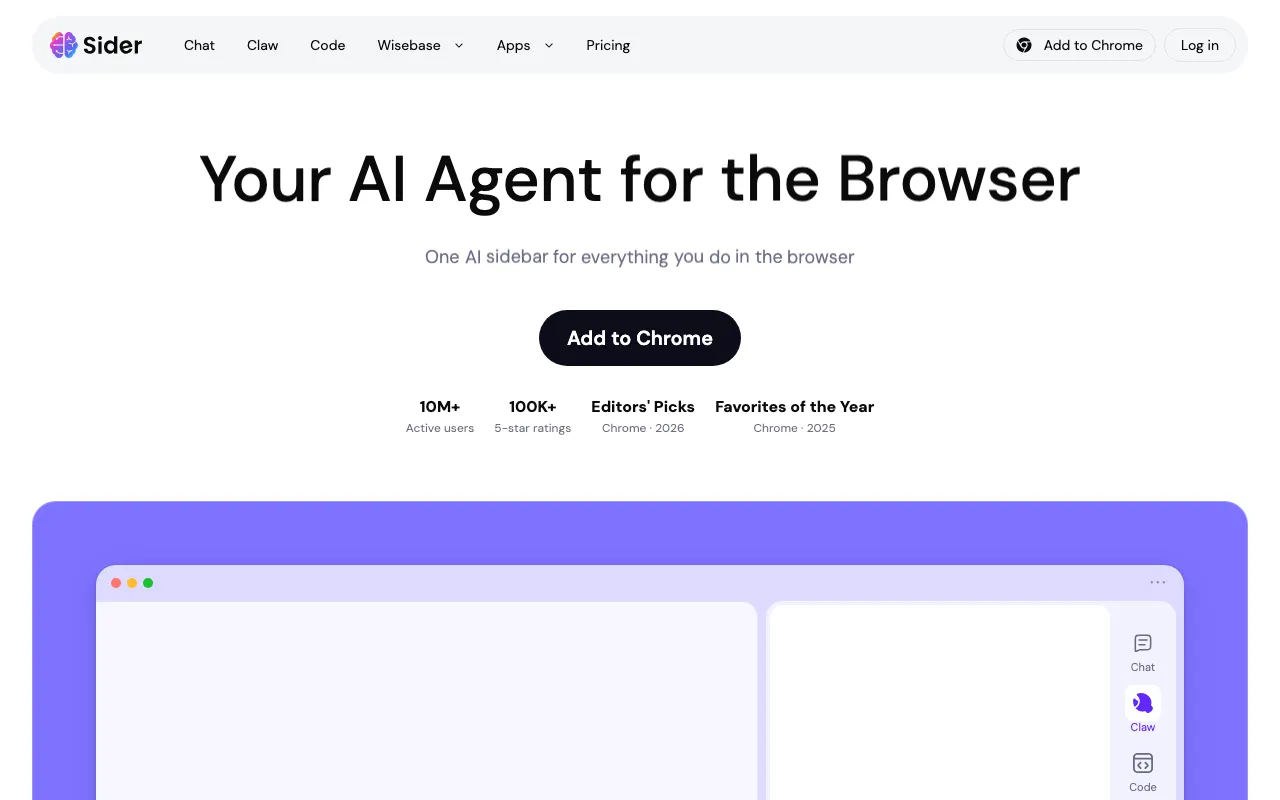
A Chrome, Edge, and Safari sidebar that brings 20+ AI models, page and PDF summarizing, translation, and writing into any browser tab
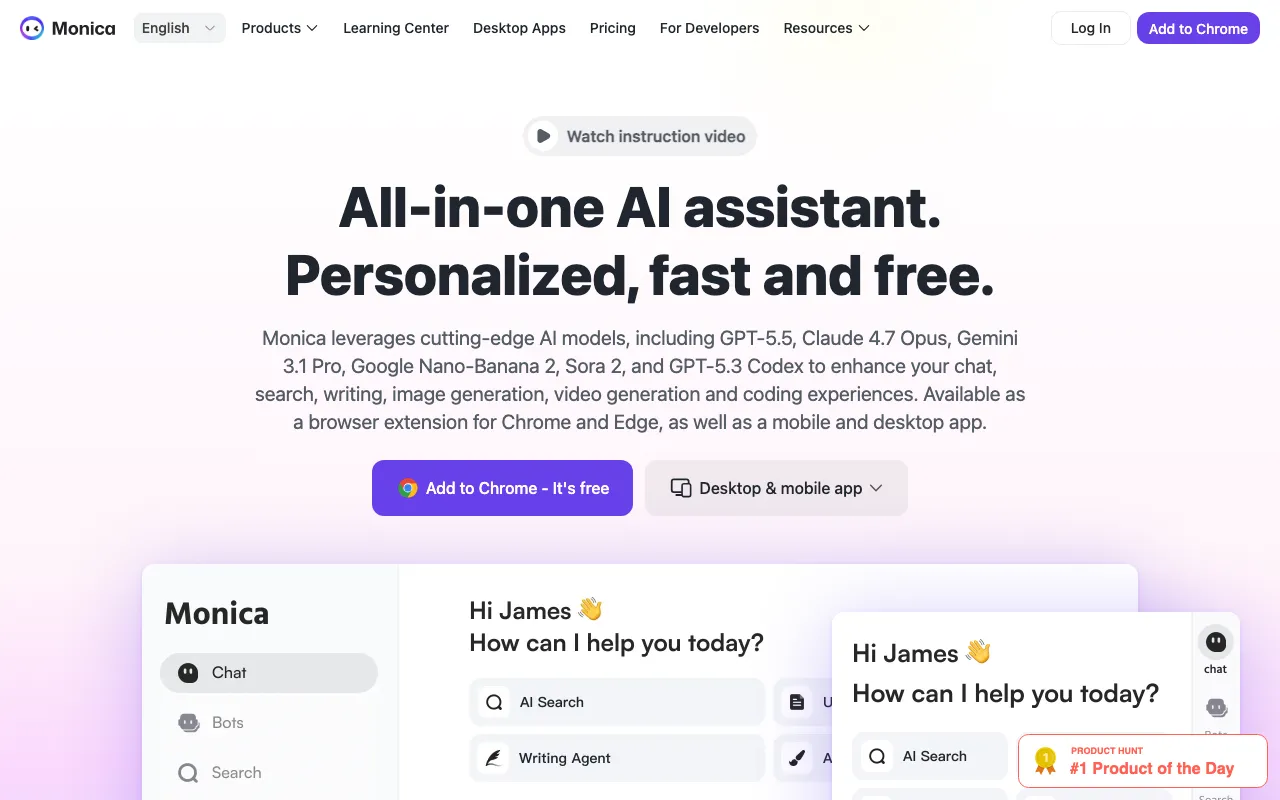
All-in-one AI assistant that routes to GPT, Claude, and Gemini from a browser sidebar, desktop, web, and mobile — chat, write, translate, search, summarize.
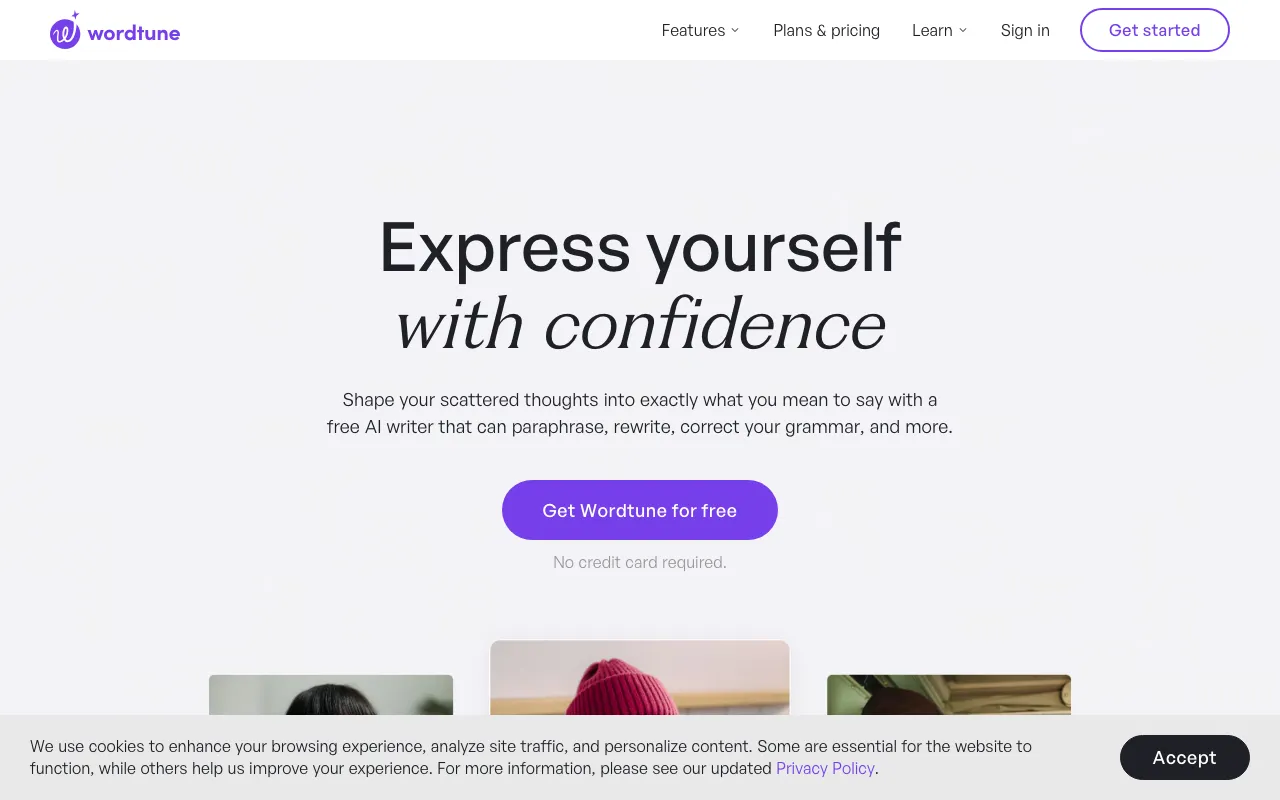
AI writing and rewriting assistant from AI21 Labs that paraphrases, summarizes, and adjusts tone inline
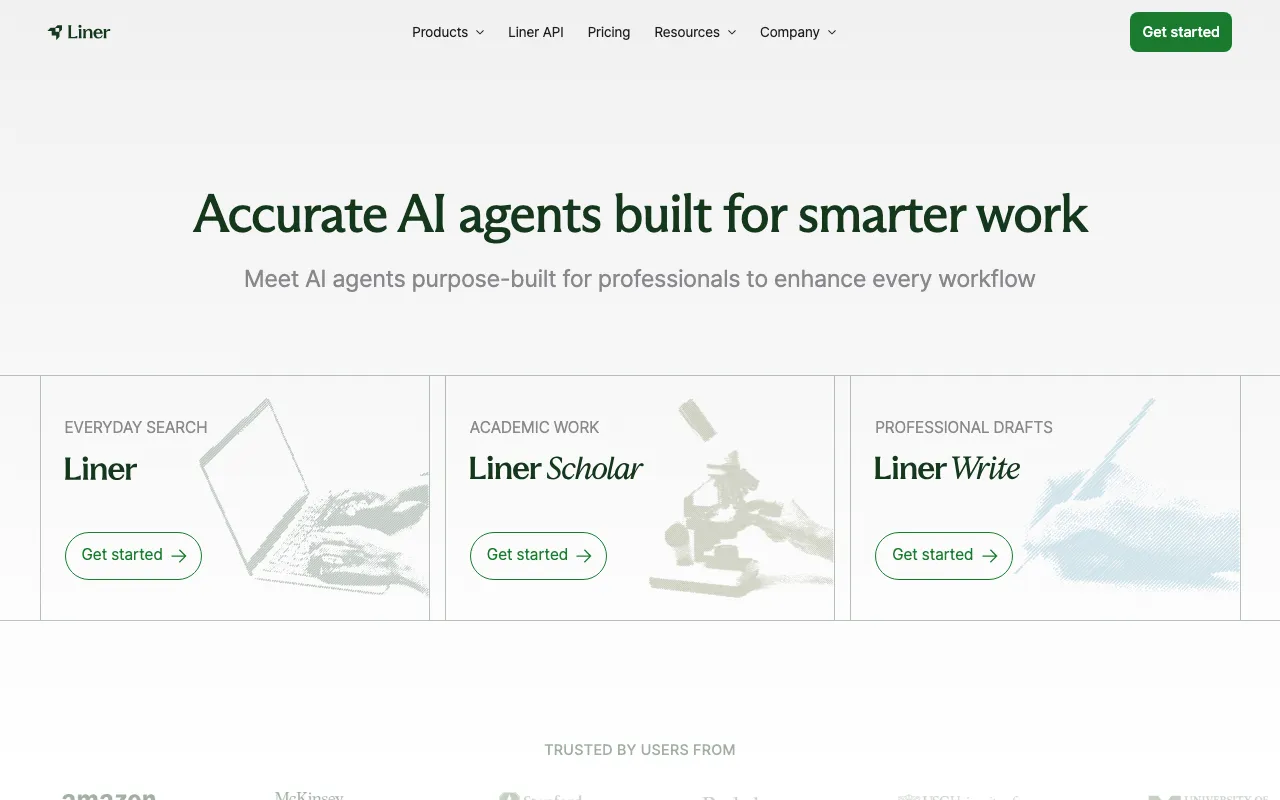
AI search and research assistant that answers with inline citations across search, academic, and writing agents
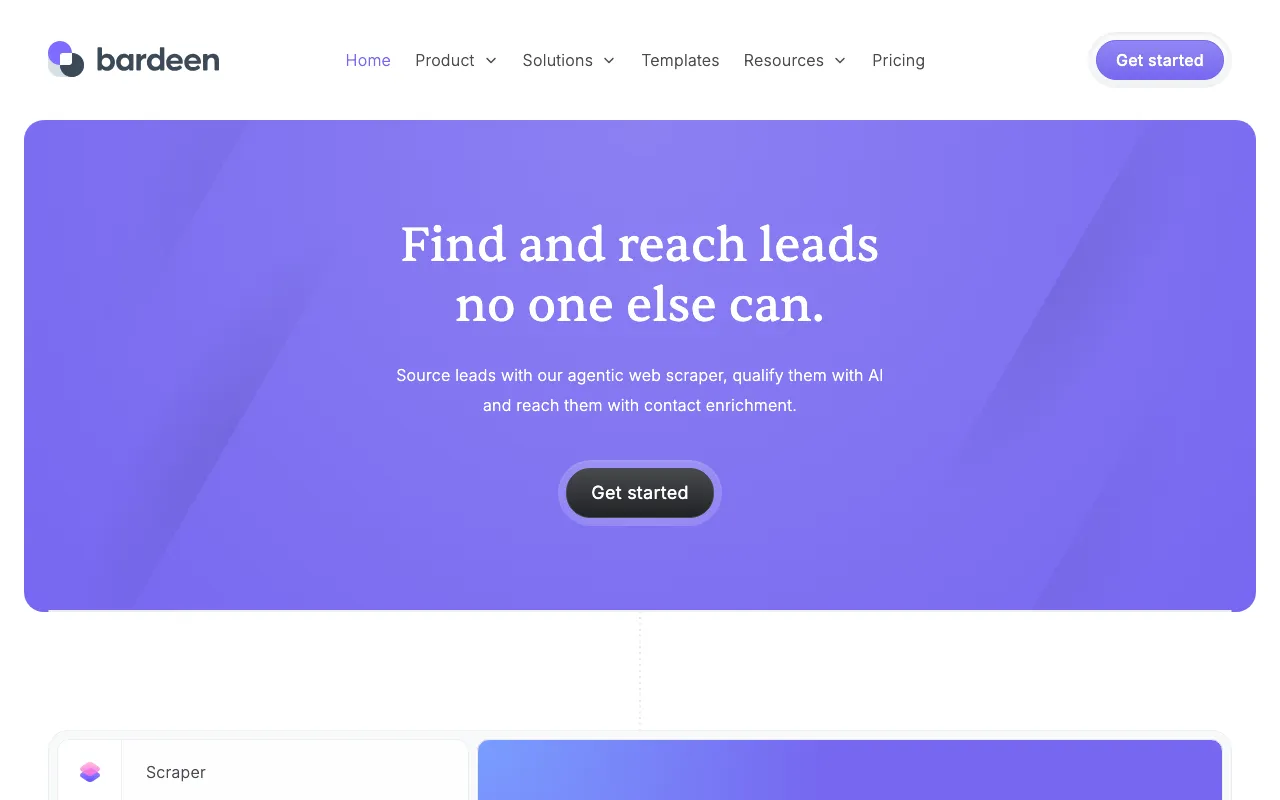
Chrome-extension automation for sales and go-to-market — describe a task and it scrapes, enriches, and syncs to your CRM
Every tool in this list has a full profile in our directory with pricing verified against its official pricing page on the date shown on its stamp. Ranking reflects verified pricing, free-tier generosity, platform coverage, and documented capabilities. Rank is not for sale: a sponsor can buy only a separate slot marked Sponsored, outside the ranking. Read the full methodology.
Yes — 6 of the 6 tools here have a free tier: Grammarly, Sider, Monica, Wordtune, Liner, Bardeen. Pricing verified Jul 18, 2026.
Wordtune has the lowest verified monthly starting price in this list at $6.99/mo, checked against its official pricing page on Jun 28, 2026.
2 of the 6 tools list an API: Monica, Liner.