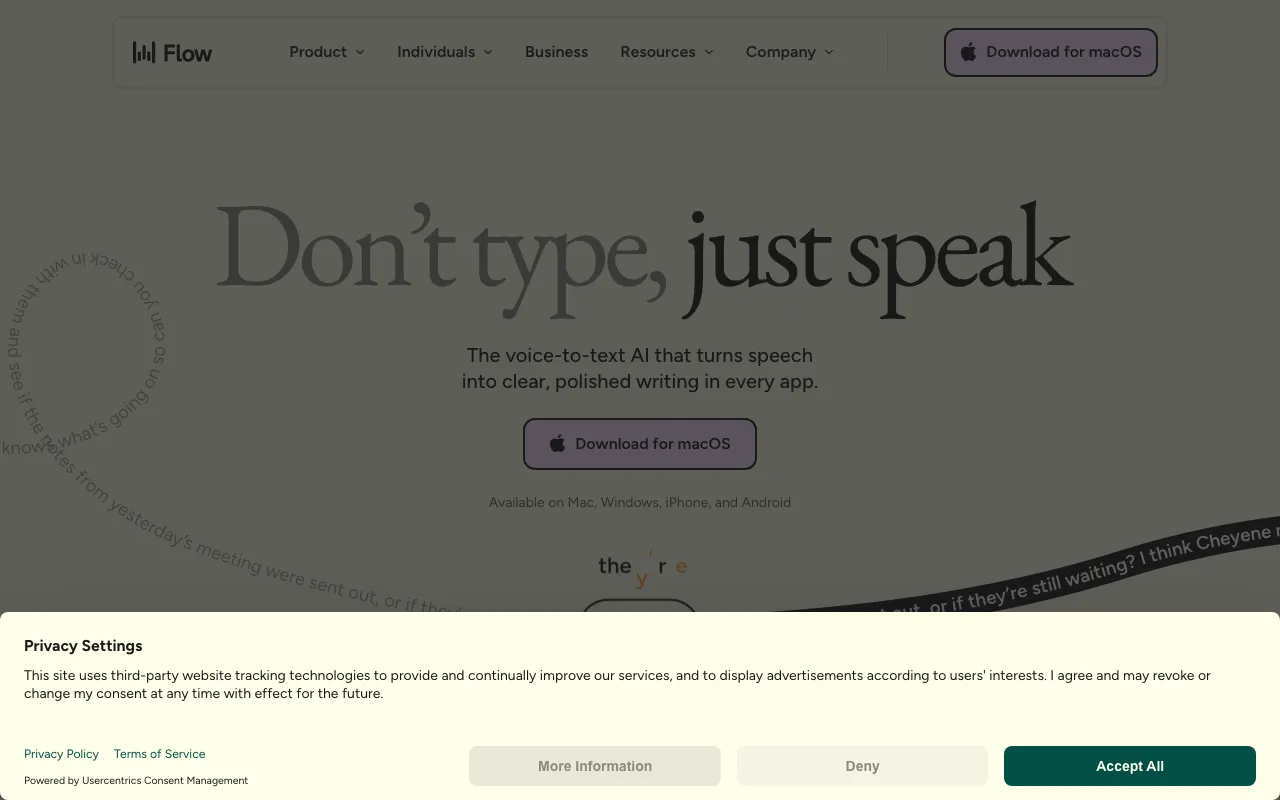
Wispr Flow
AI dictation that types your speech into any app with automatic editing and formatting
FREEMIUM Verified JUL 5, 2026
5 tools ranked · last updated Jul 19, 2026 · how we picked
The best AI dictation app in 2026 is Wispr Flow at $15/month, which types your speech into any program with automatic cleanup and a free tier of 2,000 words a week. superwhisper is the best private option: it runs Whisper models on-device on Apple Silicon for $8.49/month, or a $249.99 one-time lifetime licence. The last 2 picks are meeting-capture tools rather than voice typing, included because that is what a lot of people actually mean when they go looking for dictation.
Prices last verified Oct 18, 2026 against official pricing pages.
Wispr Flow types your speech into whatever program has focus — email, docs, Slack, an IDE — with automatic editing that strips filler words and formats to context, which is the difference between usable dictated writing and a raw transcript you then have to clean up. It claims 220 words per minute, roughly four times typing speed, across 100+ languages with automatic detection and mid-sentence code-switching. The free Basic tier gives 2,000 words a week on Mac and Windows and 1,000 on iPhone, with a custom dictionary, privacy mode, and HIPAA-ready handling; Flow Pro is $15/month, or $12/user/month billed annually, for unlimited dictation and Command mode voice editing. Students get three months free plus 50% off. Two caveats: audio is processed in the cloud with OpenAI as a subprocessor and there is no offline or local mode, and there is no full Android release yet.
superwhisper is the answer to the caveat above: it runs Whisper-based models locally on Apple Silicon, so dictation works fully offline and audio never leaves the machine — the right choice for anyone dictating client notes, medical detail, or anything under NDA. It works system-wide across virtually any app rather than being tied to one editor, supports 100+ languages with translation to English, and offers a choice of cloud models alongside local ones. The free tier covers basic dictation with limited cloud models. Pro is $8.49/month, $84.99/year, or a $249.99 one-time lifetime licence across Mac, Windows, and iOS, adding unlimited cloud models, local models, custom modes, custom vocabulary, and speaker separation, with a 40% student discount. Two caveats: the best offline performance is limited to Apple Silicon, since Intel Macs are pushed toward cloud models, and local models require the paid Pro tier.
Speechify pairs Voice Typing with the reverse operation — turning documents, PDFs, and web pages into audio using 1,000+ AI voices across 60+ languages at up to 5x playback — which makes it the pick if dictation is one half of a read-and-write-by-ear workflow rather than a standalone need. OCR scanning extends that to physical printed material, and it runs on iOS, Android, Mac, Windows, Chrome, Edge, and the web. The free tier caps you at 10 voices and 1.5x speed; Premium is $139/year ($11.58/month) or $29/month, adding voice typing, AI summaries, podcast creation, offline MP3 downloads, and cloud storage integrations. Two caveats: dictation is one feature inside a reading app rather than the product itself, so it is less refined than the two picks above, and monthly billing at $29 is roughly two and a half times the annual rate.
Otter.ai solves a different problem: capturing speech that is already happening. It records, transcribes, and summarises meetings on Zoom, Google Meet, and Teams, extracts action items, and — usefully — can record bot-free through its desktop app on Mac and Windows rather than joining calls as a visible participant. Cross-meeting AI search finds a decision or quote across months of calls, and an MCP server connects that archive to ChatGPT, Claude, and other tools. The free Basic tier gives 300 transcription minutes a month with a 25-conversation history; Pro is $8.33/user/month billed annually ($16.99 monthly) for 1,200 recording minutes, and Business is $19.99/user/month for unlimited meetings. Two caveats: this is meeting capture, not voice typing — it will not type into your editor — and the free tier’s 25-conversation cap makes long-term use impractical.
Notta is the narrow pick for meetings where two languages are genuinely being spoken at once: it transcribes both side by side in the same session, which most meeting-note tools do not attempt. It supports 58 languages, identifies up to 10 speakers, and runs on web, desktop, iOS, Android, and a Chrome extension, with SOC 2 Type II, ISO 27001, GDPR, and HIPAA-eligible handling for regulated teams. The free plan gives 120 transcription minutes a month with 10 AI summaries; Pro is $8.17/month billed annually ($97.99/year, or $13.99 monthly) for 1,800 minutes, 5-hour recordings, and AI Chat over transcripts, and Business is $16.67/seat/month annually for unlimited minutes. Two caveats: the free plan caps individual recordings at 3 minutes, making it impractical for real meetings, and real-time translation and bilingual output are paid add-ons on top of Pro.
“Dictation” covers two genuinely different jobs, and conflating them is why most roundups in this category are unhelpful. Voice typing means speaking into an app and having formatted text appear where your cursor is; meeting capture means recording a conversation that would have happened anyway and getting a transcript afterwards. We ranked the two true voice-typing tools first, on latency, how well the output reads without editing, and whether audio leaves your machine — the last of which is the deciding factor for anyone under a confidentiality obligation, and the reason an on-device tool outranks two cheaper cloud ones. The final two picks are transcription tools, included and labelled as such because a large share of people searching for dictation want exactly that. Pricing was verified on July 19 2026 against each product’s official pricing page; no tool paid or provided incentives to appear in this list.
AI dictation that types your speech into any app with automatic editing and formatting
On-device Whisper-based dictation app that types your speech into any Mac, Windows, or iOS app
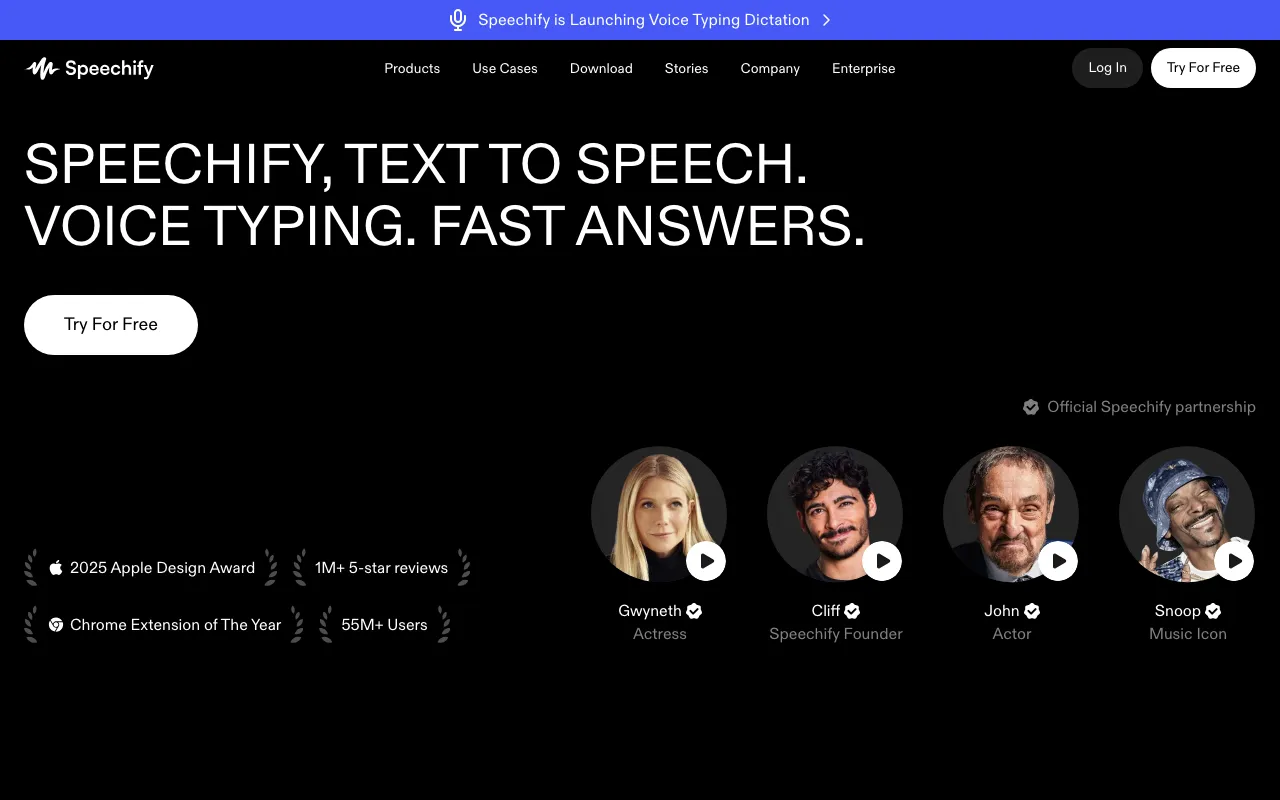
Text-to-speech and voice AI platform that reads any document aloud in 1,000+ voices
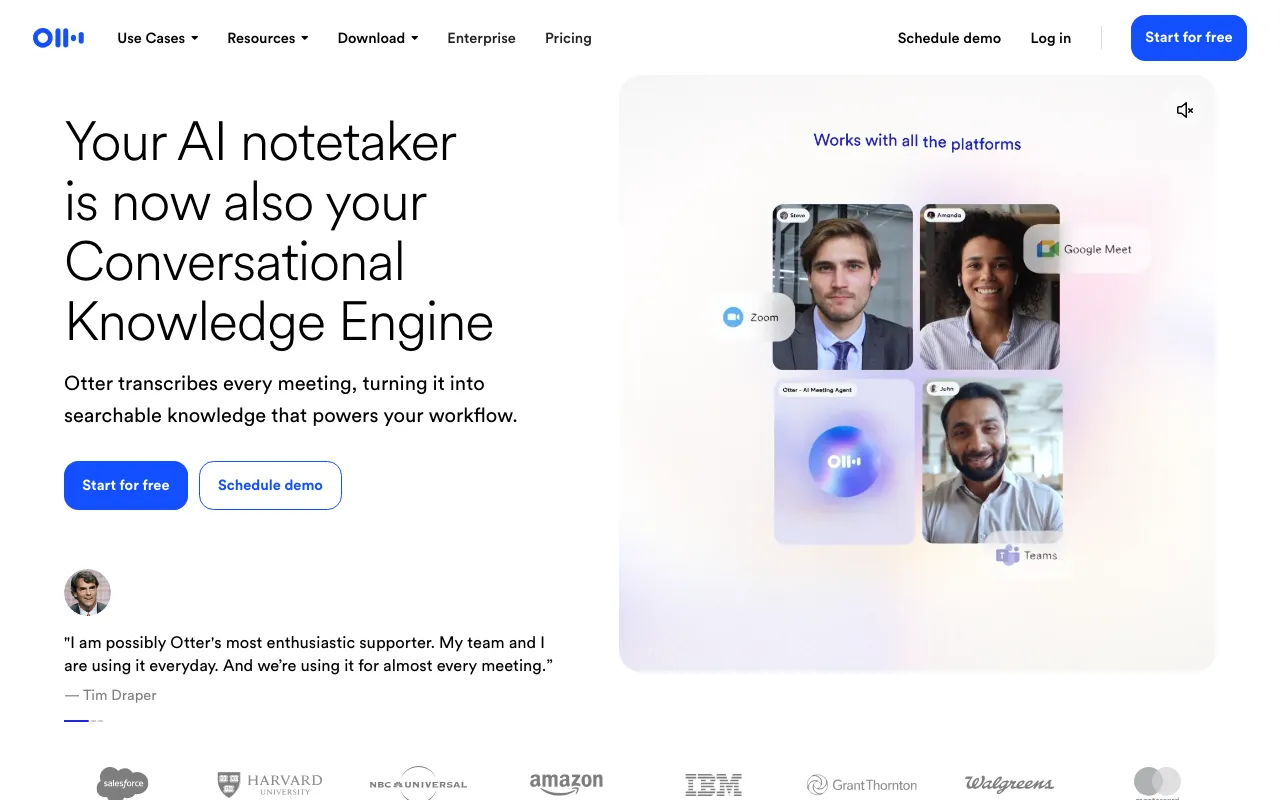
AI meeting assistant that transcribes, summarizes and extracts action items from conversations
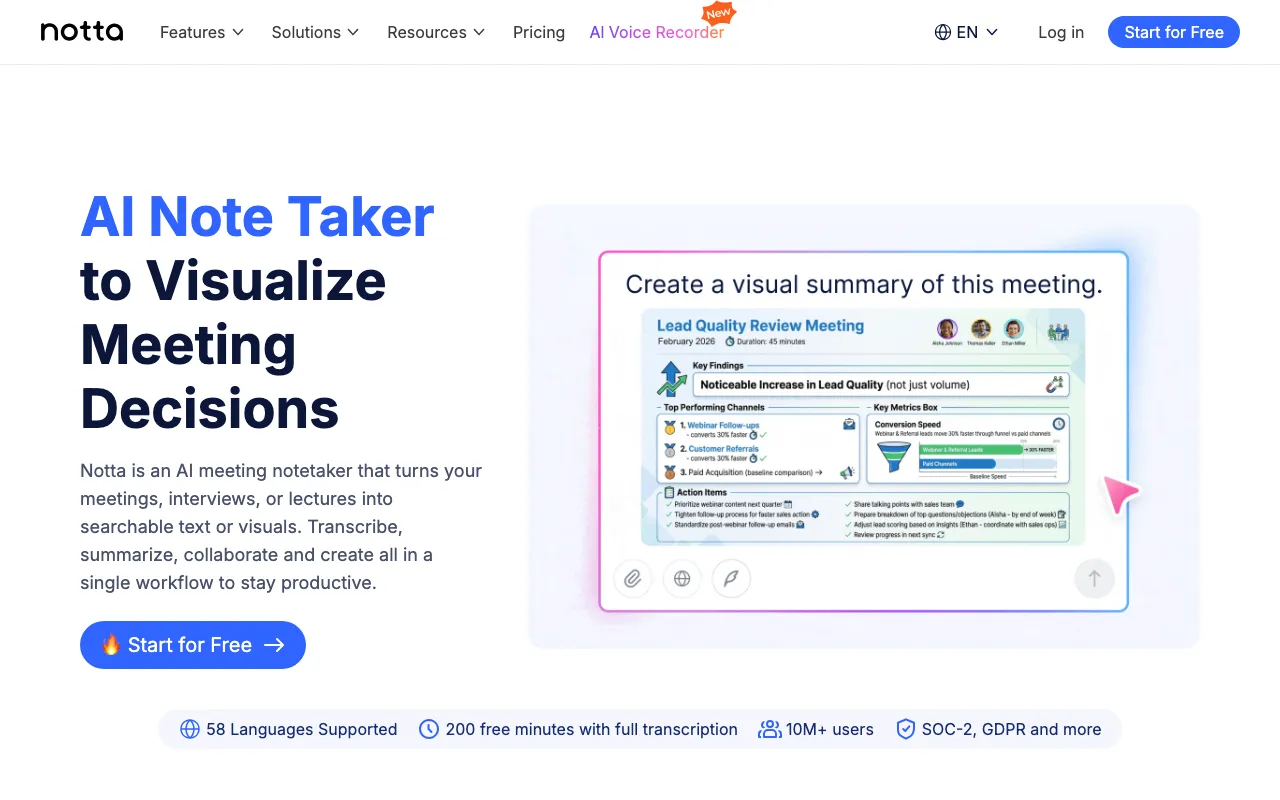
AI meeting transcription and notetaker with side-by-side bilingual transcripts for cross-language calls
Every tool in this list has a full profile in our directory with pricing verified against its official pricing page on the date shown on its stamp. Ranking reflects verified pricing, free-tier generosity, platform coverage, and documented capabilities. Rank is not for sale: a sponsor can buy only a separate slot marked Sponsored, outside the ranking. Read the full methodology.
Yes — 5 of the 5 tools here have a free tier: Wispr Flow, superwhisper, Speechify, Otter.ai, Notta. Pricing verified Jul 19, 2026.
Notta has the lowest verified monthly starting price in this list at $8.17/mo, checked against its official pricing page on Oct 18, 2026.
2 of the 5 tools list an API: Speechify, Otter.ai.