Claude
Anthropic's AI assistant built for long-context analysis, coding, and safe reasoning
FREEMIUM Verified JUL 3, 2026
5 tools ranked · last updated Jul 19, 2026 · how we picked
The best AI tool for PDFs in 2026 is Claude at $20/month — it reads whole documents inside a 200,000-token context window instead of retrieving fragments. NotebookLM is the best free pick: 50 sources per notebook and 50 chat queries a day at $0, with citations back to the exact passage. QuillBot is the cheapest way to summarise long text, free up to 125 words per rewrite. The top 4 picks cite the passage they drew from, which is the difference between a usable answer and a plausible one.
Prices last verified Jul 14, 2026 against official pricing pages.
Claude’s flagship models support a 200,000-token context window, which is the single fact that matters most for PDF work: a long report, contract, or paper goes in whole rather than being chopped into retrieved fragments, so questions about how one section relates to another get answered properly. File analysis, code execution, and web search are all available, and the free tier requires no credit card, with limits that reset every 5–8 hours. Pro is $20/month, or $17/month billed annually, for roughly 5x the free usage; Max runs $100/month and $200/month for heavy workloads. Two caveats: free and Pro usage limits are not expressed as fixed message counts, which makes capacity genuinely hard to predict mid-document, and Claude only analyses images — it cannot generate them, so it will read a chart but not redraw one.
NotebookLM is the strongest free option here because its grounding is architectural: answers come only from the sources you upload, so the model cannot quietly substitute its own training data, and every response carries inline citations you can click through to the exact passage. The free Standard tier is genuinely usable at 100 notebooks, 50 sources per notebook, 50 chat queries a day, 3 Audio Overviews a day, and 10 Deep Research reports a month. Plus is $7.99/month for 200 notebooks and 200 daily queries, Pro is $19.99/month, and Ultra is $99.99/month. Its Audio Overview feature turns a document set into a 10–20 minute podcast-style dialogue. Two caveats: NotebookLM cannot be bought standalone — it bundles only with Google AI or Workspace plans — and paywalled or scraping-protected websites cannot be imported as sources.
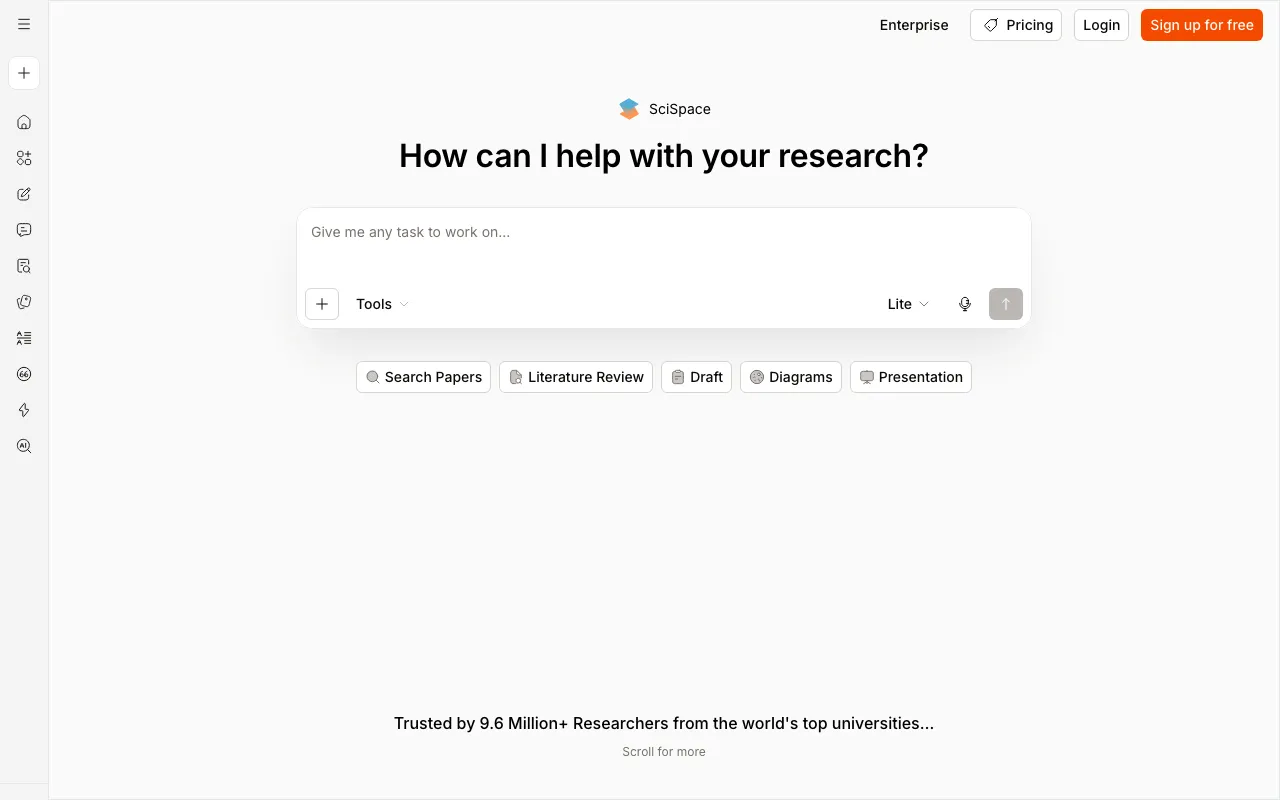
SciSpace is purpose-built for the specific job of reading research papers, which is a harder problem than reading documents generally: it explains dense passages in place, extracts citations, and connects a PDF you are reading to a corpus of 280M+ academic papers so you can trace a claim outward. Its Chrome extension works directly on journal sites and arXiv, so you are not uploading files one at a time, and a paraphraser covering 75+ languages preserves citations while rewriting. The free tier covers chat-with-PDF and basic literature review; Premium is $12/month billed annually with around 1,200 monthly credits, rising to roughly $20 on monthly billing. Two caveats: the advertised $12 requires an annual prepay, and it can hallucinate or over-interpret findings, so anything you plan to cite needs checking against the original.
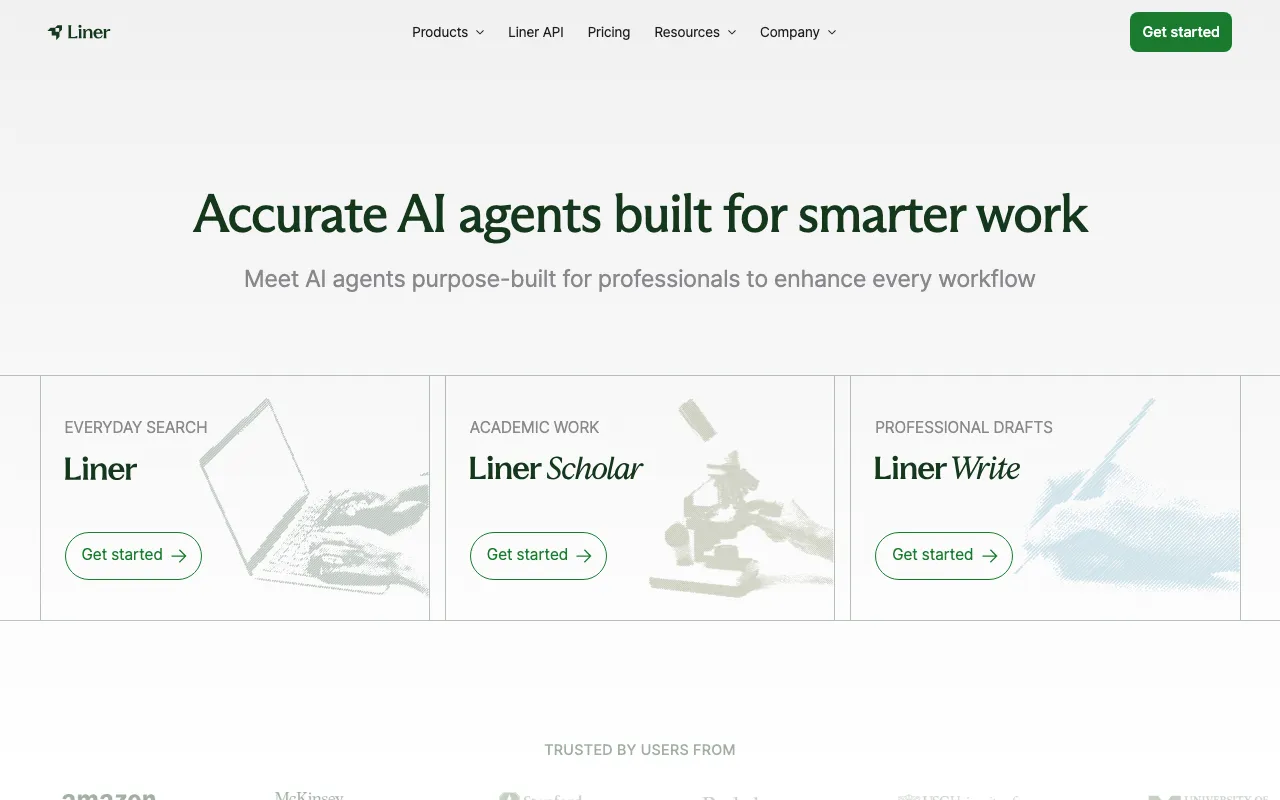
Liner started as a web highlighter and now runs three agents — Search, Scholar, and Write — which makes it the pick when your sources are split between uploaded PDFs and live pages, since it answers with inline citations across both and pulls what you keep into one research workspace. It works across web, mobile, desktop, and a browser extension, so highlights sync wherever you read. The free tier gives 100 agent credits a month, unlimited advanced search, and 1 file upload a day up to 25MB; Pro is $17.99/month ($14.99 billed annually) for 20 uploads a day up to 100MB, and Max is $35.99/month ($29.99 annually) for unlimited uploads up to 200MB. Two caveats: the free tier shows ads inside answers, and its 1-upload-per-day cap makes document-heavy work a paid activity from the start.
QuillBot is the cheapest way to compress a long document into something you can act on, built around paraphrasing with grammar checking, summarising, translation, and AI detection layered on top. The free tier paraphrases up to 125 words at a time in 2 modes with a basic summariser, which is enough for extracting and rewriting individual passages rather than whole files. Premium is $19.95/month, or about $8.33/month on annual billing ($99.95/year), and unlocks unlimited paraphrasing across all modes, custom-length summaries up to roughly 6,000 words, and a plagiarism checker covering 25,000 words a month. Two caveats: there is no official developer API, so it cannot sit inside an automated pipeline, and the monthly price is more than double the annual equivalent — the cheap figure only applies if you commit for a year.
We ranked these on how much of a document each tool can actually hold at once, whether answers are traceable back to a specific passage, and what it costs to work through more than a handful of files. Grounding was the deciding factor: a tool that cites the page it drew from is useful for work you will be held to, while one that summarises fluently without attribution is not, which is why every pick here shows its sources. We separated the jobs deliberately rather than ranking five near-identical chat-with-PDF tools — reading one long document end to end, researching a set of them, reading academic papers, mixing PDFs with the live web, and compressing text are different problems with different winners. Pricing was verified on July 19 2026 against each product’s official pricing page; no tool paid or provided incentives to appear in this list.
Anthropic's AI assistant built for long-context analysis, coding, and safe reasoning
Google's AI research assistant that answers questions grounded in your own uploaded sources
AI research assistant (formerly Typeset) to chat with PDFs, run literature reviews across 280M+ papers, and synthesize findings
AI search and research assistant that answers with inline citations across search, academic, and writing agents
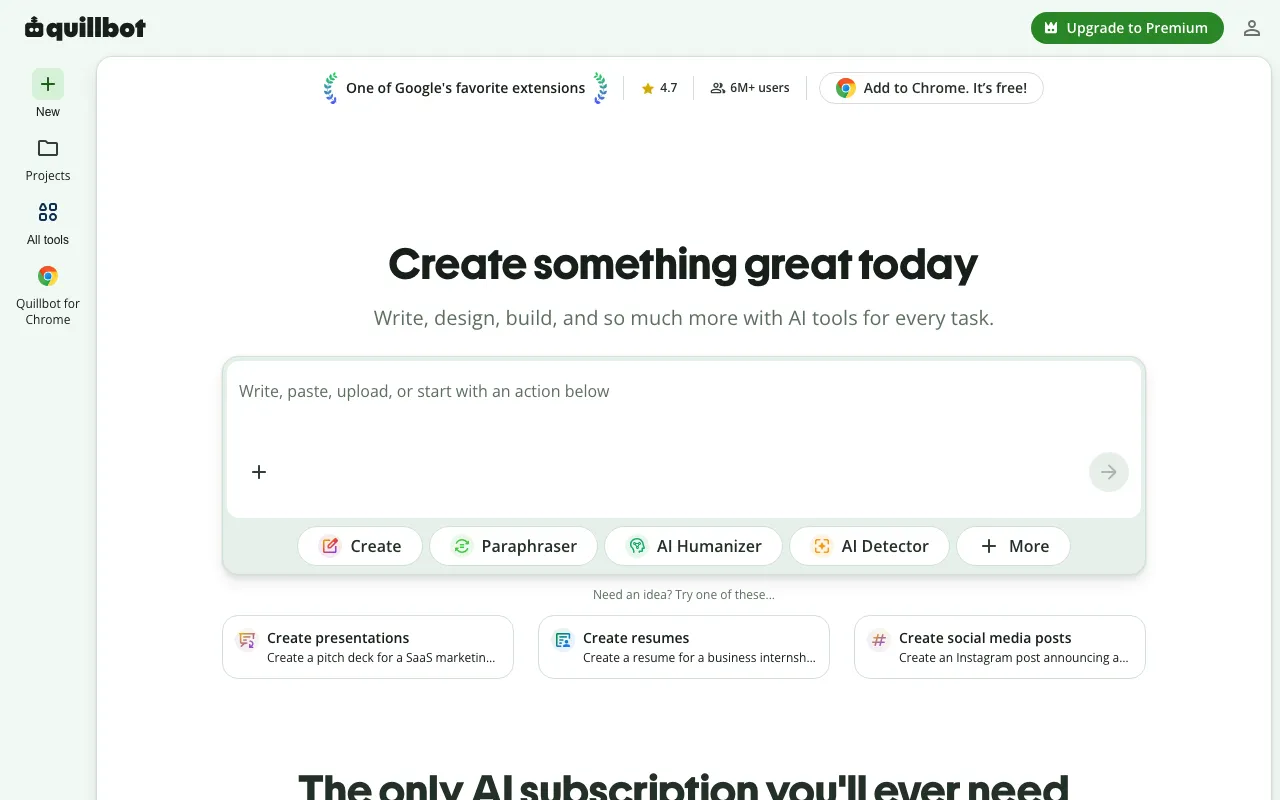
AI writing suite built around paraphrasing, with grammar checking, summarizing, and AI detection
Every tool in this list has a full profile in our directory with pricing verified against its official pricing page on the date shown on its stamp. Ranking reflects verified pricing, free-tier generosity, platform coverage, and documented capabilities. Rank is not for sale: a sponsor can buy only a separate slot marked Sponsored, outside the ranking. Read the full methodology.
Yes — 5 of the 5 tools here have a free tier: Claude, NotebookLM, SciSpace, Liner, QuillBot. Pricing verified Jul 19, 2026.
NotebookLM has the lowest verified monthly starting price in this list at $7.99/mo, checked against its official pricing page on Jun 11, 2026.
2 of the 5 tools list an API: Claude, Liner.