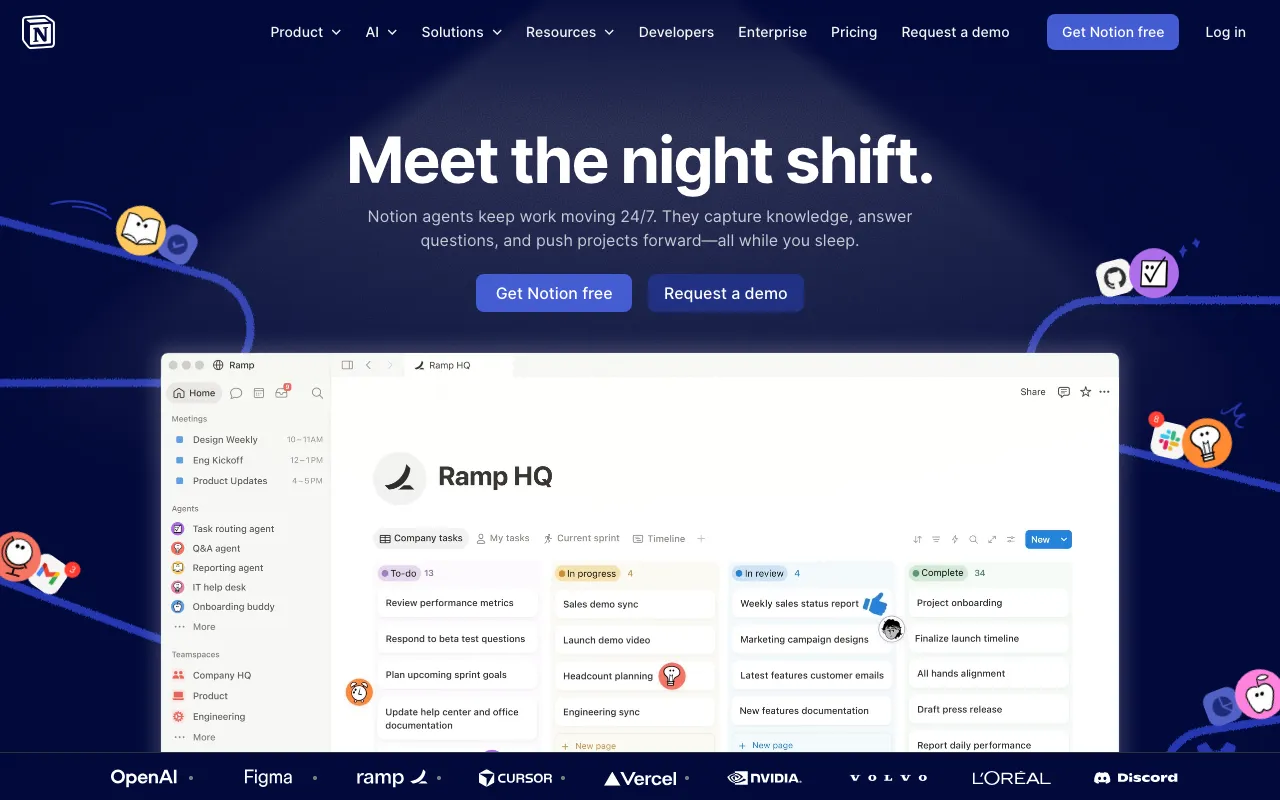
Notion
AI workspace combining docs, databases, projects, and autonomous agents in one platform
FREEMIUM Verified AUG 27, 2026
5 tools ranked · last updated Jul 15, 2026 · how we picked
The best AI tool for remote teams in 2026 is Notion, the AI workspace that gives a distributed team one searchable source of truth for docs, wikis, and projects, from $10/member/month. Otter.ai captures and transcribes every meeting with a free tier up to 300 minutes a month, Krisp cancels background noise on any call from $8/month, and this five-tool kit adds auto-scheduling and AI inbox triage — one specialist per remote-work job.
Prices last verified Aug 27, 2026 against official pricing pages.
Notion is the async backbone of a remote team: it merges docs, wikis, databases, and project boards into one workspace with AI that answers questions grounded in your own content, so distributed colleagues have a single searchable source of truth instead of scattered files and chat threads. Pricing is freemium — a free tier, Plus at $10/member/month, and Business at $20/member/month. It fits teams across time zones who need to work from written documentation rather than live meetings. The honest caveat: the free plan blocks new content once a workspace hits its block limit for teams of two or more, and the Autonomous Agent and AI Meeting Notes are locked behind the $20/member/month Business tier, so the strongest AI features carry the higher price.
Otter.ai records, transcribes, and summarizes calls on Zoom, Meet, and Teams, giving a remote team a searchable written record of every meeting — with speaker labels and cross-meeting AI search so colleagues who missed a call can catch up in text. Pricing is freemium: a Basic free tier with 300 minutes per month, Pro at $8.33/user/month, and Business at $19.99/user/month. It fits distributed teams that want meetings captured automatically without a human notetaker. The honest caveat: the free tier caps at 25 stored conversations, which makes long-term use impractical without upgrading, and transcription accuracy drops with heavy accents or fast speech in noisy environments.
Krisp is the one tool here that cleans up call audio itself, adding real-time, bidirectional noise, echo, and cross-talk cancellation at the operating-system level so it works across Zoom, Teams, Meet, and any other app — plus a meeting assistant that records, transcribes, and summarizes. For remote workers in noisy homes or cafés, it removes the background chaos other tools ignore. Pricing is freemium: a free tier, Core at $16/month, and Advanced at $30/month. It fits anyone whose call quality suffers from their environment. The honest caveat: the plan structure is in transition, with the free tier reportedly shrinking toward a 7-day trial, so the generous no-cost option may not last.
Reclaim, a Dropbox product, is an AI calendar that automatically schedules tasks, habits, and meetings onto Google Calendar or Outlook by priority — invaluable for remote teams juggling attendees and focus time across time zones, because it finds slots that work and defends deep-work blocks before they get booked over. Pricing is freemium: a free Lite tier, Starter at $10/seat/month, and Business at $15/seat/month. It fits distributed teams that lose time to manual calendar coordination. The honest caveat: it supports only Google Calendar and Outlook — no other backends — and the free Lite tier is limited to a one-week scheduling range and a single calendar sync, so real use means a paid seat.
Shortwave rebuilds Gmail around an AI Executive Assistant that searches, drafts, schedules, and triages your inbox from a single prompt, cutting the email load that piles up when a team works asynchronously across time zones. Pricing is freemium: a free tier with 90-day search history, Pro at $14/month, and Business at $30/month — a lower entry point than most premium email clients. It fits Google Workspace teams drowning in async email. The honest caveat: it has hard Gmail and Google Workspace lock-in — Outlook, iCloud, Yahoo, and IMAP are unsupported or heavily limited — so it only fits teams already standardized on Google.
We built this as a remote-collaboration toolkit — one tool per job, no duplicated roles — ranking on how directly each solves a distributed-work problem, verified pricing value, and free-tier generosity, not on popularity. Notion leads as the async source of truth, Otter.ai for meeting transcription, Krisp for noise cancellation, Reclaim for cross-timezone scheduling, and Shortwave for inbox management. Pricing was verified on July 15 2026 against each product’s official pricing page; no tool paid or was able to pay to appear in this list.
AI workspace combining docs, databases, projects, and autonomous agents in one platform
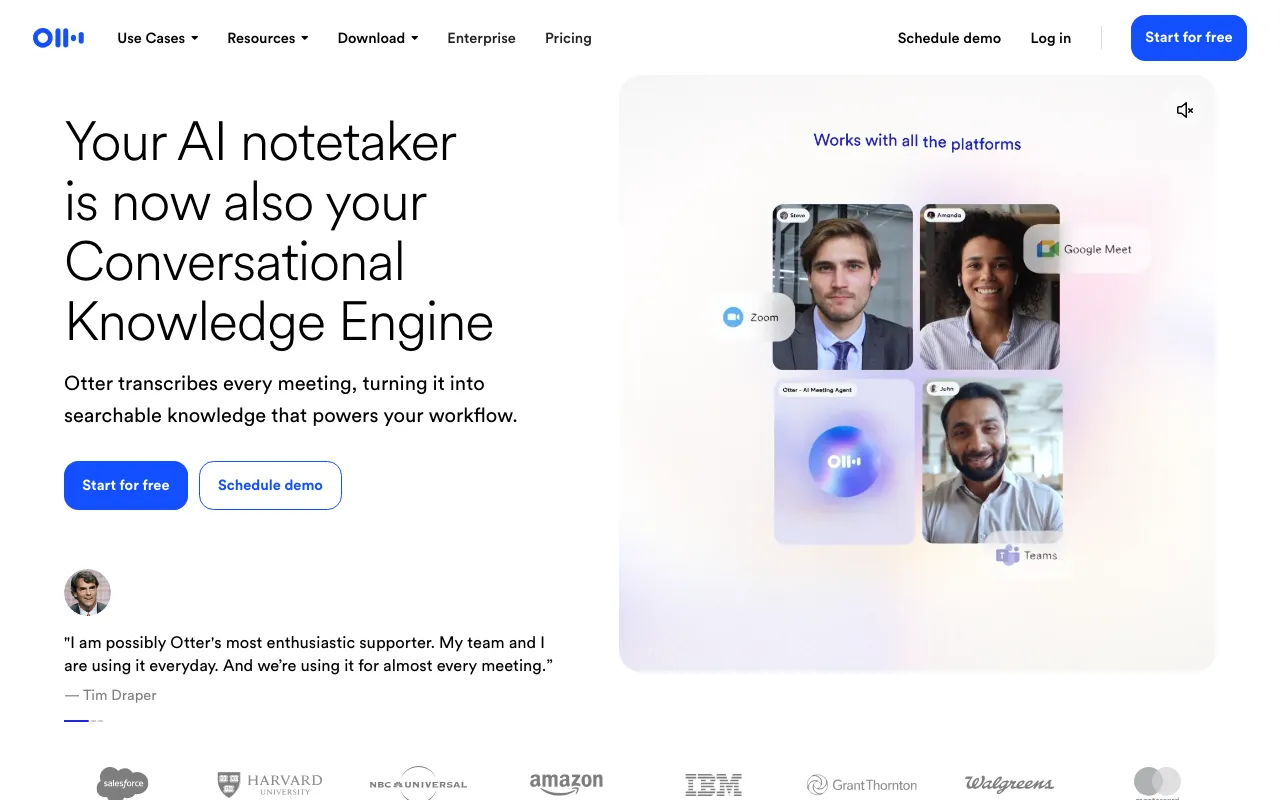
AI meeting assistant that transcribes, summarizes and extracts action items from conversations
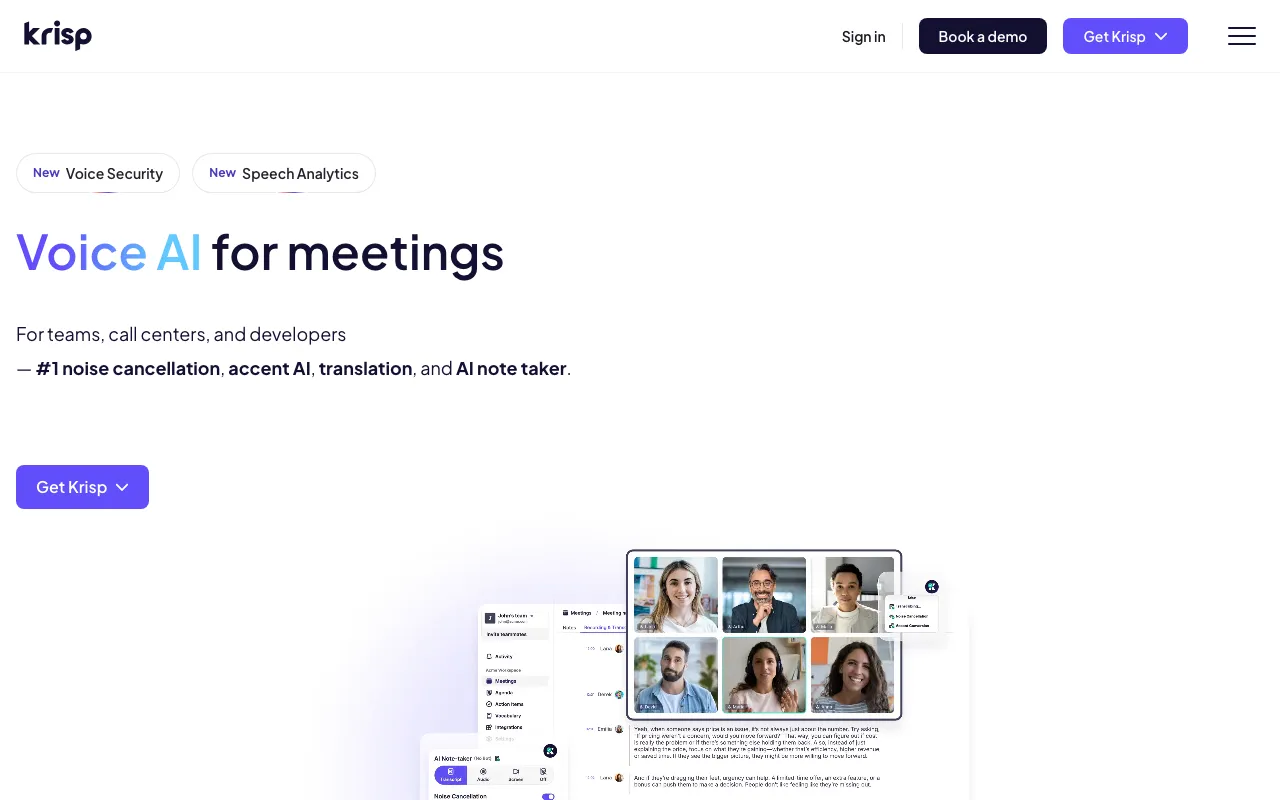
Real-time AI noise cancellation plus an AI meeting assistant that records, transcribes, and summarizes calls
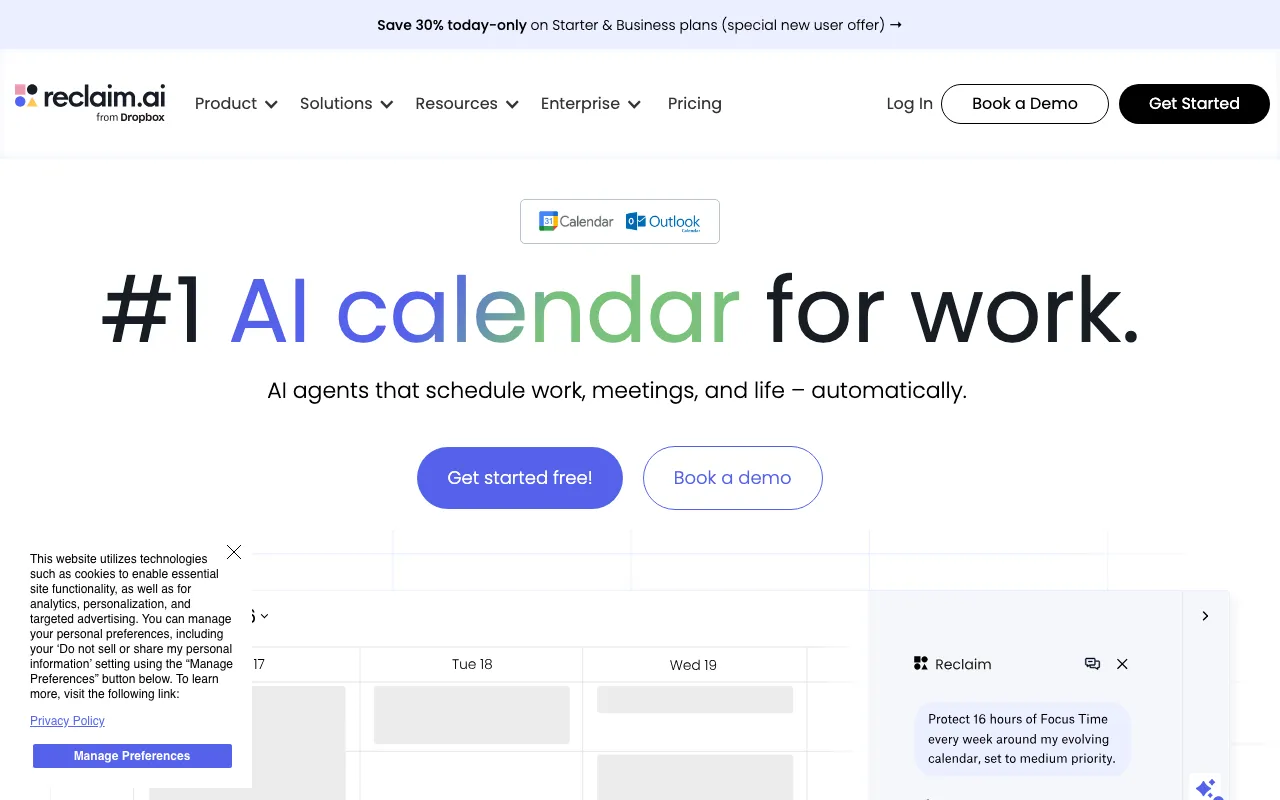
AI calendar that auto-schedules tasks, habits, and meetings on Google Calendar or Outlook, defending focus time and finding meeting slots
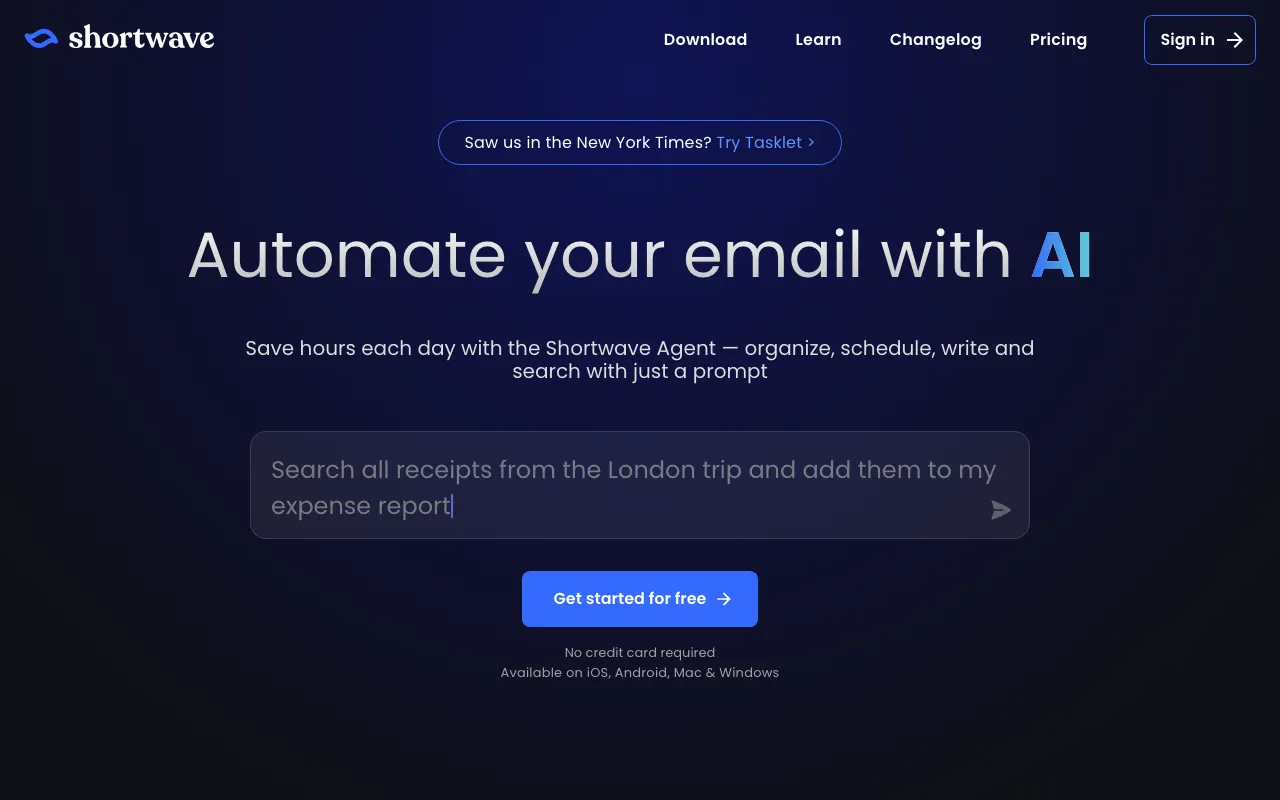
AI email client for Gmail with an AI Executive Assistant that searches, drafts, schedules, and triages your inbox
Every tool in this list has a full profile in our directory with pricing verified against its official pricing page on the date shown on its stamp. Ranking reflects verified pricing, free-tier generosity, platform coverage, and documented capabilities. Rank is not for sale: a sponsor can buy only a separate slot marked Sponsored, outside the ranking. Read the full methodology.
Yes — 5 of the 5 tools here have a free tier: Notion, Otter.ai, Krisp, Reclaim, Shortwave. Pricing verified Jul 15, 2026.
Krisp has the lowest verified monthly starting price in this list at $8/mo, checked against its official pricing page on Jun 28, 2026.
4 of the 5 tools list an API: Notion, Otter.ai, Krisp, Reclaim.