Reclaim
AI calendar that auto-schedules tasks, habits, and meetings on Google Calendar or Outlook, defending focus time and finding meeting slots
Reclaim is an AI calendar, now a Dropbox product, that auto-schedules tasks, habits, and meetings on Google Calendar or Outlook based on priority and availability. It is freemium: the free Lite plan covers a single user with a one-week scheduling range, Starter is about $10/seat/month, Business about $15/seat/month, and Enterprise about $22/seat/month with SSO and SCIM. Per-seat prices were repriced recently and the page is promotion-driven, so verify at signup. Best for professionals and teams automating scheduling and focus time.
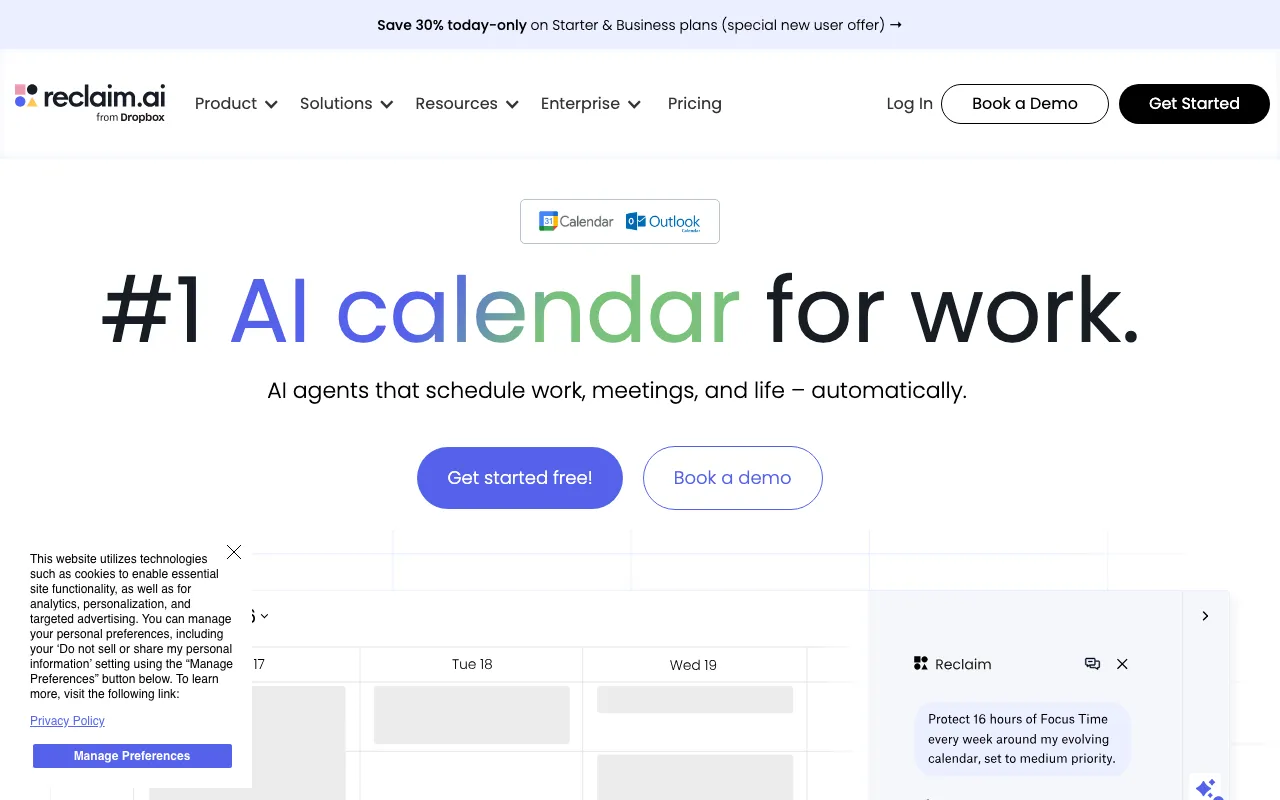
What is Reclaim?
Reclaim is an AI-powered calendar and scheduling tool — now a Dropbox product — that automatically arranges your tasks, habits, and meetings on Google Calendar or Outlook based on priority and availability. Rather than just displaying events, it actively schedules work: it slots to-dos into open time, finds recurring windows for habits, defends focus time from meeting creep, and finds the best meeting slots across several attendees with Smart Meetings. It also offers Calendly-style Scheduling Links that respect your real availability, Calendar Sync across multiple calendars to prevent conflicts, and buffer time plus analytics. It integrates with Slack, Zoom, Asana, Todoist, Jira, and other work tools.
Reclaim is freemium. The free Lite plan is free forever for a single user but is limited to a one-week scheduling range, one Calendar Sync, one Scheduling Link, and five AI Agents. Paid plans are priced per seat: Starter is about $10 per seat per month with an eight-week range, Business about $15 per seat per month with a twelve-week range and team features like webhooks and delegated access, and Enterprise about $22 per seat per month with SSO, SCIM, and org-chart-aware scheduling. Reclaim repriced its seats recently — older published figures were around $8/$12/$18 — and its pricing page runs promotions, so the exact number is worth confirming at signup. Dropbox acquired Reclaim in 2024, and it has continued to ship, adding Outlook support in 2025.
Who is it for?
Reclaim suits people and teams whose calendars are the bottleneck — too many tasks, habits, and meetings to arrange by hand — and who are standardized on Google Calendar or Outlook. The per-seat pricing makes it most compelling for teams that will use the automation daily.
- Busy knowledge workers who want tasks and habits auto-scheduled around their meetings.
- Teams in Product, Engineering, Sales, or HR coordinating focus time and meeting slots at scale.
- Executive assistants managing calendars for others with delegated access and Smart Meetings.
- Organizations that need SSO, SCIM, and org-chart-aware scheduling on the Enterprise plan.
How much does Reclaim cost?
Starting price: $10/seat/mo · Free tier: yes · Model: freemium
Price history tracked from June 2026
| Plan | Price | Includes |
|---|---|---|
| Lite | Free | Free forever for a single user · 5 AI Agents and a 1-week scheduling range · 1 Calendar Sync and 1 Scheduling Link · Core integrations (Google Tasks, Slack, Zoom, Google Meet) |
| Starter | $10/seat/mo | About $10 per seat per month, up to 10 seats · 10 AI Agents per seat and an 8-week scheduling range · 3 Calendar Syncs and 3 Scheduling Links · Unlimited integrations |
| Business | $15/seat/mo | About $15 per seat per month, up to 100 seats · 100 AI Agents per seat and a 12-week scheduling range · Unlimited Calendar Syncs and Scheduling Links · Webhooks, Team OOO calendar, delegated access |
| Enterprise | $22/seat/mo | About $22 per seat per month, billed annually · Unlimited AI Agents, 100+ seats · SSO and SCIM provisioning · Org-chart-aware scheduling |
What are Reclaim's key features?
- AI Tasks — auto-schedules to-dos into the calendar by priority
- AI Habits — finds the best recurring times for routines
- AI Focus Time — defends uninterrupted work blocks automatically
- Smart Meetings — finds optimal meeting times across attendees
- Scheduling Links — Calendly-style booking that respects availability
- Calendar Sync across multiple calendars to prevent conflicts
- Buffer Time and time-tracking analytics dashboards
- Integrations with Google Calendar, Outlook, Slack, Zoom, Asana, Todoist, Jira, and more
What people use Reclaim for
- 01 Automatically scheduling to-dos into open calendar slots by priority and deadline
- 02 Defending recurring focus time so deep work is not buried by meetings
- 03 Finding the best meeting time across several attendees' calendars
- 04 Sharing Calendly-style booking links that respect your real availability
- 05 Syncing personal and work calendars to avoid double-booking
Pros and cons
| Pros | Cons |
|---|---|
| Automates the tedious parts of calendar management instead of just displaying events | Calendar support is limited to Google Calendar and Outlook — no other backends |
| Free Lite plan is genuinely usable for a single person to try the core scheduling | Per-seat pricing scales costs quickly for teams, and SSO/SCIM is gated behind Enterprise |
| Works with both Google Calendar and Outlook after a 2025 Outlook launch | The free Lite tier is heavily limited (1-week range, 1 sync, 1 link, 5 agents) |
| Deep integrations with Slack, Asana, Todoist, Jira, and other work tools | Per-seat prices were repriced recently (older $8/$12/$18 versus current ~$10/$15/$22) and the page is promotion-driven, so the exact figure varies |
What are the best Reclaim alternatives?
Taskade is the closest Reclaim alternative in our directory: it covers the same category (AI Productivity), starts at $6/mo, has a free tier.
Ranked by category overlap with Reclaim, then free-tier availability, then lowest verified starting price — computed from our verified data, never from sponsorships.
| Alternative | What it is | Starting price | Free tier | Price verified |
|---|---|---|---|---|
| Taskade | All-in-one AI workspace combining tasks, notes, mind maps, and docs with custom AI agents and automations | $6/mo | yes | Jun 28, 2026 |
| Notion | AI workspace combining docs, databases, projects, and autonomous agents in one platform | $10/member/mo | yes | Aug 27, 2026 |
| Motion | AI calendar and project manager that auto-schedules tasks and runs AI meeting notes | $19/seat/mo | no | Jun 21, 2026 |
| Airtable | No-code app-building platform with relational databases, automations, and AI agents | $20/user/mo | yes | Jul 3, 2026 |
How people make money with Reclaim
- Productivity consulting — set up Reclaim task automation, focus-time defense, and Scheduling Links for busy teams or executives as a paid onboarding service, charging a per-engagement setup fee plus an optional ongoing retainer
- Bundle Reclaim configuration into an executive-assistant or operations service, managing calendars for multiple clients on the per-seat Business plan
Frequently asked questions
Is Reclaim free?
Yes. Reclaim has a free-forever Lite plan for a single user, with 5 AI Agents, a one-week scheduling range, one Calendar Sync, and one Scheduling Link. Paid plans add longer scheduling ranges, more syncs and links, and team features.
How much does Reclaim cost?
Beyond the free Lite plan, Starter is about $10 per seat per month, Business about $15 per seat per month, and Enterprise about $22 per seat per month with SSO and SCIM. Prices are per seat and the pricing page is promotion-driven, so confirm the current figure at signup.
Is Reclaim still available after the Dropbox acquisition?
Yes. Dropbox acquired Reclaim in August 2024, and it continues to operate as its own product with open signups. It even added Microsoft Outlook support in 2025, so development has continued post-acquisition.
Which calendars does Reclaim work with?
Reclaim works with Google Calendar and Microsoft Outlook Calendar. It does not support other calendar backends, so it is best for teams standardized on Google Workspace or Microsoft 365.
What are Reclaim's AI Agents?
AI Agents are the metered unit on paid plans, replacing older task and habit caps. They power the automated scheduling behaviors — Tasks, Habits, Focus Time, and Smart Meetings — with higher allotments per seat on Business and unlimited on Enterprise.
What is Reclaim best for?
Reclaim is best for knowledge workers and teams who want their calendar to manage itself — auto-scheduling tasks and habits, defending focus time, and finding meeting slots — rather than manually arranging every block.