Chroma
Open-source Apache-2.0 vector database for building RAG and semantic search into LLM apps, with a serverless usage-based Chroma Cloud
Chroma is an open-source, Apache-2.0 vector database purpose-built for RAG and retrieval in LLM apps, with 28,000+ GitHub stars and 15M monthly downloads. Self-hosting is free and unmetered; the managed Chroma Cloud is serverless and usage-based, starting at $0/month with $5 in free credits, then charging per GiB written, stored, and queried. Best for developers adding semantic search to AI applications.
What is Chroma?
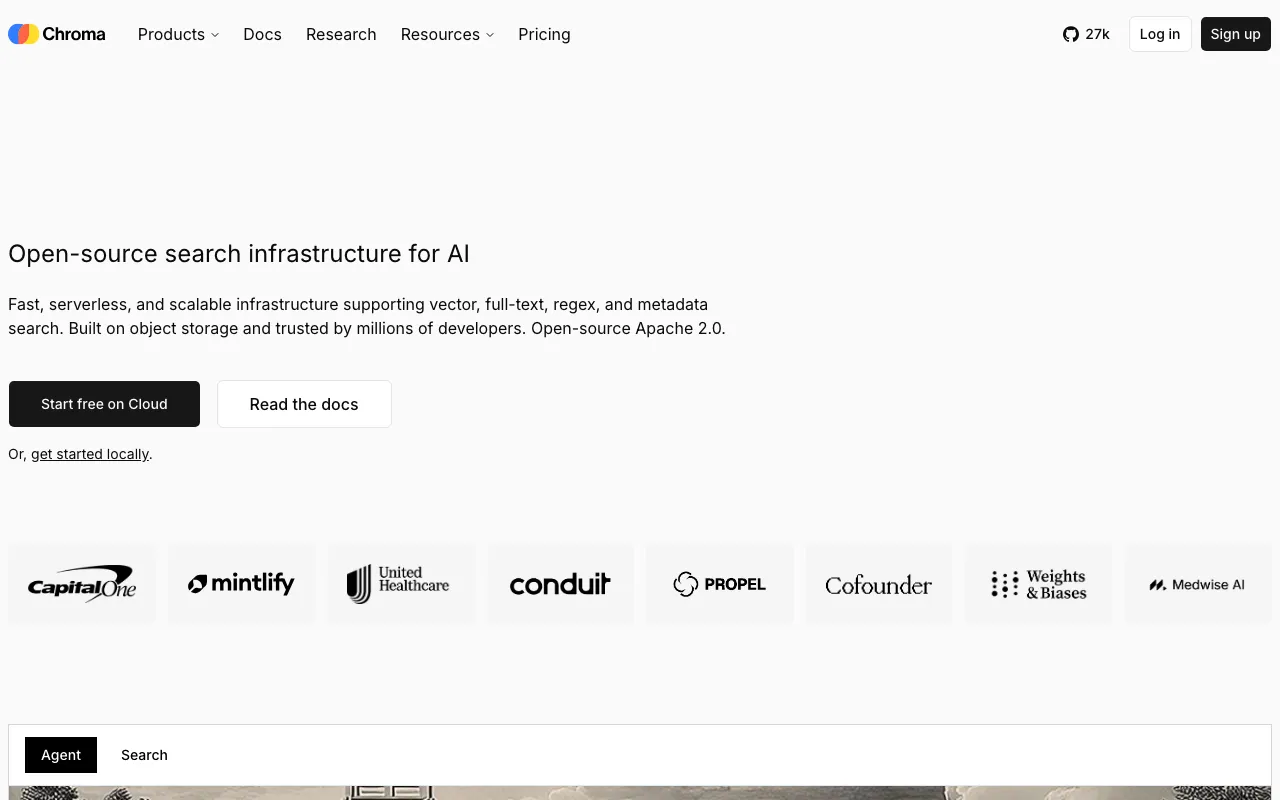
Chroma is an open-source vector database built to be the retrieval layer for AI applications. Released under the Apache-2.0 license with more than 28,000 GitHub stars and over 15 million monthly downloads, it stores embeddings and lets developers run semantic search over documents, then feed the most relevant results into a language model. Its defining trait is simplicity: a four-function API covers creating collections, adding documents (with automatic embedding), querying, and deleting, so a working retrieval pipeline can be stood up in a few lines of Python or JavaScript. Beyond pure vector similarity, Chroma supports full-text (BM25/SPLADE), regex, and metadata search, enabling hybrid retrieval in a single system.
The engine is written primarily in Rust and can run in-memory for prototyping, as a self-hosted server for production, or as the fully managed Chroma Cloud. Chroma Cloud, which launched in August 2025, is a serverless offering that stores data on object storage (S3/GCS) with intelligent tiering and scales automatically without manual tuning. It reports roughly 20ms p50 query latency at 100K vectors and prices usage transparently — per GiB written, stored, queried, and returned — rather than charging for idle capacity. Dataset versioning and forking let teams A/B-test retrieval configurations, and the Cloud service adds SOC 2 Type II compliance for teams that need it.
Who is it for?
Chroma fits developers and teams building retrieval into LLM applications who value an open core, minimal setup, and portability between self-hosted and managed deployments. The free Apache-2.0 database is enough for prototyping and many production workloads, while Chroma Cloud removes operational overhead once traffic and data grow.
- AI application developers building RAG chatbots, assistants, or knowledge-base search who want a fast, low-boilerplate retrieval layer.
- Startups and indie builders who need vector search at near-zero cost early on, self-hosting the open-source core before migrating to Chroma Cloud at scale.
- Data and ML teams running retrieval-quality experiments who benefit from dataset versioning, forking, and hybrid vector-plus-lexical search.
- Engineering teams wary of lock-in who prefer an open-source database with a managed option over a fully proprietary service like Pinecone.
How much does Chroma cost?
Starting price: Free · Free tier: yes · Model: open-source
Price history tracked from June 2026
| Plan | Price | Includes |
|---|---|---|
| Open Source | Free | Apache-2.0 licensed, self-hosted · Unmetered — no caps on vectors or queries · Python and JavaScript/TypeScript clients · In-memory prototyping or server mode for production · Vector, full-text, regex, and metadata search |
| Cloud Starter | $0/mo + usage | $5 in free credits to start · Up to 10 databases, 10 team members · Serverless, zero-ops managed hosting · Usage: $2.50/GiB written, $0.33/GiB/mo stored · Usage: $0.0075/TiB queried, $0.09/GiB returned |
| Cloud Team | $250/mo + usage | $100 credits then usage-based pricing · Up to 100 databases, 30 team members · Volume-based usage discounts · SOC 2 Type II compliance |
| Enterprise | Custom | Unlimited databases and team members · Single-tenant clusters and BYOC options · Dedicated support and SLAs · Security and scale controls |
What are Chroma's key features?
- Simple four-function API — create collections, add documents, query, and delete
- Automatic embedding and tokenization, or bring-your-own embedding function
- Multiple search modes: vector, full-text (BM25/SPLADE), regex, and metadata
- Object-storage backend (S3/GCS) with intelligent tiering for low storage cost
- Serverless Chroma Cloud with automatic scaling and zero operational overhead
- Dataset versioning and forking for A/B testing retrieval configurations
- Python and JavaScript/TypeScript clients plus a self-hostable server
What people use Chroma for
- 01 Storing and querying document embeddings as the retrieval layer for a RAG chatbot or assistant
- 02 Prototyping semantic search locally with an in-memory database before promoting to a hosted server
- 03 Hybrid retrieval combining vector similarity with BM25 lexical, full-text, and metadata filtering
- 04 Versioning and A/B-testing datasets via collection forking during retrieval-quality experiments
- 05 Powering an internal knowledge-base search over PDFs, docs, and support tickets for an LLM app
Pros and cons
| Pros | Cons |
|---|---|
| Core is Apache-2.0 and free to self-host with no caps on vectors or query volume | Chroma Cloud only launched in August 2025, so the managed service is comparatively young |
| Minimal four-function API makes it one of the fastest vector DBs to prototype with | Usage-based cloud billing can be hard to forecast for write- and query-heavy workloads |
| Cloud pricing is transparent and pay-per-use, with a free $5-credit Starter tier | Fewer built-in enterprise and multi-tenant controls than older databases like Pinecone |
| Rust-based engine delivers ~20ms p50 query latency at 100K vectors |
What are the best Chroma alternatives?
Weaviate is the closest Chroma alternative in our directory: it covers the same category (AI Search & Research), starts at $0, has a free tier.
Ranked by category overlap with Chroma, then free-tier availability, then lowest verified starting price — computed from our verified data, never from sponsorships.
| Alternative | What it is | Starting price | Free tier | Price verified |
|---|---|---|---|---|
| Weaviate | Open-source vector database for AI-native search, RAG, and semantic retrieval — self-host free or run it managed on Weaviate Cloud | $0 | yes | Jul 23, 2026 |
| LlamaIndex | Open-source data framework for LLM apps, plus the commercial LlamaCloud platform for parsing, extracting, and indexing complex documents | $50/mo | yes | Jul 16, 2026 |
| Qdrant | Open-source vector database in Rust for RAG, agent memory, and semantic search — self-host free or run on Qdrant Cloud | Free | yes | Jul 20, 2026 |
| Pinecone | Managed serverless vector database for semantic search, RAG, and recommendation systems | $20/mo | yes | Jul 12, 2026 |
| LangChain | Open-source frameworks for building LLM agents, plus the commercial LangSmith platform for tracing, evaluation, and deployment | $39/seat/mo | yes | Jul 12, 2026 |
How people make money with Chroma
- Offer managed RAG-backend setup as a service for startups — deploy and tune self-hosted Chroma on their own infrastructure, then hand off with monitoring, avoiding recurring per-vector cloud fees
- Build and sell domain-specific semantic search or chatbot products on Chroma's free open-source core, keeping infrastructure costs near zero until scale justifies migrating to Chroma Cloud
Frequently asked questions
Is Chroma free to use?
Yes. The core ChromaDB is open source under the Apache-2.0 license and free to self-host with no limits on vectors or queries. Chroma Cloud, the managed serverless option, adds a free Starter tier at $0/month with $5 in credits, then bills based on usage.
What is the difference between ChromaDB and Chroma Cloud?
ChromaDB is the open-source database you run yourself, locally or on your own servers. Chroma Cloud is the fully managed, serverless version launched in August 2025 — it handles scaling and operations for you and charges usage-based rates per GiB written, stored, queried, and returned.
How much does Chroma Cloud cost?
The Starter tier is $0/month plus usage with $5 in free credits. Usage rates are $2.50 per GiB written, $0.33 per GiB stored monthly, $0.0075 per TiB queried, and $0.09 per GiB returned. The Team tier is $250/month plus usage; Enterprise is custom.
What kind of database is Chroma?
Chroma is a vector database built for retrieval-augmented generation and context engineering in LLM applications. It stores embeddings and supports vector similarity search alongside full-text (BM25), regex, and metadata search, letting AI apps retrieve relevant context to feed into language models.
Does Chroma have an API?
Yes. Chroma exposes a small four-function API — create collections, add documents, query, and delete — accessible through official Python and JavaScript/TypeScript clients. You can run it in-memory, as a self-hosted server, or against the managed Chroma Cloud endpoint.
How does Chroma compare to Pinecone?
Chroma is open source and self-hostable for free, while Pinecone is a fully managed proprietary service. Chroma Cloud competes with Pinecone on managed hosting with transparent usage-based pricing, and is often positioned as a lower-cost alternative for teams that want an open core and portability.
What programming languages does Chroma support?
Chroma provides official clients for Python and JavaScript/TypeScript, which cover most LLM application stacks. The engine itself is written primarily in Rust for performance, and the open-source server can be deployed in Docker or on your own cloud infrastructure.