Coda
All-in-one workspace blending docs, spreadsheet-style tables, and no-code apps, with Coda AI built in for chat, generation, and AI columns
Coda merges documents, spreadsheet-style tables, and no-code apps into one file, with Coda AI built in for chat, content generation, and AI-powered columns. Billing is per "Doc Maker" — only people who create docs pay, while editors and viewers are free. The Free tier caps shared docs at 1,000 rows; Pro is $12 per Doc Maker/month ($10 annual) and Team is $36/month ($30 annual), with Enterprise custom. Coda AI ships limited credits per plan and sells pooled top-ups as an add-on. Coda is now part of Superhuman (the company formerly named Grammarly). Best for small teams replacing separate docs, sheets, and lightweight tools with one workspace.
What is Coda?
Coda is an all-in-one workspace that merges three tools most teams keep separate: documents, spreadsheet-style tables, and lightweight no-code apps. A single Coda doc can hold narrative text, a relational database, buttons, and automations on the same canvas, so a project brief, its task tracker, and the logic that moves work between statuses all live in one place. Tables (branded “Trackers”) behave like a spreadsheet and a database at once — rows link across tables, each table supports multiple views, and edits sync everywhere the data appears. On top of that sits Coda AI, which offers chat-based Q&A over your workspace, content generation, and AI-powered columns that can summarize, classify, or draft text across hundreds of rows at once.
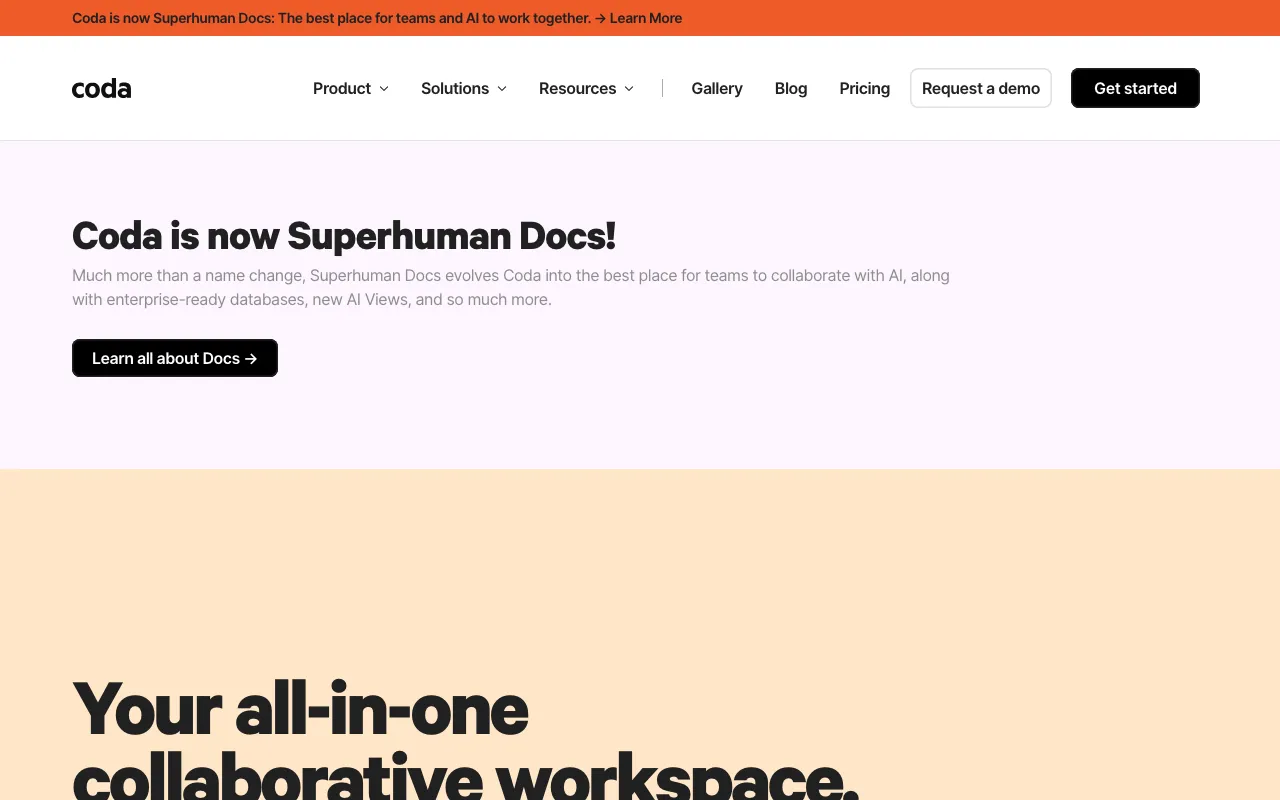
Coda’s most distinctive choice is its billing model: charges apply only to “Doc Makers,” the people who create and manage docs, while editors and viewers collaborate for free. The Free tier is usable for solo work and small unshared docs but caps shared docs at roughly 1,000 rows; Pro ($12 per Doc Maker/month, $10 annual) unlocks unlimited doc size and more Packs, and Team ($36/month, $30 annual) adds unlimited automations, cross-doc sync, and larger AI credit pools. Coda AI itself is largely a paid add-on — plans include limited credits, and heavier use requires per-workspace top-ups. Ownership has changed: Grammarly acquired Coda in December 2024, and in October 2025 Grammarly’s parent rebranded to Superhuman, folding Coda into the Superhuman suite while keeping the Coda name and the coda.io domain.
Who is it for?
Coda fits teams that are tired of copying data between a doc, a spreadsheet, and a separate project tool, and want one connected surface instead. Its value grows with the number of collaborators who only read or edit — since those seats are free — but it asks for patience, because formulas, table relations, and app logic take real time to learn. Solo users and tiny teams can get meaningful work done on the Free tier before paying for a Doc Maker seat.
- Product managers and operations leads building living docs that combine specs, roadmaps, and trackers with automations instead of static text.
- Small teams with many collaborators but few creators who benefit most from per-Doc-Maker billing keeping editor and viewer seats free.
- No-code builders who want internal apps — approvals, intake forms, dashboards — without hiring engineering or wiring up separate tools.
- Knowledge teams centralizing wikis and reference hubs, then layering Coda AI columns to summarize or tag large tables at scale.
How much does Coda cost?
Starting price: $0 · Free tier: yes · Model: freemium
Price history tracked from June 2026
| Plan | Price | Includes |
|---|---|---|
| Free | $0 | Unlimited editors and viewers at no cost · Shared docs capped at roughly 50 objects and 1,000 rows · Trial-level Coda AI credits · Core docs, tables, and app-building features |
| Pro | $12/mo | Billed per Doc Maker; $10/mo on annual billing · Unlimited doc size and version history · Hidden pages, custom domains, and more Packs · Some Coda AI credits included |
| Team | $36/mo | Billed per Doc Maker; $30/mo on annual billing · Unlimited automations and locking controls · Cross-doc sync and advanced Packs · More Coda AI credits than Pro |
| Enterprise | Custom | SSO, SCIM, and advanced admin controls · Audit logs and centralized governance · Largest Coda AI credit allotment · Priority support and account management |
What are Coda's key features?
- Docs that combine rich text, tables, buttons, and formulas on one editable canvas
- Relational tables (Trackers) with linked data, multiple views, and synced edits — a spreadsheet and database hybrid
- No-code app building through formulas, buttons, and automations, no separate builder required
- Coda AI: chat-based Q&A over your workspace, content generation, and AI-powered columns that run at scale
- 600+ integrations and Packs (Slack, Google Calendar, Figma, Jira, GitHub) plus Pack Studio for custom ones
- Template gallery covering CRMs, OKRs, wikis, and project trackers
- Per-Doc-Maker billing so editors and viewers collaborate for free
What people use Coda for
- 01 Building a team wiki or knowledge hub that mixes narrative docs with live tables and dashboards
- 02 Replacing a spreadsheet-plus-project-tool combo with a single relational tracker for OKRs, roadmaps, or a lightweight CRM
- 03 Spinning up an internal no-code app — approvals, intake forms, request trackers — without engineering help
- 04 Running Coda AI columns to summarize, classify, or draft text across hundreds of table rows at once
- 05 Centralizing data from Slack, Jira, Figma, and Google Calendar via Packs so it stays synced in one doc
Pros and cons
| Pros | Cons |
|---|---|
| Only Doc Makers are billed — editors and viewers are free, so large read-and-edit teams add no per-seat cost | Per-Doc-Maker pricing is confusing and can escalate fast when many people need to create docs rather than just edit them |
| Genuinely combines docs, spreadsheets/databases, and lightweight apps in one file instead of stitching separate tools together | Steeper learning curve than a plain doc tool — formulas, table relations, and app logic take real time to master |
| Free tier needs no credit card and is workable for solo use and small unshared docs | Coda AI is largely a paid add-on: plans include only limited credits and heavier use requires per-workspace top-ups |
| 600+ Packs and Pack Studio make it extensible without leaving the workspace | The Free tier's roughly 1,000-row cap on shared docs is reached quickly by real database-style use |
What are the best Coda alternatives?
Taskade is the closest Coda alternative in our directory: it covers the same category (AI Productivity), starts at $6/mo, has a free tier.
Ranked by category overlap with Coda, then free-tier availability, then lowest verified starting price — computed from our verified data, never from sponsorships.
| Alternative | What it is | Starting price | Free tier | Price verified |
|---|---|---|---|---|
| Taskade | All-in-one AI workspace combining tasks, notes, mind maps, and docs with custom AI agents and automations | $6/mo | yes | Jun 28, 2026 |
| Gamma | AI presentation and document builder that generates slides, docs and web pages from a prompt | $9/mo | yes | Aug 27, 2026 |
| Notion | AI workspace combining docs, databases, projects, and autonomous agents in one platform | $10/member/mo | yes | Aug 27, 2026 |
| Airtable | No-code app-building platform with relational databases, automations, and AI agents | $20/user/mo | yes | Jul 3, 2026 |
How people make money with Coda
- Build and sell Coda templates and Packs — polished doc systems like CRMs, OKR trackers, and content calendars sell on template marketplaces, and because only maker seats are billed you can prototype cheaply before publishing
- Offer Coda workspace setup and no-code app consulting for small teams migrating off scattered spreadsheets; the per-Doc-Maker billing model keeps client seat costs low, which shortens the sales pitch and speeds adoption
Frequently asked questions
Is Coda free?
Yes. Coda has a permanent Free tier with no credit card required, and editors and viewers are always free. Only Doc Makers — people who create and manage docs — count toward paid seats, though the Free plan caps shared docs at roughly 50 objects and 1,000 rows.
How much do Coda Pro and Team cost?
Pro is $12 per Doc Maker per month, dropping to $10 on annual billing. Team is $36 per Doc Maker per month, or $30 annually. Enterprise is custom-priced. In every tier, editors and viewers remain free.
What is a Doc Maker in Coda?
A Doc Maker is someone who creates and manages Coda docs and pages. Coda bills only by Doc Maker seats — people who merely edit existing content or view docs are not charged, which can make Coda cheap for teams with few creators and many collaborators.
Does Coda AI cost extra?
Partly. Paid plans include a limited pool of Coda AI credits, but heavier use requires add-on top-ups billed per Doc Maker per month. Reported top-ups add roughly 2,000 or 6,000 credits, or an unlimited option, with the exact figures set at the workspace level.
Who owns Coda now?
Grammarly acquired Coda in December 2024, and Coda's CEO became Grammarly's CEO. In October 2025, Grammarly's parent company rebranded to Superhuman, uniting Grammarly, Coda, and Superhuman Mail under one brand. Coda now sits inside the Superhuman suite and is sometimes presented as Superhuman Docs, but keeps the Coda name and coda.io domain.
Is Coda the same as Notion?
Both are all-in-one workspaces that blend docs and databases. Coda leans harder into spreadsheet-style tables, formulas, and no-code app logic, while Notion emphasizes flexible page structure and wikis. Teams that want app-like automation inside a doc often prefer Coda; those that want a lighter note-and-wiki feel often prefer Notion.