Flair AI
AI product photography studio that stages real product shots on branded scenes and custom-trained AI models for ecommerce
Flair AI turns uploaded product shots into ecommerce-ready scenes and on-model imagery using custom-trained models. The free plan gives 1 custom model, 5 generated images, and 1 video, but is personal-use only — the terms state Flair owns free-tier assets. Pro is $10/month, Pro+ is $35/month and adds 80 images plus a company commercial license, and Scale runs $55 to $199/month across five tiers with API early access. Annual billing cuts Pro+ to $26/month.
What is Flair AI?
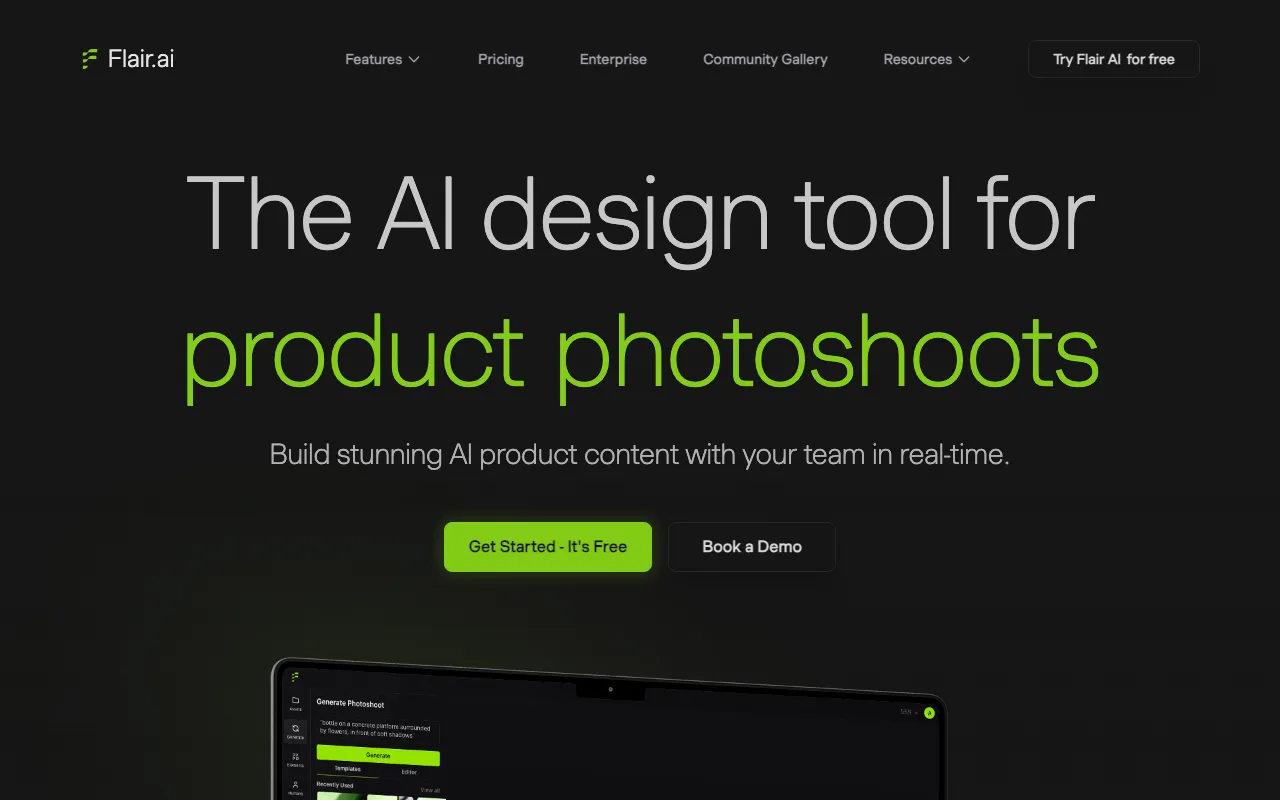
Flair AI is a browser-based product photography tool for ecommerce brands. Instead of writing a prompt and hoping a general image model invents something close to your product, you upload the real product shot and stage it on a drag-and-drop canvas with props, backgrounds, camera angles, and lighting. The other half of the system is custom model training: you upload six to ten consistent images of a product, a person, or a brand aesthetic, and Flair trains a reusable model so the same SKU or the same house style renders consistently across campaigns. Standard training takes up to about three hours, Fast training finishes in minutes for fewer credits, and an Instant beta path generates immediately at lower quality.
Around that core sit an AI Human Builder for creating reusable branded models, on-model fashion generation that preserves garment patterns and printed logos, a product video generator driven by uploaded keyframes, and an image editor with Magic Erase, Magic Paint, Upscale, Extend Image, Regenerate Product, and Virtual Try On. Team collaboration on models and assets unlocks at Pro+, and programmatic access via the Flair API is reserved for Scale and Enterprise customers. That positioning is the honest difference from general image generators — Leonardo AI, Ideogram, and Krea create images from prompts, Recraft and Adobe Firefly target brand design systems and stock-safe generation, and PhotoRoom specialises in cutting products out and dropping them onto new backgrounds. Flair is narrower than all of them and aimed squarely at catalog and campaign imagery for physical goods.
Who is it for?
Flair AI fits sellers who already have product photos and need many more variations of them than a studio budget allows. The economics only work if you are genuinely replacing shoot days, because the commercial-rights and privacy rules push serious users up the ladder quickly: the free plan is personal use only, Pro+ carries the company commercial license, and Scale is the only tier where your generations stay out of the public Flair Gallery.
- Shopify and marketplace sellers with a growing SKU count who need consistent listing imagery per product and cannot re-book a photographer every season.
- Small apparel and jewelry brands that want on-model shots without casting, and specifically need patterns and logos to survive the render rather than being reinvented.
- In-house ecommerce and performance-marketing teams producing high volumes of ad creative variants, who benefit from real-time collaboration on shared models at Pro+ and above.
- Agencies delivering client product content who need the company commercial license and, for exclusivity, the private generations that only the Scale plans provide.
How much does Flair AI cost?
Starting price: $10/mo · Free tier: yes · Model: freemium
Price history tracked from June 2026
| Plan | Price | Includes |
|---|---|---|
| Free | Free | 1 custom model · 5 generated images · 1 video generation · Personal use only — Flair AI owns free-tier assets · Generations appear in the public Flair Gallery |
| Pro | $10/mo | $8/mo when billed annually · 2 video generations · Faster rendering speed · Image upscales and variations · Commercial rights for an individual creator (per terms) |
| Pro+ | $35/mo | $26/mo when billed annually · Up to 8 Standard or 2 Fast custom models · 80 generated images per month · 3 video generations · First-priority rendering speed · Company Commercial License (teams of 2 or more) |
| Scale (Tier 1) | $55/mo | $38/mo when billed annually · Up to 15 Standard or 4 Fast custom models · 150 generated images, 5 video generations · Company Commercial License · AI Product Photography API early access · Private generations — not published to the Flair Gallery · Priority customer support |
| Scale (Tiers 2-4) | $75-$149/mo | Tier 2: $75/mo — 200 images, 20 Standard or 5 Fast models · Tier 3: $95/mo — 260 images, 26 Standard or 7 Fast models · Tier 4: $149/mo — 400 images, 40 Standard or 11 Fast models · Annual billing: $52, $66, and $104 per month respectively |
| Scale (Tier 5) | $199/mo | $138/mo when billed annually · Up to 54 Standard or 14 Fast custom models · 540 generated images, 15 video generations · Company Commercial License and private generations |
| Enterprise | Custom | Everything in Pro+ with custom credit amounts · Unlimited API access and unlimited API calls · Custom model training and whiteglove onboarding · SAML-based SSO and custom billing · Dedicated Slack channel and integration support |
What are Flair AI's key features?
- Drag-and-drop canvas for staging products with props, backgrounds, camera angles, and lighting
- Custom model training in three flavours: Product, Human (full body), and Aesthetic (style)
- On-model photography that preserves garment patterns and printed logos
- AI Human Builder for creating reusable branded models across age ranges
- Image editor with Magic Erase, Magic Paint, Upscale, Extend Image, Regenerate Product, and Virtual Try On
- Product video generation from uploaded keyframes with selectable camera motion
- Real-time team collaboration on models, assets, and the image editor (Pro+ and Scale)
- Programmatic API for bulk image, video, and model-training workflows (Scale and Enterprise)
What people use Flair AI for
- 01 Replacing a studio shoot for a product catalog by staging uploaded product photos on AI-generated backgrounds and props
- 02 Generating on-model fashion and jewelry imagery where garment patterns and brand logos need to survive the render
- 03 Training a custom model on one product so every seasonal campaign renders the same SKU consistently
- 04 Producing short product videos from keyframes for paid social and marketplace listings
- 05 Bulk-generating marketplace listing variants in different aspect ratios without re-shooting
Pros and cons
| Pros | Cons |
|---|---|
| Built around your real product photo plus a trained model, so output stays on-brand rather than inventing a generic lookalike product | The free plan is personal-use only and the terms assign ownership of free-tier assets to Flair AI, so no listing, ad, or client work can legally run on it |
| Five graduated Scale tiers let volume grow from 150 to 540 images per month without negotiating an Enterprise contract | Only Scale keeps your generations private — Free, Pro, and Pro+ images are published to the Flair Gallery where other users may reuse them commercially |
| Annual billing is a genuine discount — Pro+ drops from $35 to $26 per month and Scale Tier 1 from $55 to $38 | Instant image generation and ad generation each burn 4x the standard image quota, so an 80-image Pro+ allowance can vanish in roughly 20 instant sessions |
| Passwordless email-code signup and a permanently free plan make evaluation quick | Unused image and model credits expire at the end of each cycle with no rollover |
| Fast custom-model training finishes in minutes and consumes fewer credits than the Standard path | The API is gated behind Scale or Enterprise and is not self-serve — you have to email the team or book a call to get access |
| Small independent startup with a thin public paper trail: the blog has not been updated since May 2025 and the terms of service still carry a 2024 revision date |
What are the best Flair AI alternatives?
Photoroom is the closest Flair AI alternative in our directory: it covers the same category (AI Image Generation), starts at $12.99/mo, has a free tier.
Ranked by category overlap with Flair AI, then free-tier availability, then lowest verified starting price — computed from our verified data, never from sponsorships.
| Alternative | What it is | Starting price | Free tier | Price verified |
|---|---|---|---|---|
| Photoroom | AI photo editor for e-commerce — background removal, AI product backgrounds, and batch editing | $12.99/mo | yes | Oct 21, 2026 |
| Krea AI | Real-time AI creative suite for image, video, 3D, and lipsync generation with 150+ models in one canvas | $9/mo | yes | Oct 11, 2026 |
| Adobe Firefly | Commercially safe AI image generator trained on licensed content with Creative Cloud integration | $9.99/mo | yes | Aug 27, 2026 |
| Recraft | AI image and vector generator with custom styles, mockups, and design-ready output | $10/mo | yes | Jul 3, 2026 |
| Leonardo.Ai | AI image generator with custom model training, canvas editor, and token-based generation | $12/mo | yes | Jun 11, 2026 |
| Ideogram | AI image generator specializing in accurate text rendering and layout-aware design output | $20/mo | yes | Aug 27, 2026 |
How people make money with Flair AI
- Run a done-for-you product photography service for Shopify and Etsy sellers, billing per catalog batch rather than per studio day — one custom model per brand covers repeat shoots across seasons
- Offer on-model fashion imagery to small apparel resellers on a monthly retainer, using the Pro Plus company commercial license so client-facing usage is contractually covered
- Package seasonal ad-creative refreshes for local brands: train an aesthetic model on their existing campaign look, then regenerate backgrounds and props per promotion cycle
Frequently asked questions
Is Flair AI free?
Flair AI has a permanently free plan with 1 custom model, 5 generated images, and 1 video generation. The free tier is personal use only — the terms state that Flair AI owns free-tier assets and that free users assign rights to the company. Any monetized use, including product listings or paid ads, requires a paid plan.
How much does Flair AI cost?
Pro is $10 per month, Pro+ is $35 per month, and Scale spans five tiers from $55 to $199 per month. Enterprise is custom-quoted. Switching the pricing page toggle from annual to monthly changes the headline figures — annual billing lowers those same plans to $8, $26, and $38 through $138 per month.
Can I use Flair AI images commercially?
Only on a paid plan. The terms define commercial use as any monetized project, such as a company website, an advertised video, or a physical product, and require the correct plan for your team size. Pro grants commercial rights to an individual creator, and Pro+ extends them to teams of two or more people.
Are Flair AI generations private?
Only on the Scale plan. Images created on Free, Pro, and Pro+ are published to the Flair Gallery, where other Flair users may reuse them in personal and commercial settings. If you need to be the only party holding a commercial license to a given image, the terms require generating it while subscribed to Scale.
Does Flair AI have an API?
Yes. Scale Tier 1 lists AI Product Photography API early access, and Enterprise includes unlimited API access and unlimited API calls for programmatic image, video, and model-training workflows. Access is not self-serve — Flair directs prospective API users to contact the team or book a call rather than generating a key from the dashboard.
How many images does a Flair AI plan actually include?
Pro+ includes 80 generated images per month and Scale Tier 1 includes 150, rising to 540 on Scale Tier 5. The catch is that instant image generation and ad generation each consume four times the standard quota, so a Pro+ allowance can disappear in about 20 instant sessions. Unused credits do not roll over.
How long does custom model training take on Flair AI?
Standard training delivers the highest quality and can take up to three hours. Fast training completes in minutes and uses fewer credits, while Instant training is a beta option that generates immediately at lower quality. Flair suggests uploading six to ten consistent, high-quality images of a product, person, or style before starting a run.
How is Flair AI different from PhotoRoom?
PhotoRoom focuses on fast background removal and replacement for single product shots, with mobile apps and a batch API. Flair AI focuses on staging: a drag-and-drop canvas with props and backgrounds, plus custom models trained on a specific product, person, or brand aesthetic. Flair also produces on-model fashion imagery and short product videos.