Lavender
AI sales-email coach that scores drafts in real time and suggests rewrites inside Gmail and Outlook
Lavender is an AI sales-email coach that scores drafts in real time inside Gmail and Outlook, suggesting rewrites and personalization to lift reply rates. The Basic tier is free with 5 emails per month; Starter runs $29/month for unlimited coaching, Individual Pro is $49/month, and the Team plan is $99/seat/month. Best for SDRs and sales reps sending high-volume cold email.
What is Lavender?
Lavender is an AI sales-email coach that grades your draft in real time as you write inside Gmail or Outlook. It analyzes each email for length, tone, readability, and personalization, then hands back a live score and specific rewrite suggestions before you hit send. The recommendations are grounded in patterns drawn from billions of analyzed emails, so the guidance reflects what actually earns replies from prospects rather than generic writing advice. An AI email writer can also draft or rewrite messages based on top-performer patterns, and a personalization assistant pulls prospect signals into the compose window so reps can tailor outreach without leaving their inbox.
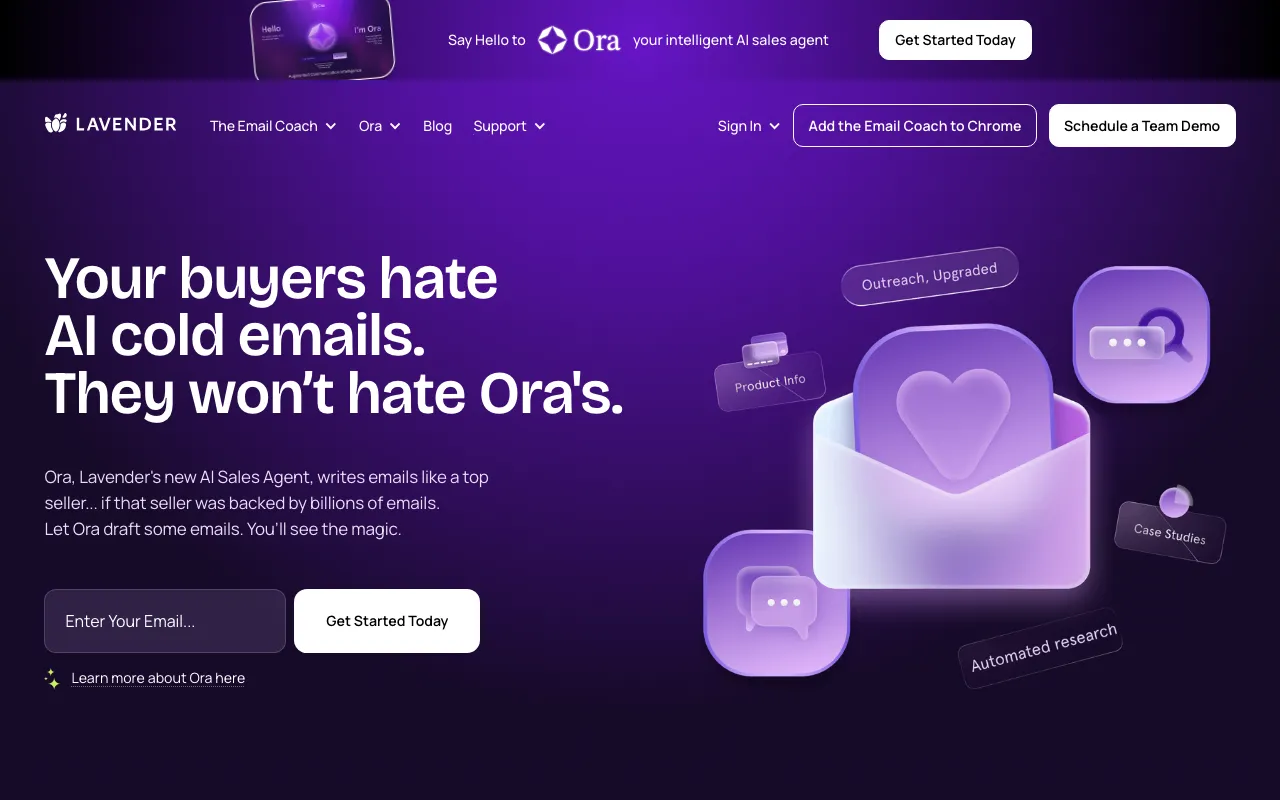
The product installs as a Chrome browser extension that overlays coaching directly in the email sidebar, and it connects to the sales stack that reps already use — Outreach, Salesloft, HubSpot, Apollo, Groove, and Gong — in addition to native Gmail and Outlook support. For managers, a Team plan adds a coaching dashboard and aggregated analytics so leaders can see how the whole team’s email quality trends over time. Lavender also sells a separate autonomous agent called Ora that researches prospects and generates outbound at scale, priced apart from the Email Coach tiers.
Who is it for?
Lavender is built for people whose job depends on getting replies to cold and follow-up email, and for the managers who coach them. The free Basic tier is enough to evaluate the scoring on a handful of emails, but the tool’s value shows up when a rep is writing outbound all day and wants a live second opinion on every message — which requires a paid plan.
- Sales development reps and account executives who send high-volume outbound and want real-time feedback to improve reply rates without leaving Gmail or Outlook.
- Sales managers and enablement leaders who need the Team plan’s coaching dashboard and analytics to standardize email quality across a team of reps.
- Founders and solo sellers doing their own prospecting who want data-backed guidance and AI drafting on the affordable Starter or Individual Pro tiers.
- Agencies running cold email for clients that want to package higher-reply outbound as a repeatable, coached service.
How much does Lavender cost?
Starting price: $29/mo · Free tier: yes · Model: freemium
Price history tracked from June 2026
| Plan | Price | Includes |
|---|---|---|
| Basic | Free | 5 email analyses per month · 5 email personalizations per month · Gmail and Outlook 365 support · AI Email Writer and AI recommendations · Mobile optimization scoring |
| Starter | $29/mo | Unlimited email scoring and personalization · AI Email Writer and recommendations · Multi-inbox support · Priority chat support · $27/mo billed annually |
| Individual Pro | $49/mo | Everything in Starter · CRM and sales-engagement integrations included · Deeper prospect personalization · Priority support with a dedicated CSM · $45/mo billed annually |
| Team | $99/seat/mo | Manager coaching dashboard · Aggregated team email analytics · Accelerated dynamic scoring · Human-led coaching programs · Content Studio access · $89/seat/mo billed annually |
| Enterprise | Custom | Contact sales for Growth and Enterprise plans · Volume seat pricing · Dedicated onboarding and coaching |
What are Lavender's key features?
- Real-time email scoring with a live grade as you type in Gmail or Outlook
- AI email writer that drafts and rewrites based on top-performer patterns
- Personalization assistant that surfaces prospect data inside the compose window
- Chrome browser extension that overlays coaching directly in the inbox sidebar
- Integrations with Gmail, Outlook, Outreach, Salesloft, HubSpot, Apollo, Groove, and Gong
- Team coaching dashboard with aggregated email analytics for managers
- Mobile optimization checks that flag how an email renders on phones
What people use Lavender for
- 01 Scoring a cold sales email in real time before sending to catch length, tone, and readability issues that hurt reply rates
- 02 Generating first-draft outbound emails from prospect context, then editing against Lavender's live recommendations
- 03 Personalizing outreach at scale by pulling prospect signals into the email sidebar without leaving Gmail or Outlook
- 04 Coaching an SDR team with shared analytics and manager dashboards to standardize what a high-performing email looks like
- 05 A/B improving subject lines and opening lines using data from billions of analyzed emails
Pros and cons
| Pros | Cons |
|---|---|
| Free Basic tier lets reps trial real-time scoring with no credit card | Free Basic tier caps at 5 emails per month, so unlimited use requires a paid plan |
| Works inside existing tools — Gmail, Outlook, and major sales-engagement platforms — rather than a separate app | Team plan at $99/seat/month is pricey for larger sales orgs |
| Guidance is grounded in data from billions of analyzed emails, not generic writing tips | Growth and Enterprise plans are contact-sales only, so those prices are not public |
| Annual billing trims roughly 10 percent off each paid tier | Focused narrowly on sales email — not a general-purpose writing or marketing content tool |
What are the best Lavender alternatives?
Grammarly is the closest Lavender alternative in our directory: it covers the same category (AI Writing & Marketing), starts at $0, has a free tier.
Ranked by category overlap with Lavender, then free-tier availability, then lowest verified starting price — computed from our verified data, never from sponsorships.
| Alternative | What it is | Starting price | Free tier | Price verified |
|---|---|---|---|---|
| Grammarly | AI writing assistant that checks grammar, tone, and clarity and generates text across apps and browsers | $0 | yes | Jun 22, 2026 |
| Wordtune | AI writing and rewriting assistant from AI21 Labs that paraphrases, summarizes, and adjusts tone inline | $6.99/mo | yes | Jun 28, 2026 |
| Clay | GTM data-enrichment platform with 200+ providers, Claygent AI research agents, and workflow automation for outbound sales teams | $167/mo | yes | Jul 6, 2026 |
| Copy.ai | AI-native GTM platform for automating sales, marketing, and content workflows | $24/mo | no | Jul 3, 2026 |
| Jasper | AI marketing platform with 100+ specialized agents for brand-consistent content at scale | $59/mo | no | Jul 3, 2026 |
How people make money with Lavender
- Run a freelance cold-email agency for B2B startups, using Individual Pro personalization to hand clients higher-reply outbound sequences as a done-for-you service
- Offer SDR onboarding and coaching packages to small sales teams, using the Team plan's manager dashboard and analytics to prove response-rate lift to clients
Frequently asked questions
Is Lavender free?
Yes. The Basic tier is free forever and includes 5 email analyses and 5 personalizations per month, plus Gmail and Outlook support. Paid plans remove those limits and start at $29 per month for the Starter tier.
How much does Lavender cost?
Starter is $29 per month, Individual Pro is $49 per month, and the Team plan is $99 per seat per month. Annual billing lowers each to $27, $45, and $89 respectively. Growth and Enterprise plans are contact-sales only.
What is the difference between Starter and Individual Pro?
Starter unlocks unlimited scoring, the AI writer, and multi-inbox support for $29 per month. Individual Pro adds CRM and sales-engagement integrations, deeper prospect personalization, and a dedicated customer success manager for $49 per month.
Which email tools does Lavender integrate with?
Lavender works inside Gmail and Outlook and integrates with sales-engagement and CRM platforms including Outreach, Salesloft, HubSpot, Apollo, Groove, and Gong. It installs as a Chrome browser extension that overlays coaching in your inbox sidebar.
Who is Lavender built for?
Lavender targets sales development reps, account executives, and sales teams who send high volumes of cold and follow-up email. Managers use the Team plan's coaching dashboard and analytics to standardize email quality across their reps.
What is Lavender Ora?
Ora is Lavender's separate autonomous AI sales agent that researches prospects and drafts outbound email at scale. It is priced and sold apart from the Email Coach tiers described here, targeting teams that want automated rather than assisted outbound.