Lex
AI-native writing editor with model choice and AI feedback, aimed at serious nonfiction writers
Lex is an AI-native document editor for serious writers — a "Google Docs replacement" built around AI feedback, autocomplete, and model choice. It claims 300,000+ writers. A free tier gives the full editor with a limited AI allowance (commonly ~30 checks per month); Lex Pro at about $18/month (or ~$145/year) adds unlimited AI and frontier models including GPT-4.1 and Claude. Note the name collides with Amazon Lex and LexisNexis in search — this is lex.page. Best for essayists and nonfiction writers who want AI critique.
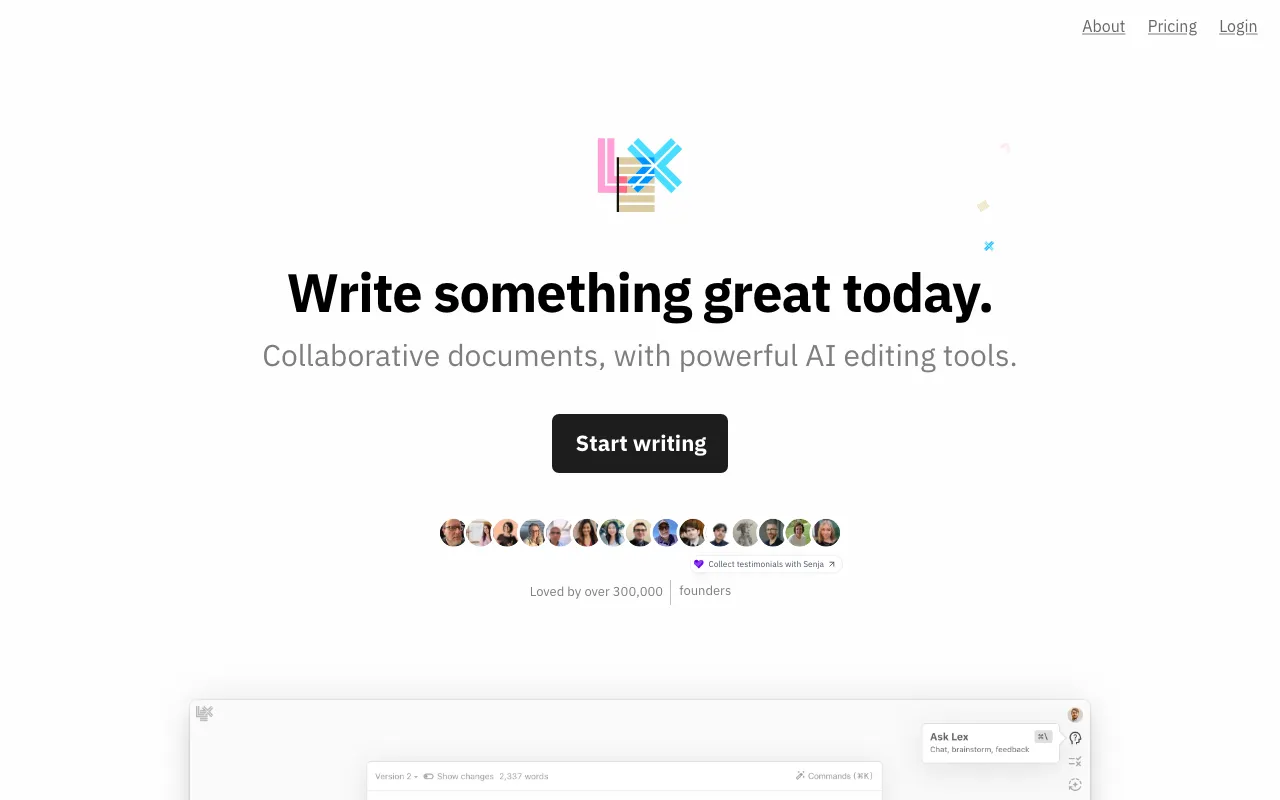
What is Lex?
Lex is an AI-native writing tool that looks like a clean, distraction-free document editor but is built around AI assistance from the ground up. Rather than bolting a chat window onto a word processor, it weaves AI into the writing itself: an AI Feedback feature reviews a draft and critiques it like an editor, keyboard-driven AI Commands rewrite or brainstorm inline, and an autocomplete-style continuation helps when you get stuck. You can also choose which frontier model to use per action — the Pro plan unlocks GPT-4.1, GPT-4o, and Claude (Sonnet and Opus tiers), while the free tier runs on a cheaper model. The company reports more than 300,000 writers on the platform.
Lex was incubated inside the media company Every and spun out into an independent, venture-backed company founded by Nathan Baschez. It positions itself as a “Google Docs replacement, but better” for people who take writing seriously — essays, newsletters, and professional prose — and supports real-time collaboration, comments, version history, and publish-to-web links. It has shipped a feature that trains the AI on your past writing to match your voice, and offers a web editor plus an iOS app. One practical note: the name “Lex” collides in search with Amazon Lex (an AWS chatbot service) and LexisNexis, so the product covered here is specifically lex.page.
Who is it for?
Lex is for writers who want AI help with the craft of writing rather than grammar policing across their whole computer. Because it’s a place you go to write, not a layer over other apps, it suits people who produce substantial, standalone documents and value structured feedback and model choice. The free tier is enough to feel out the workflow, but the small AI allowance and locked-away top models mean regular users land on Pro.
- Essayists and long-form writers who want AI feedback on structure and argument, not just spellcheck.
- Newsletter and content authors who draft regularly and benefit from voice training and model choice.
- Business and professional writers producing reports and proposals who prefer an AI-first editor to Google Docs.
- Writers who want to compare models — running the same draft through GPT-4.1 or Claude to see which critique lands better.
How much does Lex cost?
Starting price: $18/mo · Free tier: yes · Model: freemium
Price history tracked from June 2026
| Plan | Price | Includes |
|---|---|---|
| Free | Free | Full editor and basic real-time collaboration · Limited AI usage (commonly ~30 AI checks per month) · Lower-tier AI model |
| Pro | $18/mo | ~$145/year (~$12/mo) billed annually · Unlimited AI checks · Frontier models: GPT-4.1 / GPT-4o and Claude (Sonnet & Opus) · iOS app, early access, priority support |
| Teams | Contact | Add-on for unlimited group use of shared Lex folders · Collaboration across a team · Contact-based pricing |
What are Lex's key features?
- AI-native document editor positioned as a Google Docs alternative
- AI Feedback that reviews and critiques a draft on request
- Model choice inside the editor — GPT-4.1 / GPT-4o and Claude (Sonnet & Opus) on Pro
- AI Commands and title generation via keyboard-driven actions
- Real-time collaboration, comments, version history, and publish/share links
- Voice training on your past writing plus web editor and iOS app
What people use Lex for
- 01 Drafting long-form essays, newsletters, and reports in an AI-first editor
- 02 Requesting AI feedback that critiques a draft like an editor before publishing
- 03 Switching between frontier models (GPT-4.1, Claude) per writing task
- 04 Continuing a stuck paragraph with autocomplete-style generation
Pros and cons
| Pros | Cons |
|---|---|
| Purpose-built AI editor for long-form nonfiction, not a bolt-on chat panel | It's a standalone editor, not a browser-wide layer like Grammarly — you write inside Lex |
| Model choice lets you pick GPT-4.1 or Claude per task on Pro | Best models and unlimited AI are gated behind Pro, and the free AI allowance is small and not clearly documented |
| Annual billing lowers Pro to roughly $12 per month, with student and nonprofit discounts | Some expected features (like track changes) were still 'coming soon' at verification, and the name collides with Amazon Lex / LexisNexis |
| Backed by a funded, independent team and used by 300,000+ writers |
What are the best Lex alternatives?
Grammarly is the closest Lex alternative in our directory: it covers the same category (AI Writing & Marketing), starts at $0, has a free tier.
Ranked by category overlap with Lex, then free-tier availability, then lowest verified starting price — computed from our verified data, never from sponsorships.
| Alternative | What it is | Starting price | Free tier | Price verified |
|---|---|---|---|---|
| Grammarly | AI writing assistant that checks grammar, tone, and clarity and generates text across apps and browsers | $0 | yes | Jun 22, 2026 |
| Wordtune | AI writing and rewriting assistant from AI21 Labs that paraphrases, summarizes, and adjusts tone inline | $6.99/mo | yes | Jun 28, 2026 |
| Sudowrite | AI writing platform built specifically for novelists and fiction writers, with a Story Bible workflow and a proprietary Muse model | $10/mo | no | Jun 20, 2026 |
| Jasper | AI marketing platform with 100+ specialized agents for brand-consistent content at scale | $59/mo | no | Jul 3, 2026 |
| Notion | AI workspace combining docs, databases, projects, and autonomous agents in one platform | $10/member/mo | yes | Aug 27, 2026 |
How people make money with Lex
- Offer a ghostwriting or editing service built on Lex — use its AI feedback and model choice to draft and refine long-form essays and newsletters faster, billing per finished piece or on a monthly content retainer
- Sell a structured newsletter-writing package where Lex's voice-training feature mimics a client's past writing, letting you produce on-brand drafts at scale for a recurring fee
Frequently asked questions
Is Lex free?
Yes. Lex has a free tier with the full editor, basic collaboration, and a limited AI allowance (commonly reported around 30 AI checks per month on a lower-tier model). Unlimited AI usage and access to top models like GPT-4.1 and Claude require Lex Pro, which starts around $18 per month or $145 per year.
How much does Lex cost?
Lex Pro costs roughly $18 per month, or about $145 per year (around $12 per month) billed annually. The plan adds unlimited AI checks, access to frontier models, an iOS app, and priority support. Lex also offers a Teams add-on for shared folders, with discounted pricing for students, academics, and nonprofits.
What AI models does Lex use?
Lex lets you choose among frontier models inside the editor. The Pro plan unlocks top-tier models including OpenAI's GPT-4.1 and GPT-4o and Anthropic's Claude (Sonnet and Opus tiers), while the free tier runs on a cheaper, older model. You pick the model per chat or AI action as you write.
How is Lex different from Grammarly?
Grammarly is a correction layer that works across other apps like Gmail and Docs, checking grammar and tone wherever you write. Lex is a full AI-native document editor you write inside, focused on drafting and structured feedback for serious writing rather than surface corrections layered onto other tools.
Who is Lex built for?
Lex targets nonfiction and professional writers — essayists, newsletter authors, and business writers — rather than novelists. It provides AI feedback that critiques a draft, autocomplete continuation, and model choice, positioning itself as an AI-first alternative to Google Docs for people who write long-form prose.
Does Lex have a mobile app?
Yes. Lex offers an iOS app included with the Pro plan, alongside its web editor with real-time collaboration, comments, version history, and publishing links. Some editor features, such as track changes, were still listed as coming soon at the time this entry was verified.