Zapier
No-code automation platform that connects 7,000+ apps to build multi-step workflows without writing code
Zapier is a no-code workflow automation platform connecting 7,000+ apps via trigger-action "Zaps." The free tier includes 100 tasks/month limited to two-step workflows. Paid plans start at $19.99/mo (annual) with multi-step Zaps, branching logic, and full premium-app access. Best for non-technical teams that need to automate repetitive cross-app tasks without engineering resources.
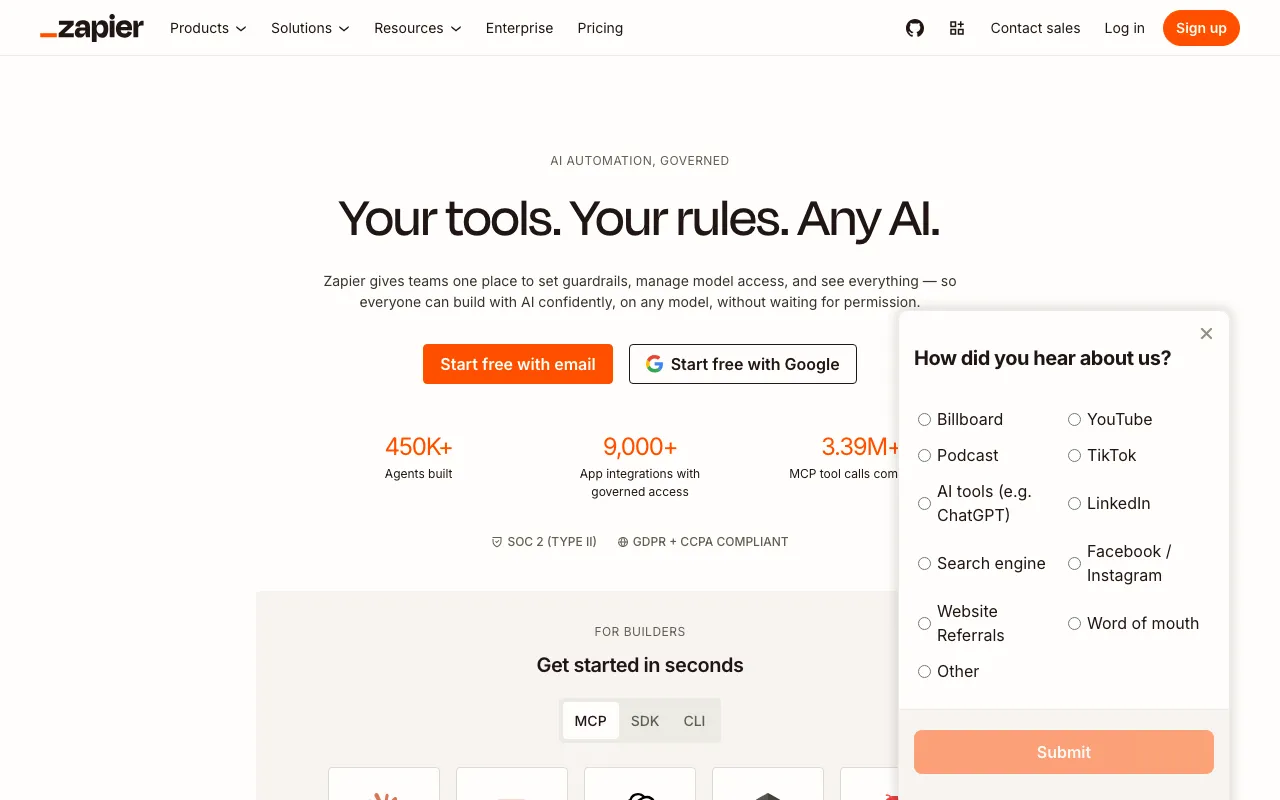
What is Zapier?
Zapier is a no-code workflow automation platform that connects applications through trigger-action sequences called “Zaps.” When a defined event occurs in one app (a trigger — such as a new email, a form submission, or a payment), Zapier automatically performs one or more actions in other apps without any manual intervention or code. The platform integrates with over 7,000 applications, covering CRMs, email tools, project management software, e-commerce platforms, databases, and AI services.
Beyond basic two-app automations, paid plans unlock multi-step Zaps with conditional branching (Paths), filters, delays, and data formatting steps. More recently, Zapier has expanded into AI territory with Zapier Agents — autonomous AI workers that can execute tasks across connected apps — and Zapier MCP, which implements the Model Context Protocol so that AI assistants like Claude and ChatGPT can interact directly with the 7,000-app integration network. This positions Zapier less as a simple “if this then that” tool and more as an AI orchestration layer for business software.
The free tier is restricted to 100 tasks per month and two-step Zaps with 15-minute polling, making it suitable for evaluation but not production workflows. Real utility begins at the Professional plan.
Who is it for?
Zapier is designed for teams and individuals who need to automate repetitive data-passing tasks between SaaS tools but lack engineering resources to build native integrations. The 7,000-app catalog means it covers almost any business software combination without requiring API coding.
Typical users include:
- Operations and marketing teams at SMBs that rely on a patchwork of SaaS tools and need data to flow between them automatically — for example, syncing Typeform responses to Airtable and triggering a Slack notification simultaneously.
- Solopreneurs and freelancers running sales and support workflows who want to eliminate manual copy-paste work between a CRM, email platform, and calendar.
- Automation consultants and agencies who build Zap workflows for clients and bill for setup and maintenance — a real freelance market exists on Upwork and similar platforms.
- Teams adopting AI agents who want to give LLMs like Claude or ChatGPT the ability to take actions inside existing business apps without rebuilding their software stack.
How much does Zapier cost?
Starting price: $19.99/mo · Free tier: yes · Model: freemium
Price history tracked from June 2026
| Plan | Price | Includes |
|---|---|---|
| Free | Free | 100 tasks/month · Two-step Zaps only (one trigger + one action) · 15-minute polling interval · Unlimited Zaps, Tables, and Forms · AI Copilot and free Chatbots/Agents |
| Professional | $19.99/mo | 750 tasks/month (scalable) · Multi-step Zaps with filters, delays, and paths · 7,000+ premium app integrations · 2-minute polling interval · Custom webhooks |
| Team | $69.50/mo | 2,000 tasks/month (scalable) · Up to 25 users with shared workspaces · SAML SSO and 6-month audit logs · 1-minute polling interval · Customized permissions |
| Enterprise | Custom | Unlimited users · SCIM provisioning · 99.9% SLA · Dedicated technical account manager · Custom data retention |
What are Zapier's key features?
- Zap builder: trigger-action workflow editor with no-code UI
- Multi-step Zaps with filters, conditional paths (branches), and delays
- 7,000+ app integrations including Salesforce, Slack, Google Workspace, HubSpot, and Shopify
- AI Copilot for natural-language workflow creation
- Zapier MCP (Model Context Protocol) for connecting AI assistants like Claude and ChatGPT to apps
- Tables (built-in database) and Forms for data capture within workflows
- Zapier Agents: AI agents that execute tasks across connected apps autonomously
- Audit logs, SAML SSO, and role-based access for team governance
What people use Zapier for
- 01 Syncing new leads from Facebook Lead Ads directly into a CRM like HubSpot or Salesforce
- 02 Automating invoice creation in QuickBooks when a Stripe payment is received
- 03 Posting new blog content to multiple social media channels without manual copy-paste
- 04 Routing support tickets from email into a team Slack channel and a project board
- 05 Building AI-powered workflows that pass data between ChatGPT or Claude and business apps
Pros and cons
| Pros | Cons |
|---|---|
| Widest app integration library at 7,000+ — covers nearly every SaaS tool a business uses | Free tier is effectively a sandbox: 100 tasks/month and two-step-only Zaps are not enough for real workflows |
| No-code editor accessible to non-technical users; AI Copilot lowers setup friction further | Costs escalate quickly — high task volumes push monthly bills well above the base plan price |
| Zapier MCP and Agents add a genuine AI orchestration layer on top of existing automations | Cheaper alternatives (Make, n8n) offer more complex logic at lower price points |
| Reliable, mature platform with SOC 2 Type II, GDPR, and CCPA compliance | 15-minute polling on free tier means near-real-time triggers require a paid plan |
What are the best Zapier alternatives?
CrewAI is the closest Zapier alternative in our directory: it covers the same category (AI Agents & Automation), starts at $0, has a free tier.
Ranked by category overlap with Zapier, then free-tier availability, then lowest verified starting price — computed from our verified data, never from sponsorships.
| Alternative | What it is | Starting price | Free tier | Price verified |
|---|---|---|---|---|
| CrewAI vs Zapier → | Open-source multi-agent framework for orchestrating collaborative AI agent teams | $0 | yes | Jul 3, 2026 |
| Make vs Zapier → | Visual automation platform connecting 3,000+ apps with no-code workflows and AI agents | $9/mo | yes | Jul 3, 2026 |
| Relevance AI vs Zapier → | No-code platform for building and deploying autonomous AI agents for business workflows | $19/mo | yes | Jun 11, 2026 |
| Airtable vs Zapier → | No-code app-building platform with relational databases, automations, and AI agents | $20/user/mo | yes | Jul 3, 2026 |
| n8n vs Zapier → | Open-source workflow automation platform for building AI agents and multi-app integrations | €20/mo | yes | Jul 3, 2026 |
How people make money with Zapier
- Offer Zapier automation setup as a freelance service on Upwork — workflow builds connecting CRMs, email tools, and project management apps
- Sell pre-built Zap templates for specific industries (real estate, e-commerce, agencies) on Gumroad or direct to clients
Frequently asked questions
Is Zapier free?
Zapier has a permanent free tier that includes 100 tasks per month, unlimited Zaps, and access to free apps. The main limits are two-step Zaps only and a 15-minute polling interval — enough to test automations but not for production use.
How much does Zapier cost per month?
Zapier's paid plans start at $19.99/mo on annual billing (Professional tier with 750 tasks/month), or $29.99/mo on monthly billing. The Team plan starts at $69.50/mo (annual). Enterprise pricing is custom.
What is a Zapier task?
A task is counted each time a Zap successfully completes an action step. A two-step Zap that runs 50 times uses 50 tasks (one action step per run). Multi-step Zaps consume one task per action step per run.
How many apps does Zapier integrate with?
Zapier connects with over 7,000 apps as of 2026, making it the largest third-party integration library among no-code automation platforms.
What is Zapier MCP?
Zapier MCP (Model Context Protocol) is a feature that lets AI assistants like Claude or ChatGPT connect to and take actions in your connected apps through Zapier, effectively turning the 7,000-app network into an AI agent toolset.
Is Zapier better than Make or n8n?
Zapier is easier to set up and has more integrations, but Make and n8n offer more complex logic (like loops and data transformation) at a lower cost. n8n is also self-hostable for teams with privacy requirements.
Does Zapier support AI automation?
Yes. Zapier includes AI Copilot for natural-language workflow building, Zapier Agents for autonomous AI task execution, and Zapier MCP for connecting large language models to the app network.