
Luminar
AI photo editor from Skylum with upscaling up to 6x, generative erase and expand, and one-time-payment licenses
Luminar is Skylum's AI photo editor for macOS and Windows, with UpscaleAI enlarging photos up to 6x alongside sky replacement, noise removal, and generative erase/expand. It is sold as a one-time license from $99 (Desktop Only; $89, $109 and $129 across plans in the November 2026 Black Friday sale), with a 7-day free desktop trial and a 30-day money-back guarantee. Best for hobbyist photographers who want upscaling inside a full editor rather than a dedicated upscaler.
No free tier
What is Luminar?
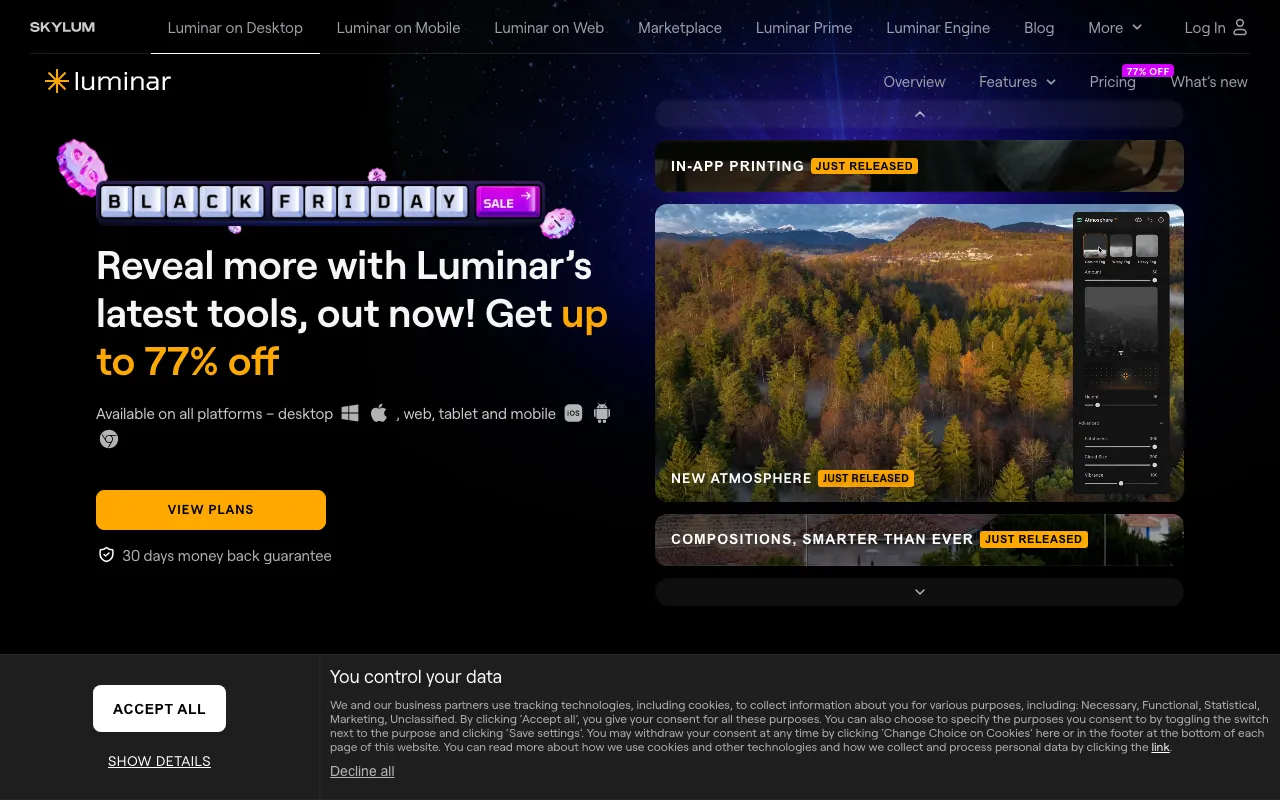
Luminar (also known as Luminar Neo) is Skylum’s AI-assisted photo editor for macOS and Windows, with mobile apps on the All Platforms and Max licenses. It bundles one-click AI tools into a regular editor: Sky AI for replacing skies, Noiseless AI and Supersharp AI for noise and blur, Enhance AI for global corrections, and generative tools (GenErase, GenSwap, GenExpand) for removing objects or extending a frame. UpscaleAI enlarges photos 2x, 4x, or up to 6x. It also runs as a plugin for Photoshop, Lightroom Classic, and Apple Photos.
The pricing model is unusual for 2026: the app is a one-time purchase from $99 for Desktop Only (during Skylum’s November 2026 Black Friday sale: $89 Desktop Only, $109 All Platforms, $129 Max), with a 7-day free desktop trial and a 30-day money-back guarantee. The catch is in the AI tools. The generative tools and AI Assistant come with one year of access, and keeping them after that takes a Luminar Prime renewal. The Max plan includes the first Prime year and renews at $59/year. Tools released up to your purchase date stay yours, so the core editor keeps working if you never renew.
Who is it for?
Luminar suits photographers who want strong one-click results and occasional upscaling without paying for a separate dedicated tool every year. Upscaling is one feature in a broad editor here, not the whole product.
- Hobbyist and travel photographers who want skies, light, and noise fixed fast and the odd photo enlarged for print.
- Lightroom and Photoshop users who want Skylum’s AI tools as a plugin inside their existing workflow.
- Buyers who avoid subscriptions, since the desktop app is a perpetual license.
It is a weaker fit for anyone whose main job is upscaling: the 6x ceiling and general-purpose model trail Topaz Gigapixel and Magnific, which both reach 16x.
How much does Luminar cost?
Starting price: $89 one-time · Free tier: no · Model: paid
Price history tracked from June 2026
| Plan | Price | Includes |
|---|---|---|
| Desktop Only | $89 (sale) | Black Friday sale price, November 2026; regular $99 · Perpetual desktop license, 2 devices (macOS, Windows) · All tools released up to the purchase date · Restoration, GenErase, GenSwap, GenExpand, AI Assistant for 1 year · Optional upgrade renewal $33/year after the first year |
| All Platforms | $109 (sale) | Everything in Desktop Only · Perpetual mobile access on 3 devices; web listed as coming Fall 2026 · Cross-device editing and Spaces · Optional upgrade renewal $49/year after the first year |
| Max | $129 (sale) | Everything in All Platforms · 1 year of Luminar Prime: new features and the Library of Assets · Features released during the Prime year stay yours · Prime renews at $59/year; cancel anytime |
What are Luminar's key features?
- UpscaleAI: 2x, 4x, and up to 6x enlargement
- Noiseless AI and Supersharp AI for noise and blur
- GenErase, GenSwap, and GenExpand generative edits
- Sky AI replacement, Enhance AI, and Restoration
- HDR merge, panorama stitching, and focus stacking
- Plugin for Photoshop, Lightroom Classic, and Apple Photos
What people use Luminar for
- 01 Enlarging older or cropped photos 2x–6x for prints and photo books
- 02 Fixing skies, light, and noise on travel and landscape shots in one app
- 03 Removing distractions or extending a frame with generative erase and expand
- 04 Editing inside Lightroom Classic or Photoshop as a plugin
Pros and cons
| Pros | Cons |
|---|---|
| One-time payment: the desktop app keeps working without a subscription | Upscale ceiling is 6x, against 16x for Topaz Gigapixel and Magnific |
| Upscaling sits inside a full editor, so enlarge-then-retouch is one workflow | Generative and AI Assistant tools are included for 1 year only; after that they need a Luminar Prime renewal |
| Runs locally on macOS and Windows, with a Photoshop and Lightroom plugin | Checkout shows 'original' prices of $417–$546 against sale prices of $89–$129, and plan contents are spread across several pages, so it takes work to see what you keep after year one |
What are the best Luminar alternatives?
Pixlr is the closest Luminar alternative in our directory: it covers the same category (AI Image Generation), starts at $2.49/mo, has a free tier.
Ranked by category overlap with Luminar, then free-tier availability, then lowest verified starting price — computed from our verified data, never from sponsorships.
| Alternative | What it is | Starting price | Free tier | Price verified |
|---|---|---|---|---|
 Pixlr | Browser-based AI photo editor and image generator with generative fill, expand, text-to-image, and one-click background removal | $2.49/mo | yes | Nov 19, 2026 |
| Remini | AI photo and video enhancer that upscales, unblurs, and restores old images in one tap — mobile and web, by Bending Spoons | $6.99/week | yes | Jul 8, 2026 |
 Adobe Firefly | Commercially safe AI image generator trained on licensed content with Creative Cloud integration | $9.99/mo | yes | Nov 16, 2026 |
 Magnific AI | Generative AI image upscaler and enhancer that hallucinates realistic detail up to 16x, sold inside the Magnific (formerly Freepik) creative platform | $20/mo | no | Nov 16, 2026 |
 Topaz Labs | Professional AI photo and video enhancement software for upscaling, denoising, sharpening, and restoration | $149/yr | no | Nov 17, 2026 |
Frequently asked questions
How much does Luminar cost?
As verified on November 4, 2026, Luminar is sold as a one-time license. Desktop Only lists at $99 and was $89 in Skylum's Black Friday sale, with All Platforms $109 and Max $129 at sale prices. Optional yearly renewals for new features are $33, $49, and $59 respectively after the first year. Skylum offers a 30-day money-back guarantee.
Is Luminar a subscription?
No, the app itself is a perpetual license. The time-limited part is the generative and AI Assistant tools (GenErase, GenSwap, GenExpand, Restoration, AI Assistant), which are included for one year. Continued access after that requires Luminar Prime, which auto-renews on the Max plan.
How much can Luminar upscale a photo?
Skylum says UpscaleAI enlarges images 2x, 4x, or up to 6x, with results depending on the source image and your hardware. Dedicated upscalers go further: Topaz Gigapixel and Magnific both reach 16x.
Does Luminar work with Lightroom and Photoshop?
Yes. Luminar runs as a standalone app and also as a plugin for Photoshop, Lightroom Classic, and Apple Photos, so you can send an image out for upscaling or AI edits and bring it back.
Is there a free version of Luminar?
There is no free tier, but Skylum offers a 7-day free trial of the desktop app with all features on one device; it asks only for an email, no credit card. Skylum's FAQ says the trial rolls into the paid lifetime license unless you cancel it in your Skylum account before it ends. Paid plans also carry a 30-day money-back guarantee.
Luminar or Topaz Labs for upscaling?
For upscaling alone, Topaz Gigapixel is the stronger tool: up to 16x and specialized models, from $149/year. Luminar makes sense if you also want a full photo editor and prefer a one-time payment from $99, accepting a 6x ceiling.