Magic Patterns
AI design tool that turns prompts into interactive prototypes built from your team's real design system
Magic Patterns is an AI design tool for product teams that generates interactive prototypes from your real design system rather than generic UI. The free tier includes 100 monthly credits; Starter is $20 per seat per month for 1,000 credits and Business is $100 per seat per month for 5,000 credits, with a single generation averaging about 25 credits. Best for design and product teams that need Figma and GitHub round-trips — not a full app builder.
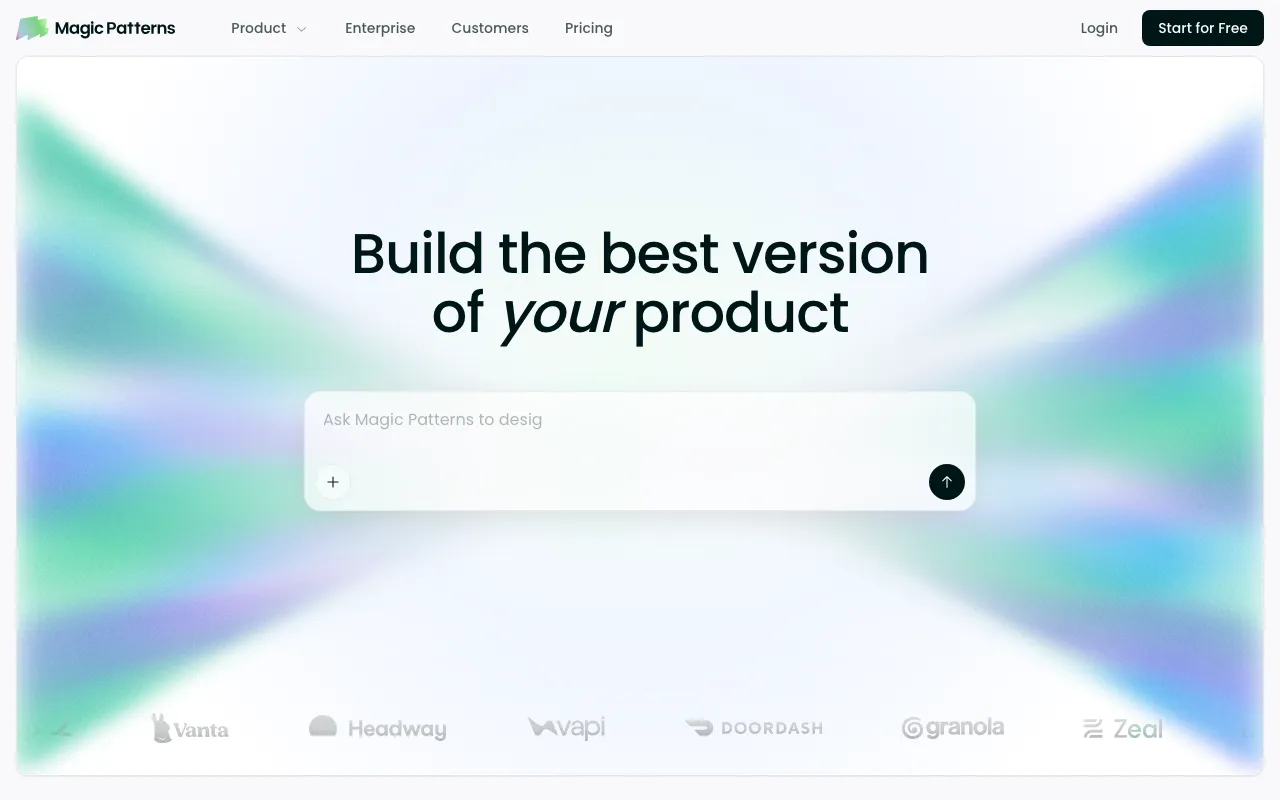
What is Magic Patterns?
Magic Patterns is a web-based AI design tool aimed at product teams rather than solo builders. You describe a feature — or paste a user story or screenshot — and it generates an interactive, clickable prototype instead of a static mockup. The differentiator is its Design Systems feature: before generating anything, you seed a system from your existing Figma library, a GitHub repo, a published NPM component package, or your live website. Generations then reuse those real components, color tokens, typography, and styling rules, so prototypes look like your product instead of generic AI output. Built-in systems such as Base, Shadcn, and MUI are available if you have nothing to import.
The second half of the product is handoff. Finished designs export to Figma through a plugin, sync two-way with a GitHub repository, or download as a code zip. A Magic Patterns MCP server connects designs directly into AI coding tools, and a v3 REST API lets you create designs, send prompts, read and write artifact files, and publish changes programmatically. Billing runs on credits that scale with request complexity: a single generation averages about 25 credits, a small prototype of six to ten iterations lands near 180, and unused monthly credits roll over for one month. Paid plans can enable on-demand usage at $0.02 per extra credit once the monthly allowance is gone. The company, operating as North Park Labs, was founded in 2023, went through Y Combinator, and announced a $6M Series A led by Standard Capital in November 2025.
Who is it for?
Magic Patterns fits teams whose bottleneck is alignment before engineering starts — where the goal is a prototype stakeholders and customers can click through, built in the company’s own design language, not a deployable app. The free tier’s 100 monthly credits are enough to evaluate the generation quality but not to do real work, since watermarks stay on and every export path is gated behind a paid plan. It is a poor fit if you want an agent to build and deploy a production application; tools like Lovable and Bolt target that job, and for the actual production code work that follows a prototype, an agentic coding tool such as Claude ranks above the design-side output here.
- Product managers and designers at companies with an established design system who need prototypes that respect existing components and tokens rather than restyling everything from scratch.
- Teams already living in Figma who want to import existing frames, iterate with AI, and push results back out — a round-trip that mockup-first tools like Uizard and Visily do not offer.
- Engineering-adjacent teams doing handoff who would rather pipe a design into Cursor or Claude Code through MCP than reimplement it from a screenshot.
- Larger orgs needing governance — the Business plan adds SSO, user roles, and usage reporting for workspaces of 11 or more paid seats, with SCIM and audit logs reserved for Enterprise.
- Anyone comparing prompt-to-UI tools who has looked at v0 and wants stronger design-system fidelity rather than one-off component generation.
How much does Magic Patterns cost?
Starting price: $20/mo · Free tier: yes · Model: freemium
Price history tracked from June 2026
| Plan | Price | Includes |
|---|---|---|
| Free | $0 | 100 monthly credits · AI generation in the web editor · Designs carry a watermark · No on-demand usage — generation stops until the monthly refresh |
| Starter | $20/seat/mo | 1,000 monthly credits · $17/seat/mo on annual billing (15% off) · On-demand usage at $0.02 per extra credit · Design systems, GitHub sync, and Magic Patterns MCP · No watermark, centralized billing · Team workspace up to 10 paid seats |
| Business | $100/seat/mo | 5,000 monthly credits · $85/seat/mo on annual billing (15% off) · Team workspace for 11+ paid seats · Faster AI models · Self-serve SSO, user roles and permissions · Usage reporting |
| Enterprise | Custom | Custom credit pools with shared credit pooling · SCIM and audit logs · Technical account manager and priority support · Custom contracts and flexible invoicing · Annual commitment required |
What are Magic Patterns's key features?
- Design Systems — seed from Figma, GitHub, an NPM package, or your website so generations use real components, color tokens, and typography
- Figma round-trip — import frames and components in, export finished designs back out through a plugin
- Two-way GitHub sync that creates a repo and lets you push and pull changes between Magic Patterns and your codebase
- Magic Patterns MCP server that connects designs to AI coding tools like Cursor and Claude Code
- v3 REST API for creating designs, sending prompts, reading and writing artifact files, and publishing changes
- Plan Mode — brainstorm and align with the agent before any code is written
- Built-in design systems including Base, Shadcn, and MUI alongside custom ones
- Credit rollover, on-demand pay-as-you-go usage, and budget alerts
- Team workspaces where billing, credits, and plan features attach to the workspace rather than the account
What people use Magic Patterns for
- 01 Product managers prototyping a feature in the company's real design system before writing a spec
- 02 Testing an interactive, clickable prototype with customers instead of showing static mockups
- 03 Importing existing Figma frames and components to extend a UI rather than starting from a blank prompt
- 04 Engineering handoff through the MCP server so Cursor or Claude Code can reference the design directly in the IDE
- 05 Turning an existing NPM or GitHub component library into a reusable prototyping source of truth
Pros and cons
| Pros | Cons |
|---|---|
| Design-system import from Figma, GitHub, NPM, or a live website means output resembles the existing product instead of generic AI styling | Hard credit ceilings — Starter's 1,000 monthly credits cover roughly five to six small prototypes at about 180 credits each, after which on-demand billing at $0.02 per credit applies |
| Multiple genuine handoff paths — Figma export, two-way GitHub sync, code download, MCP, and a REST API | Output is prototype-grade: the generated React code is a starting point an engineer adapts, not a production application you ship as-is |
| Unused monthly credits roll over to the following month rather than being forfeited at renewal | Per-seat pricing scales awkwardly for larger teams, and Business at $100/seat/mo is a 5x jump from Starter for the same core editor |
| Credit consumption is published with averages per iteration count, so session cost is estimable before starting | The free tier watermarks designs and excludes every export path — Figma, GitHub sync, and MCP all require a paid plan |
| Overlaps heavily with cheaper or free prompt-to-UI rivals if you do not need the design-system fidelity |
What are the best Magic Patterns alternatives?
v0 by Vercel is the closest Magic Patterns alternative in our directory: it covers the same category (AI Design), starts at $20/mo, has a free tier.
Ranked by category overlap with Magic Patterns, then free-tier availability, then lowest verified starting price — computed from our verified data, never from sponsorships.
| Alternative | What it is | Starting price | Free tier | Price verified |
|---|---|---|---|---|
| v0 by Vercel | Vercel's generative UI tool — turn a prompt, screenshot, or design into production React, Next.js, and Tailwind code | $20/mo | yes | Jun 18, 2026 |
| Stitch | Google Labs' free AI design canvas that turns text prompts into UI screens, Figma exports, and front-end code | $0 | yes | Jul 11, 2026 |
| Visily | AI-powered UI/UX design tool that turns text prompts, screenshots, and sketches into editable wireframes and mockups for non-designers | $0 | yes | Jul 17, 2026 |
| Uizard | AI-powered UI design tool that generates multi-screen prototypes from text prompts | $12/mo | yes | Jun 11, 2026 |
| Bolt.new | AI-powered web development platform that builds full-stack apps from a chat prompt | $25/mo | yes | Jul 3, 2026 |
| Lovable | AI app builder that turns text prompts into deployable web apps and SaaS products | $25/mo | yes | Aug 27, 2026 |
Head-to-head comparisons
How people make money with Magic Patterns
- Run fixed-fee prototype sprints for product teams — billing is per seat per month, so one seat can service several client engagements before on-demand credit top-ups kick in
- Productize design-system setup: import a client's Figma library, NPM component package, or GitHub repo once, then charge a recurring retainer for keeping their system and prototypes in sync
Frequently asked questions
Is Magic Patterns free?
Yes, there is a free tier with 100 monthly credits. Free designs carry a watermark, and on-demand usage is not available, so generation stops once credits run out until the next monthly refresh. Paid plans begin with Starter at $20 per seat per month, which includes 1,000 monthly credits and unlocks the export options.
How much does Magic Patterns cost?
Starter is $20 per seat per month with 1,000 monthly credits, and Business is $100 per seat per month with 5,000 credits. Annual billing takes 15 percent off, bringing those to $17 and $85 per seat per month respectively. Enterprise is custom priced and requires an annual commitment.
What is a credit in Magic Patterns?
Credits are consumed by AI generations and scale with request complexity, so a color tweak costs less than a full multi-page prototype. A single generation averages roughly 25 credits, a six-to-ten iteration prototype lands near 180 credits, and a project of 21 to 50 iterations averages about 600 credits. Manual edits, exports, sharing, and Fix with AI consume nothing.
Do unused Magic Patterns credits roll over?
Yes. Unused monthly credits roll over to the following month and then expire after one month. If a plan grants 100 credits and 50 remain at the next renewal, the balance becomes 150 credits, and those carried-over 50 expire if they are still unused by the renewal after that.
Can Magic Patterns export to Figma and GitHub?
Yes. Designs export to Figma through a plugin, and GitHub sync offers two-way push and pull with a repository. You can also download the code as a zip file, connect the MCP server to Cursor or Claude Code, or copy a design's code as a prompt for another AI tool. These paths require a paid plan.
Does Magic Patterns have an API?
Yes. The v3 REST API creates designs, sends prompts, reads and writes artifact files, and publishes changes programmatically. Requests authenticate with an API key in the x-mp-api-key header, and the same key also works for the MCP server. A legacy v2 endpoint still exists but is being deprecated.
Is Magic Patterns a replacement for a code editor?
No. It targets prototyping and design handoff rather than shipping production applications. The generated code is a starting point an engineer adapts, which is why the product ships an MCP server and an integration skill for AI coding tools. For production coding work, a dedicated agentic tool such as Claude is the stronger choice.