Visily
AI-powered UI/UX design tool that turns text prompts, screenshots, and sketches into editable wireframes and mockups for non-designers
Visily is an AI-powered UI/UX design tool aimed at non-designers: it turns text prompts, screenshots, and hand-drawn sketches into editable wireframes and hi-fi mockups, and also handles diagramming. The Starter plan is free with 300 monthly AI credits and watermarked exports; Pro runs $11 per editor per month billed annually (or $14 monthly) and Business is $29. Best for product managers and founders who need polished mockups fast.
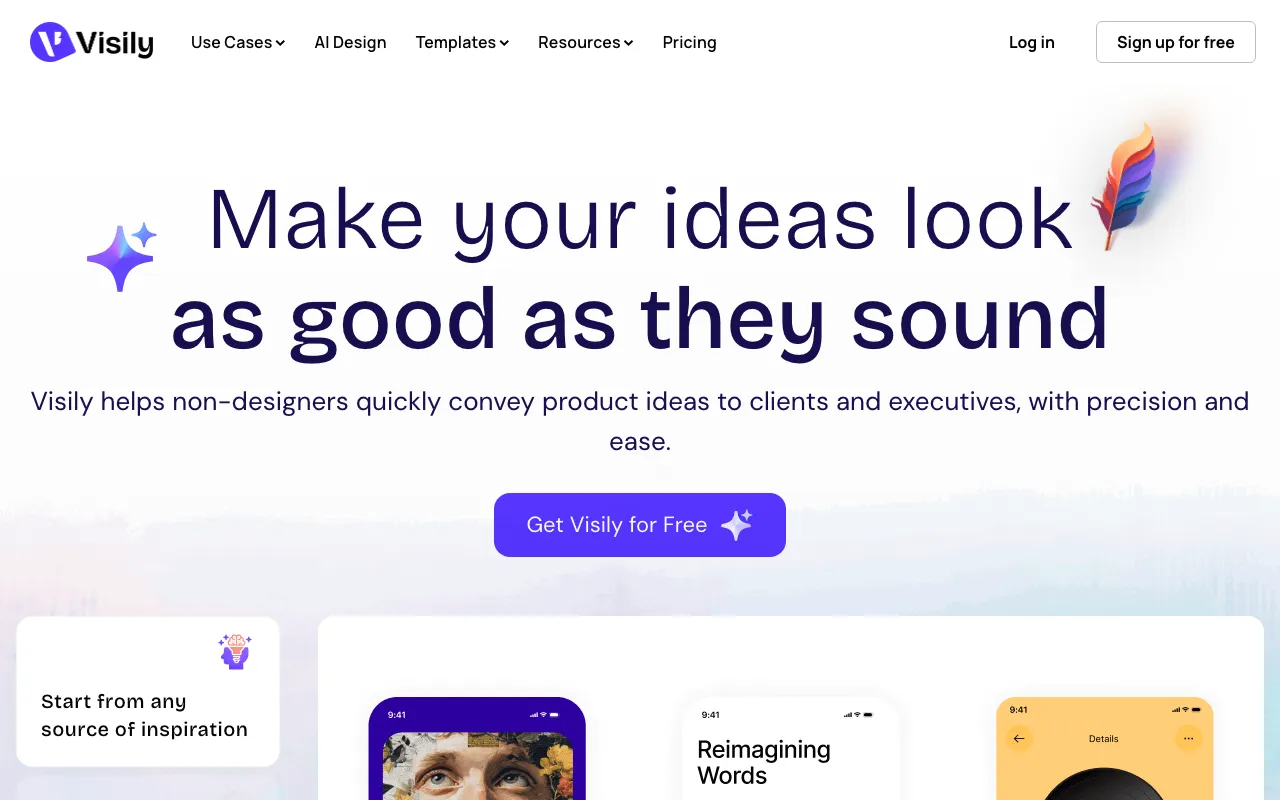
What is Visily?
Visily is a web-based UI/UX design tool built for people who are not professional designers. Instead of starting from a blank canvas, you give it a starting point — a written prompt, a screenshot of an existing app, or a photo of a hand-drawn sketch — and it generates an editable wireframe or high-fidelity mockup that you refine with drag-and-drop editing. It ships with thousands of templates, themes, and smart components, plus built-in diagramming for flowcharts and app maps on the same canvas as your screens.
The workflow centers on AI credits: every account gets a monthly allotment that meters the AI features, while separate template credits cover template usage. Beyond generation, Visily handles interactive prototyping, real-time collaboration with commenting and cursor chat, and — on paid plans — Figma import and export plus export to code, so designs can move into a developer or designer’s existing pipeline. It integrates with Notion, Jira, and Slack, and the Pro plan adds an MCP server for AI-tool access. The free Starter plan watermarks exports and caps you at two editable boards.
Who is it for?
Visily is aimed at non-designers who need to communicate product ideas visually without learning a full professional design suite. The free Starter plan is enough to try text-to-design and build a couple of boards, but unlimited boards, Figma export, and code export require at least the Pro plan at $11 per editor per month billed annually. Teams that need SAML SSO and unlimited template credits move up to Business at $29 per editor per month.
- Product managers who need wireframes and prototypes to align stakeholders without waiting on a design team.
- Startup founders and solo builders turning rough ideas or competitor screenshots into polished mockups to pitch or spec a product.
- Cross-functional teams in marketing, sales, or operations that need to visualize an interface or user flow for a proposal or internal tool.
- Designers under time pressure who want to generate a first-draft layout from a prompt or sketch, then refine it by hand.
How much does Visily cost?
Starting price: $0 · Free tier: yes · Model: freemium
Price history tracked from June 2026
| Plan | Price | Includes |
|---|---|---|
| Starter | Free | 300 AI credits/month (600 in the first month) · 2 editable boards, 2,500 elements each · Up to 50 workspace members · Watermarked exports; no Figma or code export |
| Pro | $11/editor/mo | $11/editor/mo billed annually, or $14 billed monthly · 3,000 AI credits per editor/month · Unlimited boards and elements · Figma import/export and export to code · AI deep design, design instructions, MCP server · 7-day version history, 30-day data recovery |
| Business | $29/editor/mo | 10,000 AI credits per editor/month · Unlimited template credits · SAML SSO (Okta, Microsoft Entra ID, OneLogin, Google) · Advanced security and priority support · 30-day version history, 90-day data recovery |
| Enterprise | Custom | Custom pricing — contact support@visily.ai · Tailored security and requirements for larger orgs |
What are Visily's key features?
- Text-to-design: generate wireframes and UI screens from a written prompt
- Screenshot-to-design: turn any app or website screenshot into an editable Visily project
- Sketch-to-design: convert hand-drawn wireframes into polished screens
- Thousands of templates, themes, and pre-built smart components
- Auto-prototyping with interactive links and cursor-chat collaboration
- Figma import/export and export to code on paid plans
- Built-in diagramming for flowcharts and product maps
- Integrations with Notion, Jira, and Slack; MCP server on Pro
What people use Visily for
- 01 Turning a rough text prompt into an editable wireframe or hi-fi mockup in minutes
- 02 Converting an app screenshot or competitor UI into an editable design to iterate on
- 03 Digitizing a hand-drawn whiteboard sketch into a clean, presentable UI screen
- 04 Building interactive prototypes to demo product ideas to clients and executives
- 05 Drawing flowcharts and app maps alongside UI screens on a single canvas
Pros and cons
| Pros | Cons |
|---|---|
| Genuinely usable by non-designers — no prior design-tool knowledge required | Not a full Figma replacement — weaker for developer handoff, design specs, and complex design systems |
| Free Starter plan with 300 monthly AI credits and no credit card | Smaller plugin and integration ecosystem than established design tools |
| Multiple AI entry points — text, screenshot, and sketch all convert to editable designs | AI-generated layouts usually need manual cleanup before they look production-ready |
| Pro is inexpensive at $11/editor/month annually versus full design suites | Per-editor seat pricing adds up for larger teams, and the free plan watermarks exports |
What are the best Visily alternatives?
Framer is the closest Visily alternative in our directory: it covers the same category (AI Design), starts at $10/mo, has a free tier.
Ranked by category overlap with Visily, then free-tier availability, then lowest verified starting price — computed from our verified data, never from sponsorships.
| Alternative | What it is | Starting price | Free tier | Price verified |
|---|---|---|---|---|
| Framer | No-code website builder with AI design generation and built-in CMS, hosting and analytics | $10/mo | yes | Jul 3, 2026 |
| Recraft | AI image and vector generator with custom styles, mockups, and design-ready output | $10/mo | yes | Jul 3, 2026 |
| Uizard | AI-powered UI design tool that generates multi-screen prototypes from text prompts | $12/mo | yes | Jun 11, 2026 |
| Lovart | AI design agent that turns one prompt into full brand kits, posters, and videos by orchestrating multiple image and video models | $19.90/mo | yes | Jul 15, 2026 |
| Relume | AI web-design tool that generates sitemaps and wireframes and exports to Webflow, Figma, and React | $26/mo | yes | Jul 5, 2026 |
Frequently asked questions
Is Visily free?
Yes. The Starter plan is free with no credit card and includes 300 AI credits per month (600 in your first month), two editable boards, and up to 50 workspace members. Exports carry a watermark, and Figma and code export are reserved for paid plans.
How much does Visily Pro cost?
Visily Pro costs $11 per editor per month billed annually, or $14 per editor per month billed monthly. It adds unlimited boards, 3,000 AI credits per editor, Figma import and export, export to code, custom fonts, and a 7-day version history.
Can Visily turn a screenshot into an editable design?
Yes. Visily's screenshot-to-design feature converts an uploaded screenshot of any app or website into an editable Visily project. You can then restyle it, swap components, and build on top of it, which helps when redesigning existing interfaces or borrowing layout ideas.
Does Visily export to Figma?
Yes, on paid plans. Pro and Business include Figma import and export, plus export to code. The free Starter plan does not include Figma integration, so you need at least the Pro plan at $11 per editor per month to move designs between Visily and Figma.
Is Visily a replacement for Figma?
Not fully. Visily is faster for non-designers generating wireframes and mockups from prompts, screenshots, or sketches. But for detailed developer handoff, design-system management, and deep plugin workflows, dedicated tools like Figma remain stronger. Many teams use Visily for early ideation and Figma for production.
What are AI credits in Visily?
AI credits meter Visily's AI features, such as text-to-design and screenshot conversion. The free Starter plan includes 300 per month, Pro includes 3,000 per editor, and Business includes 10,000 per editor. Guest editors get smaller allotments, and separate template credits cover template usage.