Stitch
Google Labs' free AI design canvas that turns text prompts into UI screens, Figma exports, and front-end code
Stitch is a free AI design tool from Google Labs that generates UI screens from a text prompt, image, or sketch using Gemini, then exports straight to Figma or to front-end code (HTML/CSS, React, Flutter, SwiftUI, and more). There is no paid tier as of mid-2026 — usage runs on a daily credit system (400 design credits and 15 redesign credits per day) with no option to buy more. Best for fast first-draft UI concepts, not production-ready design.
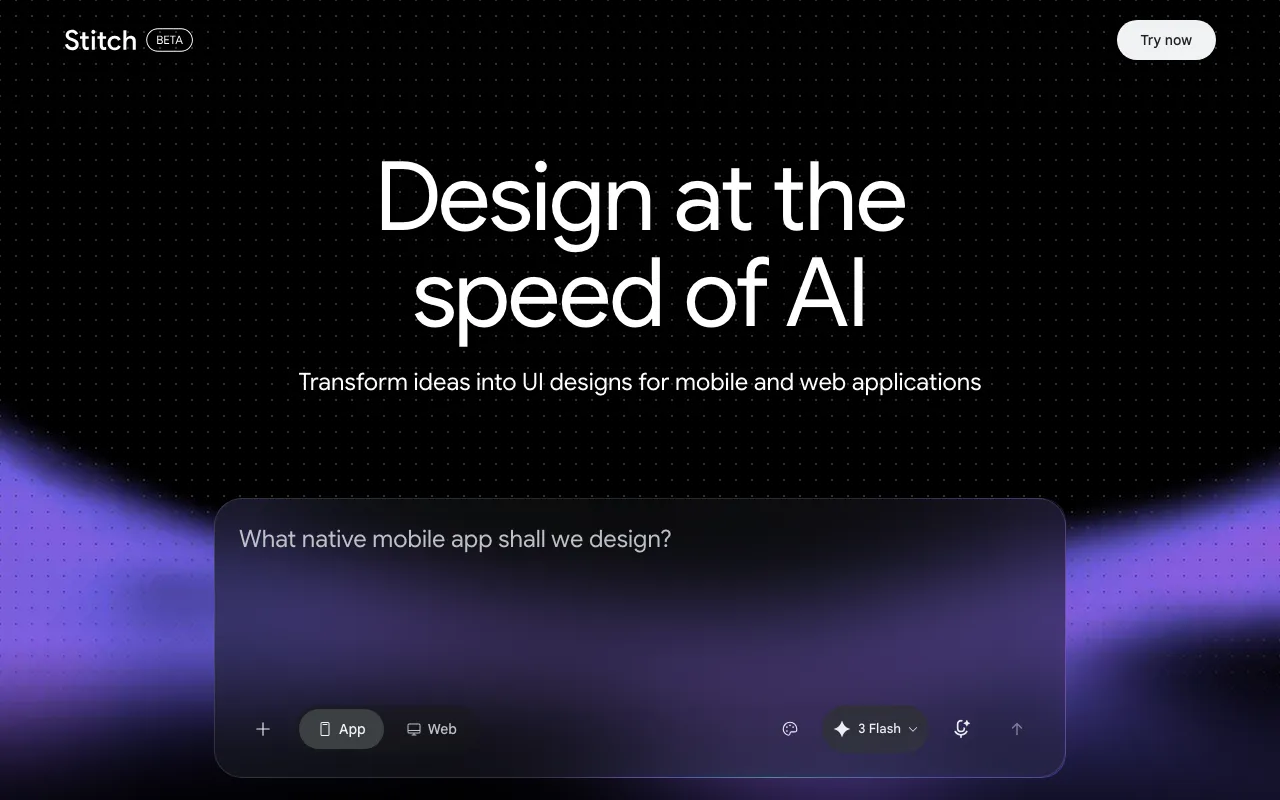
What is Stitch?
Stitch is an AI design canvas from Google Labs that turns a plain-text description, image, or rough sketch into a high-fidelity UI screen. It launched at Google I/O on May 20, 2025, running on Gemini 2.5 Pro, and was rebuilt in a March 2026 update (Stitch 2.0) into an “AI-native” infinite canvas: every generation lands as a separate iteration on the canvas so different directions can be compared side by side instead of overwriting one another. A design agent reasons across a project’s full set of screens rather than treating each prompt in isolation, and an agent manager helps organize multiple parallel design directions at once.
Once a screen exists, Stitch offers two exit paths: a Paste to Figma export for design teams that want to keep refining in Figma, and a code export that covers HTML/CSS, Tailwind, React, Vue, Angular, Flutter, and SwiftUI for teams that want to hand a generated screen straight to developers. Stitch 2.0 also added voice input for real-time design critiques, a DESIGN.md format for portable design-system rules, and an MCP server and SDK that connect Stitch to external coding tools. The whole product remains free and stays inside Google Labs, meaning it is explicitly experimental rather than a finished, commercially supported release.
Who is it for?
Stitch fits people who need a fast, free first draft of a UI and are willing to treat that draft as a starting point rather than a finished design. Because output can look generic and needs manual cleanup for accessibility and fine styling, it works best paired with a follow-up step in Figma or code rather than as the last stop in a design process.
- Solo founders and indie hackers who need to see a plausible UI for an app idea before committing to a build, without hiring a designer for early exploration.
- Product teams that want a quick way to generate multiple screen directions for a feature and hand the strongest one to a designer in Figma via Paste to Figma.
- Developers who want a generated screen turned directly into React, Flutter, or SwiftUI code as scaffolding instead of translating a static mockup by hand.
- Anyone evaluating Uizard, Relume, or v0 who wants a zero-cost option to compare against, since Stitch charges nothing while it remains a Google Labs experiment.
- Teams needing pixel-perfect, accessible, production-ready output should treat Stitch as a drafting tool only — reviewers consistently flag contrast and ARIA-label gaps that need a human design pass before shipping.
How much does Stitch cost?
Starting price: $0 · Free tier: yes · Model: free
Price history tracked from June 2026
| Plan | Price | Includes |
|---|---|---|
| Stitch (Google Labs) | Free | 400 design credits per day · 15 redesign credits per day, credits reset at midnight UTC · Google account required, no credit card · No paid tier or way to purchase extra credits as of July 2026 |
What are Stitch's key features?
- Text-to-UI generation powered by Gemini — describe a screen or app and Stitch renders a high-fidelity design
- Infinite AI-native canvas (added in the March 2026 Stitch 2.0 update) that keeps every generation as a separate iteration for side-by-side comparison
- Multi-screen generation and a design agent that reasons across a project's full set of screens, not just one prompt at a time
- Paste to Figma export plus code export to HTML/CSS, Tailwind, React, Vue, Angular, Flutter, and SwiftUI
- Voice input for real-time design critiques and iterative updates
- DESIGN.md — a portable design-system rules file — plus an MCP server and SDK for connecting Stitch to coding tools
What people use Stitch for
- 01 Generating a first-draft mobile or web app UI from a plain-text description instead of starting from a blank canvas
- 02 Turning a rough sketch or reference screenshot into a styled, high-fidelity screen
- 03 Exporting a generated screen straight into Figma via Paste to Figma for a design team to refine
- 04 Handing a generated UI to a developer as front-end code (HTML/CSS, React, Flutter, SwiftUI) instead of a static mockup
- 05 Solo founders and indie hackers prototyping an app's core screens before writing any code
Pros and cons
| Pros | Cons |
|---|---|
| Completely free with no paid tier to unlock — a Google account is the only requirement, no credit card | Still a Google Labs experiment, not a graduated product — Google can change limits, change pricing, or shut it down without the guarantees of a commercial release |
| Generates a usable first-draft UI in seconds from a single prompt, image, or sketch | Daily credit cap (400 design credits plus 15 redesign credits, reset at midnight UTC) with no way to purchase more if you run out mid-project |
| Direct Figma export and multi-framework code export (React, Flutter, SwiftUI, and more) turn a mockup into a real developer starting point | Reviewers report generated UIs frequently fail basic accessibility checks — low color contrast, undersized touch targets, missing ARIA labels |
| Actively developed — the March 2026 Stitch 2.0 update added an infinite canvas, multi-screen generation, and voice input within about a year of launch | Output leans generic and is hard to fine-tune (exact fonts, styling) without re-prompting rather than direct manual editing |
| No official pricing has been announced for when Stitch eventually leaves Labs, so its long-term cost is unknown |
What are the best Stitch alternatives?
Framer is the closest Stitch alternative in our directory: it covers the same category (AI Design), starts at $10/mo, has a free tier.
Ranked by category overlap with Stitch, then free-tier availability, then lowest verified starting price — computed from our verified data, never from sponsorships.
| Alternative | What it is | Starting price | Free tier | Price verified |
|---|---|---|---|---|
| Framer | No-code website builder with AI design generation and built-in CMS, hosting and analytics | $10/mo | yes | Jul 3, 2026 |
| Uizard | AI-powered UI design tool that generates multi-screen prototypes from text prompts | $12/mo | yes | Jun 11, 2026 |
| v0 by Vercel | Vercel's generative UI tool — turn a prompt, screenshot, or design into production React, Next.js, and Tailwind code | $20/mo | yes | Jun 18, 2026 |
| Relume | AI web-design tool that generates sitemaps and wireframes and exports to Webflow, Figma, and React | $26/mo | yes | Jul 5, 2026 |
Frequently asked questions
Is Google Stitch free?
Yes. As of July 2026, Stitch has no paid tier at all — it runs entirely on a free, credit-based system (400 design credits and 15 redesign credits per day) and requires only a Google account, no credit card.
What AI model powers Stitch?
Stitch is built on Google's Gemini models. It launched running on Gemini 2.5 Pro at Google I/O 2025 and has since moved to Google's newer Gemini models as part of the March 2026 Stitch 2.0 release.
Can I export Stitch designs to Figma?
Yes. Stitch has a Paste to Figma feature that exports a generated design directly into a Figma file for further editing by a design team.
Does Stitch generate code, not just mockups?
Yes. Beyond Figma export, Stitch generates front-end code for a design, including HTML/CSS, Tailwind, React, Vue, Angular, Flutter, and SwiftUI, so a generated screen can be handed to developers as a starting implementation.
Will Google Stitch stay free?
There is no official word. Stitch remains a Google Labs experiment with no announced graduation date or pricing plan; some industry analysts expect paid tiers once it leaves Labs, but Google has not confirmed this.
Is Google Stitch good for production-ready design?
Not by itself. Reviewers consistently note that Stitch output looks AI-generated and needs manual refinement, and several have flagged accessibility issues like low contrast and missing ARIA labels in generated screens. It works best as a fast first draft, refined afterward in Figma or code.
When did Google Stitch launch?
Stitch launched as a Google Labs experiment at Google I/O on May 20, 2025. A major update called Stitch 2.0 shipped in March 2026, adding an infinite canvas, multi-screen generation, and voice input.